


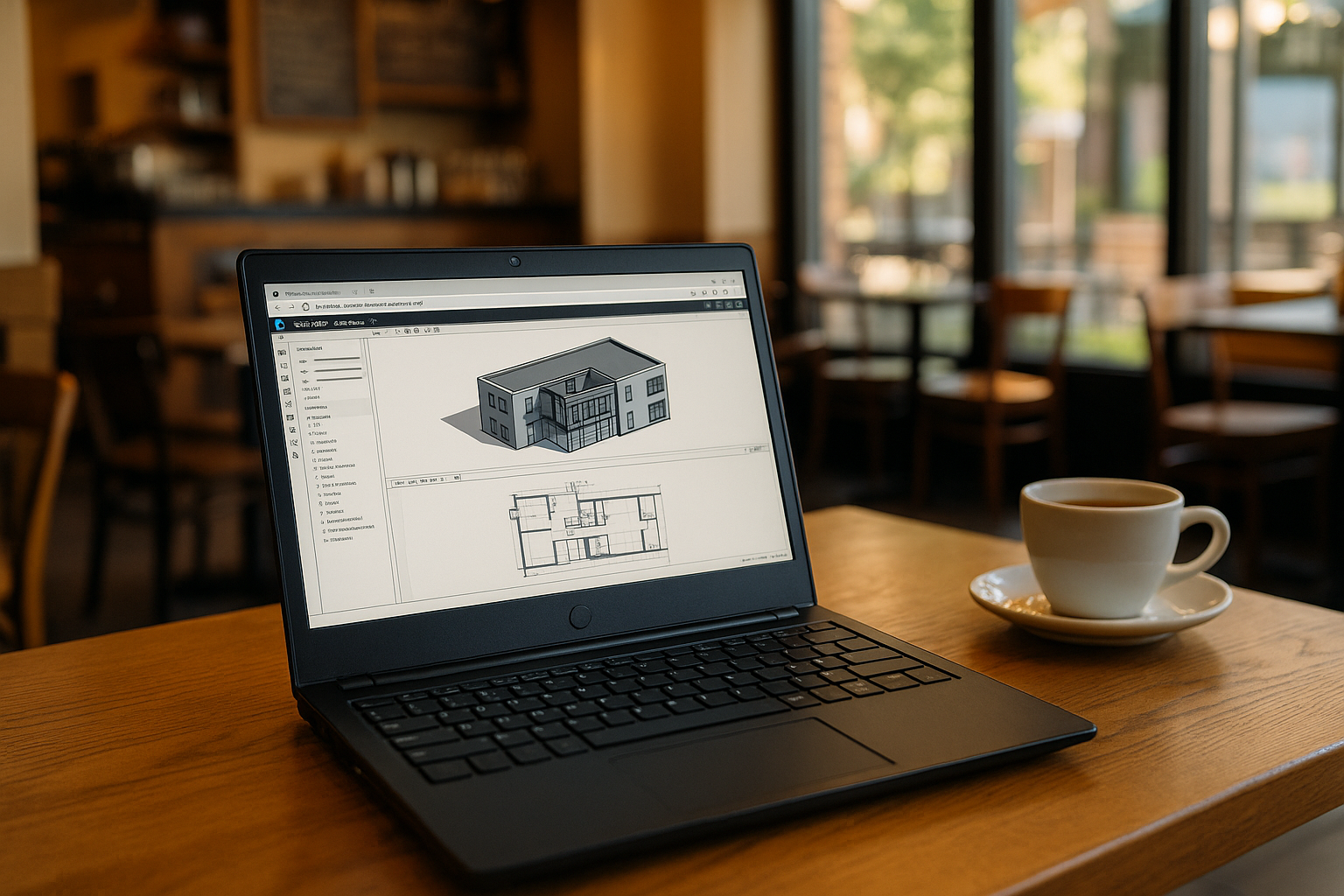
The Challenge of Modern Virtualization
For professionals today, a Windows VM (Virtual Machine) is often a necessity rather than a luxury. Whether it’s an architect needing Revit on a Mac or a developer testing software on Linux, the need for a stable Windows environment is universal. However, traditional local virtualization has a significant “bottleneck”: it relies entirely on your device’s physical RAM and CPU.
If you are using a lightweight laptop or an older PC, running a heavy Windows VM locally can lead to overheating, drained battery life, and system crashes. This is the primary reason why pros are shifting from hardware-dependent setups to high-performance cloud solutions.
Why Local Windows VM Software Often Fails Professionals
Many users start by searching for virtual machine software Mac or Linux users can install. While tools like Parallels or VirtualBox are popular, they come with hidden costs and technical hurdles:
-
Resource Heavy: A local Windows VM carves out a large portion of your RAM and disk space, leaving your host OS sluggish.
-
Hardware Conflicts: Installing Windows on Mac or Linux hardware often involves complicated driver setups and BIOS tweaks.
-
Battery Drain: Local virtualization puts your processor under constant stress, making mobile work nearly impossible without a power outlet.
-
Complexity: Managing ISO images, virtual disks, and network bridging requires significant IT knowledge.
The Rise of the Cloud-Based Windows VM
For those seeking efficiency, a browser-based Windows VM from Aristeem emerges as the modern alternative. By moving the processing power to the cloud, you eliminate the need for local installation and hardware upgrades. You no longer need to worry about whether your laptop has enough cooling or RAM to host a massive virtual environment.
This approach offers a “sandbox” experience. Because the Windows VM is isolated in the cloud, you can run resource-heavy simulations or test new plugins without any risk to your main operating system. It is the ultimate way to maintain a clean, fast local machine while having a “supercomputer” available in a browser tab.
Aristeem: The Ultimate Windows VM for Mac, Linux, and iPad
Aristeem redefines the virtual experience by offering a professional Windows VM that operates entirely in your browser. This is particularly transformative for users across different ecosystems:
-
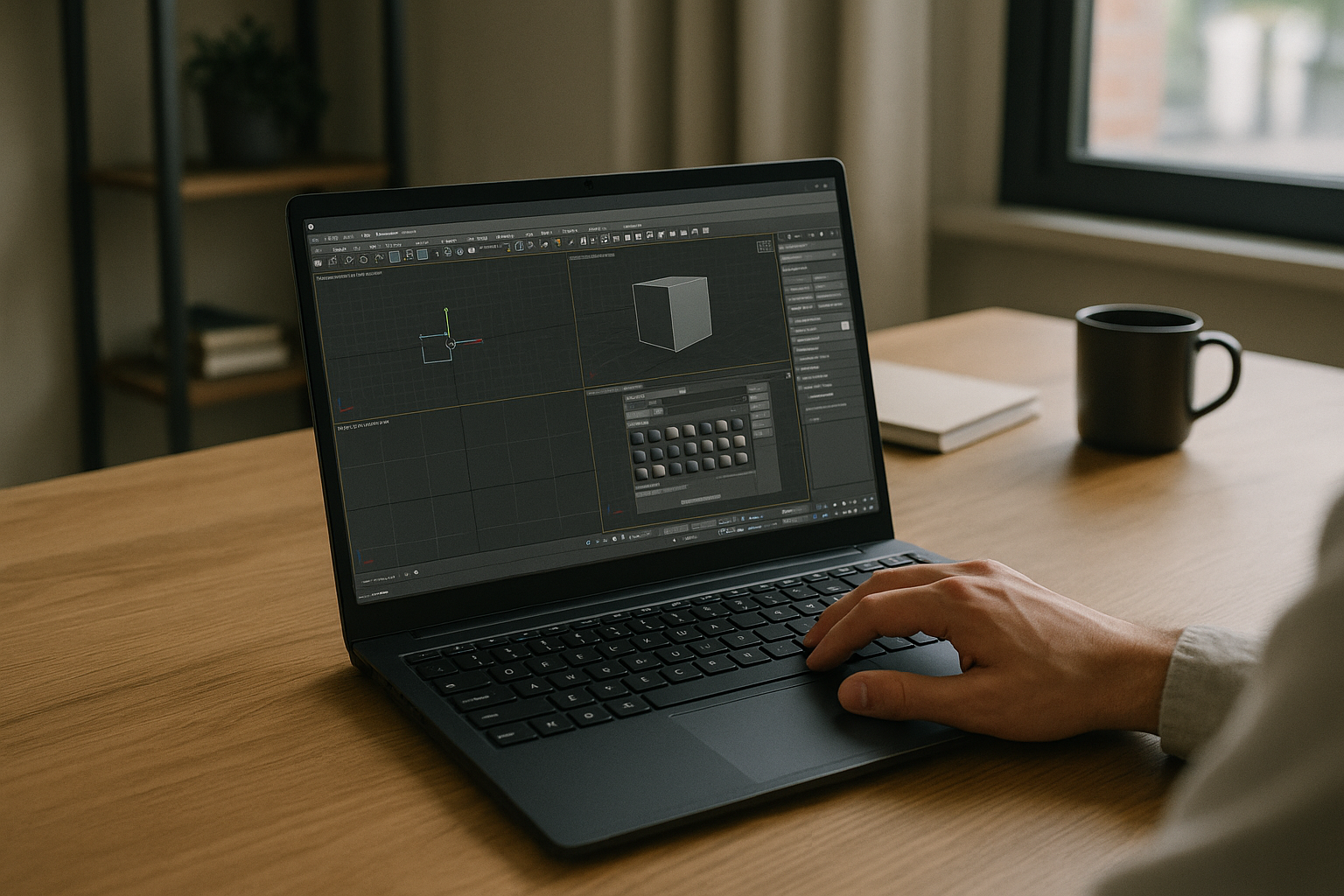
For Mac & iPad Users: Forget the struggle of finding stable virtual machine software Mac systems can handle. Aristeem turns an iPad or a MacBook Air into a professional-grade workstation capable of running 3ds Max or Adobe Creative Suite without a single lag.
-
For Linux Enthusiasts: Skip the complex “Wine” configurations. Aristeem provides a robust Linux virtual machine software alternative by delivering a native Windows environment instantly through Chrome or Firefox.
-
For Project Isolation: Even if you are already on Windows, using a cloud-based Windows VM is perfect for isolating specific projects. You can run heavy renders in the background of your cloud PC while keeping your local computer free for meetings and daily tasks.
Experience a Better Way to Work
Aristeem offers a viable solution to device limitations, allowing you to work efficiently without investing $3,000 in new hardware. By choosing a cloud-hosted Windows VM, you gain a full desktop experience that is mobile, secure, and ready instantly.
Stop fighting with local installs and hardware limits. Try Aristeem today and experience a professional Windows environment that simply works.


