


Blog
Blog
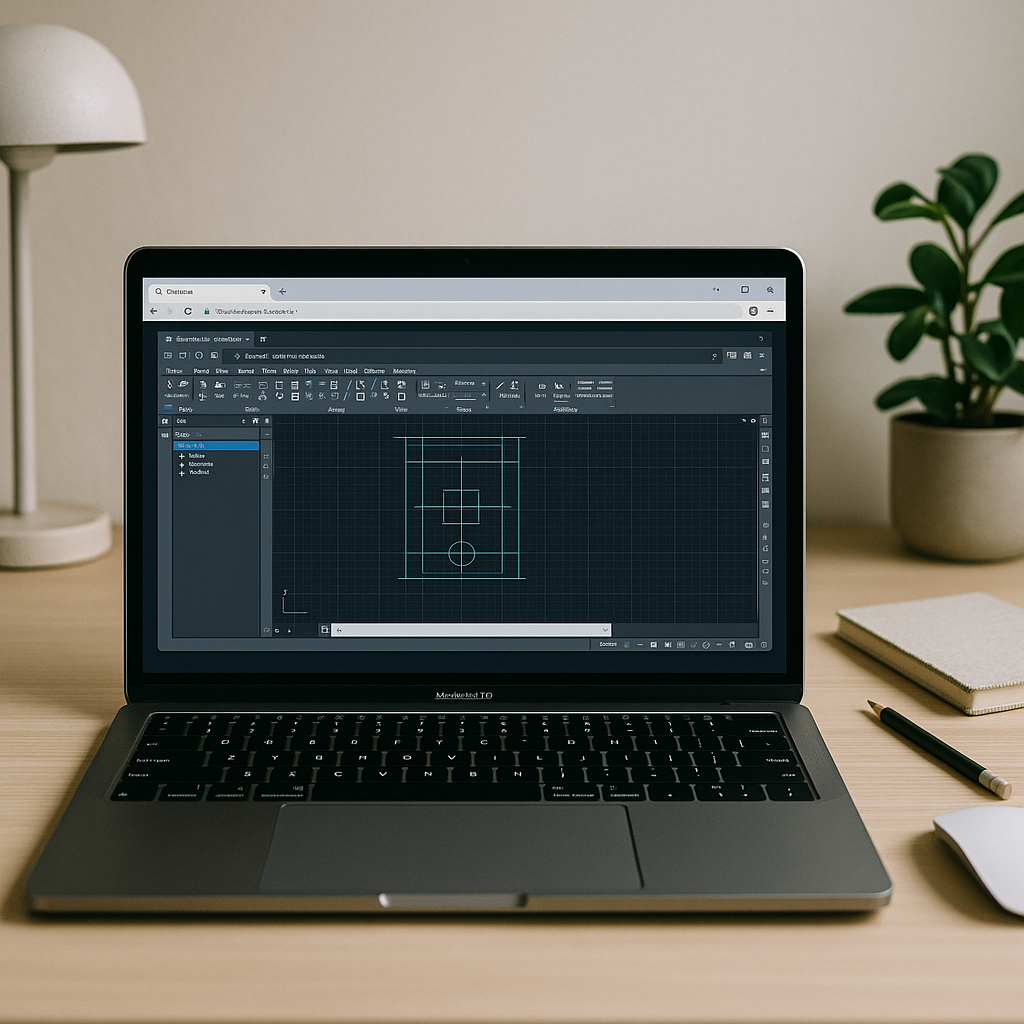
Can’t Run AutoCAD on Macintosh? What Actually Works
If your goal is reliable, fast AutoCAD for macOS without juggling installs, drivers, or second machines, the path is straightforward. Keep your Mac and open the full Windows AutoCAD, with your extensions and standards, in a stable browser workspace.
Read More
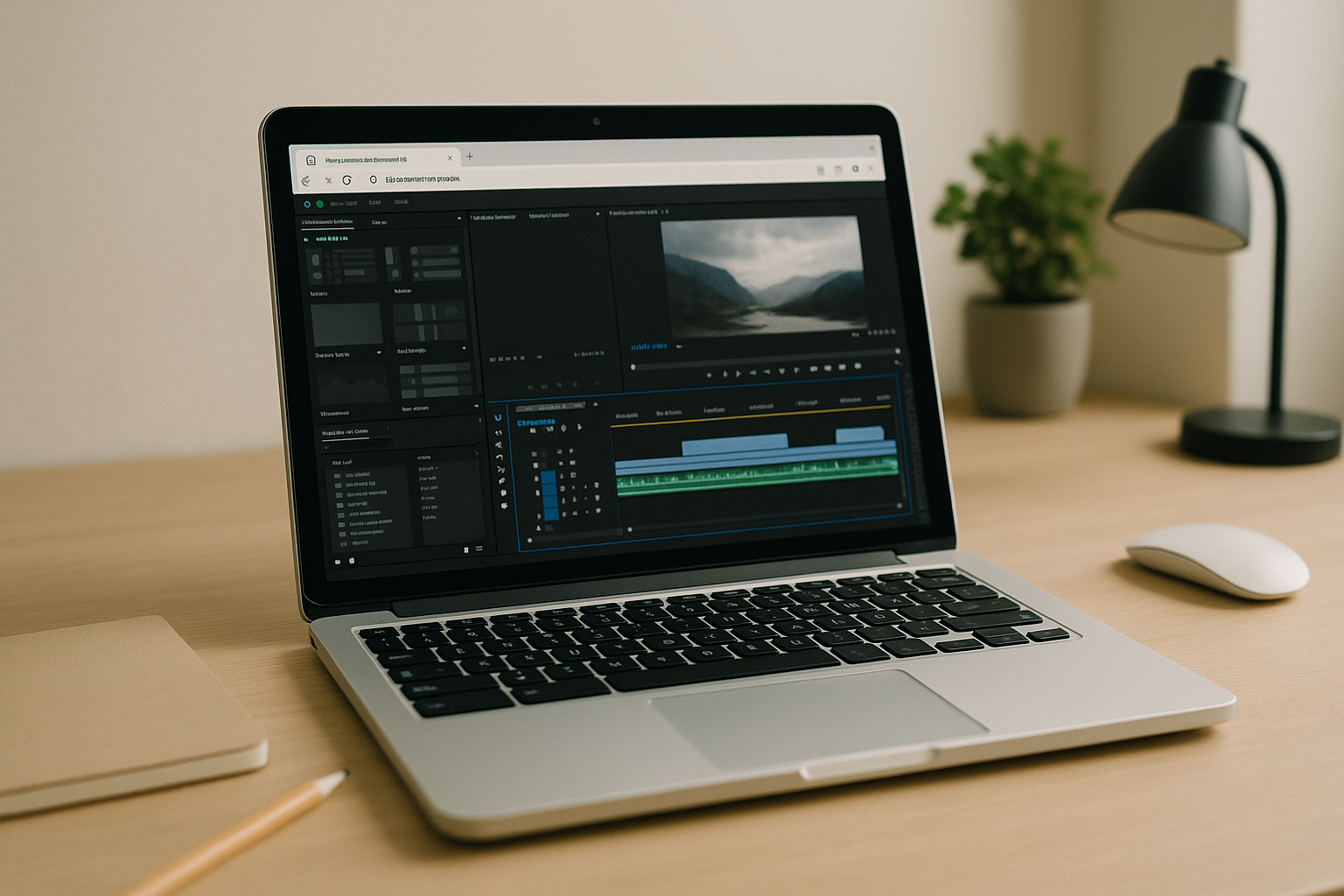
Adobe Premiere Pro on Chromebook: Real Editing via Cloud PC
If your Chromebook is your primary device, you don’t need to settle for reduced features or slow, unpredictable workarounds. A browser-accessed desktop gives you the same creative control, codecs, and export reliability you expect from your studio machine, anywhere you sign in.
Read More
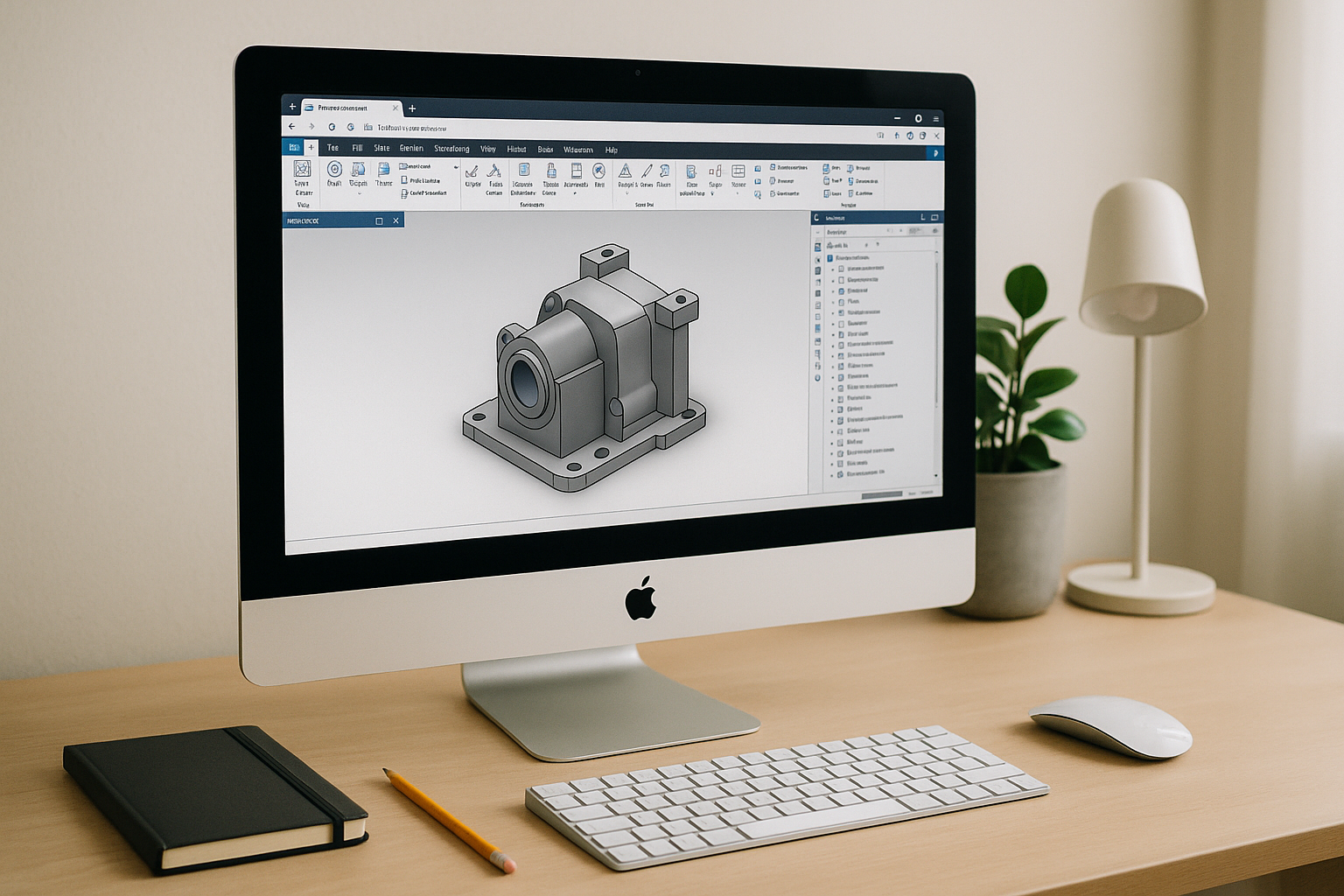
Inventor for Mac: Access a Full Windows CAD Workspace
For Autodesk Inventor Mac users, the browser workspace removes OS limitations, supports complex plugins and toolchains inside a full Windows environment, and lets you focus on design rather than system maintenance.
Read More
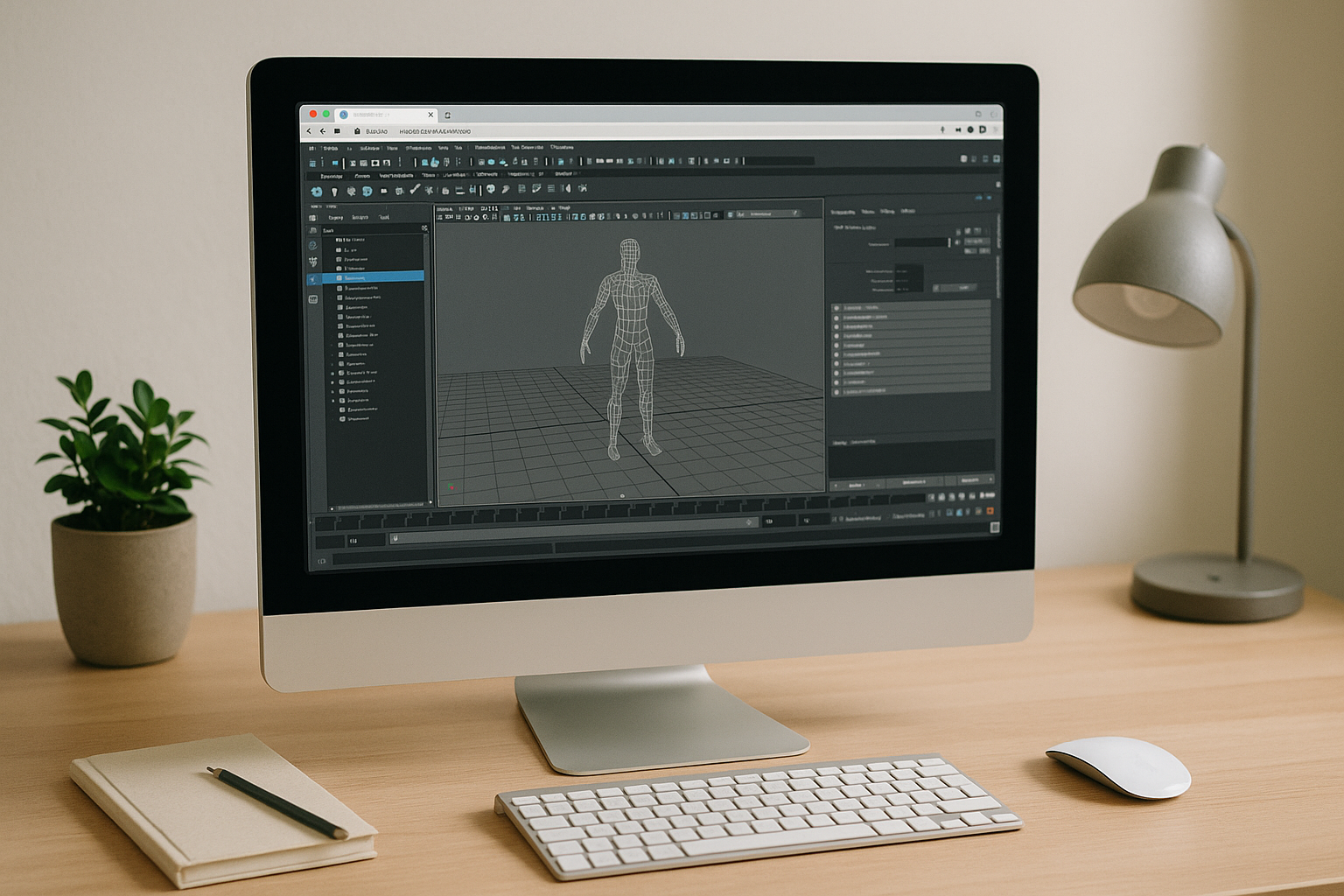
Maya on Mac Without Installs, With Pro GPU Power in Browser
Keep your Mac workflow, keep your mobility, and shift the heavy compute to a professional Windows workstation you open in a tab. With the right browser-based setup, Maya on macOS finally feels uncomplicated: reliable features, smooth viewports, and a pipeline that moves at production speed.
Read More
Need 3ds Max Without Installs? Open It in Your Browser
If you need the real desktop app without local setup, you don’t have to buy new hardware or fight with drivers. Start working in minutes and keep your primary device clean while enjoying the speed and fidelity of 3ds Max software.
Read More
Autodesk on Linux with a Hosted Windows Desktop
You don’t need to abandon Linux or buy new hardware to meet project demands. A hosted Windows desktop with a dedicated GPU gives you the reliability Autodesk applications expect and the flexibility your team needs.
Read More
Looking for an Adobe After Effects Alternative on Linux? Here is What Actually
When you need a reliable Adobe After Effects alternative Linux setup that simply works, choose the path that gives you instant access to the real deal without leaving your preferred operating system.
Read More
Run Autodesk Inventor Online: No Installation, Just Performance
If installing or maintaining Autodesk Inventor on your current device is blocking progress, there is a cleaner way forward. Aristeem removes the hardware and OS barriers.
Read More
3ds Max on Mac: The Fastest Way to Run It Without Windows
The real 3ds Max on Mac problem: Apple Silicon limits and slow viewports If you rely on 3D modeling or animation, running 3ds Max on Mac is a constant roadblock
Read More
Can’t Find Sony Vegas Pro Online? Run It in Your Browser
There’s no official web app for Vegas, but that doesn’t mean you’re stuck. With a browser-based workspace the familiar Vegas experience — accessible wherever you are, on the device you already have.
Read More
Autodesk Inventor for Mac: Why Your Mac Still Can’t Run It Natively
If your goal is to stay on a Mac and still use Inventor for serious work, a browser-based environment with proven GPU performance and the right drivers lets you open, edit, and render complex assemblies with confidence.
Read More
Can’t Run Maya on Mac? A Reliable Way Without Installing
If compatibility issues, admin restrictions, or GPU inconsistencies have kept you from getting real work done, Aristeem removes the blockers. You keep your Mac exactly as it is while accessing a production-ready environment where Maya behaves.
Read More


