


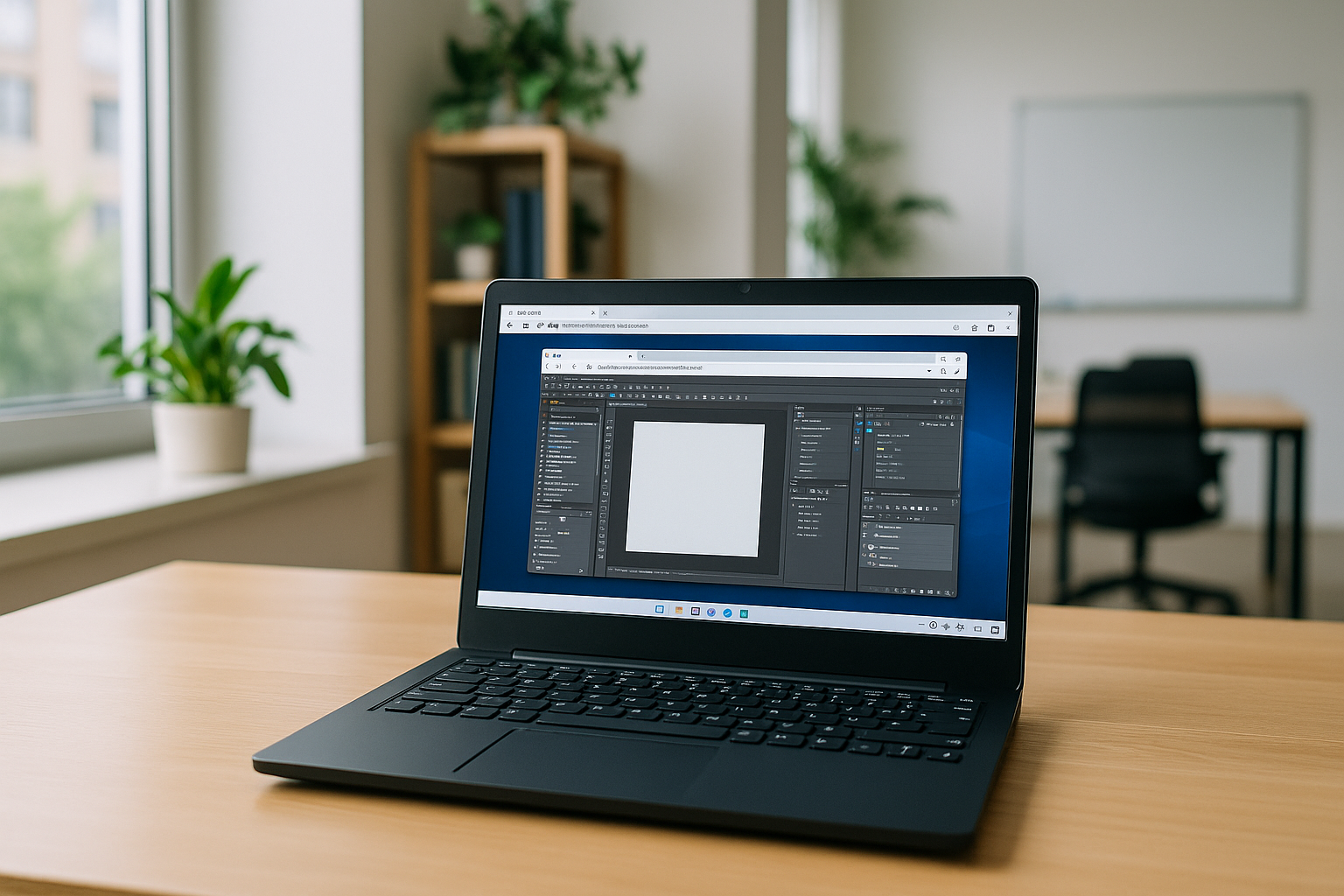

Your workday shouldn’t stall because a critical, non-native desktop app only runs after a full hypervisor boots. Designers reviewing a 3D scene, analysts opening a massive project file, or engineers validating a plugin chain often waste time waiting on updates, drivers, and VM snapshots — right when a meeting or build window is closing.
If you’re searching for a virtual machine for OS X just to open one program, the overhead, Apple Silicon differences, and corporate install restrictions turn a quick task into a disruption.
Why a local virtual machine for OS X can become a bottleneck
Many teams try installing Windows locally because it promises direct access to apps and peripherals. It works for some Intel-era setups, but the tradeoffs are real — and grow on newer hardware.
- Time and storage drain: provisioning images, allocating 60–150 GB, and managing snapshots eats capacity and schedule.
- Apple Silicon limits: no classic dual‑boot; ARM virtualization can break x86‑only apps and specific toolchains.
- Drivers and acceleration gaps: GPU, USB, and pro-device passthrough are uneven, hurting real‑world performance.
- IT and compliance friction: admin rights, kernel extensions, and hypervisors are often blocked by policy.
- Ongoing maintenance: OS patches, guest updates, tool licensing, and backups add constant overhead.
- Security posture: sensitive data lands on the device, complicating audits and endpoint risk.
These limitations matter most when Windows software is needed intermittently rather than as a permanent second operating system. A designer may need a Windows-only plugin for one project, an analyst may need a desktop utility for a specific workflow, or an engineer may need a particular toolchain for testing. In these cases, maintaining a full local VM can create more overhead than the software itself.
Choosing the best OS X virtual machine alternative for instant access
Below are practical paths to run non-native desktop software on OS X. If you want fast access without installing and maintaining a local hypervisor, a browser-based workspace offers a simpler alternative.
| Approach | Capabilities | Complexity |
|---|---|---|
| Local VM on OS X | Full desktop apps, snapshots; partial GPU/USB support | Medium–High: images, drivers, tuning, updates |
| Dual-boot / bare-metal install | Near-native on supported hardware; full drivers when available | High: partitioning risk; Apple Silicon constraints |
| Compatibility layer | Runs some apps; limited 3D and device support | Variable: per-app tweaks and fixes |
| Browser-based execution environment | Instant access to a pre-configured desktop on any device | Low: no local installs or drivers |
Why hardware-independent virtual workspaces matter in 2026
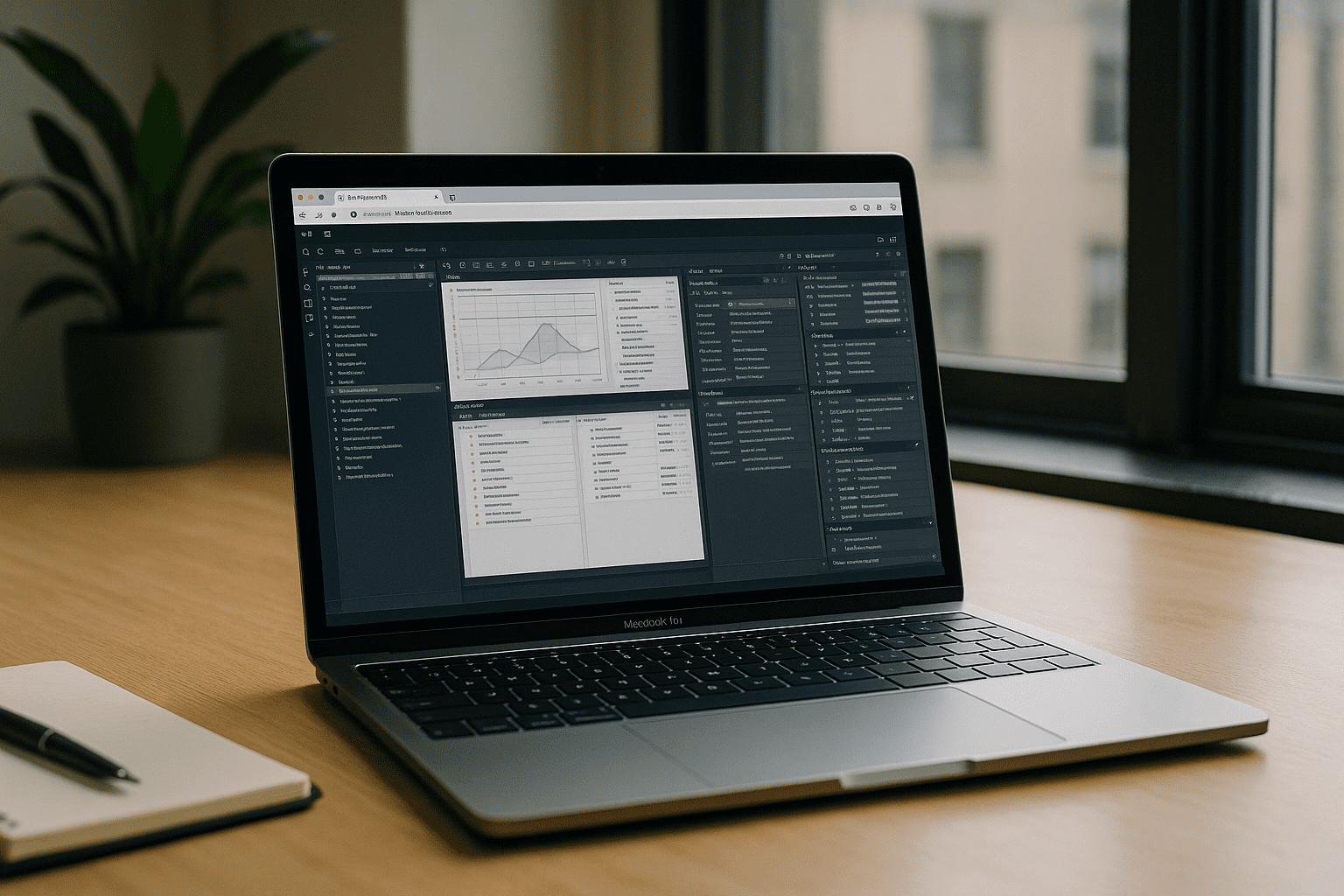
Apple Silicon and increasingly diverse device hardware have made hardware independence more important for professional workflows. Instead of tying a Windows environment to one laptop, browser-based workspaces move the operating environment and compute to the cloud while the local device acts primarily as the access point. This can simplify deployment, reduce local maintenance, and make the same workspace available across different devices.
The fastest virtual machine alternative in the browser
The Aristeem platform delivers a full working desktop environment inside your browser — no local VM, no installs, and no hypervisor to configure. Programs are pre-installed and pre-configured, so you can open the workspace, launch the software you need, and continue working without setting up a Windows environment on your Mac.
The environment is persistent, so it can be configured around your workflow rather than recreated each time. You can install required software, use your own licenses where necessary, and access the same workspace from compatible devices.
When a Browser-Based Virtual Machine for OS X Makes Sense
A browser-based Windows environment can be useful when you need access to desktop software without turning your Mac into a dual-OS workstation.
- Occasional Windows software: open a Windows-only application for a specific project without maintaining a permanent local VM.
- Professional workloads: use CAD, engineering, analytics, development, or other desktop tools that require Windows.
- Mixed-device workflows: access the same workspace from a Mac, another laptop, or a supported tablet instead of rebuilding the environment on each device.
Conclusion: a practical virtual machine for OS X path without the VM
If your goal is immediate, reliable access to non-native desktop software, shifting from a device-bound setup to a browser workflow removes much of the delay and maintenance associated with traditional virtualization. Instead of maintaining a second operating system on your Mac, you can access a consistent desktop environment when the workflow requires it. Explore the programs library for OS X in the browser to see which desktop applications can fit this workflow.


