


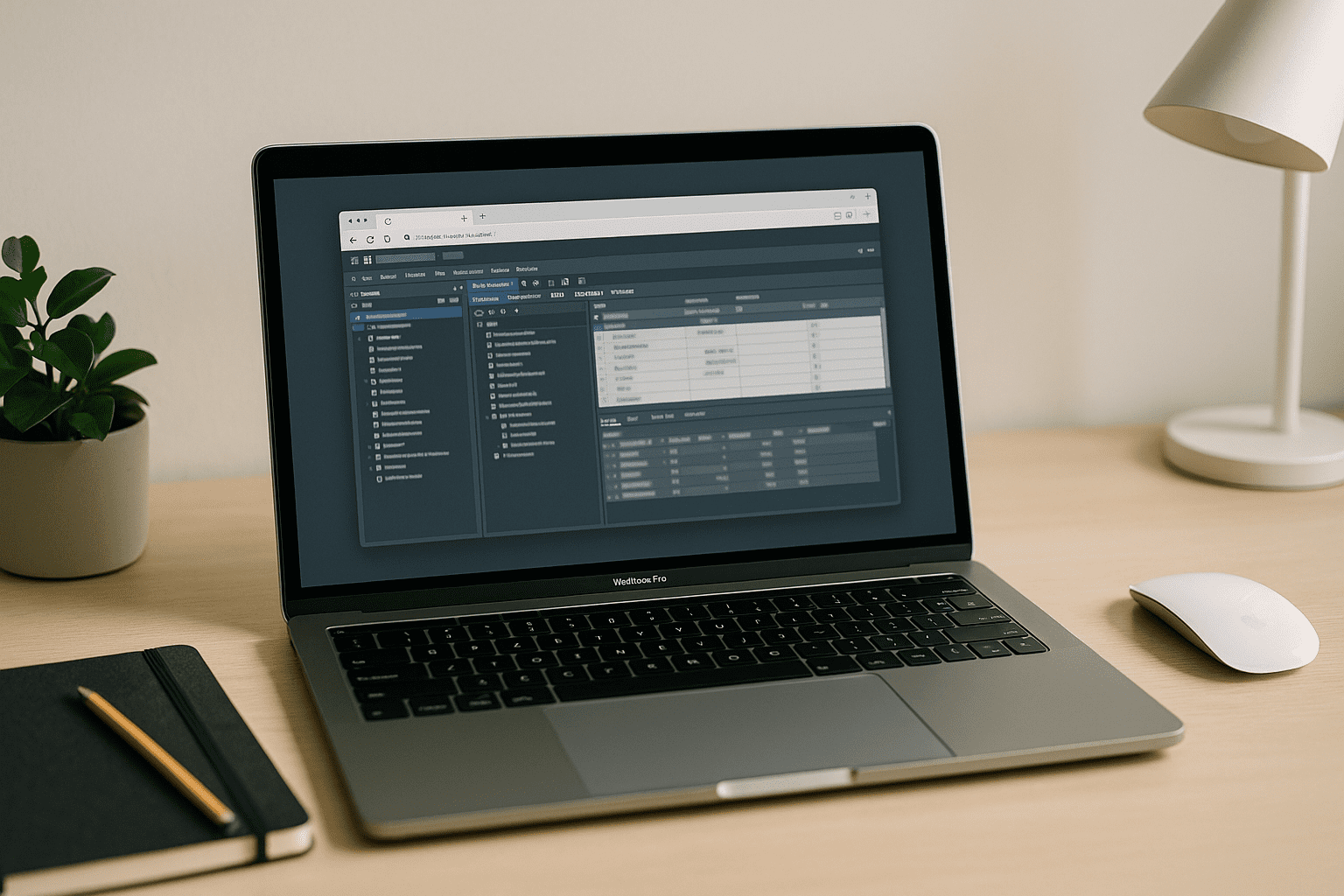
Cloud PostgreSQL: why local database setups slow down real work
Setting up PostgreSQL locally often turns into a hidden productivity tax. Developers and analysts trying to run PostgreSQL on Mac or other laptops quickly run into version conflicts, extension failures, and port collisions. Homebrew upgrades break dependencies, ARM vs Intel builds behave differently, and tools like psql or PostGIS require constant manual fixes before any real query work begins.
For teams working with analytics, dashboards, or prototypes, the real goal is simple: use cloud PostgreSQL and start querying immediately—not maintain a local database environment.
Why switching machines doesn’t solve PostgreSQL complexity
Some teams try to escape local setup issues by moving to a separate machine or dual-boot environment. This rarely helps:
- You still manage versions and extensions manually
- Data and backups need constant syncing
- Environment drift appears between machines
- Collaboration becomes inconsistent across team members
- Maintenance overhead doubles without improving reliability
The core issue is not the device — it’s the local database model itself.
Cloud PostgreSQL vs local setups
| Approach | What you get | Trade-offs |
|---|---|---|
| Local PostgreSQL (Mac / laptop) | Full control, offline access | Setup time, version conflicts, extension issues |
| Docker PostgreSQL | Isolation and version pinning | Resource overhead, networking complexity |
| Managed cloud PostgreSQL | Scalable, hosted reliability, backups | Less low-level control |
| Browser-based environments | Cloud PostgreSQL access + preconfigured tooling | Depends on platform |
Cloud PostgreSQL removes installation entirely and delegates scaling, uptime, and maintenance to managed infrastructure.
Why cloud PostgreSQL is becoming the default in 2026
Modern data teams are shifting toward cloud PostgreSQL because:
- No local installation required
- Consistent environments across teams
- Automatic scaling and backups
- Access from any device (including MacBook workflows)
- Centralized version and extension management
- Fewer environment drift issues between developers
This decouples compute and storage from the local machine, eliminating OS and chip-level fragmentation entirely. If you’re specifically working on macOS, see our guide to running PostgreSQL on Mac without local installation or Homebrew conflicts.
Aristeem for cloud PostgreSQL workflows
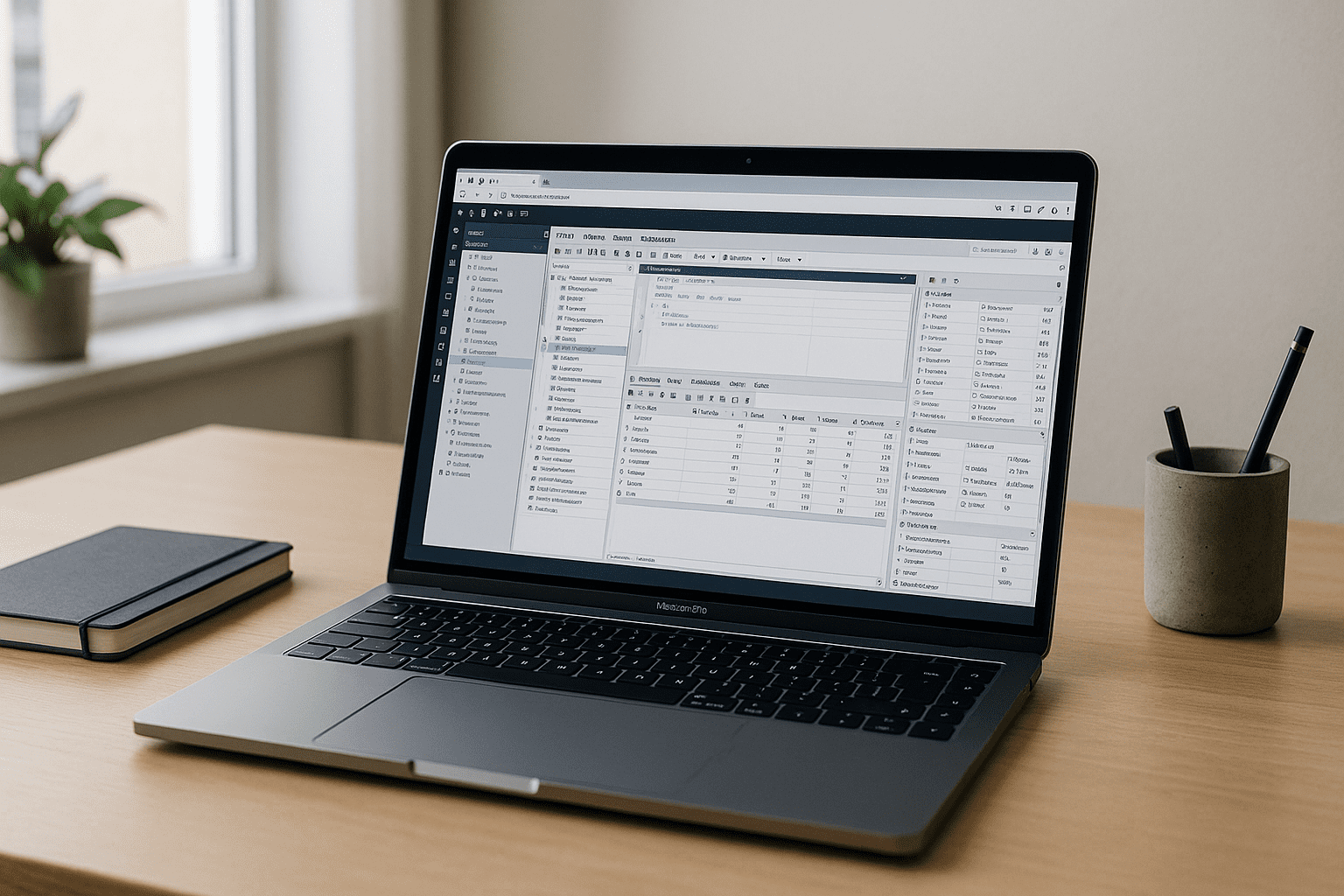
The Aristeem platform extends this model by providing a full desktop environment in your browser that connects naturally with cloud PostgreSQL workflows.
Instead of installing PostgreSQL locally, you can open a preconfigured workspace where database tools and analytics environments are already set up. PostgreSQL clients, and related tooling are ready to use, and you simply connect to your cloud database instance.
With Aristeem, you get:
- instant access to a working PostgreSQL environment
- no local installs or configuration steps
- consistent setup across Mac, Windows, or Linux devices
- support for cloud PostgreSQL connections and workflows
- persistent workspaces for ongoing analytics projects
It is a practical way to work with cloud PostgreSQL while keeping your device lightweight and free from environment conflicts. For a deeper technical overview of running a desktop database in the browser, see the dedicated resource on PostgreSQL on Mac in a browser‑based environment.
PostgreSQL without local friction
The shift to cloud PostgreSQL is not just about convenience — it’s about standardization and reliability. Local installations introduce variability that slows teams down, while cloud-based databases ensure consistent behavior across all developers.
With a browser-based workflow powered by platforms like Aristeem, teams can focus on queries, analytics, and product work instead of database maintenance.


