


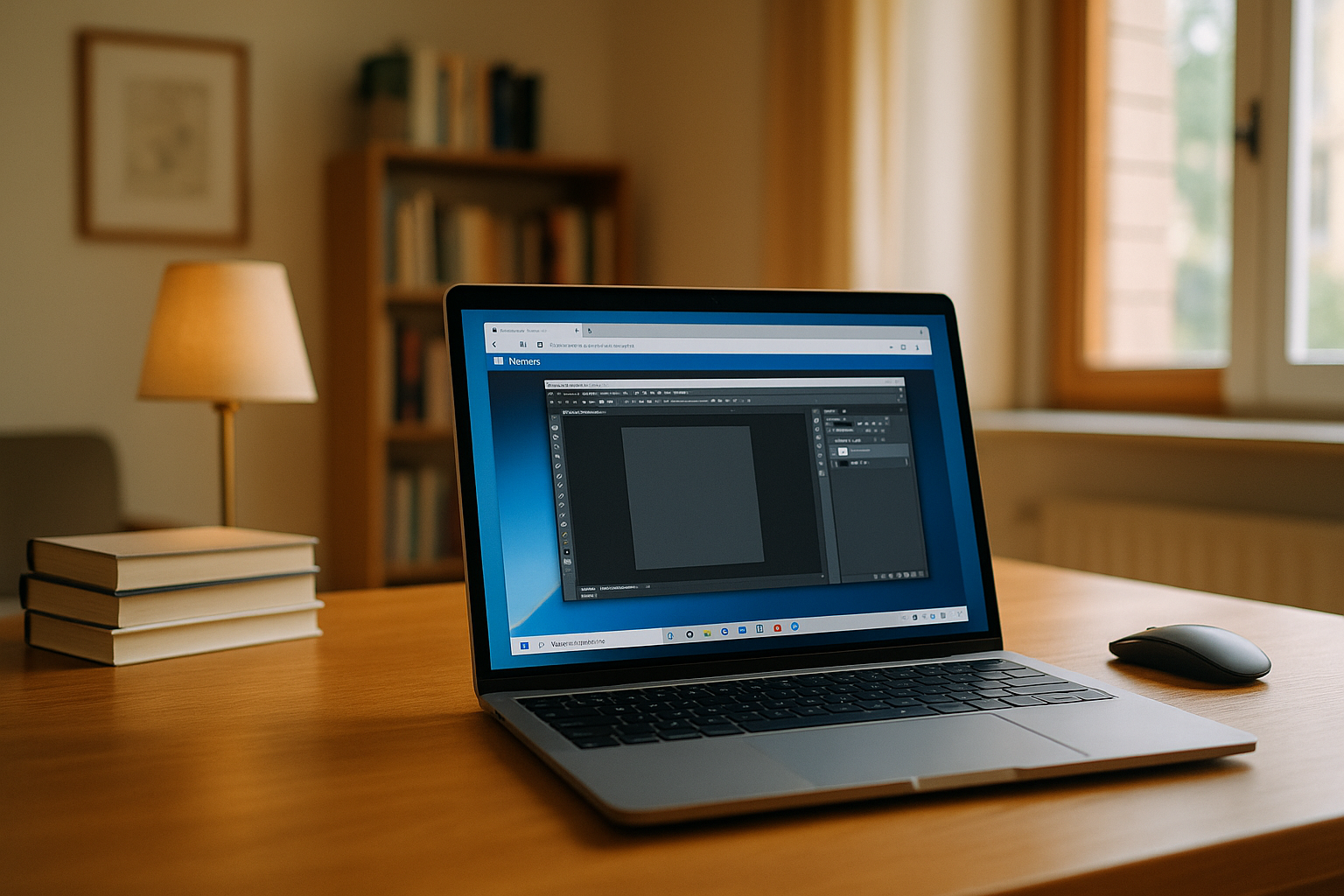
The Real Problem: Fast VM for MacBook Access
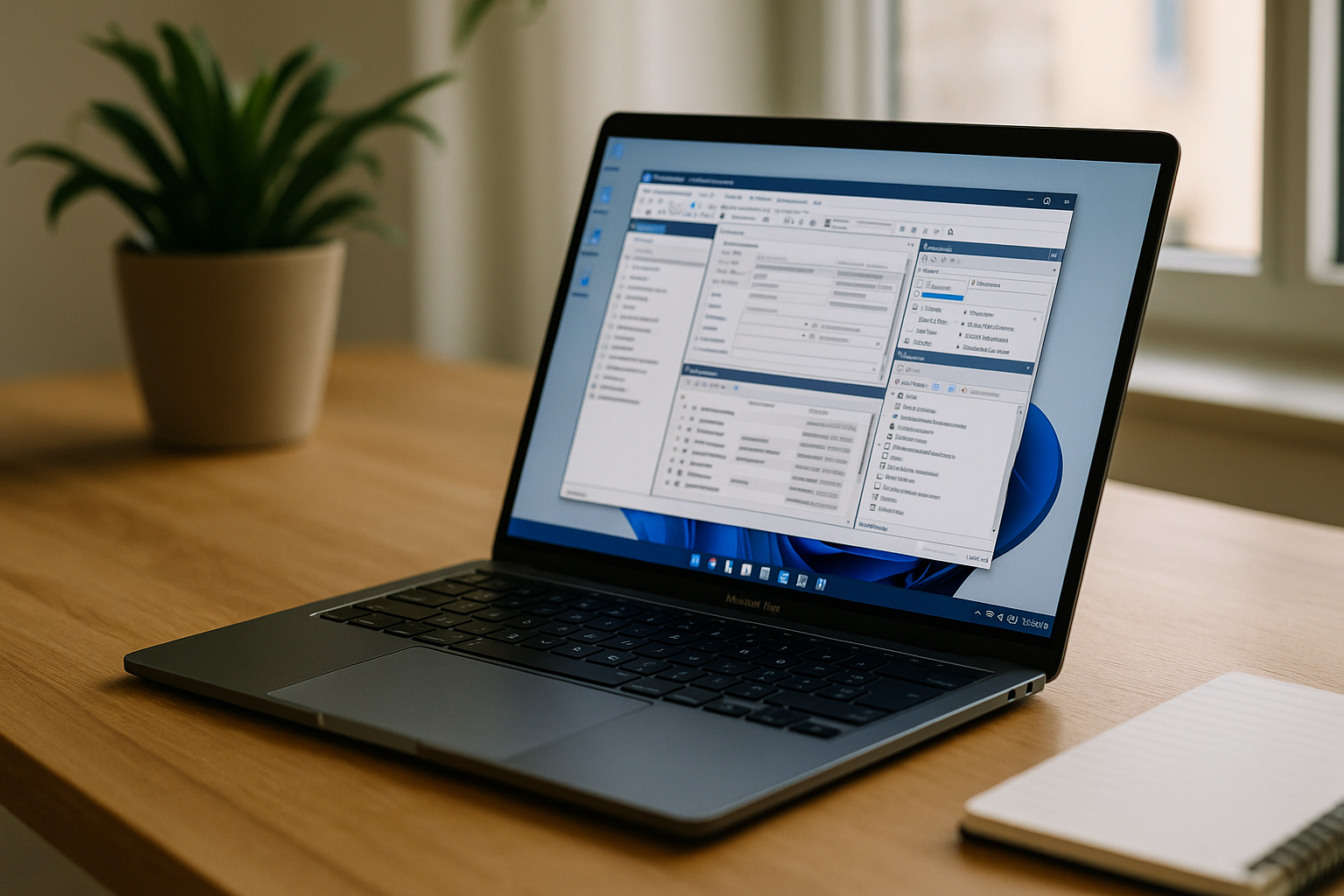
You just need a Windows-only tool for a task, not a full boot sequence or a heavy app launch. Local hypervisors eat RAM, spin up fans, and slow your MacBook when all you want is a quick Windows desktop in a tab. Context-switching between meetings, travel, and desk work becomes painful when every session starts with a heavyweight VM. A practical VM for MacBook should reduce that friction, especially when Windows software is needed only for specific tasks.
Installing Windows Instead of a VM for macOS Isn’t Simple
Installing Windows directly can make sense for some workflows, but it is not always the simplest option. Dual-boot setups require storage, maintenance, and restarts, while modern Apple silicon introduces additional compatibility considerations. For users who only need Windows software occasionally, keeping a second operating system on the MacBook may add more overhead than the task itself.
Why Browser-Based Access Can Be More Practical
A browser-first approach can remove much of the local setup associated with virtualization. Instead of launching a hypervisor, you sign in and open the Windows workspace in a browser tab. This can be useful when you need Windows software occasionally, work across multiple devices, or want to keep demanding workloads away from the MacBook’s local resources. Files, clipboard, and peripherals integrate smoothly enough for everyday tasks and demanding tools alike. Compared to installing Windows or starting a bulky hypervisor, a browser-based VM for MacBook keeps your MacBook responsive, your sessions portable, and your focus on work instead of maintenance.
Aristeem: A VM for macOS That Lives in Your Browser
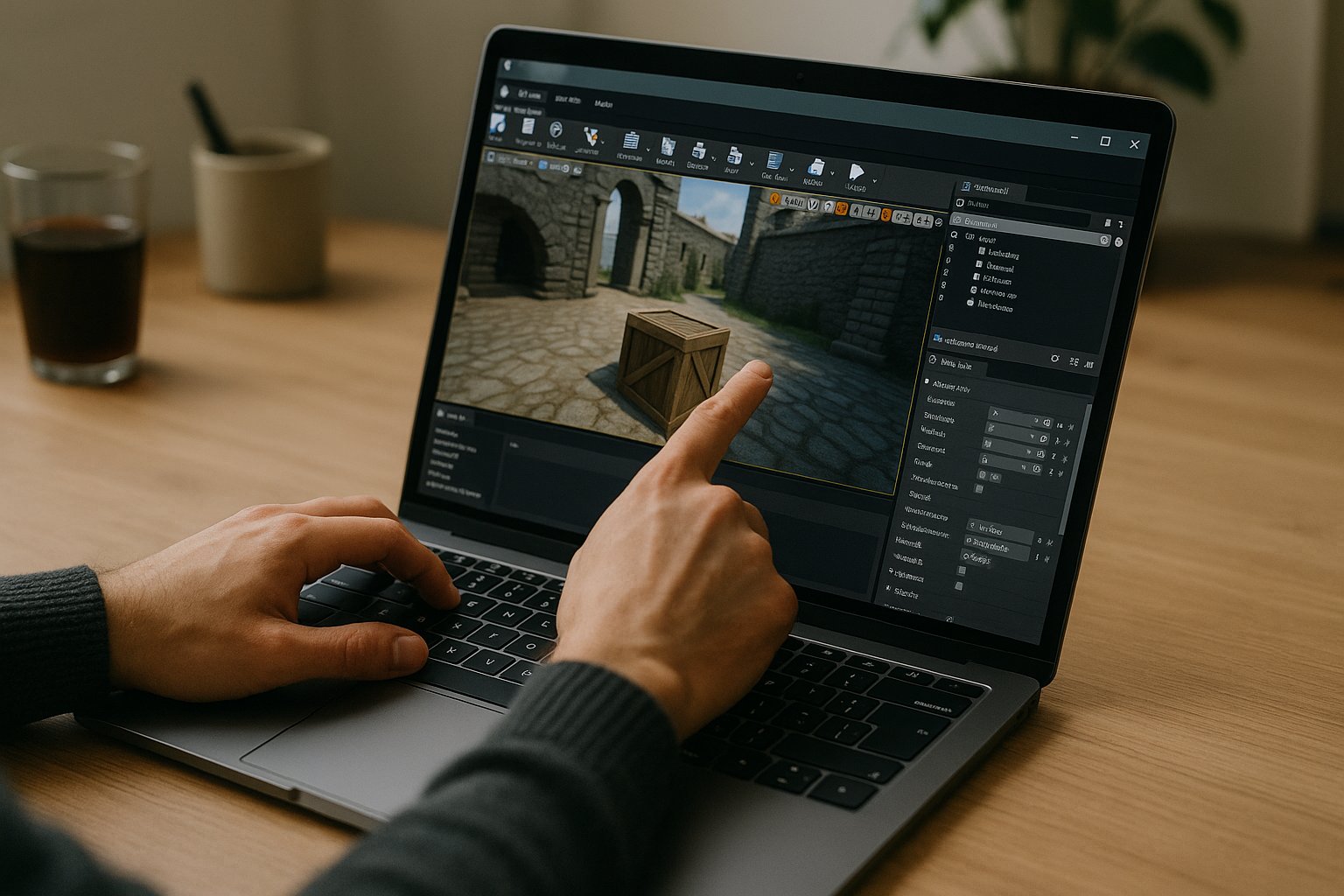
Founded in 2024, Aristeem began as a cloud service for accessing professional software in engineering, design, data analysis, and other demanding workloads. We refined the platform by studying real user needs and iterating quickly. Today, Aristeem delivers a virtual Windows machine that runs in your browser without replacing macOS on your device. You can install the exact software versions you need, add plugins, drivers, and utilities, and use your own licenses when required. We continue expanding flexibility and workflows — learn how to use a cloud virtual machine for professional rendering and resource-intensive software on Mac and ChromeOS.
Your MacBook Windows VM, Opened in a Tab
A browser-based Windows environment can be useful when you need Windows software without maintaining a local VM.
- Occasional Windows software: Run a Windows-only application for a specific task without keeping a permanent local setup.
- Professional software: Access CAD, engineering, analytics, 3D, and other demanding Windows applications when needed.
- Multiple devices: Use the same Windows workspace from a MacBook and other compatible devices.
If you want to see how this setup works, explore Aristeem’s Windows VM for MacBook solution.


