


Blog
Run Desktop Apps Without a Local Linux VM
You need to run vendor‑locked or GPU‑heavy desktop apps on Linux, but installing and booting a full VM wastes time and often fails due to drivers and admin policies. This article shows how to run those apps in your browser without starting a virtual machine.
Read More
Virtual Machine Mac — Run Apps Without Starting a Local VM
Need Windows apps on Mac without starting a local VM? See a faster way to run professional software on macOS.
Read More
Virtual Machine for iPad: Desktop Power in Your Browser
Professionals want desktop-class macOS tools on iPad, but iPadOS blocks native virtualization and complex workarounds break real workflows. This guide shows a practical path to open full desktop apps in the browser without installing anything locally.
Read More
Virtual Desktop for OS X Without Local Windows Setup
Need Windows apps on OS X without installing Windows locally? Explore virtual desktop OS X options for accessing professional software through a browser.
Read More
Cloud Based AutoCAD for Traveling Engineers & Contractors
You need full AutoCAD, but your local machine can’t meet GPU, storage, or IT policy requirements. See how to keep licensing compliant and run desktop AutoCAD in the browser with consistent performance.
Read More
Cloud CAD with Real‑Time GPU Performance
You need full‑featured CAD with plugins and real GPU power, but you can’t install or even launch the app locally due to weak hardware, IT rules, or OS mismatch. Here’s how to run desktop‑grade CAD in the browser without sacrificing performance or compatibility.
Read More
How a Cloud PC Enables Heavy Software Use on Weak Devices
When your device can't keep up, it leaves you searching for effective ways to overcome hardware constraints without sacrificing your mobility. This is where the concept of virtual cloud desktops becomes a true game-changer for the modern workforce.
Read More
Maximize Productivity with Cloud PC in Your Browser
Challenges with Running Heavy Software on Weak PCs Many professionals face a frustrating challenge when their devices are too weak to handle essential software.
Read More
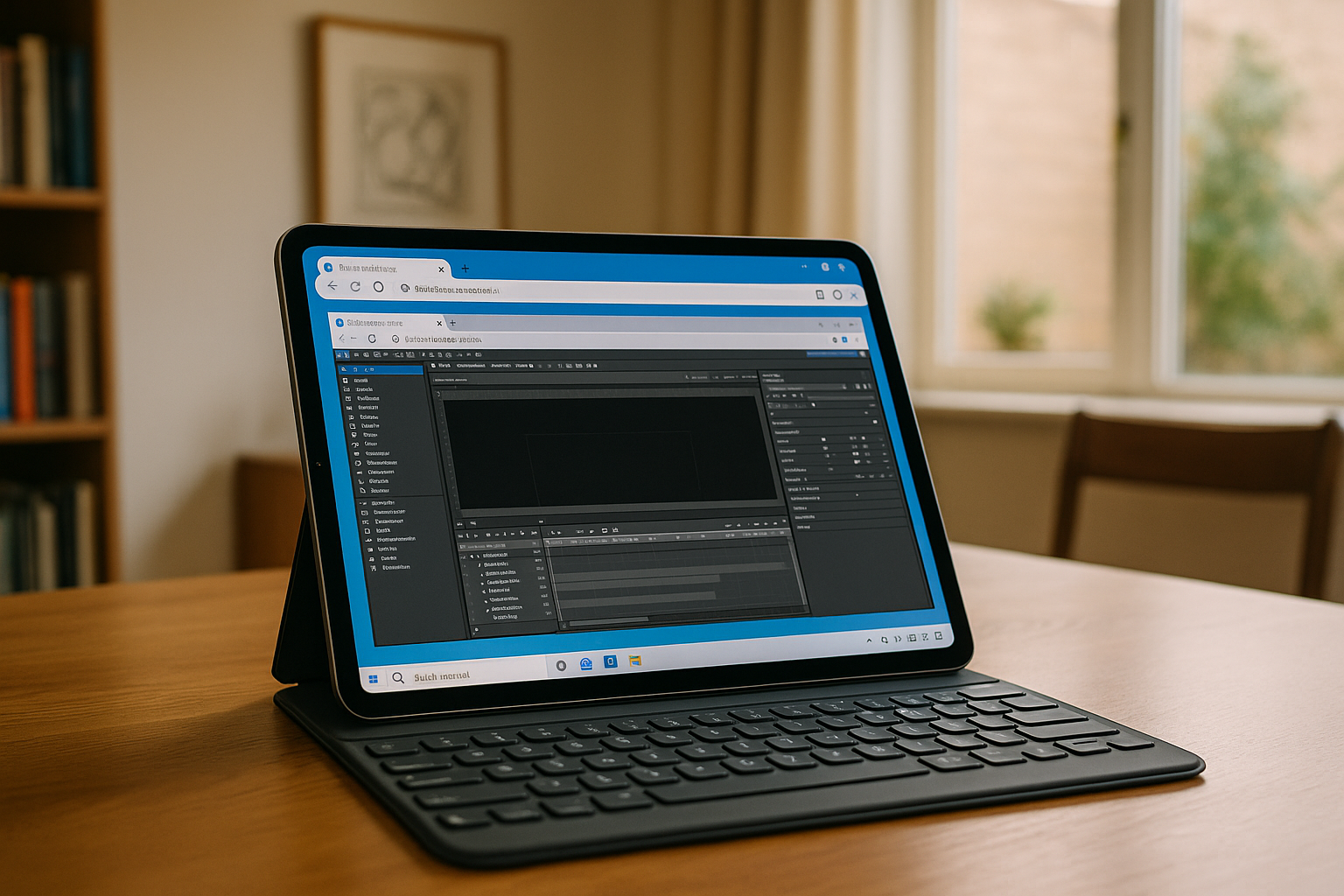
How to Use a PC on the Cloud to Overcome Hardware Limitations
Users may find that their current machines are unable to run heavy desktop software, leaving them frustrated and seeking a reliable PC in cloud solution.
Read More
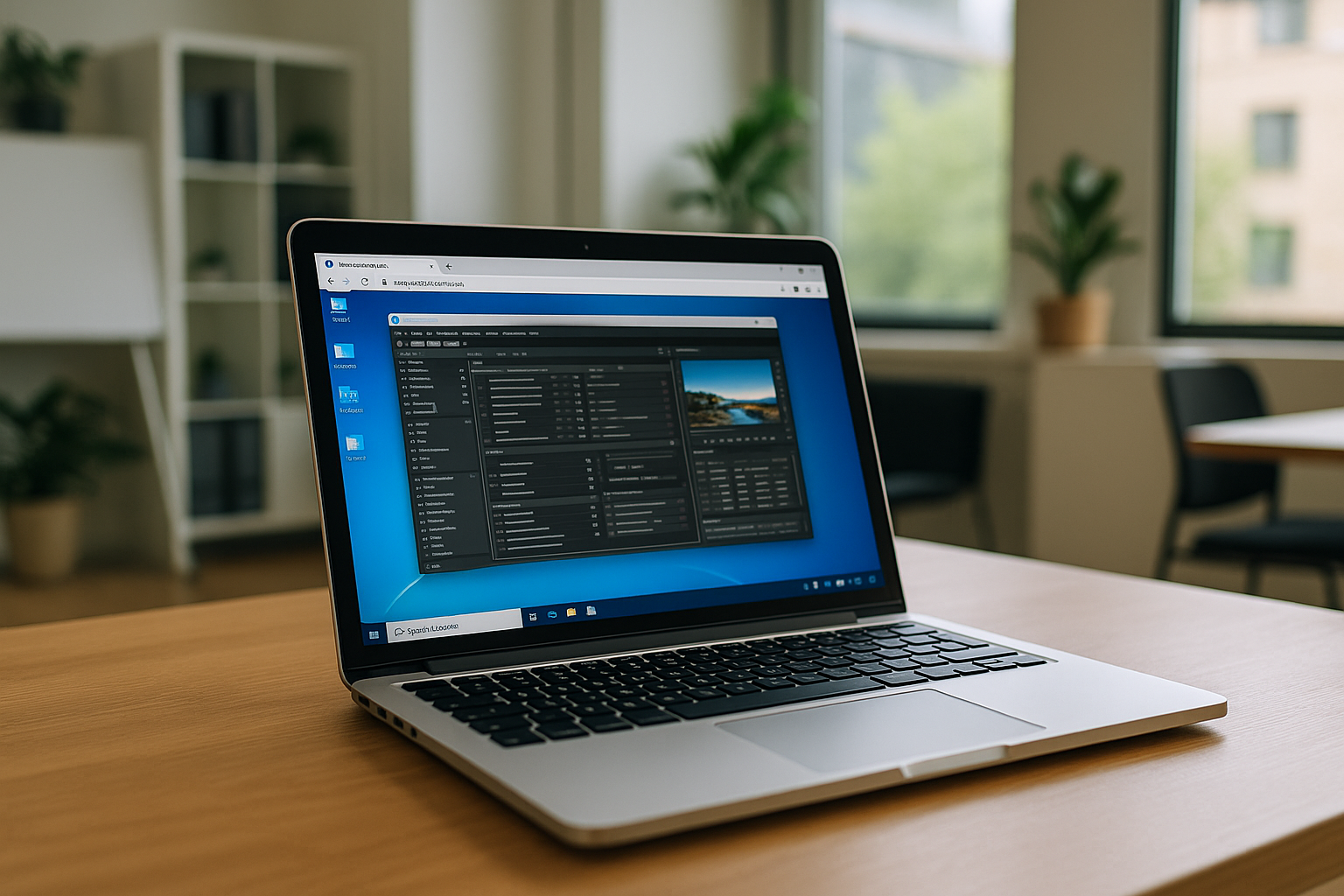
Virtual Machine in a Browser: The Ultimate Guide to Borderless Work
The concept of a virtual machine in a browser has completely changed how we define a "workstation." It doesn’t matter what OS you are running locally — be it macOS, Linux, ChromeOS, or iPadOS. Your browser becomes a high-performance portal to a Windows environment where every piece of software you need is always compatible and ready to launch in seconds.
Read More
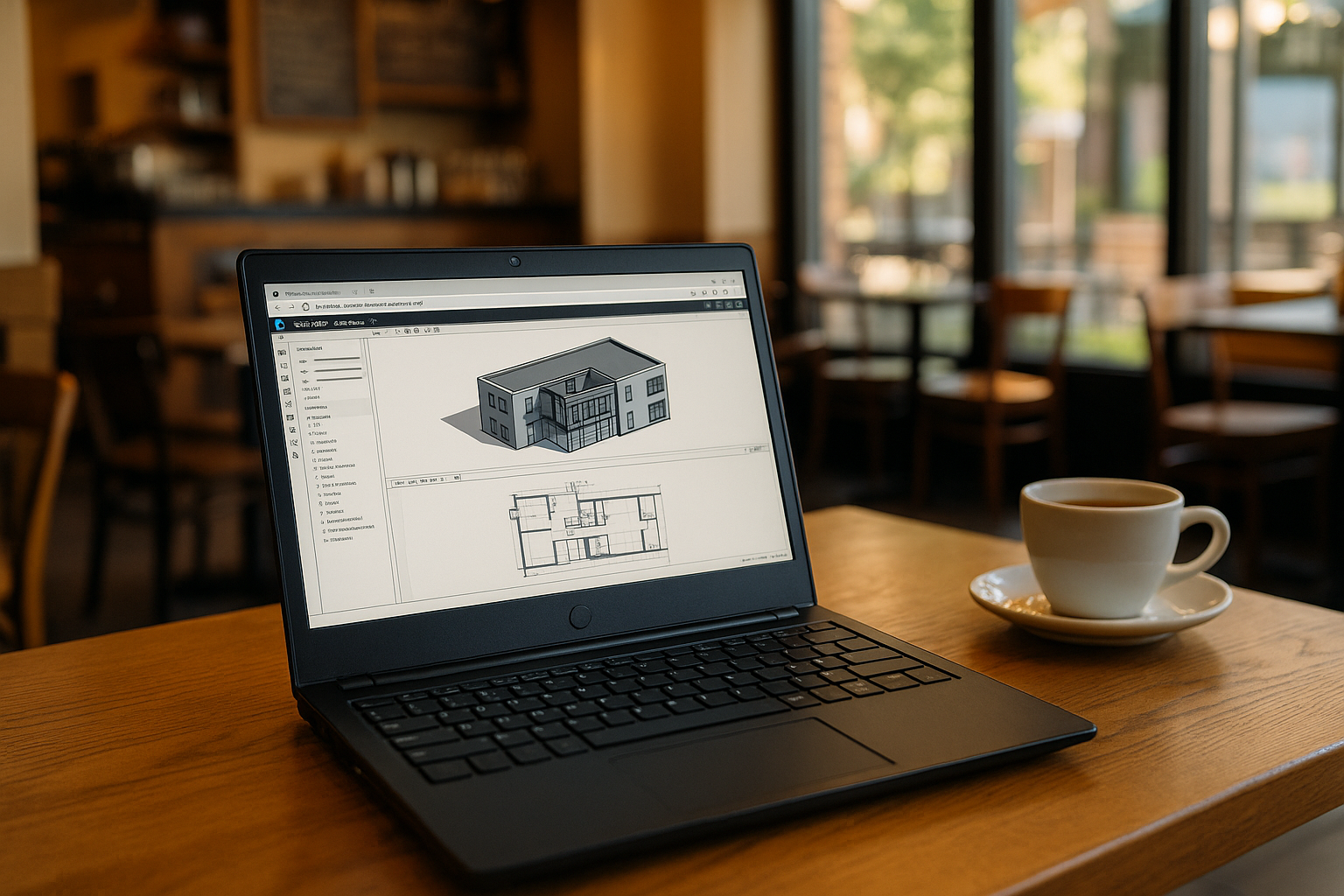
Cloud vs. Local: Finding the Best Windows VM for Your Professional Needs
For professionals today, a Windows VM (Virtual Machine) is often a necessity rather than a luxury. However, traditional local virtualization has a significant "bottleneck": it relies entirely on your device's physical RAM and CPU.
Read More
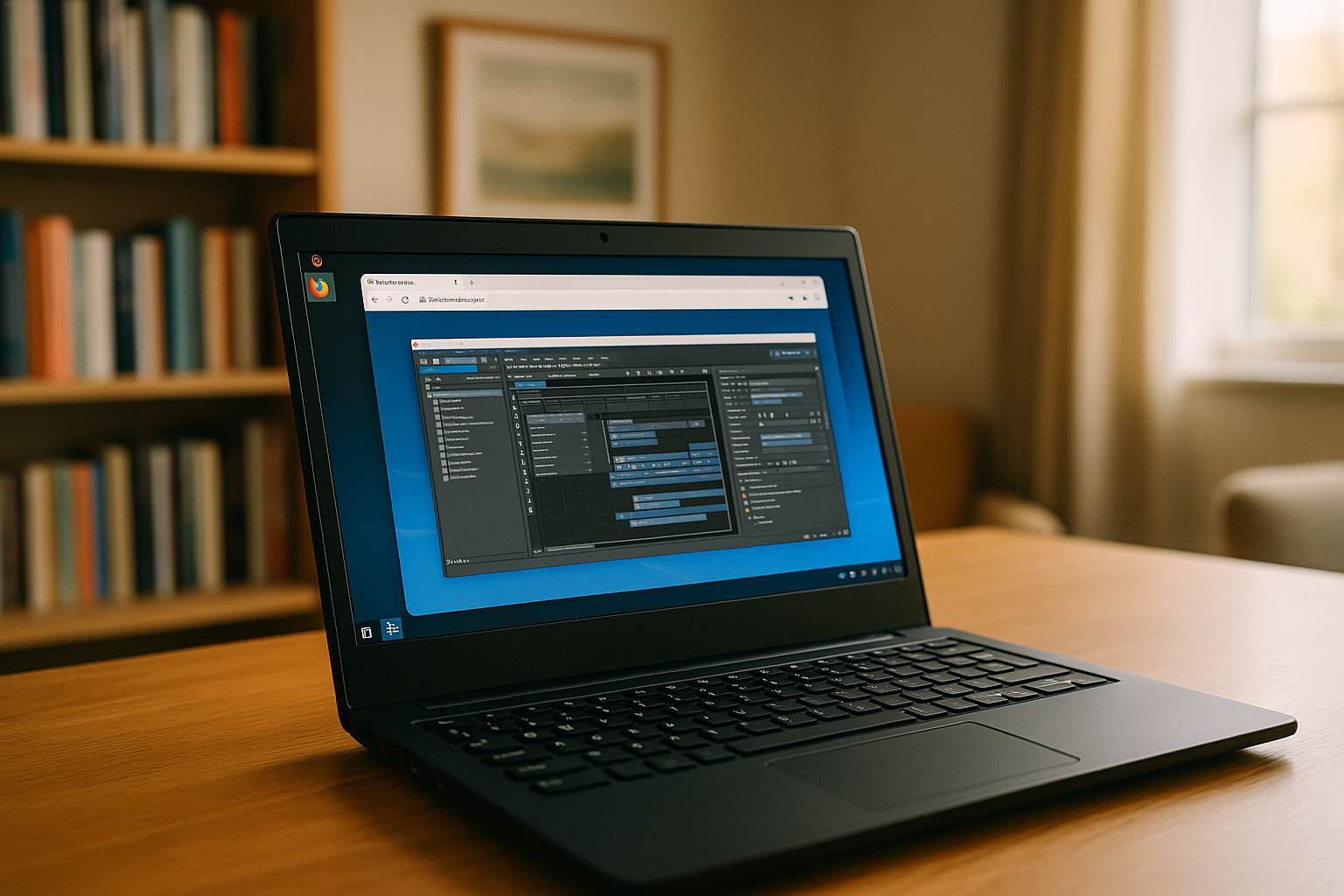
Virtual Machine Software – Types, Use Cases and Best Solutions
Virtual machine software is widely used in different industries and personal workflows. Today, instead of configuring and maintaining traditional virtual machine tools yourself, many users choose cloud-based platforms that simplify the entire process.
Read More


