


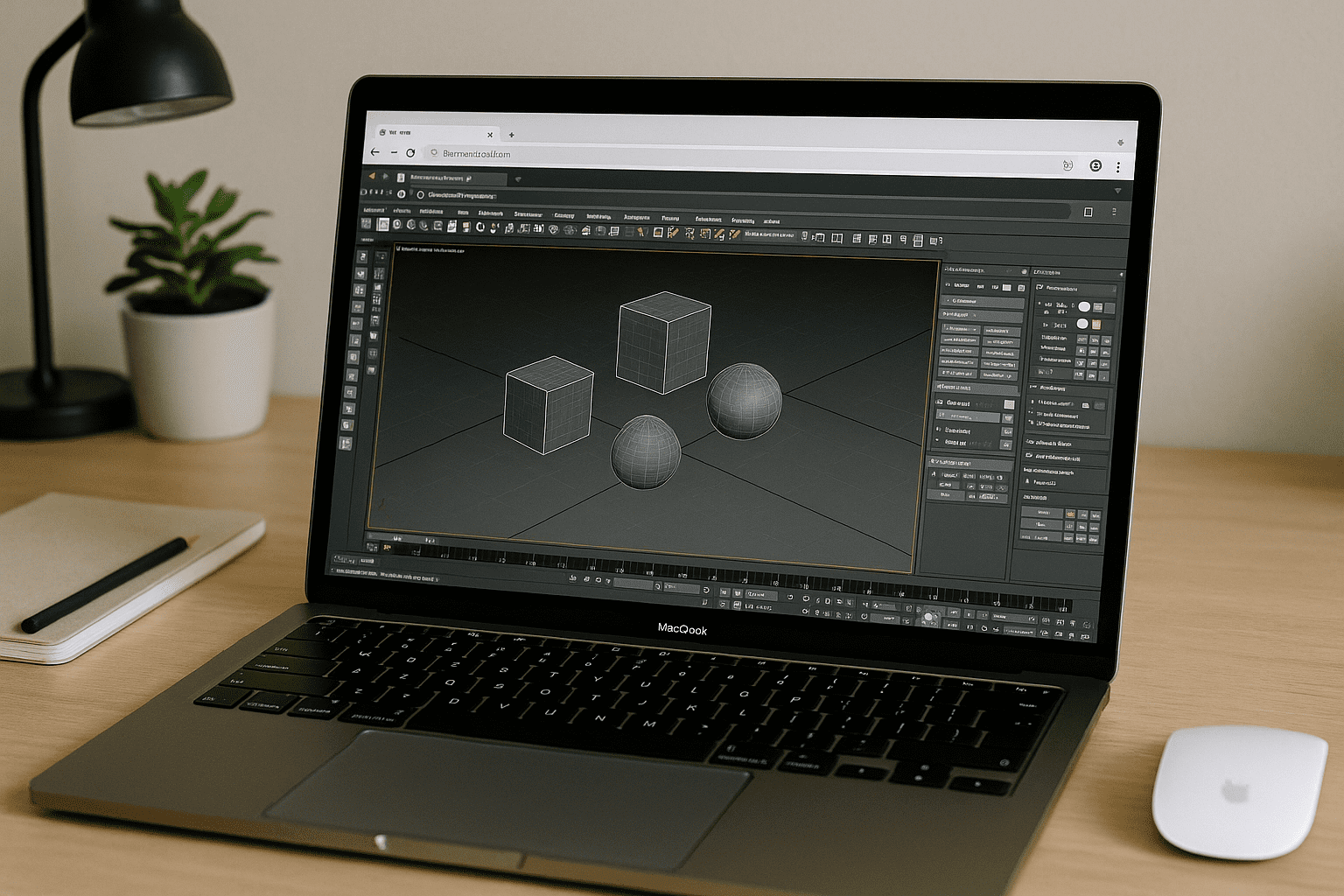
When Cloud Rendering 3ds Max Is Blocked by Your Setup
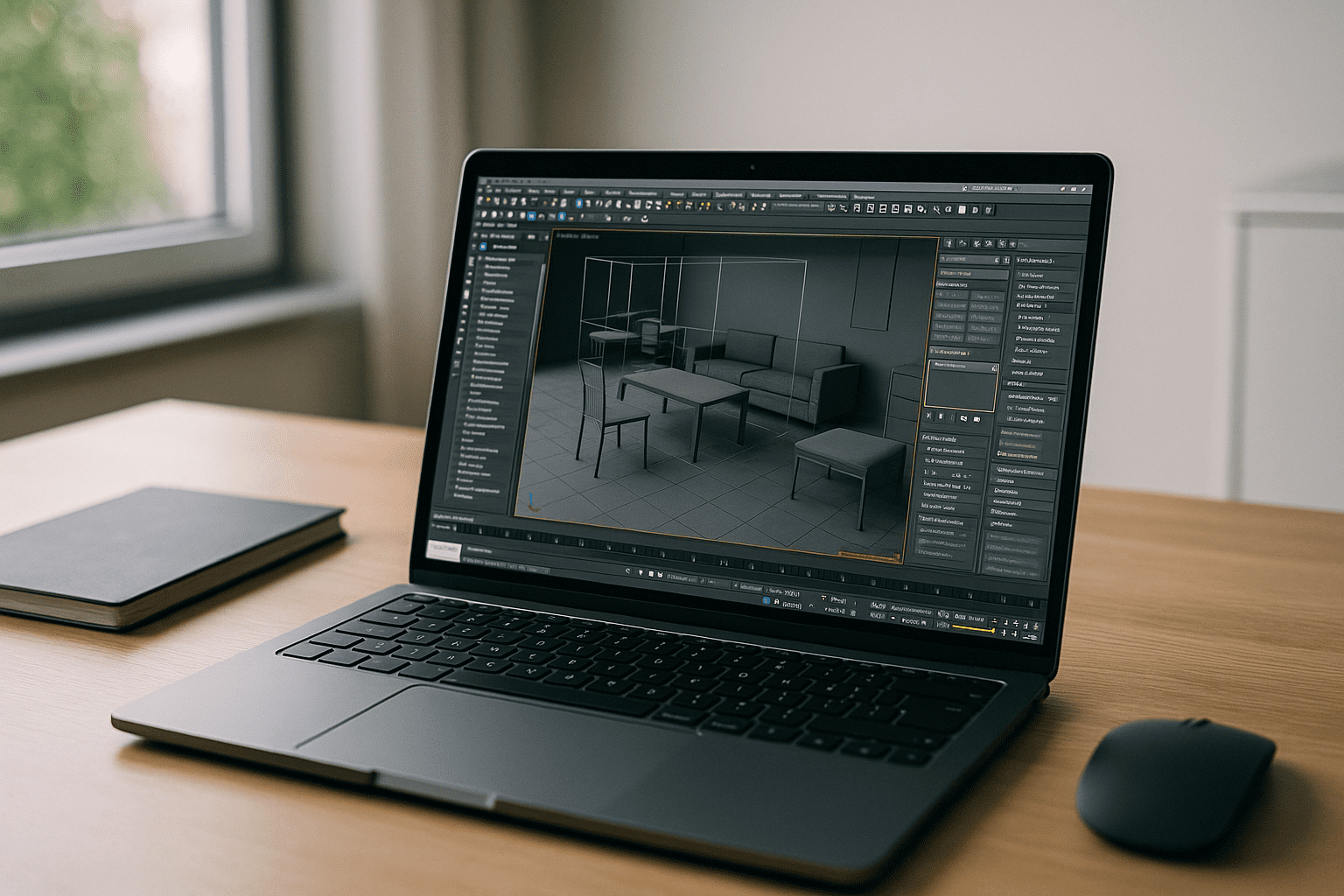
Projects stall when you can’t even start 3ds Max locally due to weak hardware, locked corporate machines, or incompatible OS. Long frames hijack your workstation, and any mismatch in plugins or versions breaks handoffs to a 3ds Max render farm. You need a 3ds Max cloud rendering workflow that mirrors your exact stack — 3ds Max version, renderer, and scene plugins — without launching the app on your own device.
Buying a New PC vs. Cloud Rendering 3ds Max
Upgrading to a powerful workstation sounds straightforward, but it’s a big expense with long approval cycles and ongoing maintenance. You still have to install 3ds Max, migrate renderers and plugins, align driver versions, and re-activate licenses — time you rarely have during active production. Even after the purchase, corporate restrictions or cross-OS needs can block local launches, so the core problem — reliable, version-locked cloud rendering 3ds Max — remains unsolved for remote or mixed-device teams.
The Best Path to Render 3ds Max Online Without Local Launches
A better approach is a browser-based Windows environment you fully control, where you install the same 3ds Max build and scene plugins you use in production. You prepare scenes, run validators, and hand off to your preferred 3ds Max render farm or submit directly using installed integrations — true cloud rendering 3ds Max without touching your local OS. This keeps render parity: you can render 3ds Max online with identical versions of your renderer and 3ds Max cloud render plugins, reducing failed jobs and last-minute reworks.
How Aristeem Enables Cloud Rendering 3ds Max With Your Plugins

With Aristeem, 3ds Max runs on a high-performance virtual Windows PC in the cloud and streams to your browser. You can work in the full 3ds Max environment, use your renderers and plugins, and render projects directly on cloud GPU resources without relying on your local hardware.
The same workspace covers both 3ds Max production and rendering. Open or build scenes, work with your preferred plugins, run simulations, and render final images or animations from any capable device. If your pipeline uses an external render farm, you can also prepare scenes and submit jobs from the same cloud environment.
Start Cloud Rendering 3ds Max From Any Device
Shift heavy rendering off your machine while keeping your exact pipeline intact — same 3ds Max, same plugins, same outputs. Run 3ds Max, prepare scenes, and render directly from a browser-based Windows desktop without buying new hardware or configuring your local system.


