


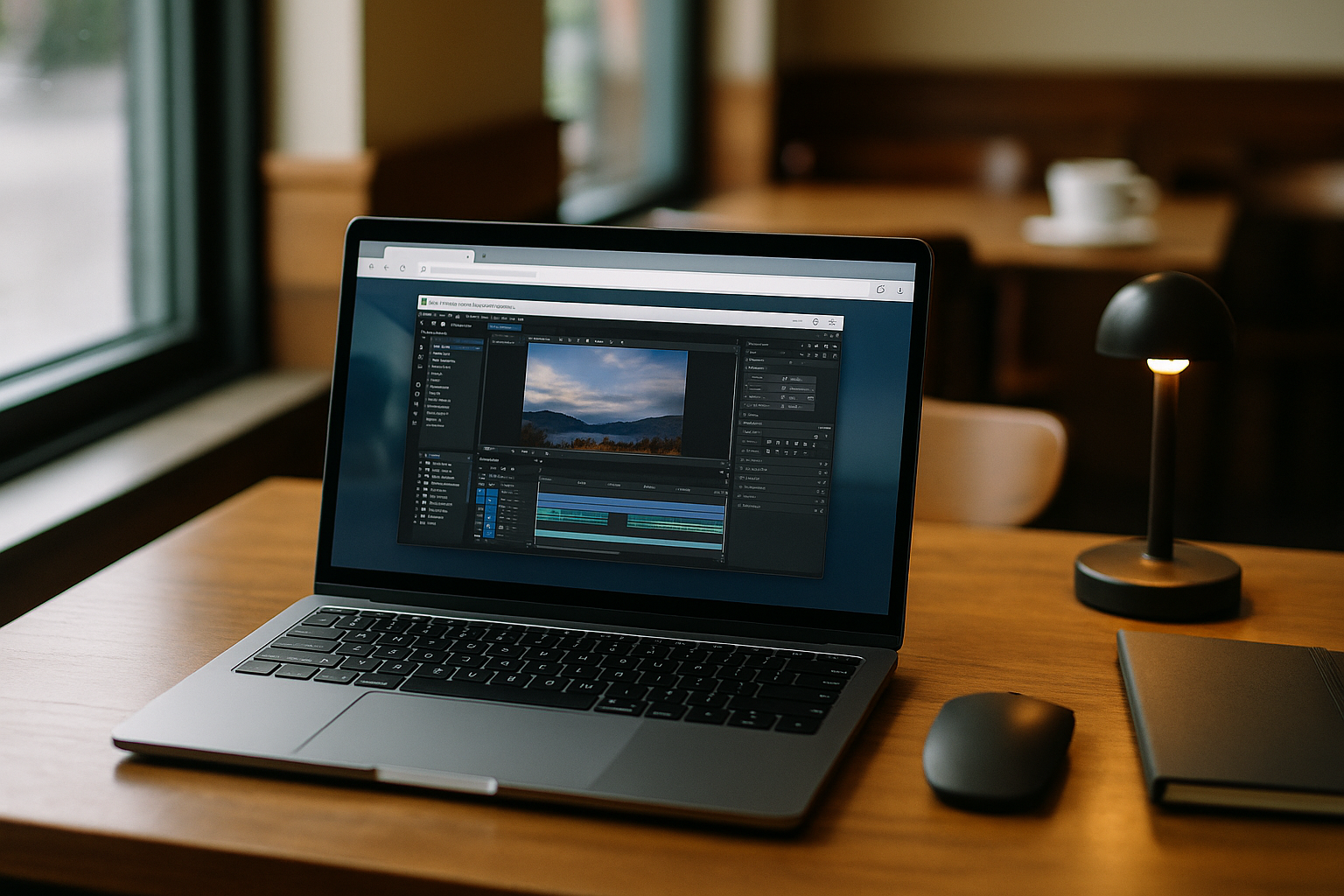
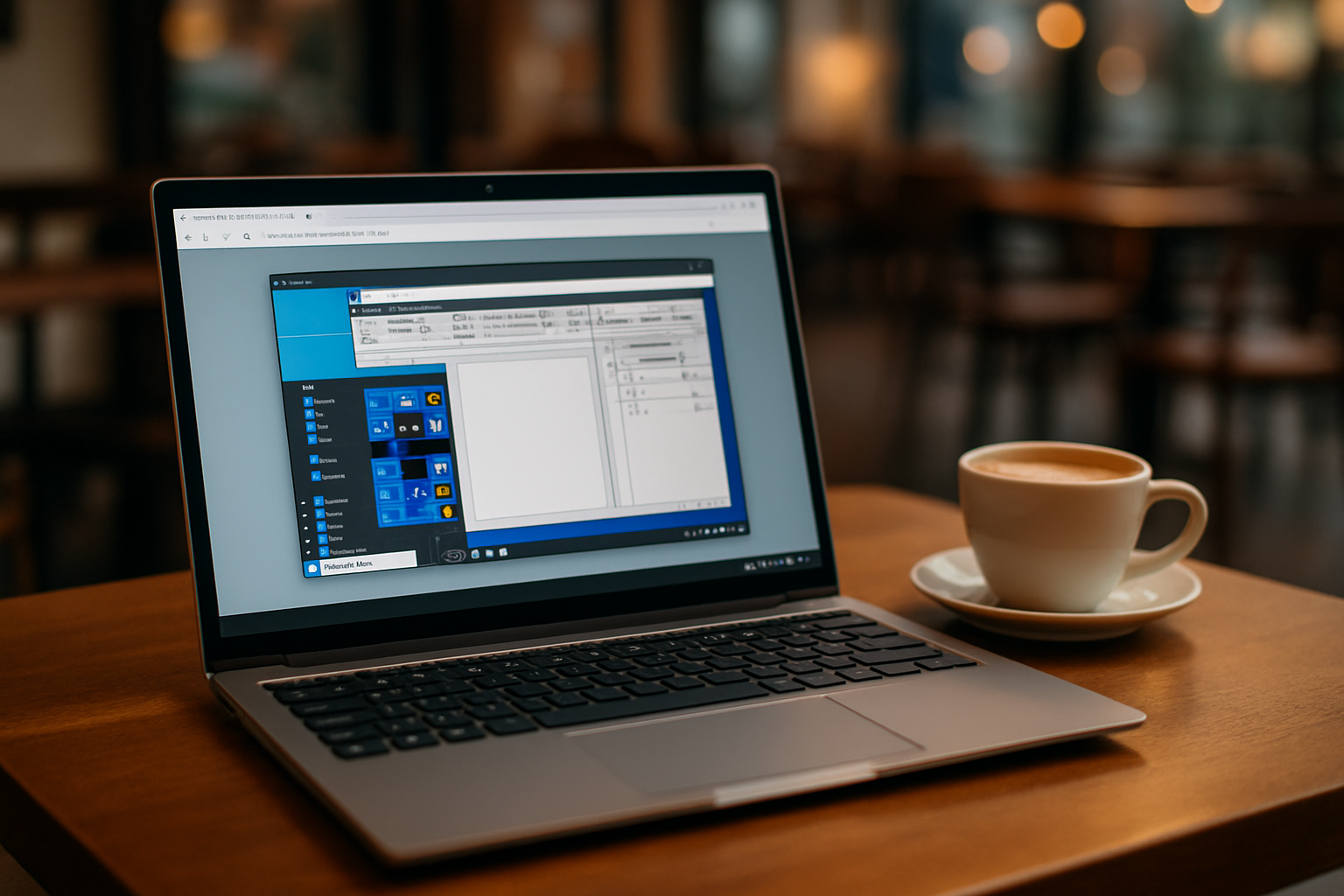
You need a clean Windows workspace now — no installers, no reboots, no tickets — just open a tab and work. Maybe your PC is locked down, a client forbids extra software, or you simply don’t want to start another program to reach your tools. A cloud PC that runs directly in the browser lets you keep projects moving while staying compliant with device policies.
Designers, analysts, and engineers still require a dependable Windows desktop to run exact app versions, plugins, and utilities. A virtual Windows PC accessed through the browser avoids conflicts on the host machine while preserving a clean local environment.
Why Installing Windows Locally Creates Unnecessary Friction
Some professionals try the workaround of installing Windows on the device (dual-boot or clean install) to regain control. It can work, but it’s fragile for day‑to‑day delivery:
- High setup and recovery time: partitioning, backups, activation, and potential rollbacks.
- Driver and firmware pitfalls that derail stability or performance.
- Admin rights and policy hurdles on corporate PCs.
- Version drift: updates and background services break carefully pinned toolchains.
- Reboots and downtime any time you switch contexts or patch the OS.
Best Path to A Browser-Based Windows PC
The practical goal is a stable Windows workspace with minimal friction. Here’s how approaches compare — and why a browser-first model is the smoothest route.
| Approach | Capabilities | Complexity |
|---|---|---|
| Local clean install / dual-boot | Full Windows control on hardware | High (repartitioning, drivers, reboots) |
| Local virtual machine | Isolated images; snapshots | Medium–High (resource overhead, setup) |
| Traditional remote desktop | Access to a remote Windows session | Medium (separate client, host management) |
| Browser-based virtual Windows PC (cloud PC) | Full Windows desktop accessed through a browser; install apps, plugins, and utilities | Low (zero local setup) |
How a Virtual Windows PC Works in a Browser
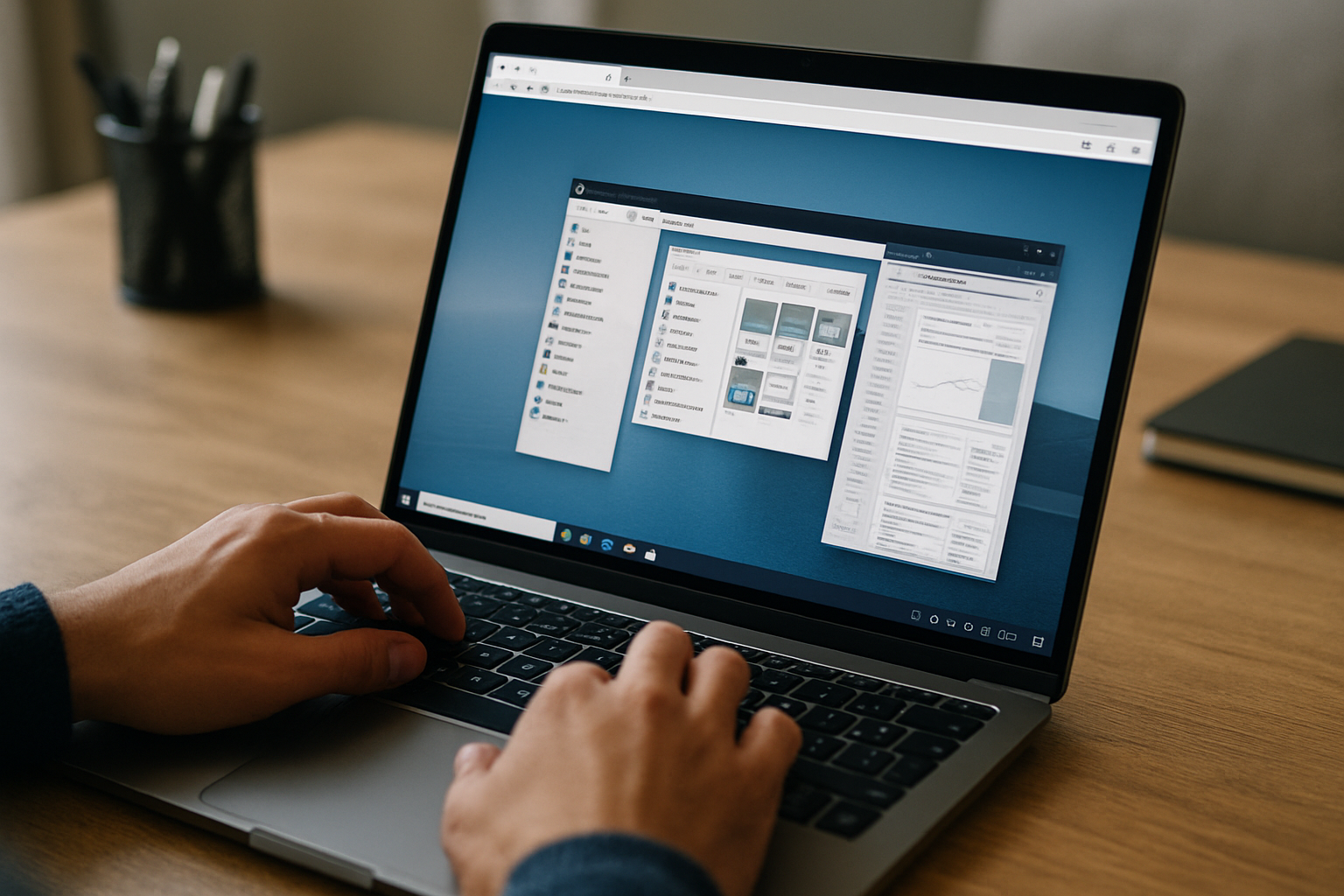
A virtual Windows PC runs remotely rather than on your local hardware. Your Linux, macOS, or Windows computer provides the browser connection, while the Windows environment handles the operating system, applications, files, and other resources remotely. This separation means you do not need to install Windows or rebuild your local machine just to access Windows software.
The browser is the access point, not the Windows environment itself. Once connected, you work with a familiar desktop and the applications inside it while your local operating system stays unchanged. This makes a virtual Windows PC useful when you need a Windows workspace temporarily, regularly switch between devices, or cannot modify the computer you are using.
Aristeem: A Virtual Windows PC You Access in Your Browser
Aristeem provides a full-featured virtual Windows PC that you access through your browser, without requiring a separate desktop client to reach the workspace. It is not an emulator or a traditional remote desktop session; it provides a complete Windows workspace delivered as a cloud PC.
Install the software versions you need, add plugins or extensions, configure utilities, and use your own licenses when required. Professionals get instant access, zero local setup, and the freedom to work from any PC with a modern browser. For more details, see the cloud PC service and explore how the workspace works for different Windows software needs.
Conclusion: A Practical Virtual Windows PC Without Local Setup
A virtual Windows PC accessed through a browser removes the need to install Windows locally while keeping a familiar desktop environment available when you need it. This balance of control and simplicity makes it useful for analysts, designers, and engineers who need reliable Windows software without changing their primary computer.
This approach keeps your Windows workspace separate from the host device while giving you access to the tools you rely on. Explore the available programs and see which software you can use in your virtual Windows PC.


