


Your essential Windows app refuses to launch just when you need it most. A failed update, broken driver, missing dependency, or corrupted installation can turn a routine task into an urgent problem — especially when a deadline is approaching. Rebuilding your primary PC may take hours you do not have.
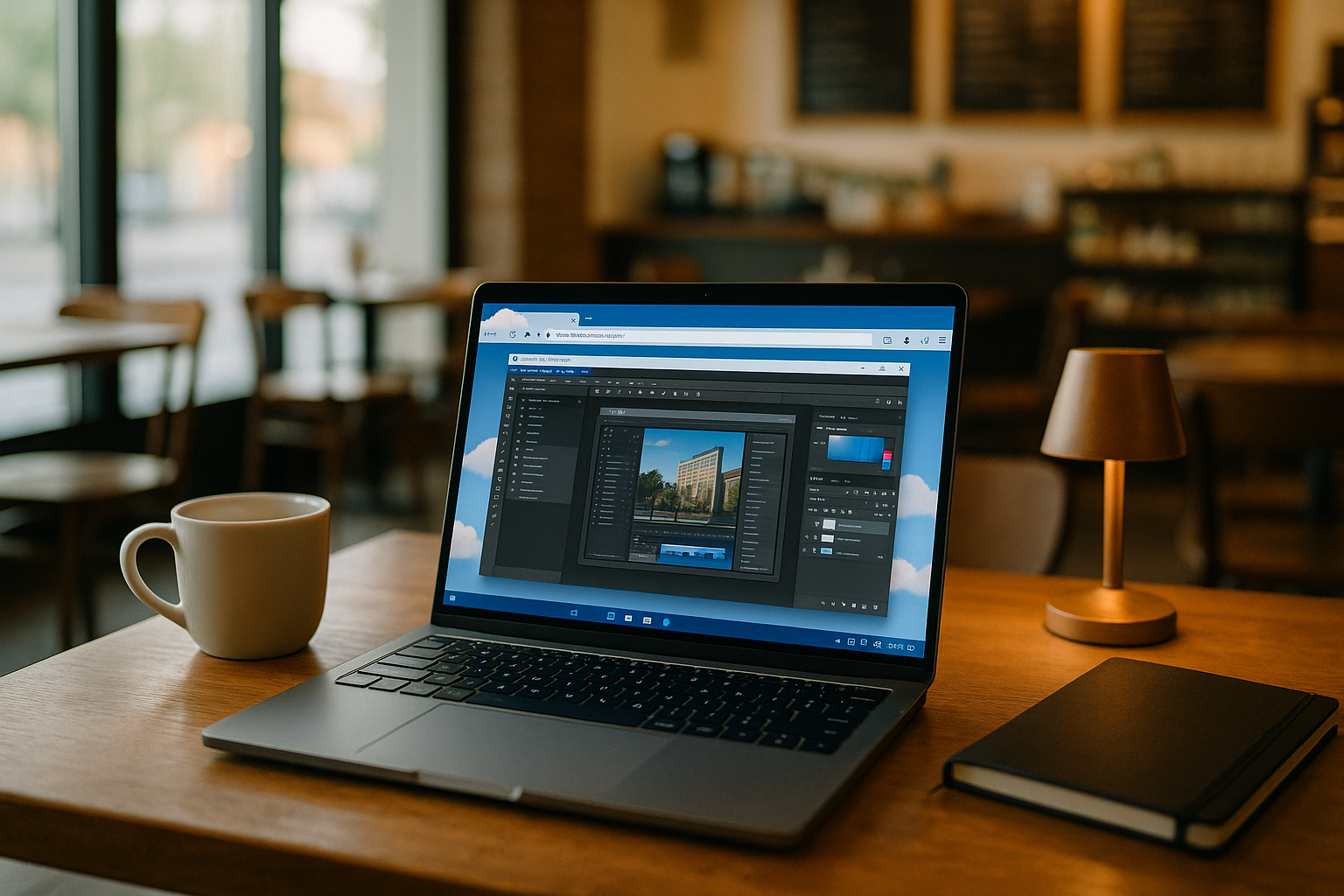
A PC in cloud can provide a separate Windows environment where you install the software you need and continue working while the original setup is repaired. Instead of changing the machine that failed, you have another way to access your Windows software and keep the task moving.
Why Rebuilding Your Primary PC Is the Wrong Emergency Fix
When a Windows application fails immediately before delivery, rebuilding the primary machine is rarely the first thing you want to do. But under deadline pressure, setting up partitions, drivers, and activation is slow and fragile. Dual‑boot means long reboots, missing device drivers, Secure Boot hurdles, and the risk of breaking your current environment or backup chain. On Macs, Boot Camp is limited; on Linux and Chromebooks, workarounds are brittle or blocked by policy. Even if you succeed, you still need admin rights, compliance checks, and time to reconfigure plugins and paths. The problem is not that local Windows cannot work; it is that rebuilding it is a poor emergency response when the deadline is already running.
What a Reliable Windows Fallback Needs
Instead of rebuilding the machine that failed, you can open a separate Windows environment and continue working with the software you need. This PC in cloud fallback keeps your primary system untouched while giving you another place to install the required app version, plugins, and utilities. If the original computer is unavailable, you can also move to another device and continue the task without turning the incident into a full system migration.
The value of a fallback environment is not that it replaces your main workstation. It gives you another route into the workflow when the normal one is blocked. You can restore access to the required software first and troubleshoot the original installation separately, rather than spending the remaining time before a deadline on emergency repairs.
Aristeem and a Virtual Windows Desktop in Your Browser
Founded in 2024, Aristeem began as a cloud service for engineers, designers, and analysts who needed immediate access to professional software. Listening to users, we refined performance, session stability, and install workflows. Today it offers a virtual Windows machine that runs in your browser without replacing the OS on your device. We continue expanding flexibility so you can install exact versions, plugins, drivers, and use your own licenses. In an urgent situation, a PC in cloud session can provide a separate Windows environment when the software on your primary machine is unavailable.
Stay Productive With a Cloud PC Fallback
When a Windows application fails at the worst possible moment, a prepared cloud PC fallback gives you another environment to continue working while the original installation is repaired. Keep the required software, licenses, files, and plugins ready so you can resume without rebuilding your main setup.
Aristeem Work provides a separate Windows environment in the cloud for accessing the professional software you need when your primary PC is unavailable.


