


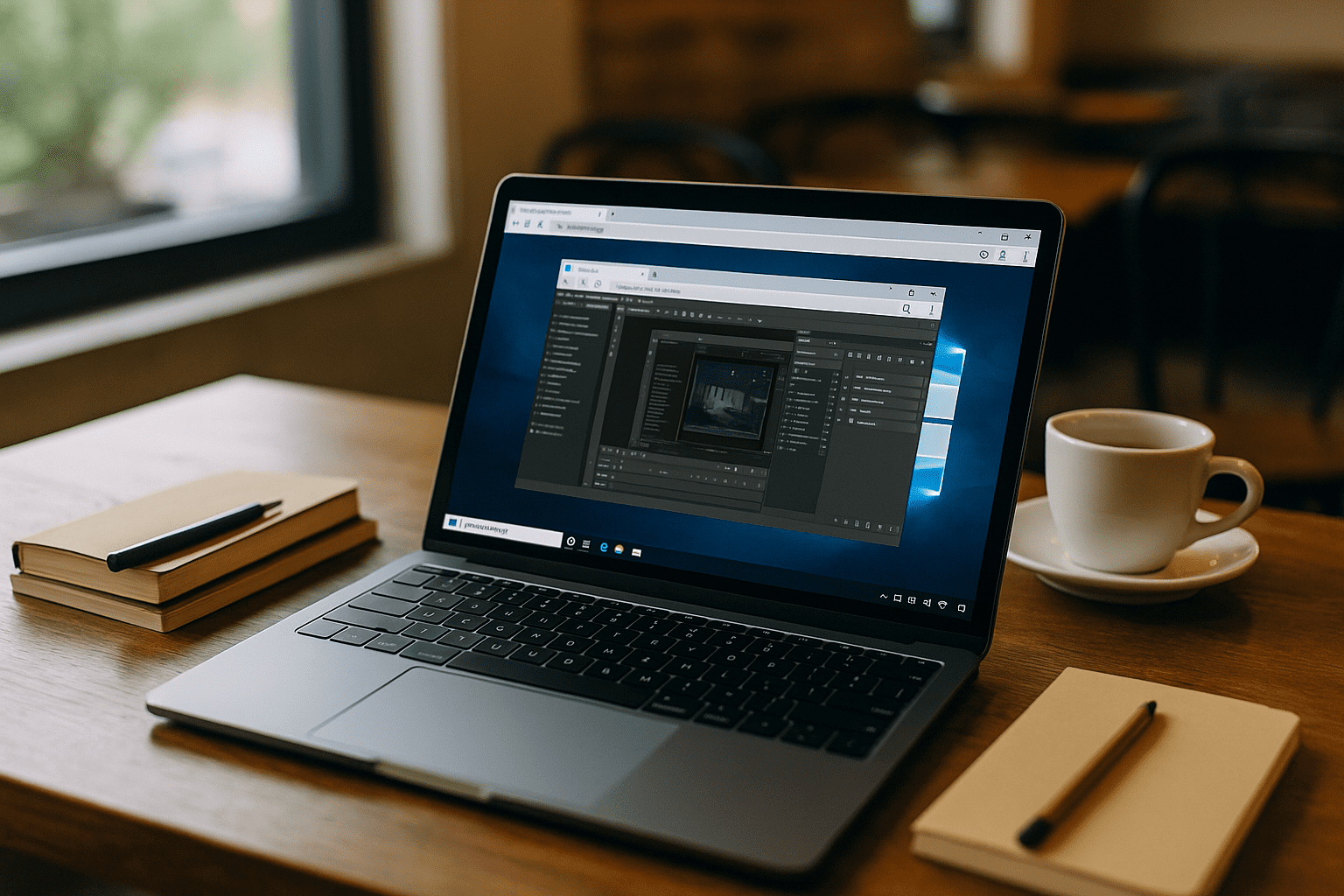

When you need to run Windows-only tools on a Mac, the plan quickly collides with real-world limits. Corporate Macs often block kernel extensions, drivers, and hypervisors, preventing teams from starting local virtualization software without endless IT approval tickets. Even on personal devices, storage budgets are tight, fans spin up, battery life drains, and license managers frequently break when you attempt to dual-boot or virtualize.
Professionals who must run Windows apps on macOS just want to get into their project files — not babysit installers, hardware drivers, and system reboots.
The Apple Silicon Trap: Why Traditional VMs Still Fail Mac Power Users
Many teams try installing Windows directly by partitioning disks, managing local drivers, and juggling activation keys. However, the transition to modern Apple Silicon (M1/M2/M3/M4 chips) has completely changed how a virtual machine for PC behaves on Apple hardware:
-
No Native Dual-Boot: Classic bare-metal setups like Boot Camp are not supported on ARM-based Mac architecture.
-
The Emulation Bottleneck: Forcing a local ARM-based VM to execute heavy legacy x86/x64 compiler tools, specialized engineering plugins, or database drivers causes severe instruction-translation lag.
-
Hardware Resource Exhaustion: Running complex local simulations triggers heavy multi-threaded processes that quickly saturate Mac memory, leading to thermal throttling and system-wide lag.
-
Graphics Pipeline Restrictions: Local hypervisors struggle to pass through native GPU capabilities to the guest OS, breaking workflows that rely on advanced rendering pipelines or real-time 3D viewports.
In practice, a local Virtual Machine for PC becomes a fragile, high-maintenance setup that slows collaboration and invites support tickets — far from the quick win it was supposed to be.
Run Heavy PC Software on Mac With Aristeem
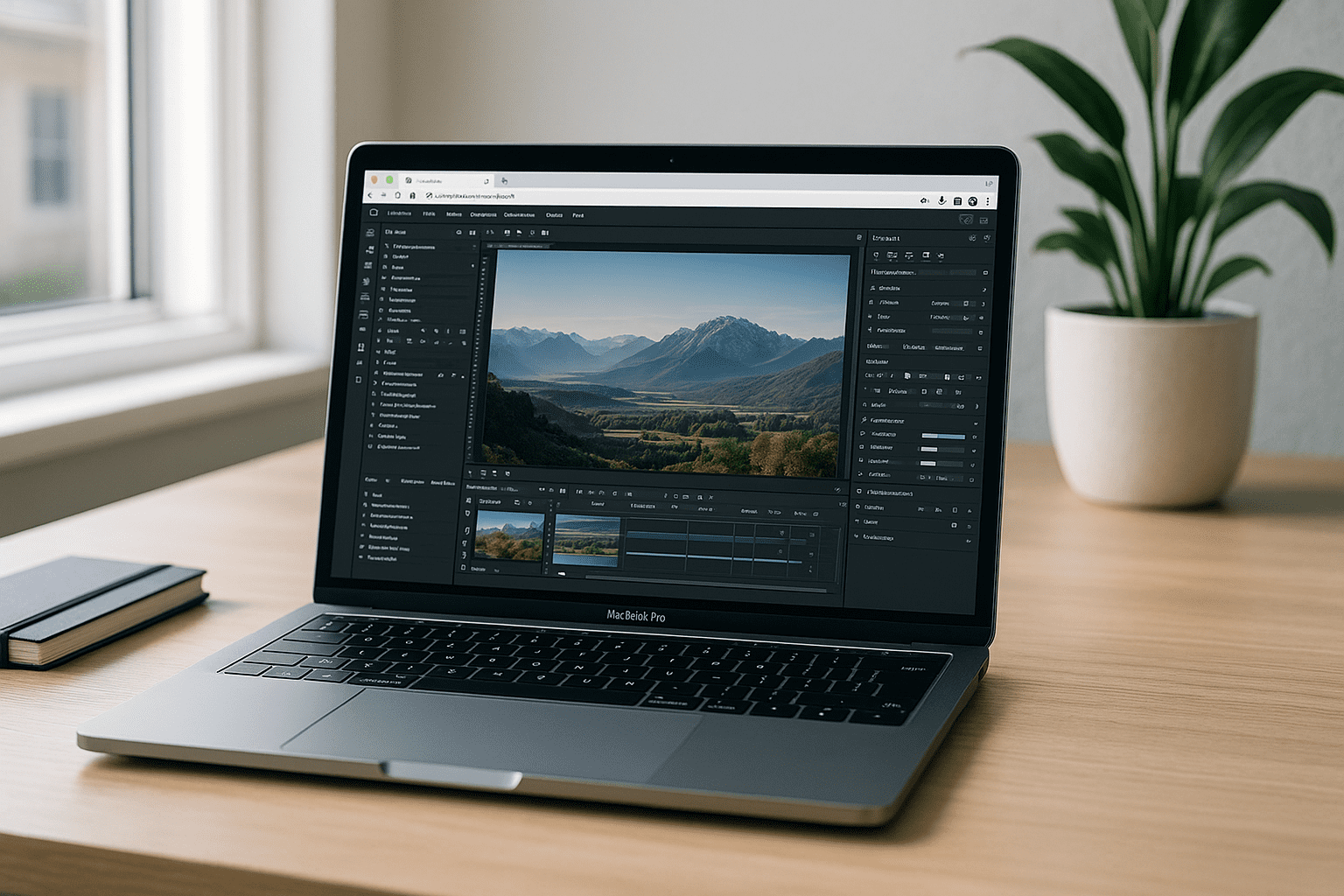
Aristeem delivers a full, production-ready x64 Windows desktop environment inside your standard web browser.
[Your Mac (ARM)] —> [Web Browser] —> [Aristeem Cloud Engine (Native x64 + Dedicated GPU)]
Open your library, select the required tool, and click Launch. Applications come pre-installed and pre-configured, meaning you only bring your own license if the specific software requires it.
Why Mac Power Users Choose Aristeem:
-
Native x64 Execution: Zero instruction-translation overhead on Apple Silicon cores.
-
GPU-Accelerated Performance: Full hardware acceleration for demanding graphics pipelines.
-
Zero Local Footprint: No large disk images, manual snapshots, or battery drain.
-
Seamless File I/O: Straightforward file management via integrated cloud storage or direct uploads.
To see how demanding 3D software and rendering pipelines behave in this infrastructure, you can explore our guide on running heavy graphics and CAD design tools in a cloud PC. Aristeem provides an instant workspace that removes the friction traditional local virtualization creates.
Conclusion: A Faster Path to Production
If your goal is to open critical PC tools on a Mac without local install roadblocks, Aristeem’s browser-first workflow replaces complexity with speed. You avoid partitions, admin tickets, and performance drift, yet keep full-featured desktops for real production work — making it the most efficient way to replace a local virtual machine for PC.


