


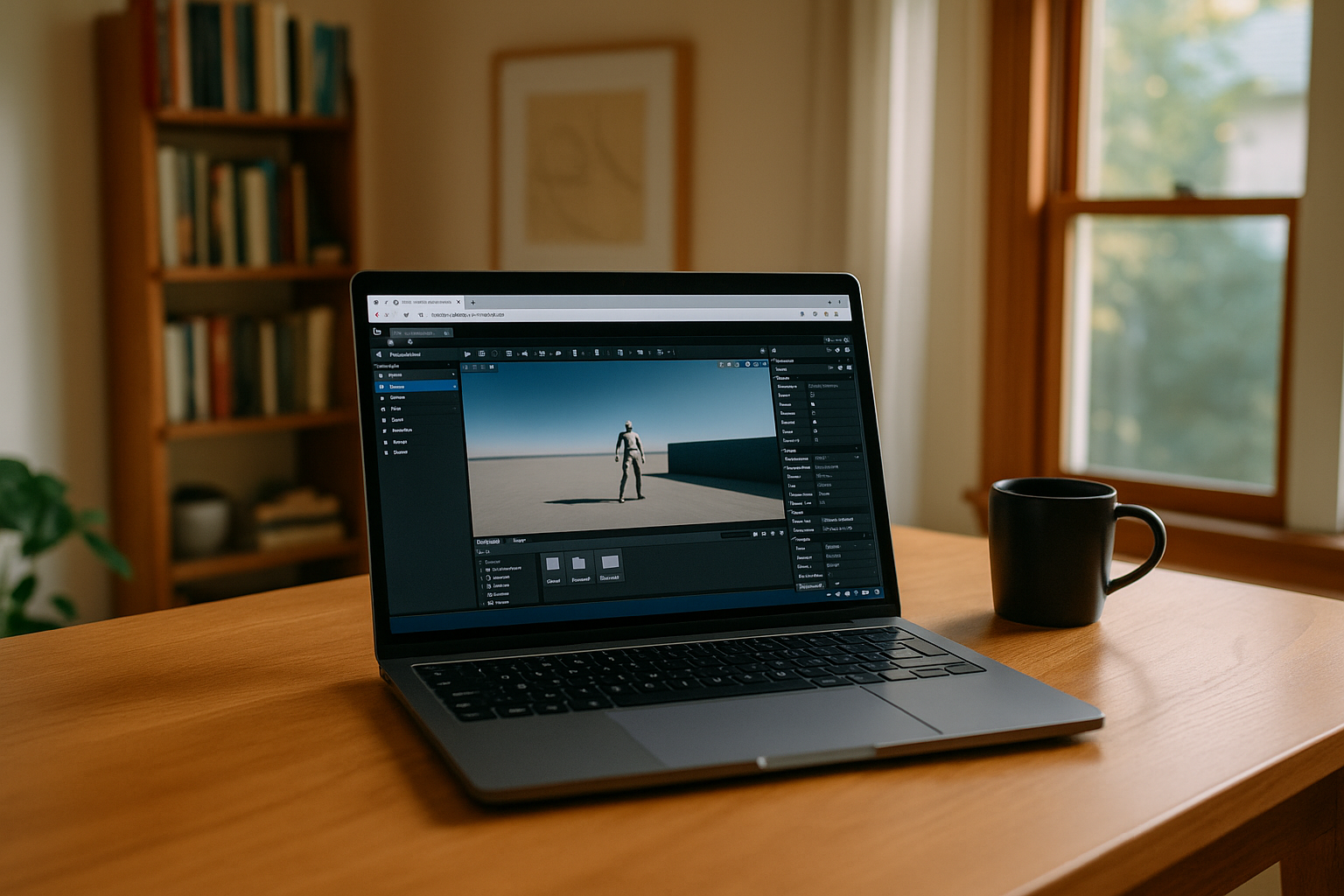
Unreal Engine is one of the most advanced real-time 3D development platforms used for games, simulations, virtual production, and interactive experiences. Understanding its core features and workflow is essential for anyone starting with the engine or planning to build professional projects.
Core Features of Unreal Engine
Unreal Engine is built around a modular system that allows developers to create complex real-time environments with high efficiency.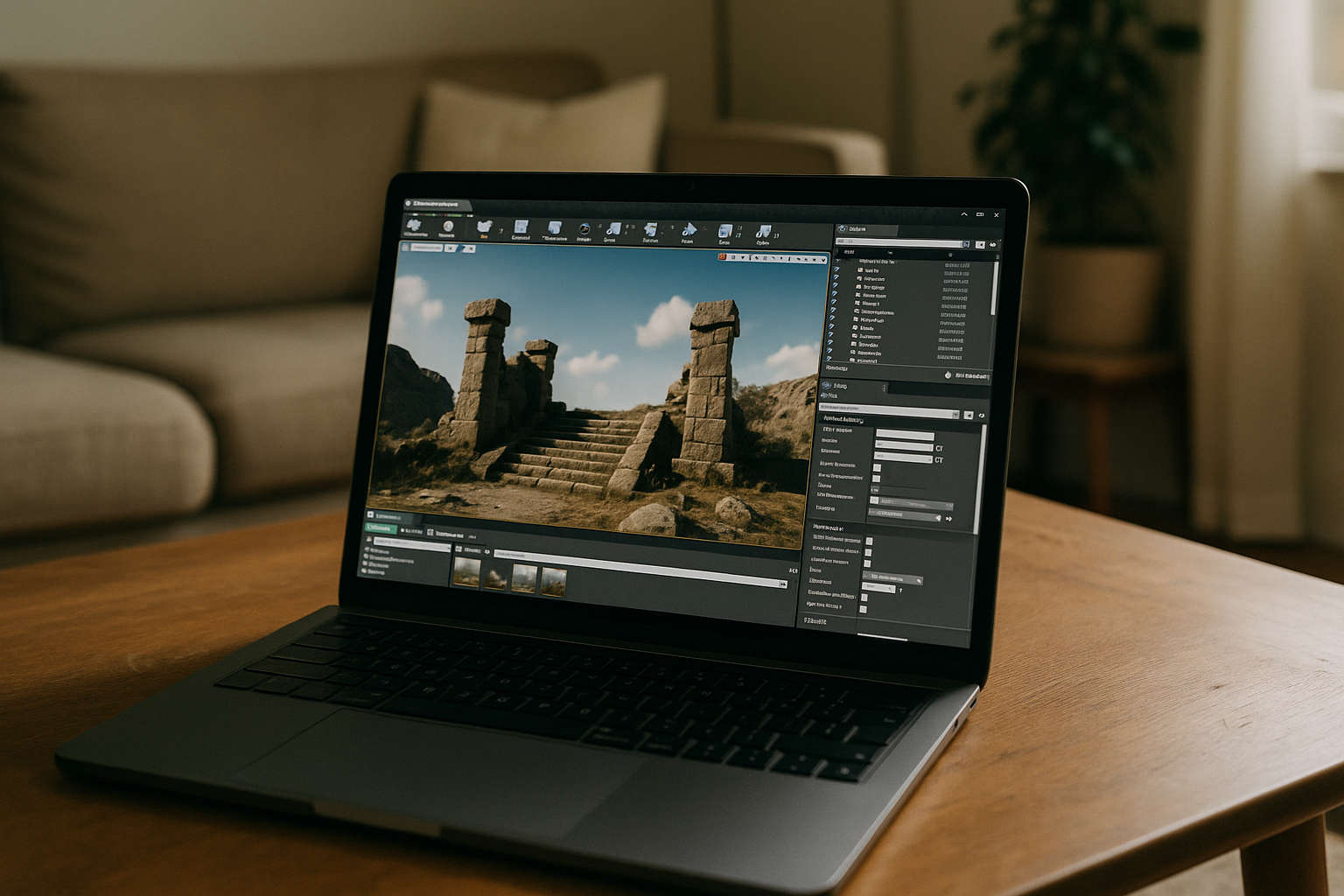
1. Blueprints Visual Scripting
Blueprints allow developers to build gameplay logic without writing code. This system is especially useful for designers and beginners, enabling fast prototyping and iteration.
2. Rendering System
Unreal Engine includes a highly advanced rendering pipeline capable of real-time global illumination, physically based rendering, and cinematic-quality visuals.
3. Niagara VFX System
Niagara is a powerful particle system used for creating visual effects such as fire, smoke, explosions, and complex simulations.
4. MetaSounds Audio System
MetaSounds provides full control over audio design, allowing procedural and dynamic sound creation directly inside the engine.
5. Sequencer for Cinematics
Sequencer is a built-in tool for creating cinematic sequences, cutscenes, and animation timelines used in games and virtual production.
Unreal Engine Workflow Overview
The Unreal Engine workflow is structured around iterative development and real-time feedback.
Step 1: Project Setup
A project begins by defining templates, assets, and target platforms. At this stage, developers often decide whether they are working for desktop or mobile environments.
Step 2: Asset Creation
3D models, textures, animations, and audio assets are imported or created using external tools and integrated into Unreal Engine.
Step 3: Gameplay Development
Gameplay systems are built using Blueprints or C++. This includes character movement, physics, interactions, and game logic.
Step 4: Lighting & Environment Design
Lighting plays a crucial role in Unreal Engine. Features like Lumen allow real-time global illumination, creating realistic environments.
Step 5: Testing & Optimization
Projects are continuously tested and optimized for performance across platforms, including desktop and cloud environments.
Platform Flexibility
Although Unreal Engine is primarily designed for high-performance desktops, modern workflows extend beyond traditional systems.
For example:
- Unreal Engine for Linux provides flexibility for developers working in open-source environments.
- Unreal Engine for Mac is widely used in creative industries for cinematic production.
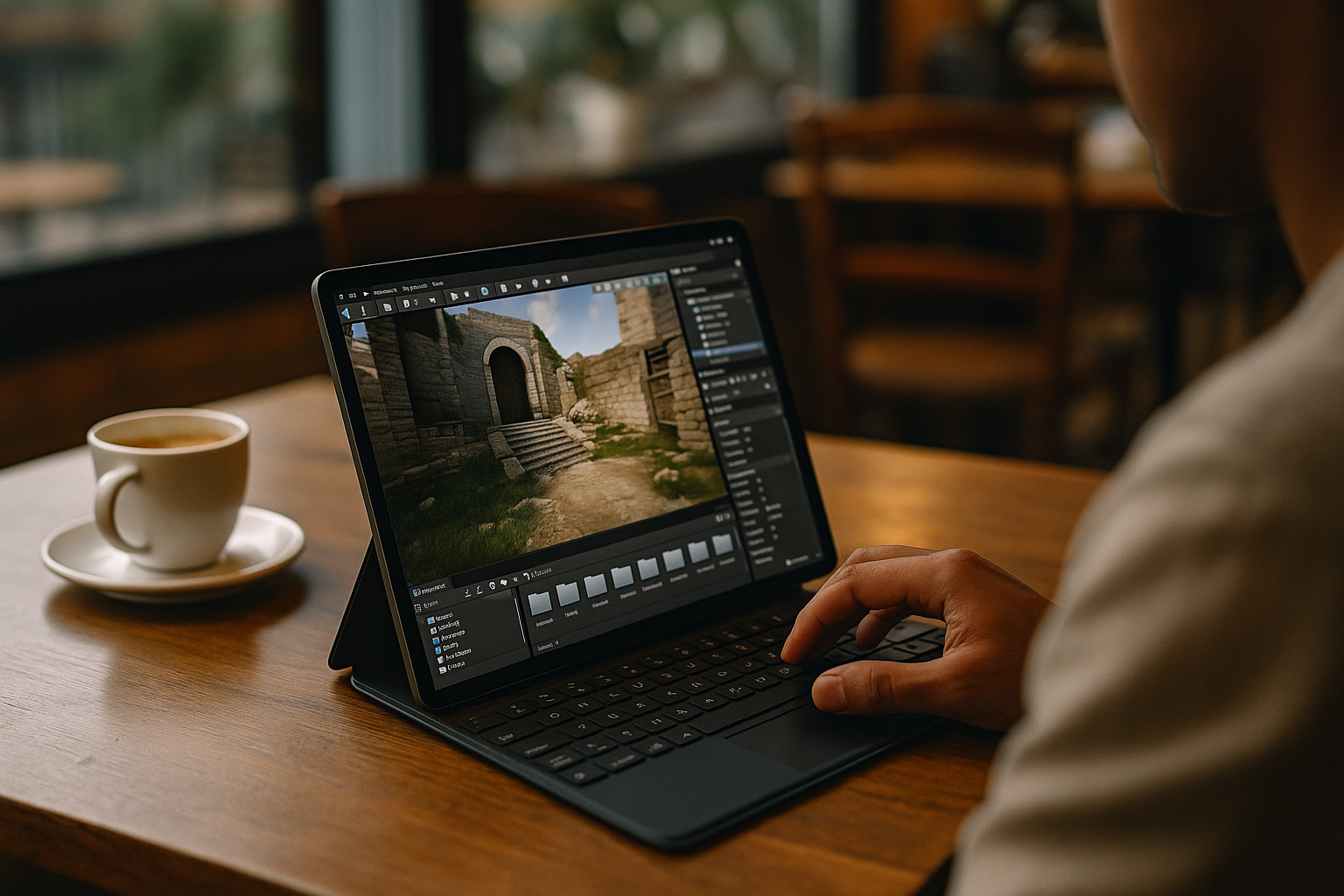
- Unreal Engine for Android enables mobile testing and lightweight project interaction.
Each platform has its own limitations, which is why many developers also explore cloud-based solutions for more flexibility.
Unreal Engine Plugins Ecosystem
A major advantage of Unreal Engine is its extensibility through plugins. The ecosystem includes tools for AI, rendering optimization, animation systems, and networking.
You can explore more in our dedicated guide: Unreal Engine Plugins, where we cover how plugins expand engine functionality and improve development workflows.
Conclusion
Unreal Engine combines powerful rendering, flexible scripting systems, and a scalable workflow that supports a wide range of creative and technical projects. However, its full potential is often tied to high-performance hardware and platform-specific setups.
While Unreal Engine can be used across systems like Linux, Mac, and Android, these environments still come with limitations in setup complexity, performance, or accessibility. This is where cloud-based workflows become increasingly relevant.
Aristeem extends the Unreal Engine workflow beyond traditional platform boundaries, making professional development possible from virtually any device. By using Aristeem as a cloud development environment, Unreal Engine becomes accessible without local installation, hardware restrictions, or system dependencies. It allows developers to focus entirely on building, testing, and iterating projects.


