


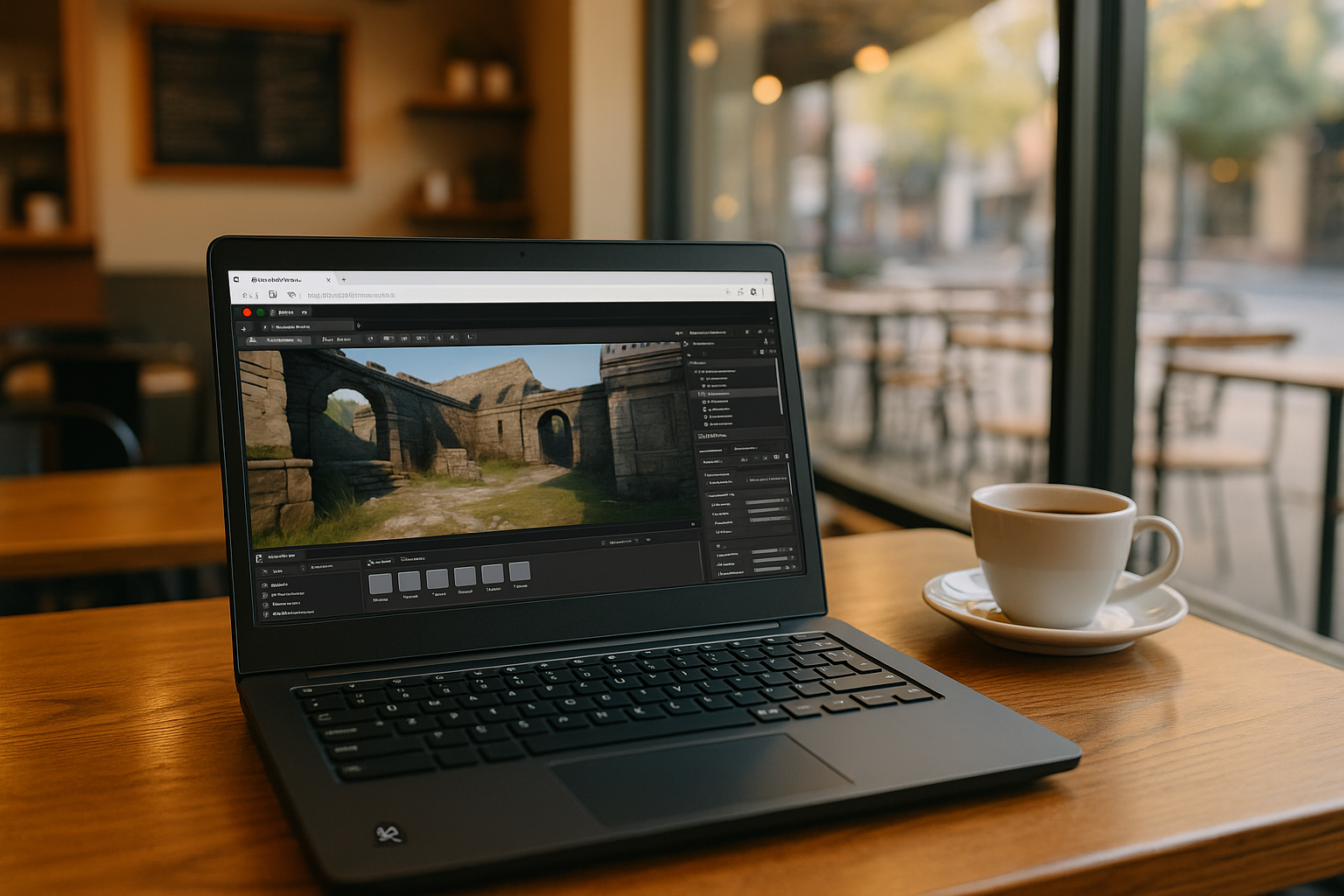
Unreal Engine for Linux is a supported option for developers who want to build games, interactive experiences, and real-time 3D projects without switching to Windows. Epic Games provides Linux development resources, but the actual setup depends on the engine version, distribution, graphics drivers, and development tools.
For Linux users, the main considerations are hardware compatibility, installation requirements, compiling the engine, and maintaining a stable development environment. If your Linux computer cannot handle demanding Unreal Engine projects, you can also use a separate Windows cloud PC to run the Windows version of Unreal Engine without upgrading your local hardware.
What Makes Unreal Engine on Linux Challenging?
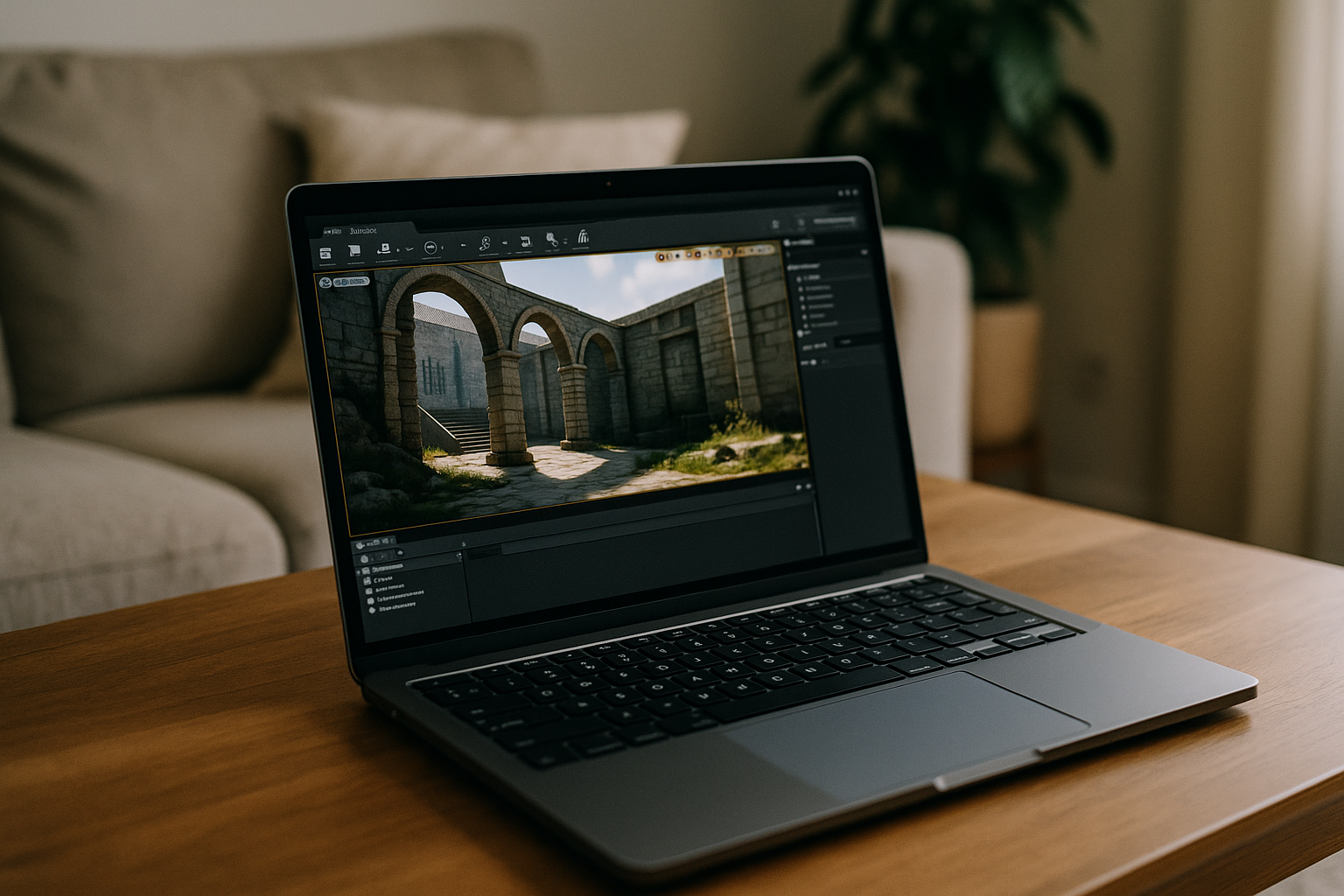
Running Unreal Engine on Linux requires more than meeting basic hardware specifications. Developers need a compatible Linux distribution, supported graphics drivers, the required compiler and libraries, and a suitable development environment.
Some installation workflows use precompiled engine builds, while others require building Unreal Engine from source. The exact process depends on the engine version and the tools or features a developer needs.
Performance is another consideration. Large projects, complex scenes, shader compilation, and real-time rendering can put significant demands on the CPU, GPU, memory, and storage. A system that handles basic projects may struggle with more demanding production workloads.
Unreal Engine for Linux: System Requirements
Epic Games publishes Linux-specific hardware and software recommendations for Unreal Engine. For UE 5.8, its recommended configuration includes:
- Recommended OS: Ubuntu 22.04; Rocky Linux 8 is also supported for development
- Processor: Quad-core Intel or AMD CPU, 2.5 GHz or faster
- Memory: 24 GB DDR5
- Graphics card: NVIDIA GeForce RTX 2080 or equivalent
- Graphics memory: 8 GB or more
- Graphics drivers: Vulkan with AMD RADV 24.2.8 or newer (25.0.0+ recommended), or NVIDIA 570 or newer.
- Graphics API: Vulkan with a supported driver
These are recommended specifications for smooth editor performance, not universal minimum requirements for every project. Actual resource needs depend on scene complexity, rendering features, project size, and development workload.
For larger environments, advanced rendering, and intensive shader compilation, additional memory and GPU resources may be useful.
When a Windows Cloud PC Makes Sense for Linux Users
Native Linux support makes Unreal Engine available without switching operating systems. However, developers may still need another environment if their local computer lacks the GPU resources required for demanding projects, or if their workflow depends on Windows-specific tools.
A Windows cloud PC offers a separate way to run Unreal Engine. Instead of installing Windows or replacing Linux on the local computer, users connect to a remote Windows desktop and install the Windows version of the software there. Their Linux device is used to access the cloud PC, while the engine runs in its Windows environment.
Running Unreal Engine on a Windows Cloud PC with Aristeem
Aristeem gives Linux users access to a separate Windows cloud PC where they can install and run the Windows version of Unreal Engine. This is an alternative for developers whose local hardware is not powerful enough for their projects or who need access to Windows-based development tools.
You do not need to replace Linux, set up dual boot, or maintain a local Windows installation. Connect to the cloud PC from your Linux device through a browser, install Unreal Engine and any required plugins or additional tools, and work in the remote Windows environment. If you want to explore the engine’s capabilities and built-in development tools, see our guide to Unreal Engine features.
You remain responsible for installing and configuring the software and using the appropriate software licenses. Your local Linux system remains available for other tasks.
How to Run Unreal Engine on Linux Through Aristeem
Getting started with a Windows cloud PC involves a few steps:
- Choose an Aristeem plan — select a cloud PC configuration that suits your development workload.
- Connect from Linux — open your cloud Windows desktop through a browser on your Linux computer.
- Install Unreal Engine — download and install the Windows version of Unreal Engine, along with any plugins and tools you need. Use your own software license if required.
- Start developing — run Unreal Engine in the cloud Windows environment while continuing to use Linux on your local device.
Even lightweight Linux devices or older Ubuntu machines can access Unreal Engine through a Windows cloud PC. The engine runs in the remote environment, while the local device is used to connect to the desktop and stream its output.
Conclusion
Unreal Engine supports native development on Linux, but demanding projects still require suitable hardware, graphics drivers, and a compatible development environment. If your local computer cannot meet those needs, a Windows cloud PC offers another option.
With Aristeem, Linux users can access a separate Windows desktop, install Unreal Engine for Windows, and work on their projects without replacing their local operating system or upgrading their computer. Explore Unreal Engine online with Aristeem to learn more.


