


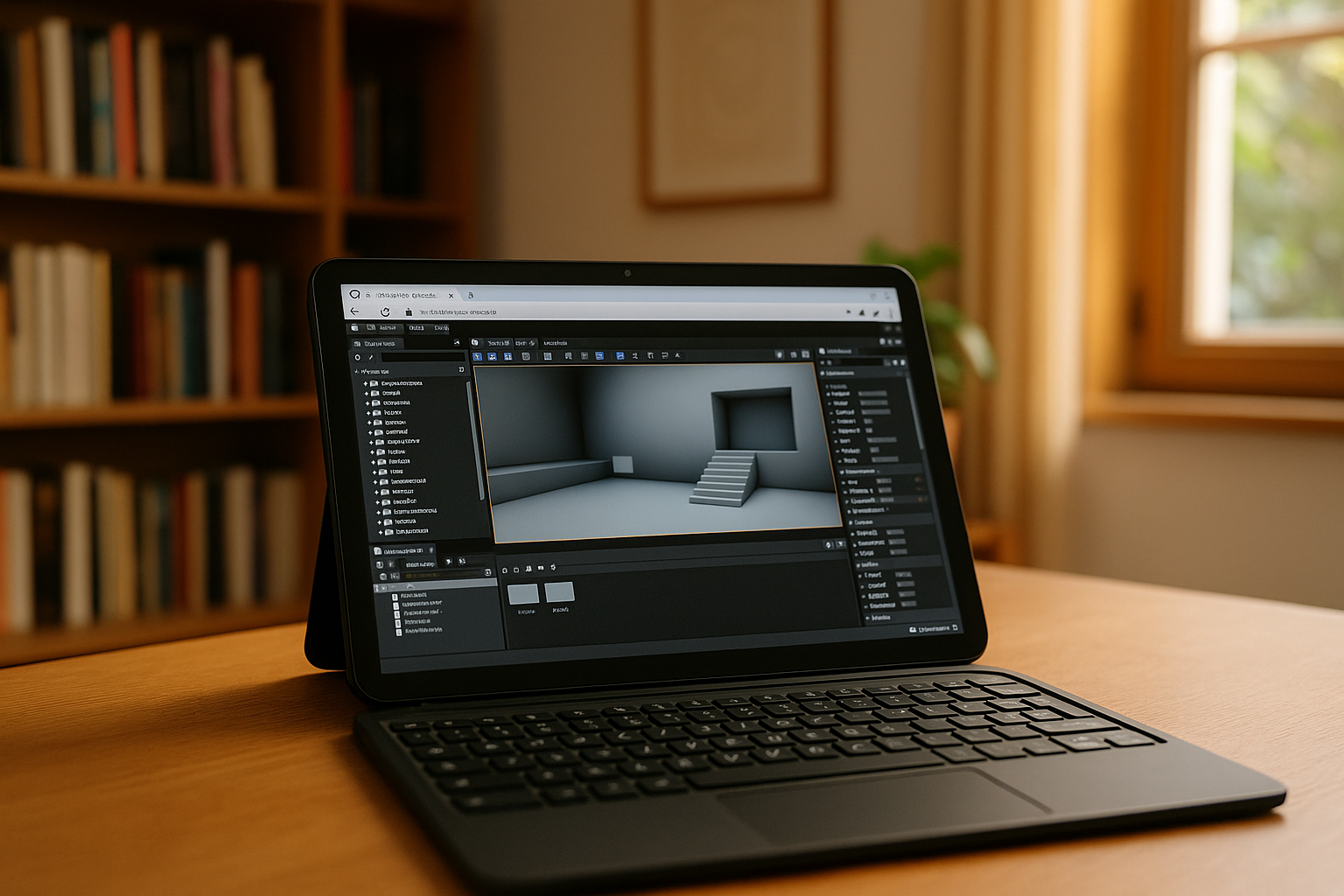
Unreal Engine is one of the most powerful real-time 3D development platforms, but many users still search for ways to run it on lightweight or mobile devices. Search queries show a clear demand for more flexible access to Unreal Engine beyond traditional desktop systems, especially on mobile and lightweight devices. You can learn more about Unreal Engine’s core systems, workflow, and capabilities in our guide to Unreal Engine Features, which explains how the engine works across different tools and platforms.
The reality is that Unreal Engine was designed primarily for high-performance desktop environments, which creates limitations for mobile and Chromebook users. However, modern cloud technologies provide practical solutions that make development possible on almost any device.
Unreal Engine on Android
Many users search for a UE app for Android, expecting a fully functional mobile version of Unreal Engine. However, Unreal Engine does not offer a full native editor for Android devices. Instead, Android is mainly used as a supporting platform for:
- Testing Unreal Engine projects
- Running built applications and games
- Remote access to development environments
Due to hardware limitations and Android’s system architecture, full-scale development is not feasible locally. As a result, most workflows that require real engine editing are moved to cloud-based environments, where developers can access the complete Unreal Engine remotely.
Unreal Engine on iPad
The interest in unreal engine ipad is growing as iPads become more powerful, especially with Apple Silicon chips. Despite this, Unreal Engine cannot run natively on iPadOS as a full editor.
However, iPads can still be used effectively for: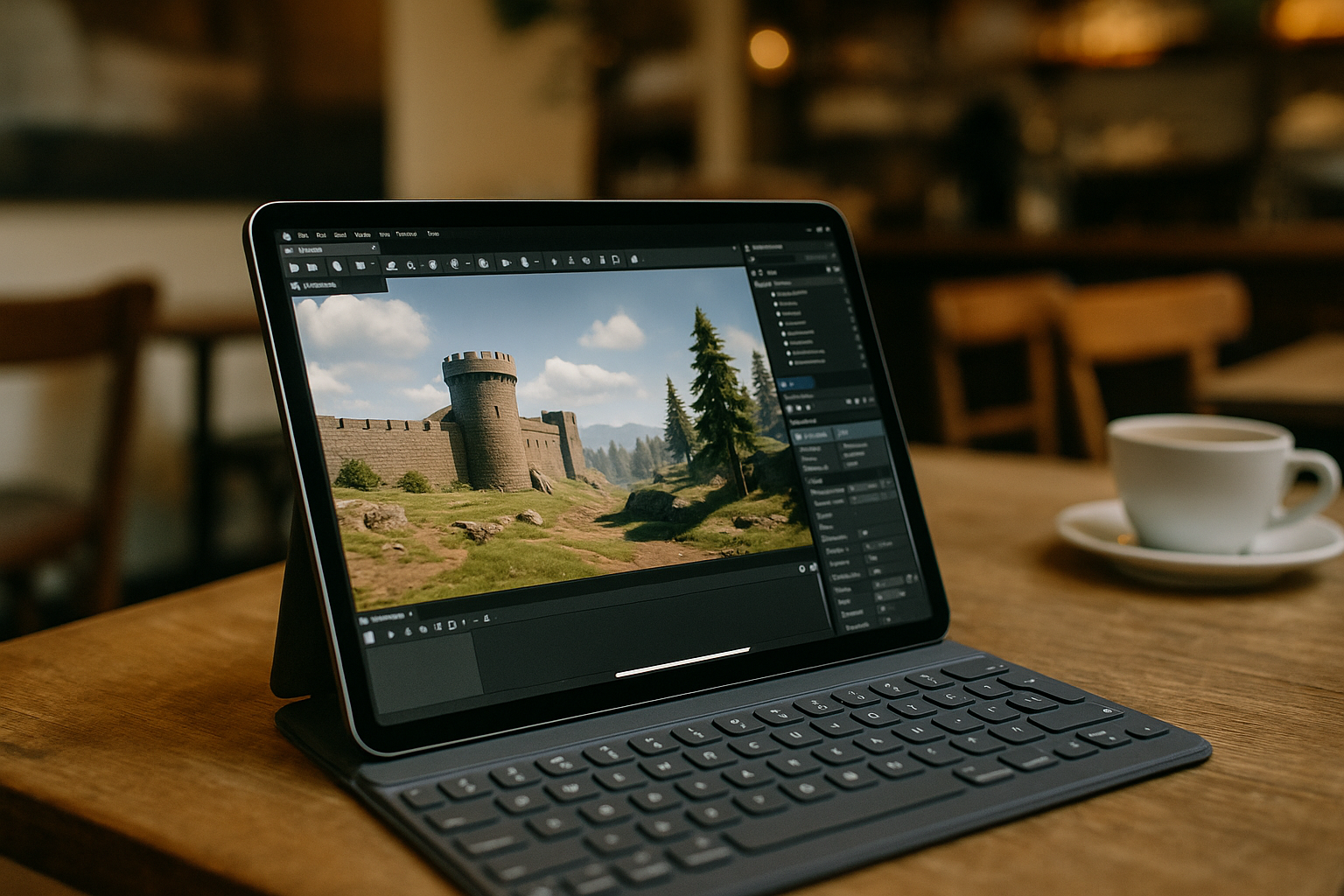
- Remote project monitoring
- Scene review and collaboration
- Cloud-based development workflows
With cloud computing, iPad users can interact with full Unreal Engine environments without local installation constraints.
Unreal Engine on Chromebook
Searches such as Unreal Engine on Chromebook and questions like how to get Unreal Engine on Chromebook reflect growing interest from users of lightweight ChromeOS devices who want to explore game development possibilities. However, Chromebook systems are not designed to handle heavy development tools like Unreal Engine. They lack native support for the editor and are limited in both performance and system-level access.
Key limitations include:
- Lack of native support for the Unreal Engine editor
- Limited GPU performance
- Restricted system-level access
Because of these constraints, installing Unreal Engine locally on a Chromebook is not practical. Instead, these devices are typically used as lightweight access points for remote or cloud-based development environments.
Which Devices Can Run Unreal Engine?
The table below summarizes what each device can realistically do with Unreal Engine. While mobile and ChromeOS devices cannot run the full editor natively, they can still support development through remote access and project testing.
| Device | Native editor | Remote access | Best use case |
|---|---|---|---|
| Android | ❌ | ✅ | Development, testing |
| iPad | ❌ | ✅ | Review, collaboration |
| Chromebook | ❌ | ✅ | Cloud development |
As the comparison shows, mobile devices work well for remote access and testing, but they cannot run the full Unreal Engine editor natively. This is why cloud-based development has become the most practical approach.
Why Cloud Workflows Are Replacing Local Limitations
Modern development pipelines are increasingly cloud-based because they remove traditional platform restrictions. Even professional environments now combine mobile devices with remote compute power.
In many workflows, tools like Unreal Engine plugins are pre-installed in cloud environments to streamline production and avoid manual configuration.
This is where Aristeem provides a practical way to access a full Unreal Engine environment directly from any device through the cloud without installation or hardware restrictions.
The Cloud Solution: Unreal Engine Online
Across all platforms — Android, iPad, and Chromebook — the most effective solution is cloud computing. Instead of relying on local hardware, users can access full development environments remotely.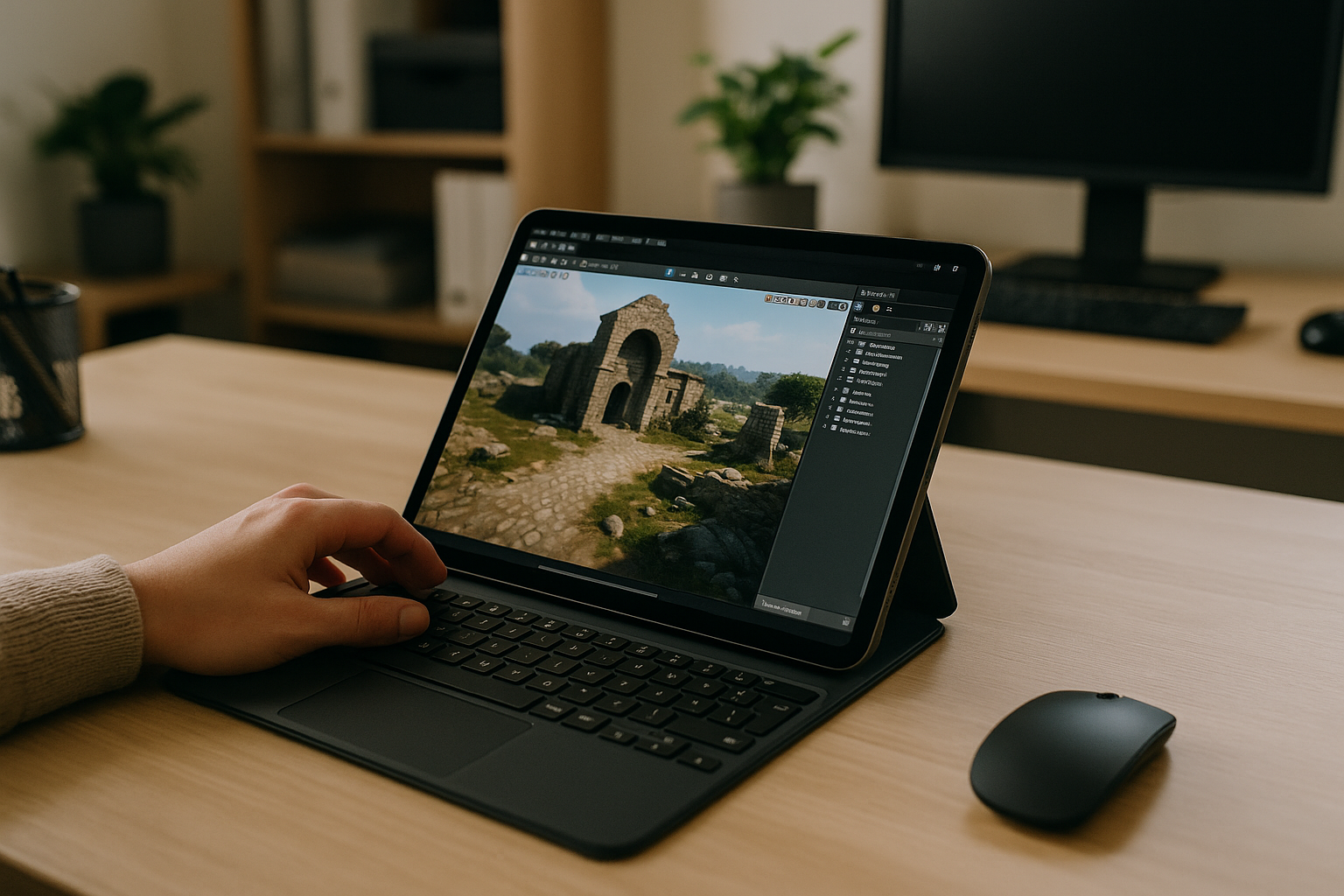
The Unreal Engine Online approach allows:
- Full editor access via browser or remote desktop
- High-performance rendering using server GPUs
- Cross-device compatibility
This eliminates the need for high-end local machines and makes development accessible anywhere.
Conclusion
Although Unreal Engine for Android, Unreal Engine iPad, and Unreal Engine for Chromebook are highly searched topics, none of these devices can run Unreal Engine natively in a complete development environment.
Aristeem solves this limitation by providing full Unreal Engine access from any device, turning Android phones, iPads, and Chromebooks into fully functional development tools through a cloud-based workspace.


