


Blog
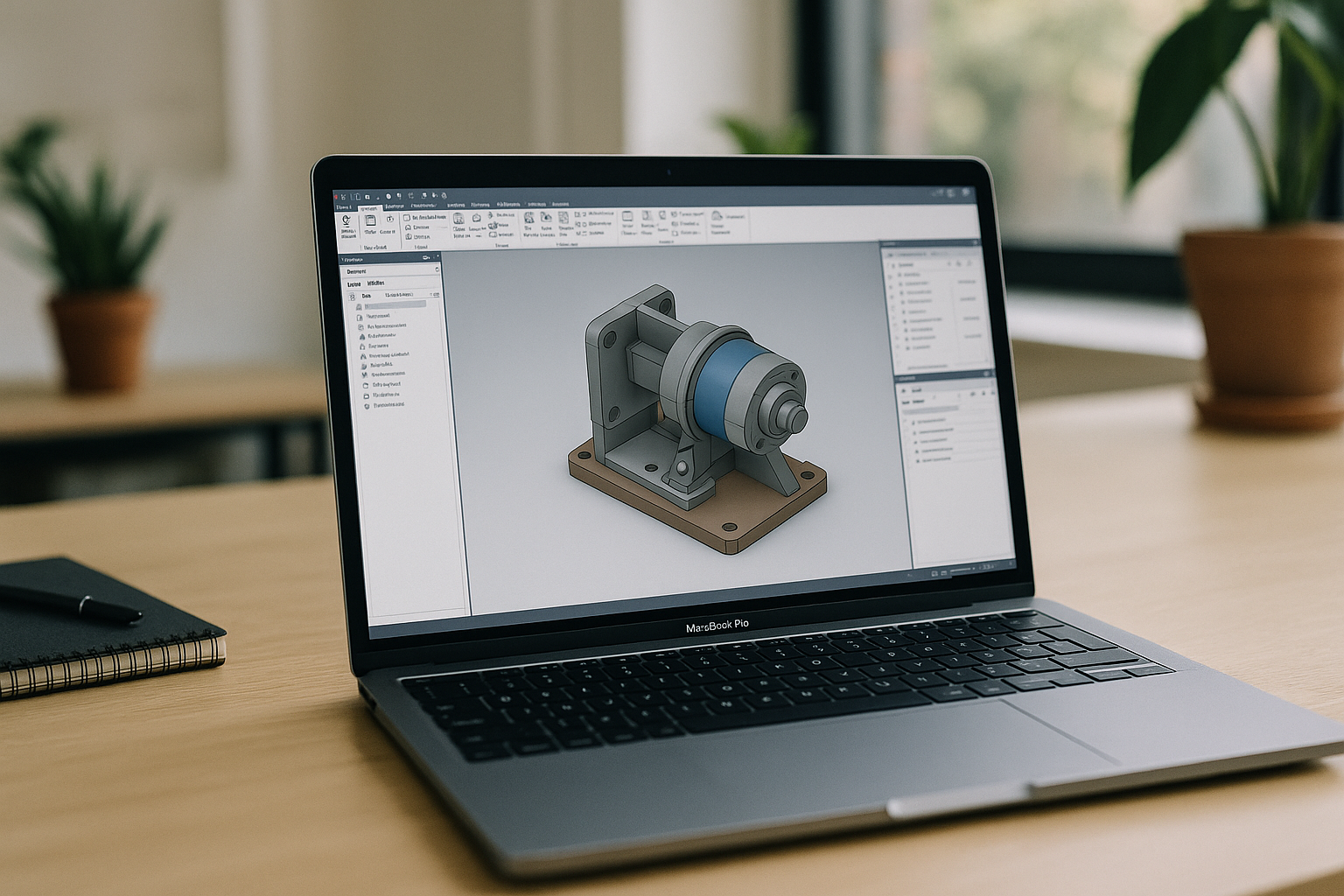
Autodesk Inventor on Mac: Full Power, No Installs
There’s no native Autodesk Inventor for Mac, and Apple Silicon complicates dual‑booting while local virtualization often fails on graphics acceleration—leaving teams stuck before deadlines. This article shows a fast, reliable way to use the full desktop app on a Mac without complex installs.
Read More
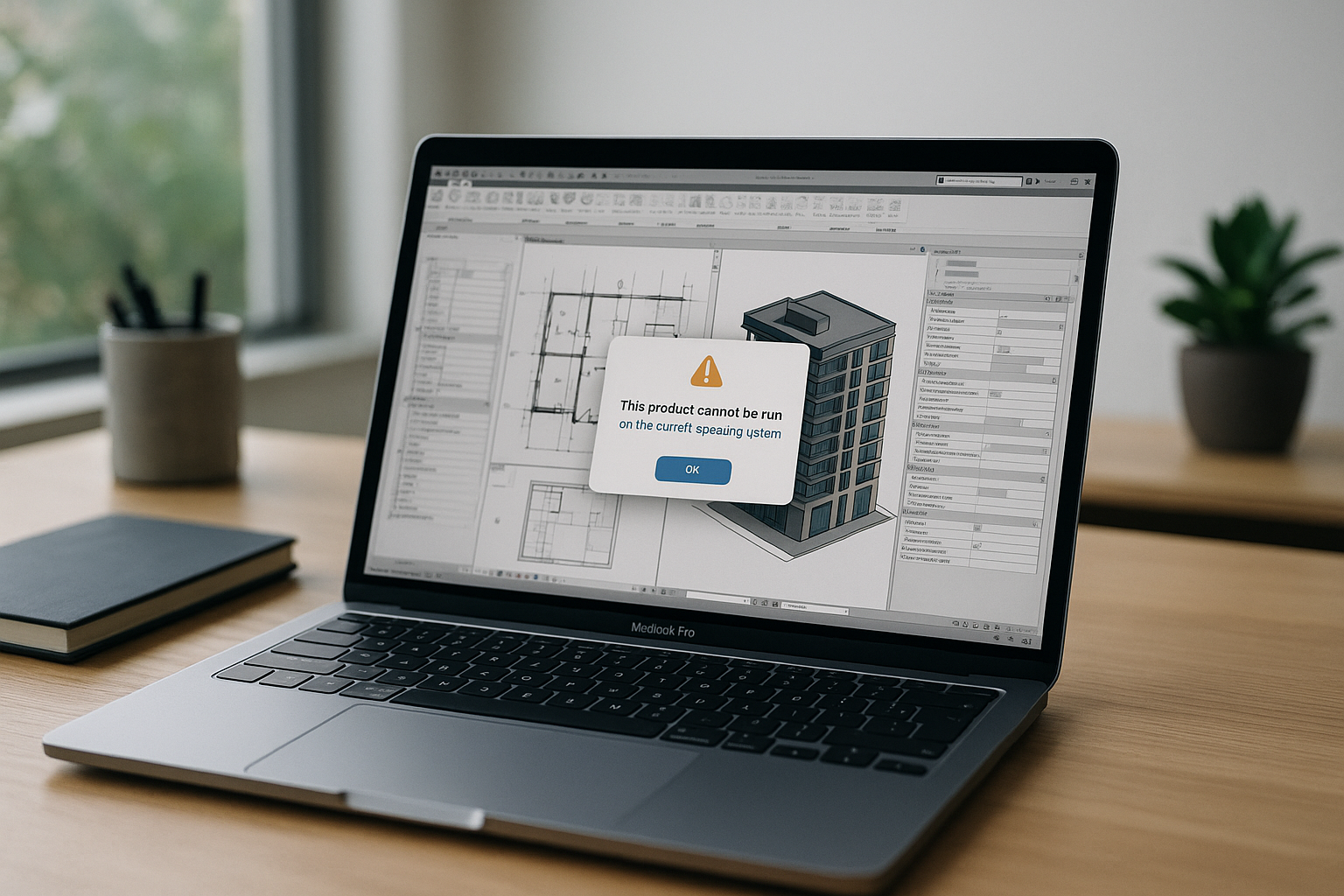
Revit on Mac: Why Heavy BIM Models Lag
Revit has no native macOS version, and Apple Silicon breaks traditional Boot Camp while many local VMs struggle with GPU acceleration and DirectX. See how to run full-performance Revit on Mac without complex setup or compromised graphics.
Read More
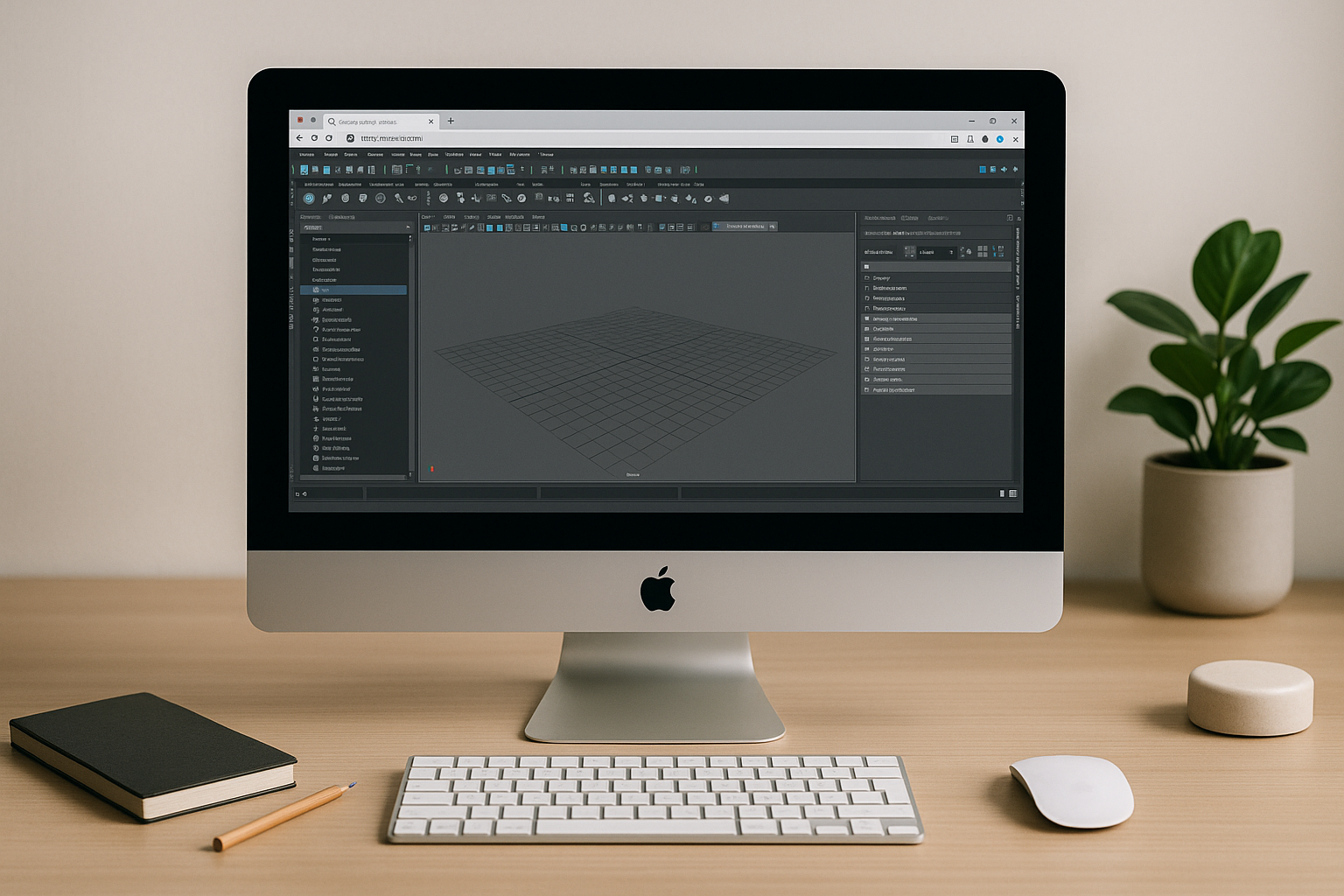
Full-Power Autodesk Maya on Mac — Straight in Your Browser
Long installs, broken plugins, and missing GPU features make heavy 3D work on Mac unreliable for Maya users. Here’s a stable way to get full performance and compatibility without touching your system.
Read More
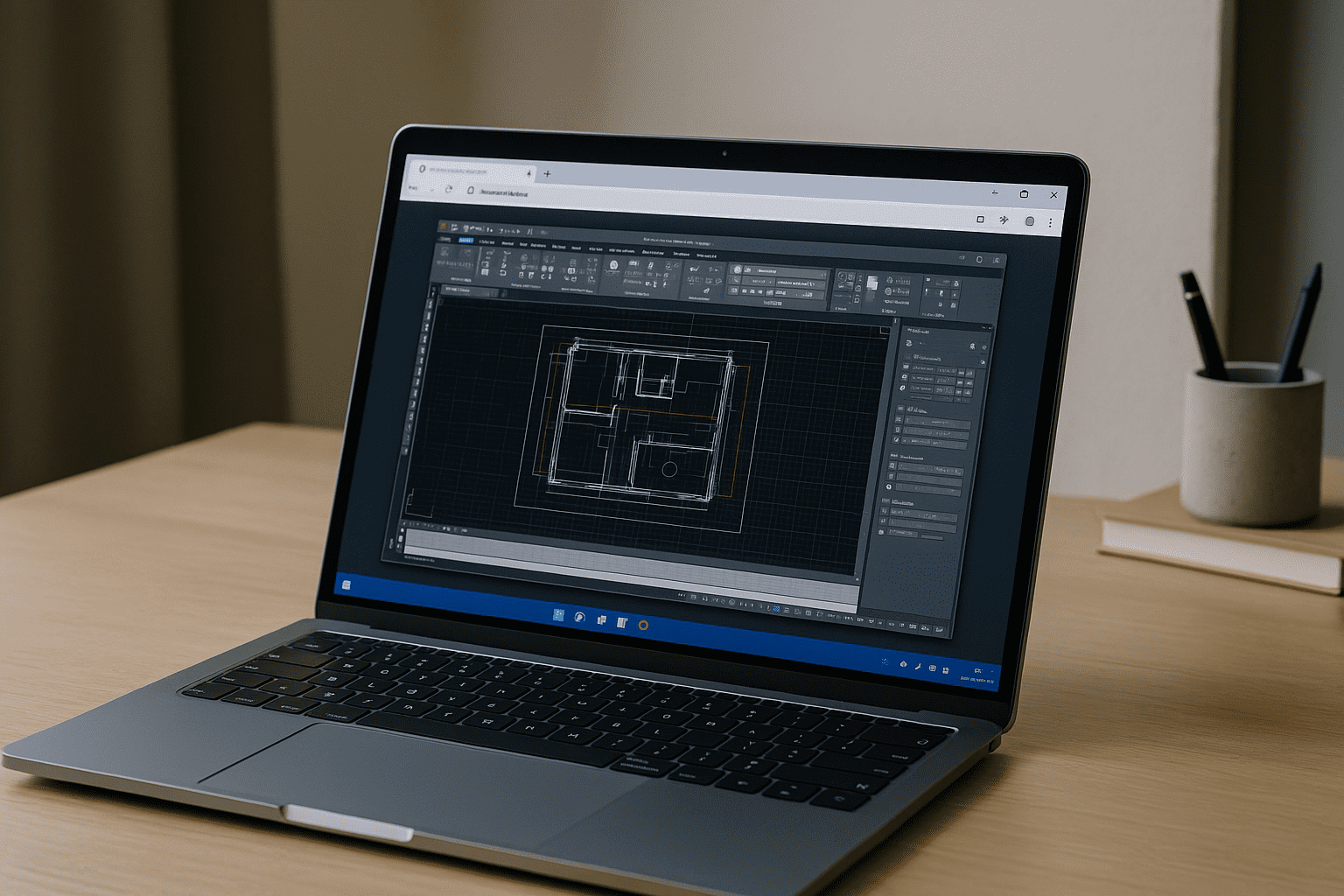
Bypassing Apple Silicon Limits for Heavy AutoCAD Projects
Let’s look at the engineering reality: why does native Mac hardware struggle with complex engineering models, and how does a dedicated cloud GPU bypass these limitations entirely?
Read More
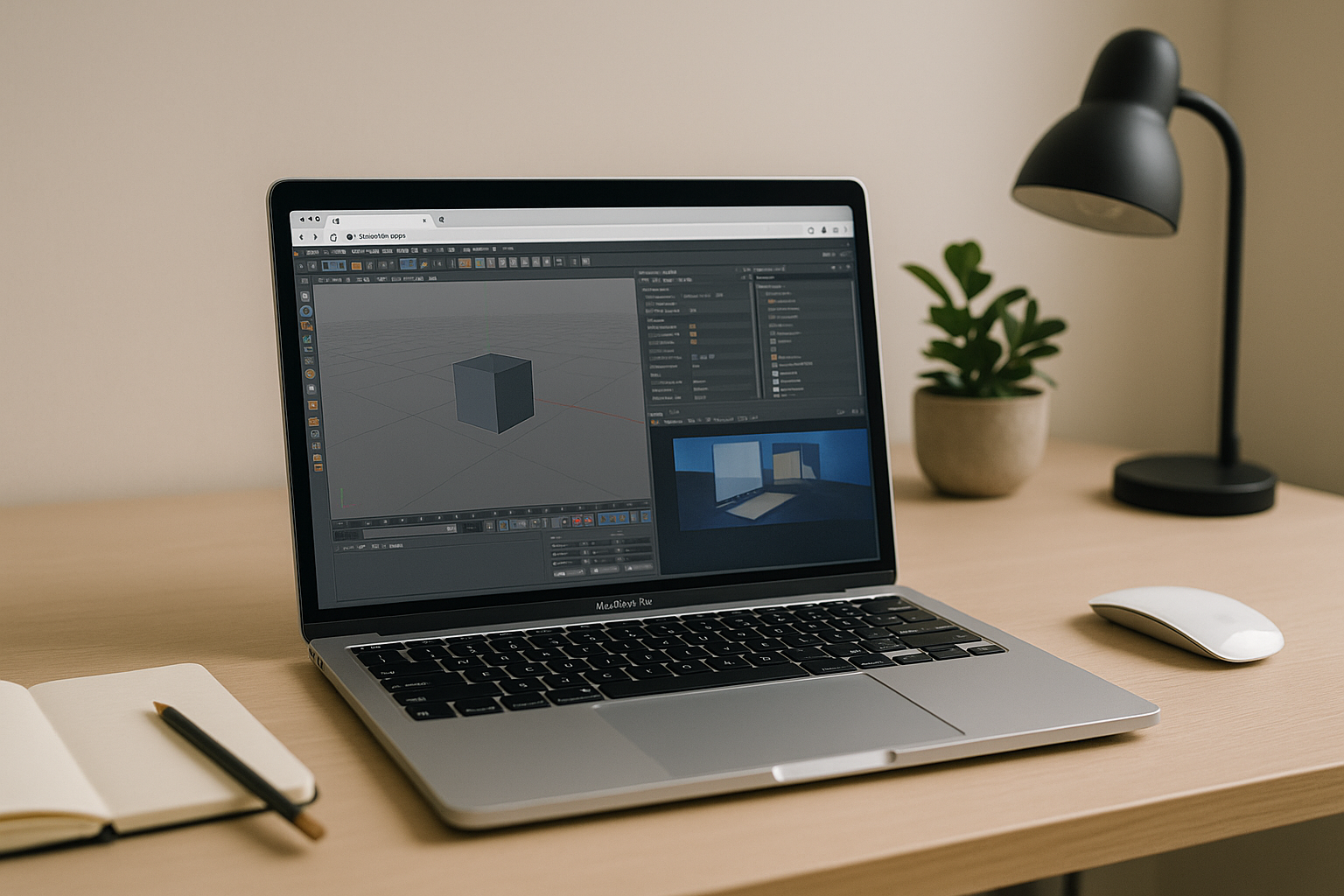
Cinema 4D for Mac: Render Faster on a Cloud GPU
Cinema 4D runs on macOS, but many MacBooks lack NVIDIA-class GPUs, causing slow previews and long render times with Chaos plugins. Rigid version requirements make local installs painful, stalling production on the road.
Read More
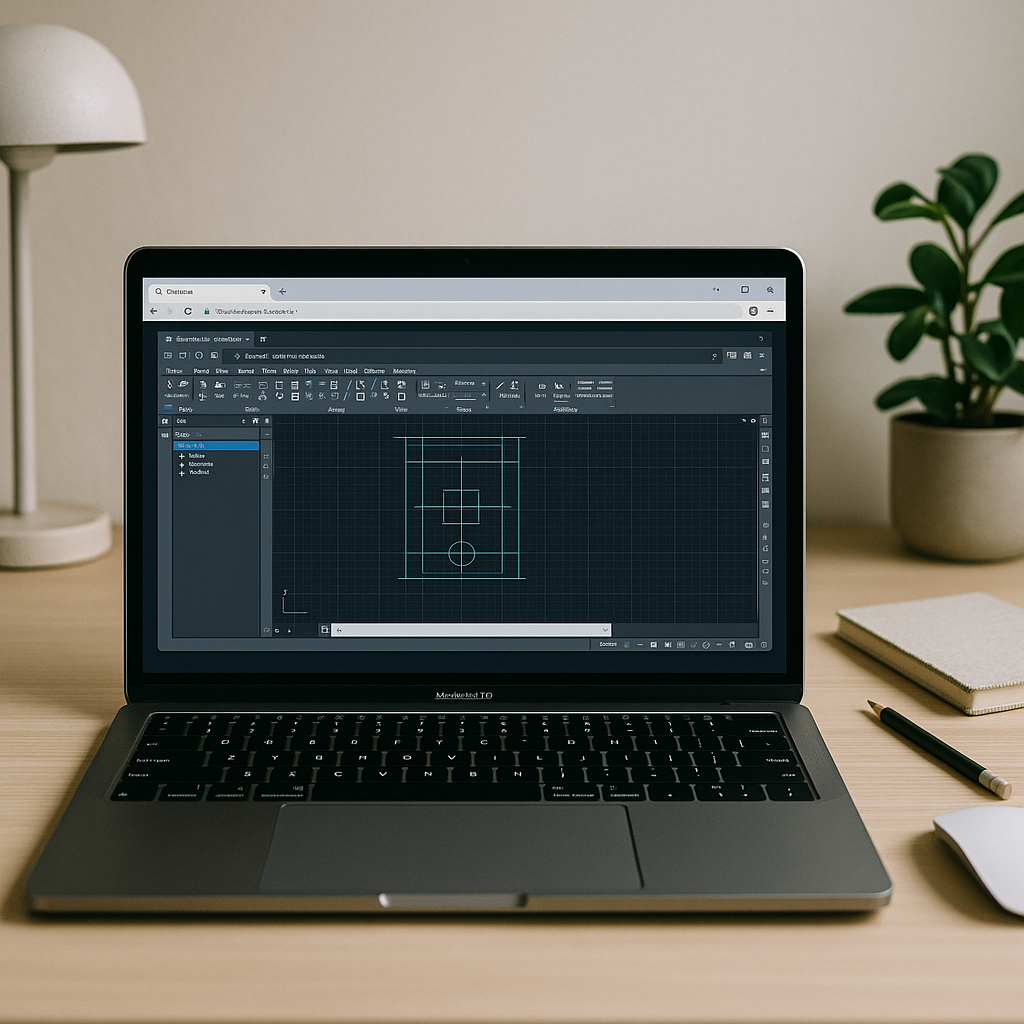
Can’t Run AutoCAD on Macintosh? What Actually Works
If your goal is reliable, fast AutoCAD for macOS without juggling installs, drivers, or second machines, the path is straightforward. Keep your Mac and open the full Windows AutoCAD, with your extensions and standards, in a stable browser workspace.
Read More
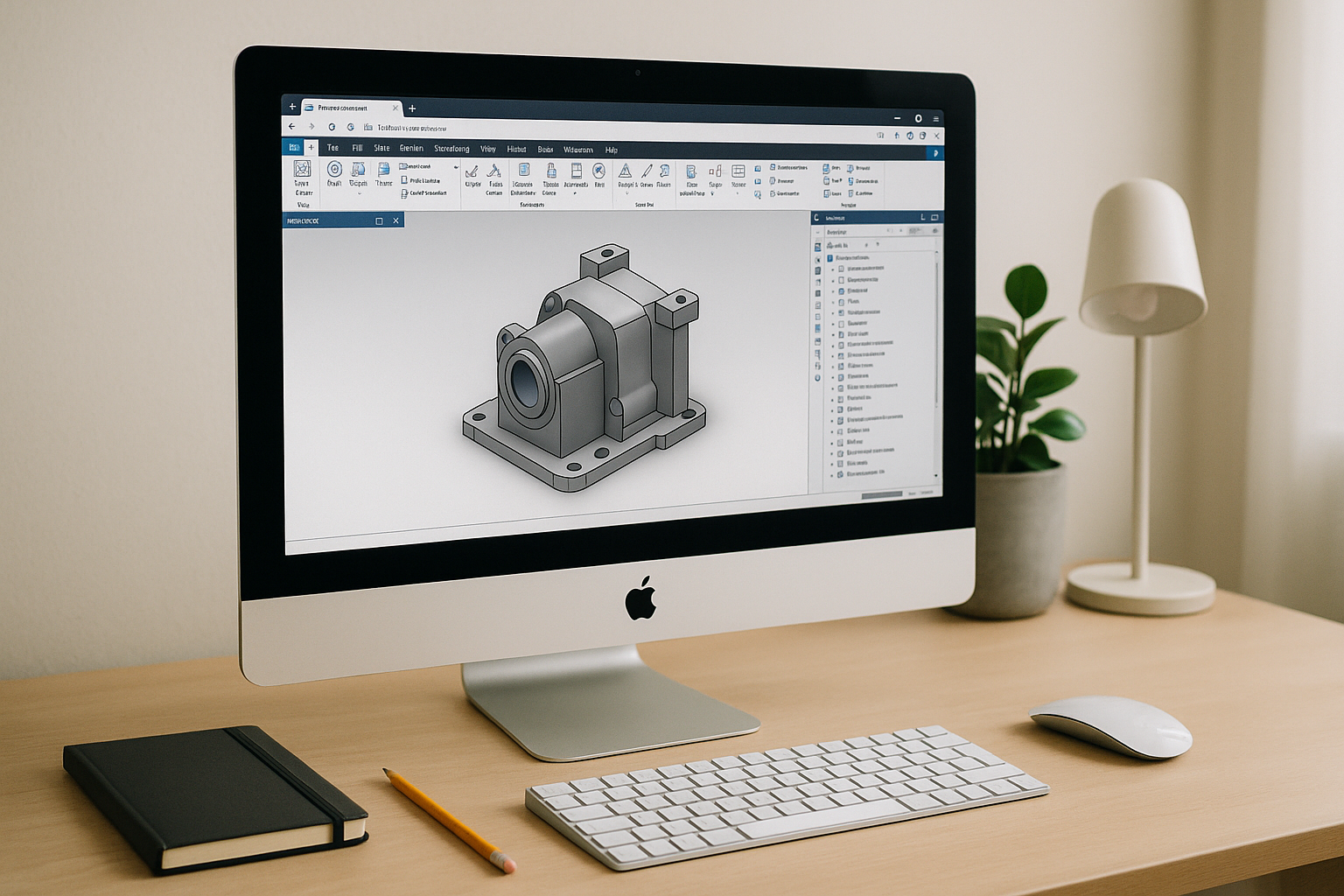
Inventor for Mac: Access a Full Windows CAD Workspace
For Autodesk Inventor Mac users, the browser workspace removes OS limitations, supports complex plugins and toolchains inside a full Windows environment, and lets you focus on design rather than system maintenance.
Read More
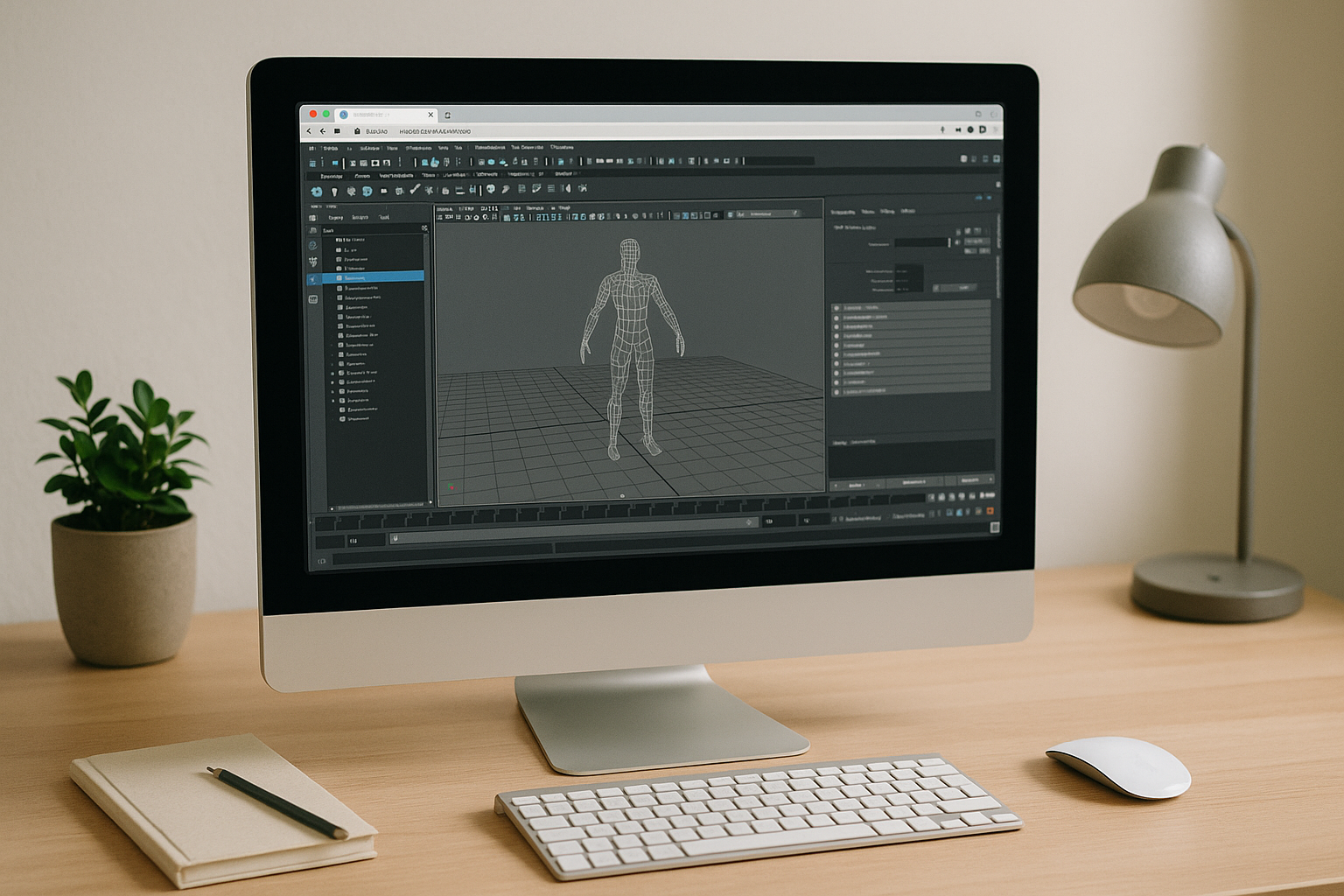
Maya on Mac Without Installs, With Pro GPU Power in Browser
Keep your Mac workflow, keep your mobility, and shift the heavy compute to a professional Windows workstation you open in a tab. With the right browser-based setup, Maya on macOS finally feels uncomplicated: reliable features, smooth viewports, and a pipeline that moves at production speed.
Read More

3ds Max on Mac: The Fastest Way to Run It Without Windows
The real 3ds Max on Mac problem: Apple Silicon limits and slow viewports If you rely on 3D modeling or animation, running 3ds Max on Mac is a constant roadblock
Read More
Autodesk Inventor for Mac: Why Your Mac Still Can’t Run It Natively
If your goal is to stay on a Mac and still use Inventor for serious work, a browser-based environment with proven GPU performance and the right drivers lets you open, edit, and render complex assemblies with confidence.
Read More
Can’t Run Maya on Mac? A Reliable Way Without Installing
If compatibility issues, admin restrictions, or GPU inconsistencies have kept you from getting real work done, Aristeem removes the blockers. You keep your Mac exactly as it is while accessing a production-ready environment where Maya behaves.
Read More
Autodesk for Macintosh: Run Apps on macOS Without Starting Locally
Stop wrestling with installs, drivers, and dual-boot just to keep projects moving on macOS. With Aristeem, Autodesk for Macintosh becomes a clean, reliable workflow.
Read More


