


Blog

Power BI for Mac: Reliable Workflow for Real Projects
Power BI for Mac: learn how to access Power BI Desktop from a Mac and maintain a consistent workflow for reporting, modeling, and client reviews.
Read More
Revit on MacBook for BIM Work, Anywhere
Keep your Revit version, add-ins, fonts, and export settings consistent across studio and site work on your MacBook.
Read More
MySQL Workbench on macOS for Analysts and DBAs
Learn how analysts and DBAs use MySQL Workbench on Mac for database modeling and SQL, and when a cloud Windows PC helps meet client-specific software requirements.
Read More
Lumion for Mac: Use the Full Windows Version on macOS
Work on a Mac but Lumion is Windows-only? See how to run the full Windows app on macOS while keeping your plugins and libraries in one workspace.
Read More
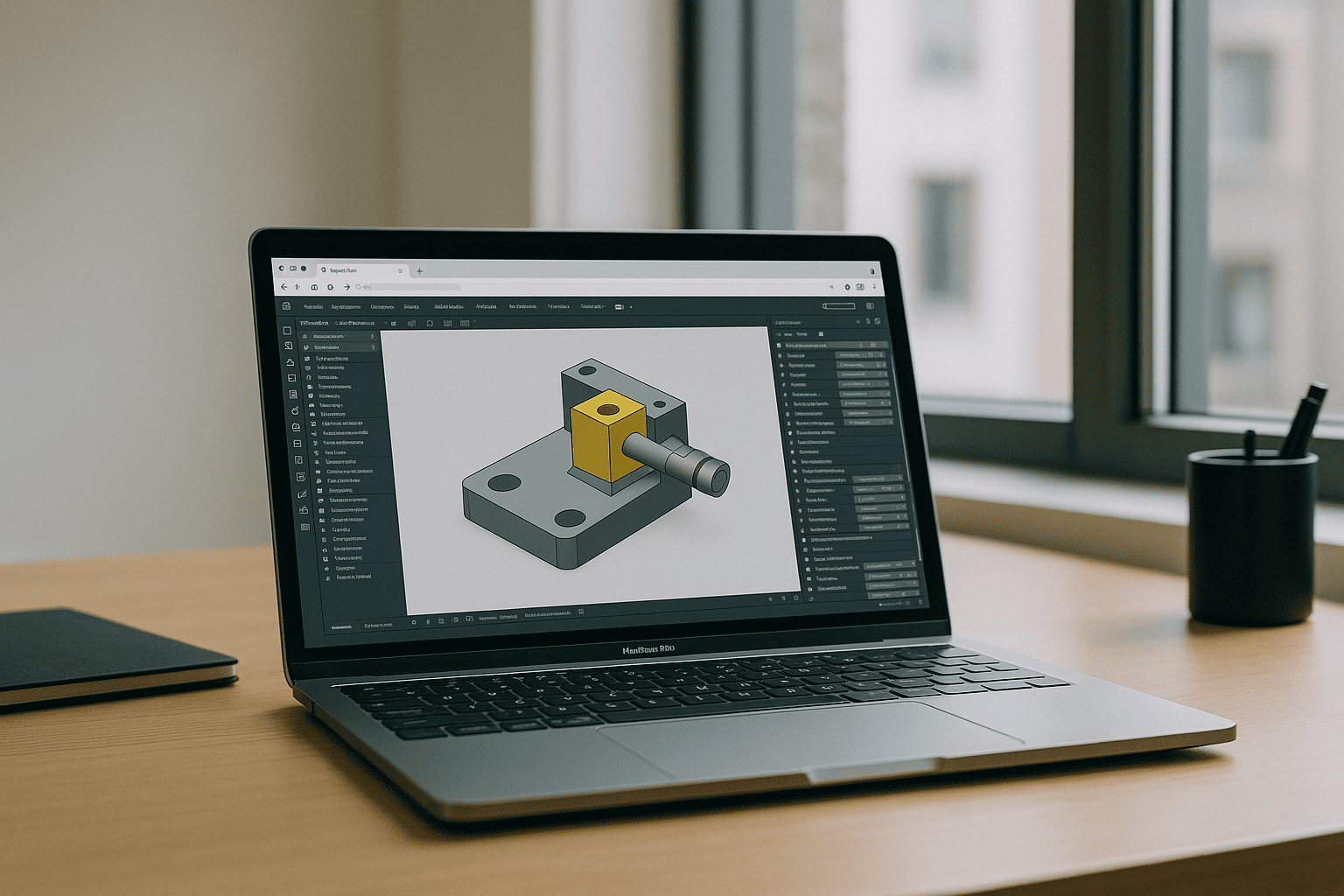

Revit on MacBook: Work with the Full Windows App on macOS
Revit is designed for Windows, while Boot Camp is unavailable on Apple Silicon Macs and virtualized setups can complicate plugin and version compatibility. Learn practical ways to work with Revit on MacBook.
Read More

Autodesk Maya System Requirements on Mac Explained
Confused by Apple Silicon vs Intel, macOS versions, and plugin compatibility when checking Autodesk Maya’s requirements? This guide clarifies the differences and shows a dependable way to use Maya and your plugins on Mac even if your device falls short.
Read More

PostgreSQL on Mac: Versions, Tools, an Easier Path
Homebrew and Postgres.app don’t always match team versions, PostGIS can be painful, and multiple installs fight over port 5432. See how a reproducible workspace keeps PostgreSQL, pgAdmin, and extensions consistent without changing your Mac setup.
Read More
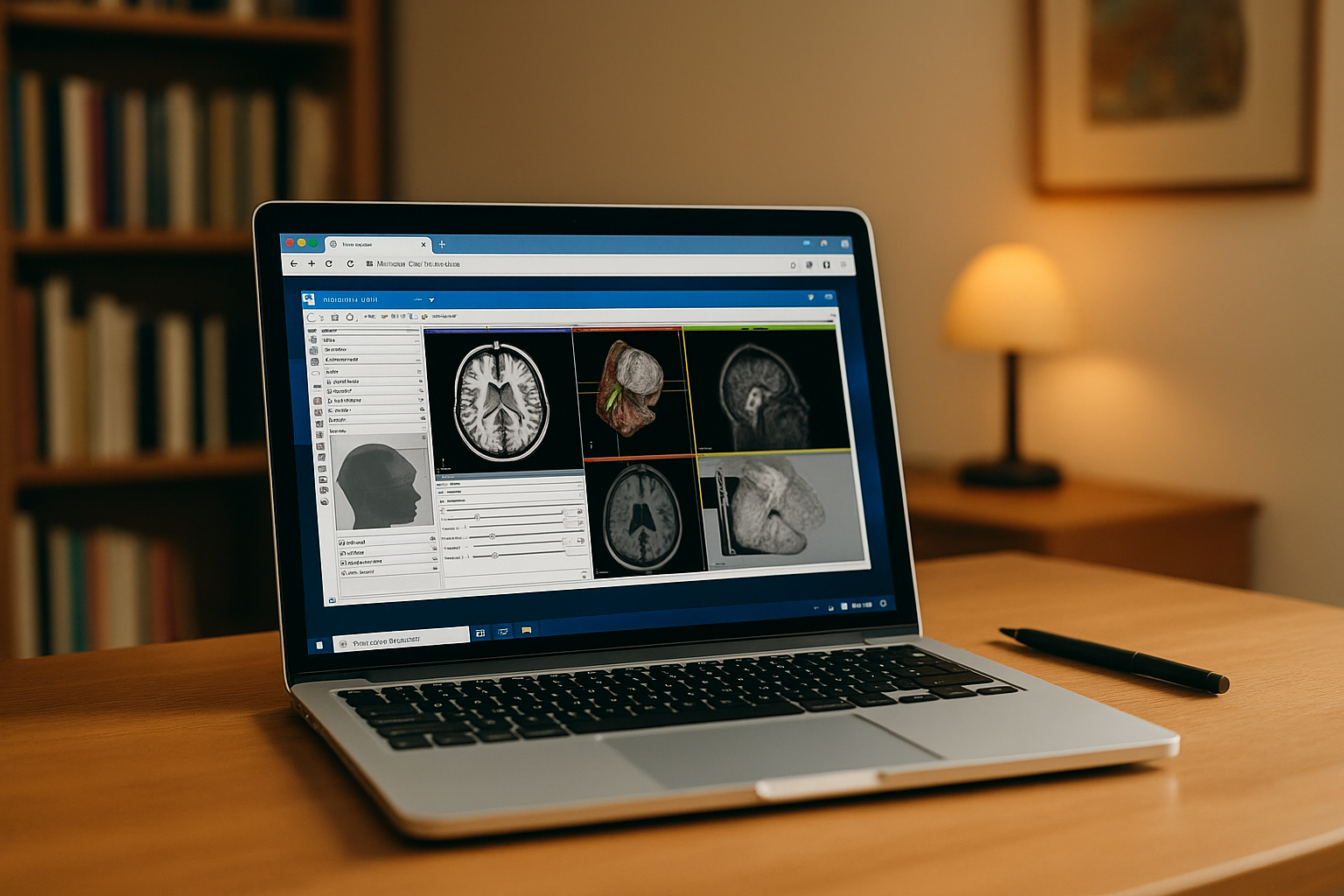
3D Slicer for Mac: Keep Your Workflow Consistent Across Devices
Need 3D Slicer for Mac without maintaining every project setup locally? Keep your Slicer environment, extensions, and DICOM workflows consistent across devices with a browser-based workspace.
Read More
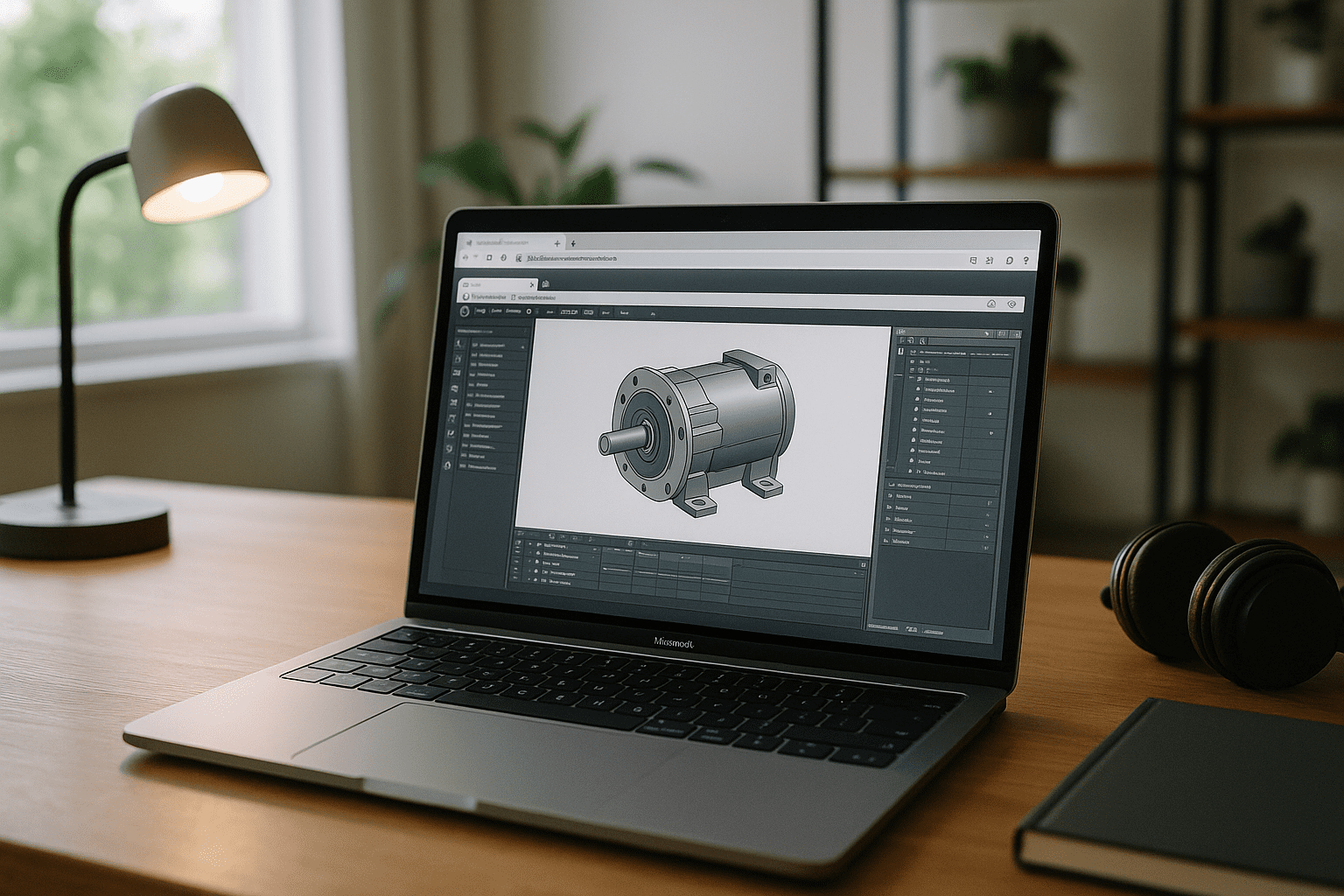
Inventor for Mac: Run the Full App on macOS
Run Inventor for Mac in a full Windows environment through your browser. Work with Autodesk Inventor, complex assemblies, add-ins, templates, and projects on your Mac without setting up a separate Windows computer.
Read More
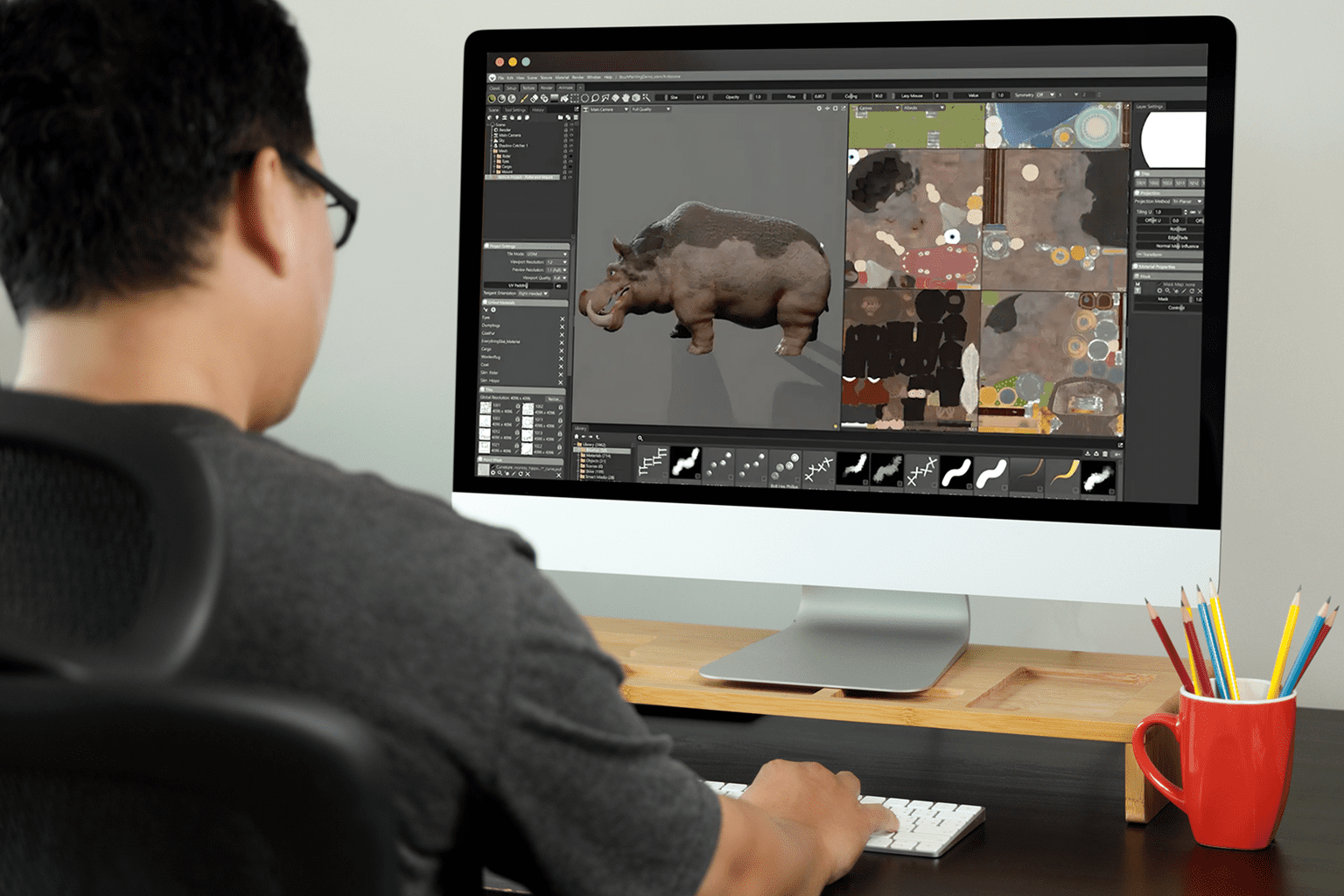
Marmoset Toolbag 5 on Mac: Run It in Your Browser
Marmoset Toolbag 5 runs natively on macOS, including Apple Silicon Macs. Learn when the native Mac version is enough and when a browser-based Windows environment can provide additional GPU capacity without replacing your Mac.
Read More


