Blog
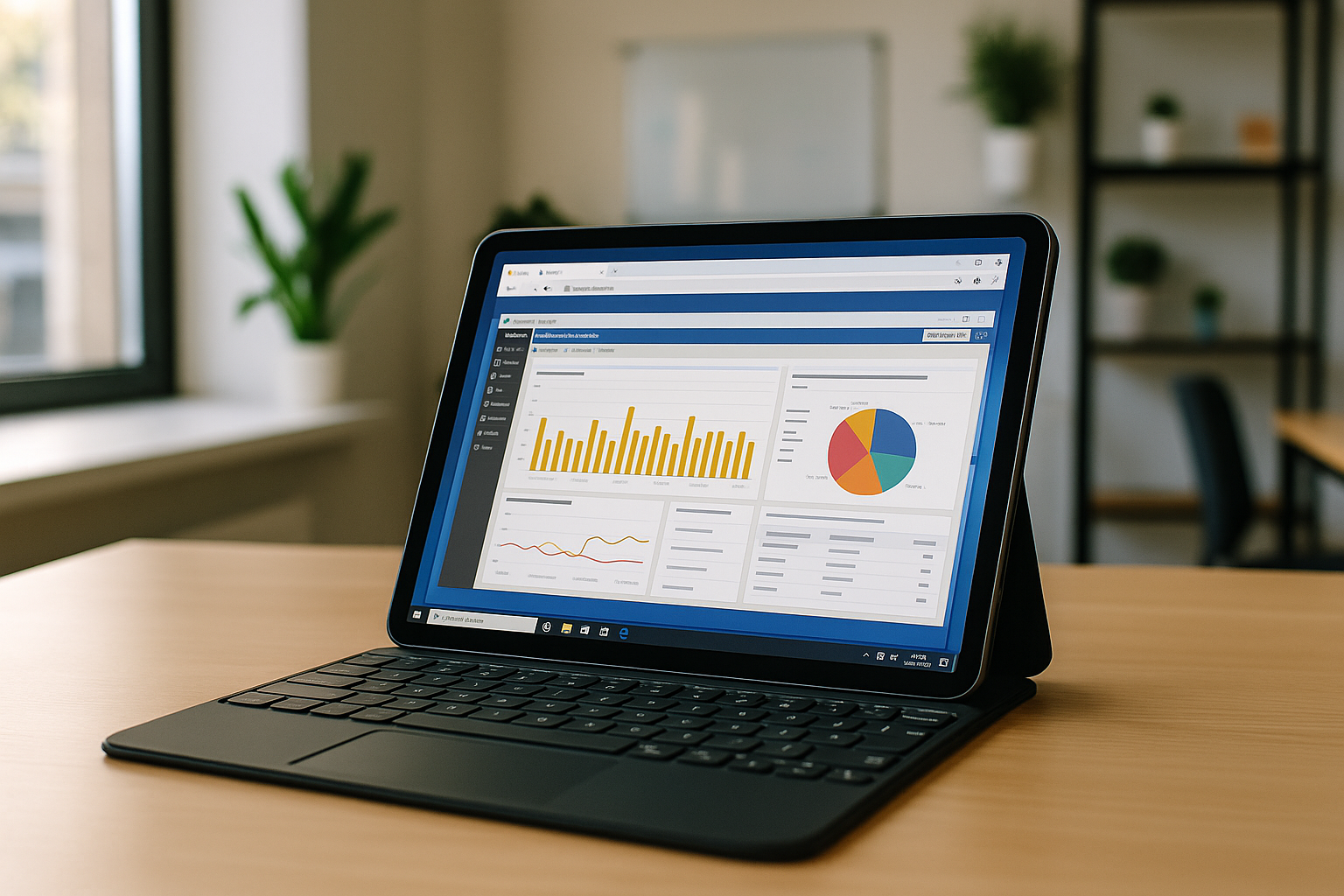
Using Power BI on Mac OS and iPad: Easy Switching Between Devices Without Losing Data
Power BI is convenient to use because it can be accessed on different systems and devices. This allows you to work with data anywhere, without the need to transfer files or install the program. Read more
Read More
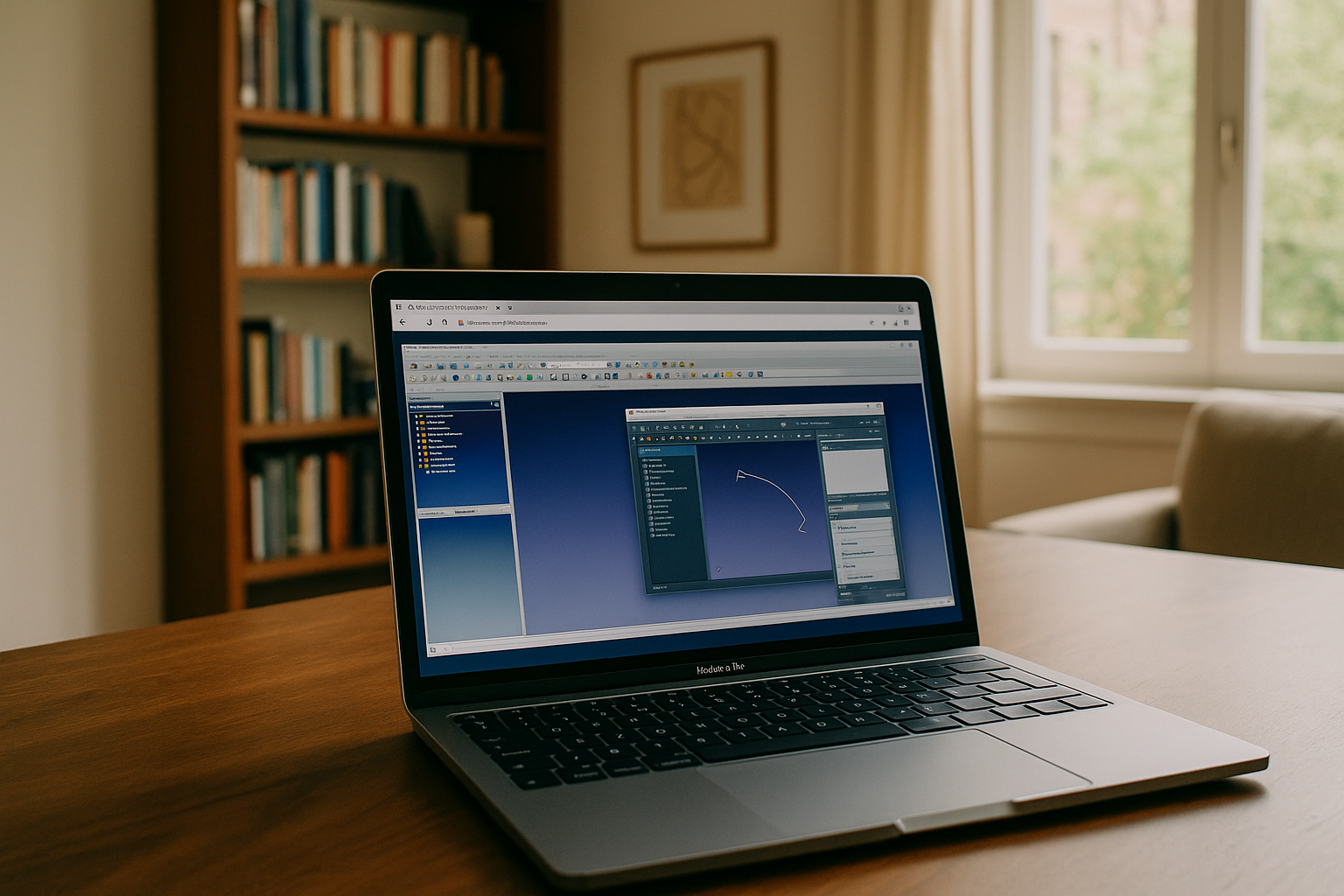
FreeCAD for Mac: Features, Challenges, and How to Overcome Them with Aristeem
Using FreeCAD on Mac via Aristeem is the most efficient solution for users who need high-performance 3D modeling without installation or hardware limitations. Whether you're a designer, engineer, educator, student, or part of a creative team, Aristeem offers flexibility, mobility, and seamless access to FreeCAD software on macOS. Read more
Read More
The Real Way to Install Power BI on Mac Without Installing Windows
If you’ve ever tried to install Power BI on a Mac, you know the challenge. Here, we’ll show you how Aristeem simplifies the use of Power BI on Mac or Android without complicated settings and installation. Read more
Read More
How to Download Power BI on a MacBook: All Options for macOS Users
Many users ask how to download Power BI on a MacBook or other devices running macOS. Power BI Desktop is a powerful business intelligence tool, but it has one major drawback: officially, it is only available for Windows. Read more
Read More
How to Run Power BI Desktop on Macbook and Chromebook Without Hassle
Learn how to run Power BI on your MacBook in just a few intuitive clicks! Read more
Read More