


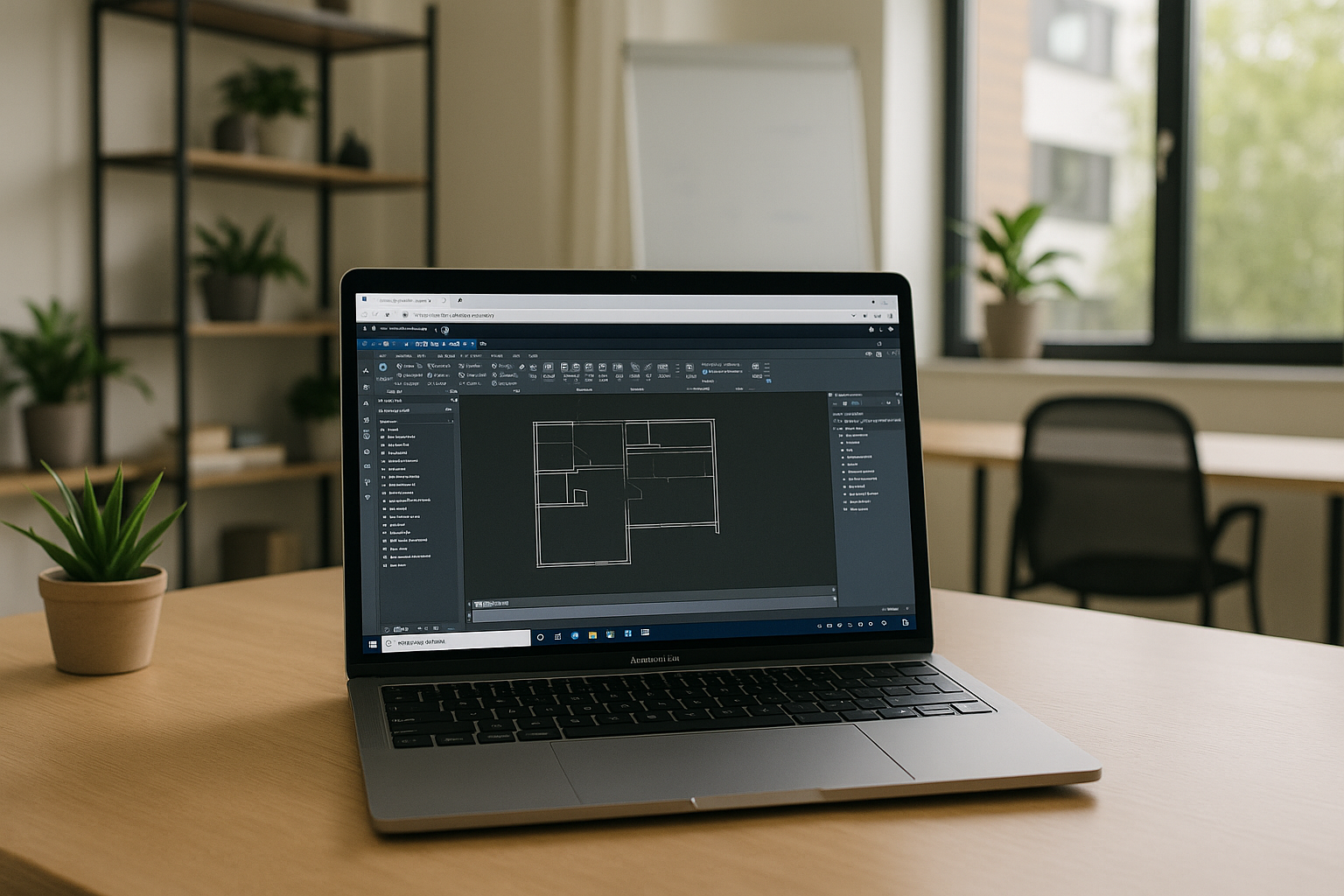
The real pain of Autodesk for Macintosh on modern macOS
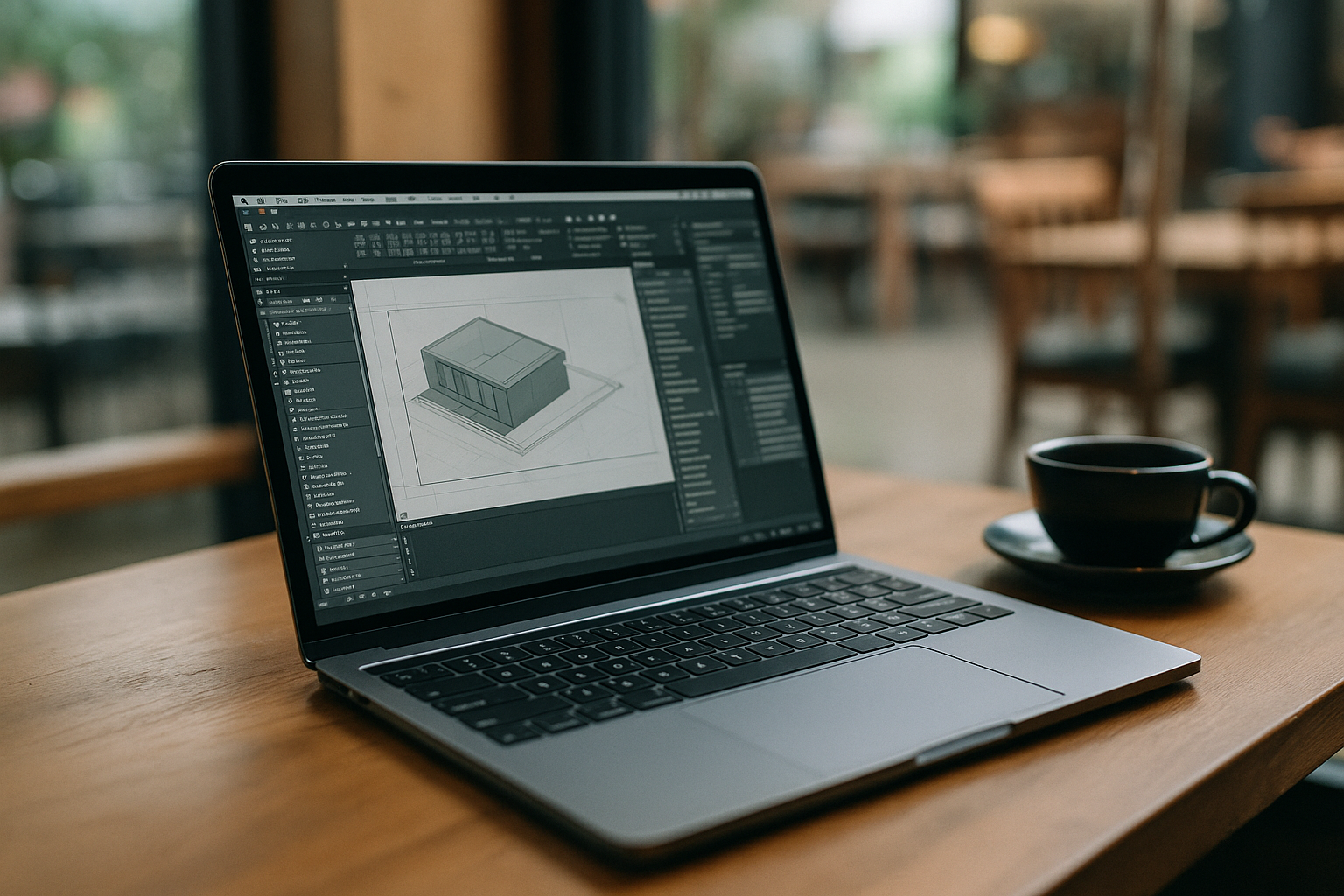
You need professional design and engineering tools, but many desktop titles are Windows-first and heavy, which turns Autodesk for Macintosh into a daily struggle.
Typical scenarios look like this: you have a MacBook with limited RAM, a tight deadline, and a client model that only opens reliably in the Windows release. You try to keep a small footprint, but each attempt adds GBs of caches and dependencies you do not want on your machine. The result is lost time, missed reviews, and stress you shouldn’t carry into production.
Common solutions for Autodesk for Mac and where they fall short
- Buying a dedicated Windows workstation is the blunt instrument many teams default to for Autodesk for Mac needs. The upside is straightforward: native compatibility and a strong GPU in a box you can count on. The trade-offs are equally clear: capital cost, procurement delays, desk-bound work, and the overhead of yet another machine to secure, patch, and manage for what might be only a few hours of use each week.
- Installing Windows is the next idea. On Intel Macs, Boot Camp can work but forces a reboot and dedicates disk space, while Apple Silicon no longer supports Boot Camp. The heavy 3D apps often push beyond virtual GPU limits, and translation layers can undermine performance or stability. You can spend days tuning drivers, toggling settings, and babysitting updates, only to hit a rendering.
- “Just remote into a PC at the office” sounds simple, but traditional remote desktop introduces latency, color inconsistencies, and input lag that matter for precise modeling and viewport navigation. Corporate firewalls and VPNs can add friction, wake-on-LAN becomes a ritual, and you are still beholden to the condition of that remote box.
The best solution for Autodesk on Mac: run it in the browser without local launch
Instead of fighting installs and drivers, the better approach is to open a browser on macOS and work in a high-performance environment where the desktop app already runs. For Autodesk for Mac workflows, this means predictable performance, consistent configuration, and no more last-minute surprises from OS updates or incompatible plugins.
Because the session lives outside your device, you avoid the friction of VM setup and the compromises of traditional remote desktop. You sign in, and large models or scenes are ready without local installation or launching anything on macOS. Files can flow through your preferred cloud storage, collaboration stays smooth, and you get the flexibility to continue on any Mac, iPad, or lightweight machine without reconfiguring a thing. This is the practical bridge between macOS convenience and Windows-only power tools.
How Aristeem delivers Autodesk for Mac with no setup and instant access
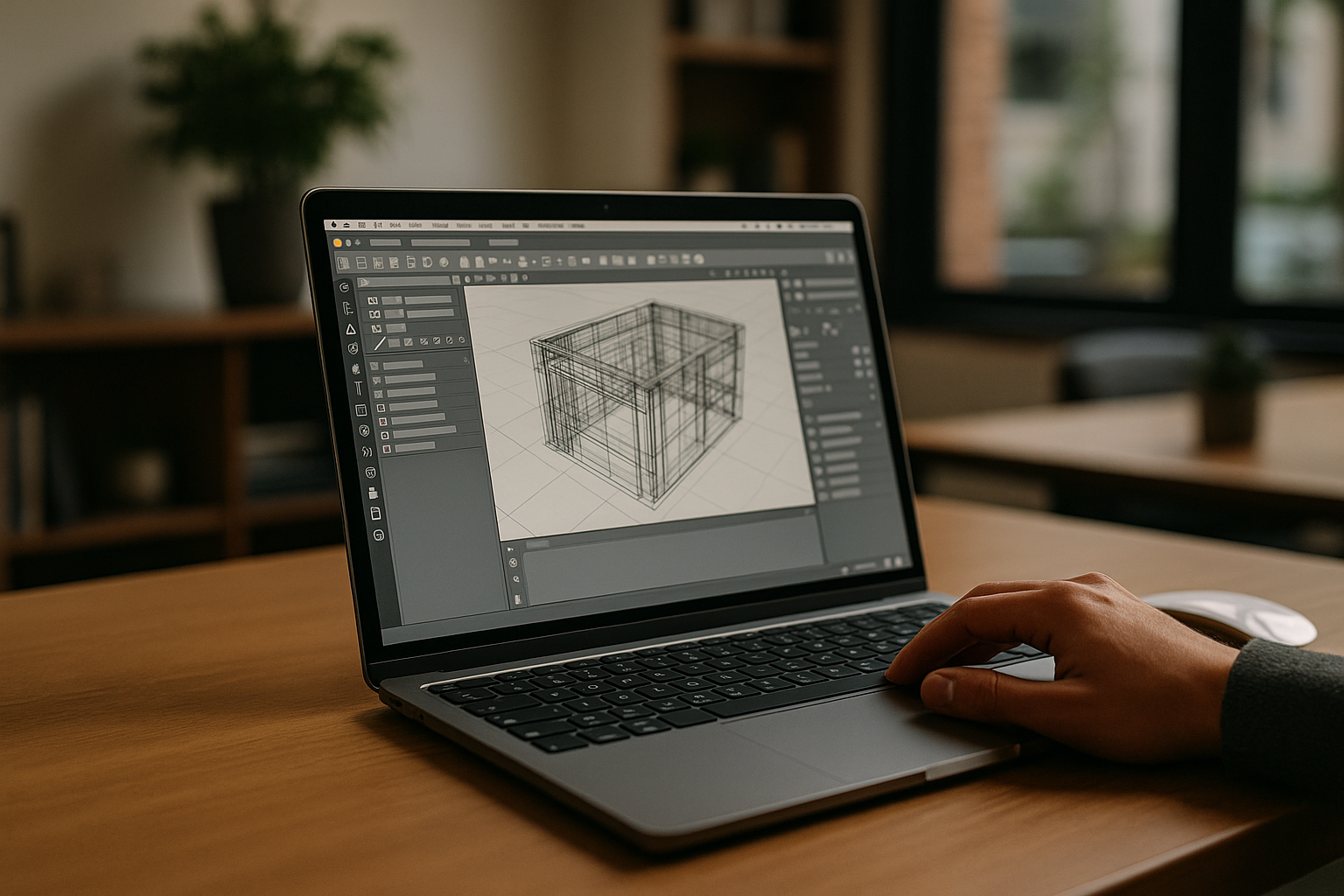
Aristeem provides a full working environment in your browser so you can run desktop software without installing or even starting it locally on macOS. It is not an emulator and it is not a remote desktop; instead, it gives you immediate access to a ready-to-use workspace where heavy apps run with consistent GPU acceleration and drivers, independent of your Mac’s hardware limits. You open Safari or Chrome, start a session sized for your project, and you’re in—no disk images, no dual-boot, no VM gymnastics.
The workflow stays simple and flexible. Launch Aristeem on your Mac, sign in, and use your existing licenses to install or open the Autodesk tools you need, along with the plugins, fonts, and utilities your projects require. Keep sessions persistent so your environment is right where you left it, and switch devices any time — Mac, Linux, iPad, Chromebook, or a weak PC — without reconfiguration.
Start Autodesk for Macintosh in your browser today
Stop wrestling with installs, drivers, and dual-boot just to keep projects moving on macOS. With Aristeem, Autodesk for Macintosh becomes a clean, reliable workflow: no local launch, no setup overhead, and consistent performance you can trust under deadline. Your Mac stays lightweight, your environment stays ready, and your team stays focused on delivery rather than configuration.
If you need to evaluate a new plugin, open a massive model, or hand off work across devices, Aristeem gives you instant access to a full working environment in the browser. Spin up a session, sign in, and get productive in minutes — then continue from anywhere without the baggage of traditional workarounds. Try Aristeem to see how quickly your macOS pipeline can shed complexity while keeping the power of desktop Autodesk tools at your fingertips.


