


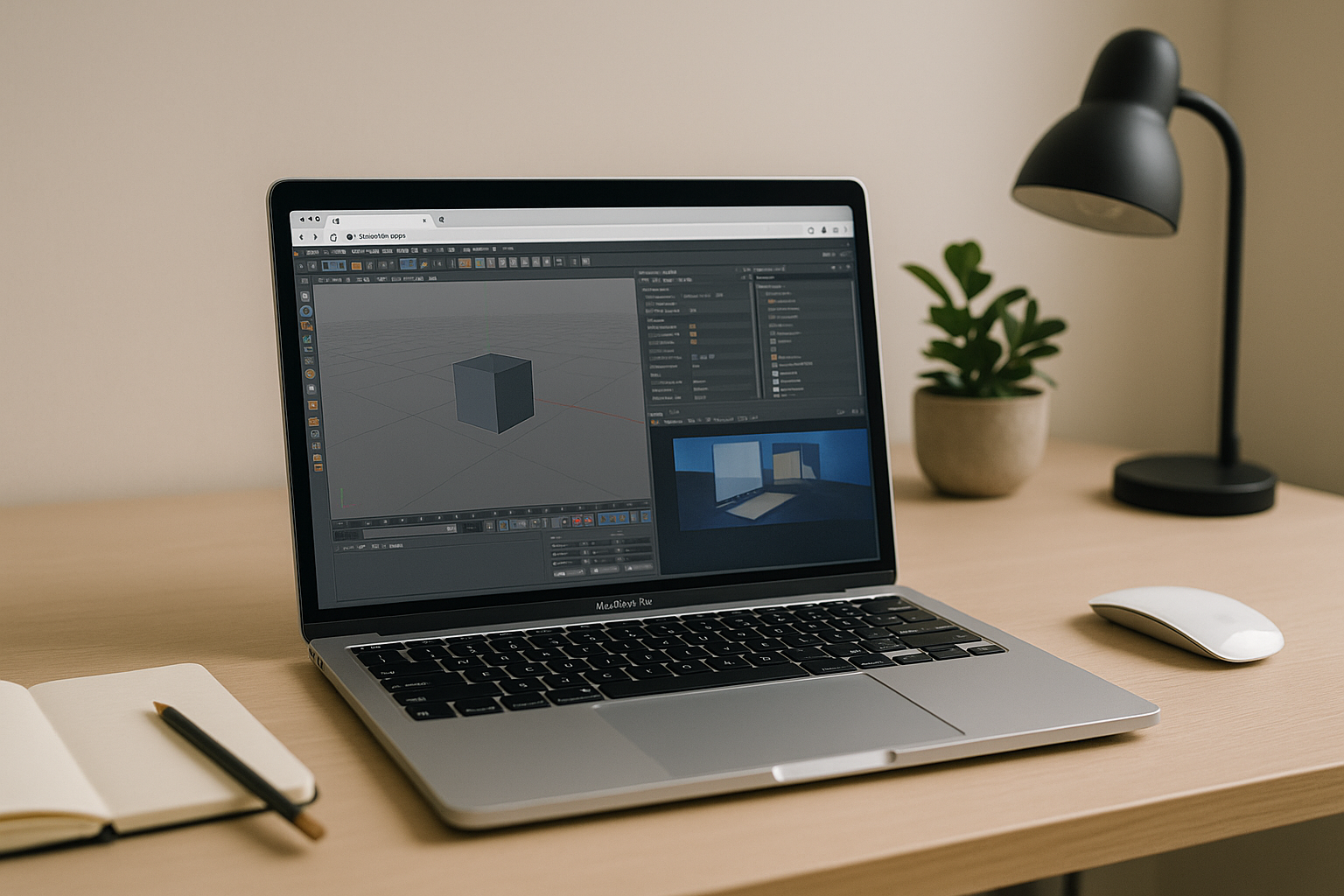
The real bottleneck in Cinema 4D for Mac workflows
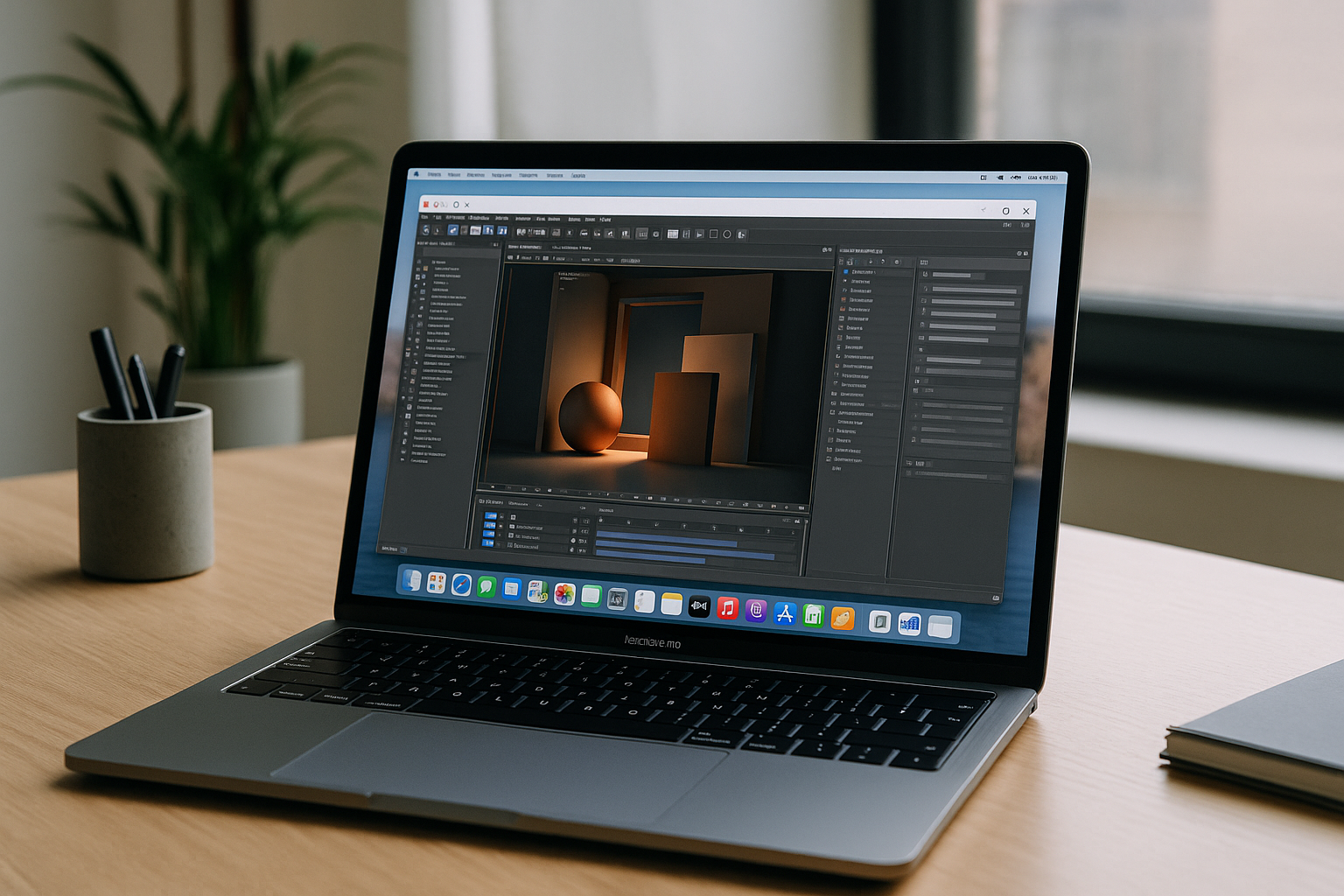 If your workflow centers around Cinema 4D for Mac, you know the friction: building complex, beautiful scenes, but hitting a sluggish viewport under heavy loads. On many MacBooks, previews crawl and final frames take ages when projects lean on GPU renderers, materials with heavy textures, or dense geometry. Deadlines do not wait while your fan spins and the progress bar inches forward.
Traveling or working on client sites adds friction: plugin packs, render engines, and version-locked pipelines are hard to keep in sync on IT‑locked machines. Even if you are working on a Mac, running heavy, industry-standard plugins like Chaos V-Ray or Corona inside Cinema 4D demands high-end NVIDIA GPU throughput to iterate quickly. The result is context switching, compromises in quality settings, and missed opportunities to refine lighting and look-dev in time.
Typical Cinema 4D macOS options: buy, dual‑boot, or remote access
Buying a high‑end workstation with a big NVIDIA GPU solves speed but not mobility, and it adds procurement delays, maintenance, and budget pressure. For small teams or freelancers, sinking capital into seldom‑mobile hardware is tough to justify when most work happens on a MacBook. When travel or client approvals hit, your fast machine may be miles away.
Installing Windows or virtualizing it to run CUDA‑centric stacks is limited on Apple Silicon and introduces driver, licensing, and device‑pass‑through complexity. eGPU routes are constrained on newer Macs and rarely match the stability you need under deadline. Traditional remote desktop into a Windows box can help in a pinch, but latency, color accuracy, firewall policies, and shared IT resources often undermine interactive modeling and look‑dev.
A better way to run C4D on MacBook: a browser workspace with GPU power

Instead of juggling installs and hardware, a managed, browser‑based workstation with dedicated NVIDIA GPUs gives you interactive performance wherever you open your laptop. It’s not an emulator and not old‑school remote desktop; it’s a full desktop that lives in the cloud, so you can load scenes, cache sims, and render without touching your local OS. For teams standardizing plugins and render engines, centralizing the environment simplifies updates and eliminates “works on my machine” surprises.
For Cinema 4DmacOS users, this approach keeps the Mac as your daily driver while unlocking GPU throughput that’s purpose‑built for large scenes. You can install your renderers, asset managers, and DCC plugins, then keep them version‑locked for handoffs. Whether you’re iterating look‑dev, pushing denoised previews, or finalizing frames, the cloud workspace keeps you moving faster than local compromises.
Run Cinema 4D for Mac instantly with Aristeem
Aristeem gives you a ready, browser‑based desktop that launches in seconds with pro‑grade NVIDIA GPUs. It’s a full working environment — not an emulator and not a remote desktop — o you can run Cinema 4D along with your essential Chaos production plugins and pipeline tools, keeping them persistent between sessions. No driver hunts, no IT tickets, and no device lock‑in; just open the browser and get back to work on C4D on MacBook without sacrificing speed.
There’s zero setup, instant access from any Mac, and freedom to match studio versions for handoff‑safe renders. Heavy scenes, volumetrics, particle sims, and GPU‑baked lighting flow smoothly, and you can sync assets from your storage of choice. When you’re ready to push your next shot, start Cinema 4D in your browser and iterate with the performance your timeline demands.
Your fastest path to Chaos plugins in Cinema 4D on Mac without hardware limits
Keep your Mac workflow, gain the GPU horsepower you need, and stop wasting hours on local installs or hardware purchases. With Aristeem, you get a persistent, version‑locked cloud desktop built for demanding 3D pipelines and final‑quality frames using Chaos V-Ray and Corona Renderer inside Cinema 4D for Mac. Ready to accelerate your next delivery on macOS? Try the GPU workspace for Cinema 4D on Mac and render like your deadline depends on it.


