


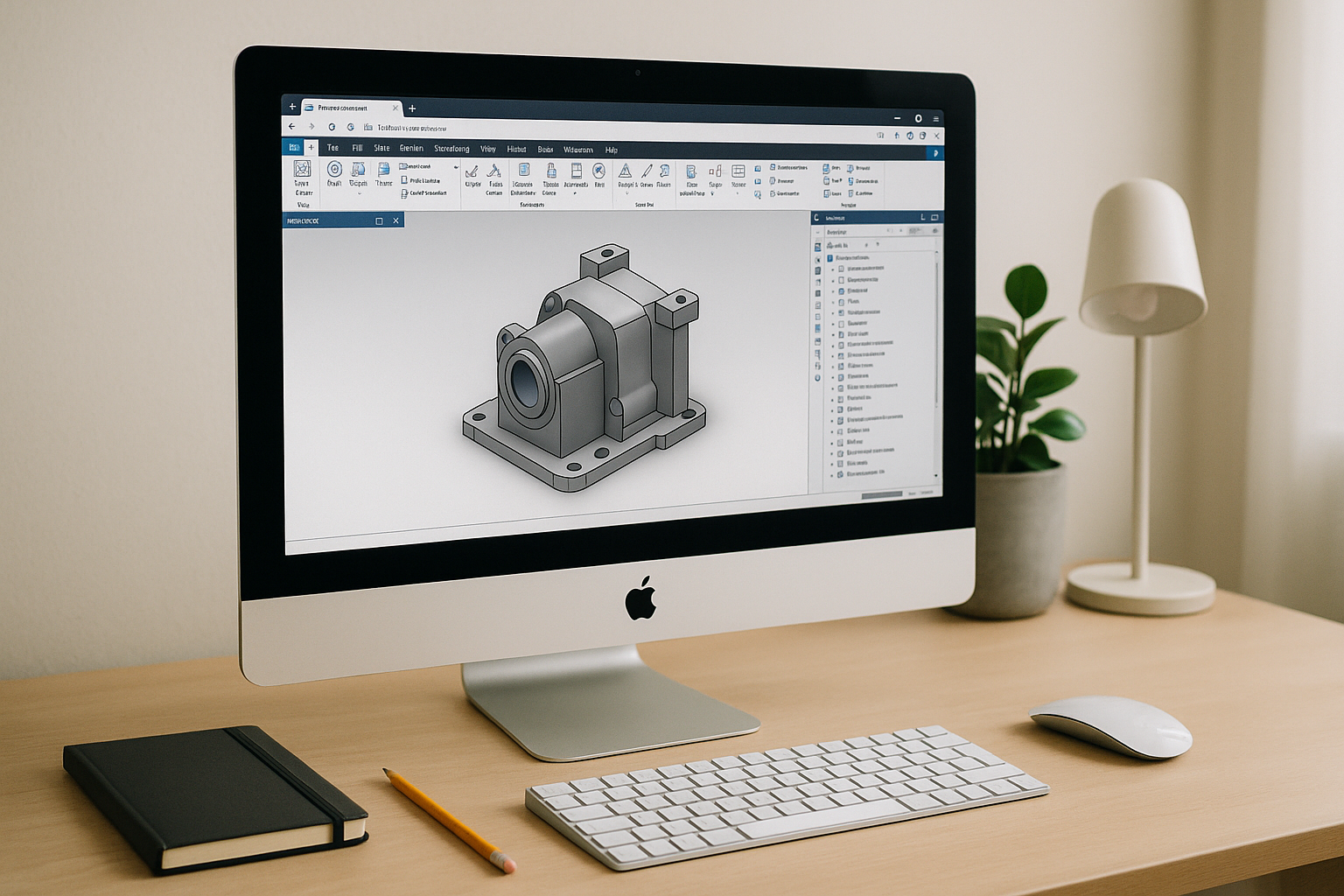
The real Inventor for Mac roadblocks on macOS
Engineers on Mac quickly discover that Inventor for Mac does not exist natively, and work grinds to a halt the moment a large assembly lands in their inbox. Apple silicon devices cannot use Boot Camp, while Intel Macs rely on a dated setup that forces reboots, partitions, and brittle drivers. Typical virtual machines struggle with GPU acceleration, so rotating dense assemblies, handling drawings with many views, or running add-ins often feels choppy and unreliable. You lose hours tuning settings instead of designing, and even a simple vendor change order can stall when performance tanks. For professionals working on the go, finding a stable way to run Autodesk Inventor for MacBook laptops without performance drops becomes a persistent blocker.
Common ways to run Inventor on Mac: what works and what breaks
Buying a dedicated Windows workstation delivers performance, but it adds cost, device sprawl, aand the friction of switching machines when you are traveling light. If you want to run Autodesk Inventor for MacBook Pro or Air, traditional hardware limits usually get in the way. Boot Camp can help on older Intel Macs, yet it is unavailable on Apple silicon and forces constant reboots, partition management, and driver roulette that rarely satisfies modern CAD requirements. Traditional virtual machines are convenient for light office apps, but heavy assemblies and drawings expose limited GPU acceleration, leading to lag, jagged view manipulation, and long rendering times. Remote desktop to a PC at the office sounds simple until you hit VPN bottlenecks, unpredictable latency, or a powered-off host when you need it most. In each scenario, the promise to run Inventor on Mac collides with setup complexity, brittle performance, or lost mobility. These compromises also complicate collaboration, as files and add-ins fragment across devices and environments. For fast-moving projects, none of these workarounds offer the consistent, travel-ready reliability expected by professionals on Inventor on macOS.
Best path for Autodesk Inventor Mac: a browser-based Windows CAD workspace
 A better approach is a ready Windows CAD workspace delivered in the browser, combining true GPU acceleration with zero local setup. Unlike local VMs, the heavy lifting runs on powerful infrastructure, so assemblies, drawings, and simulations feel responsive while your Mac stays cool and quiet. Compared with buying a new PC, you keep your current device and workflows while gaining anywhere access and consistent performance from the office, home, or job site. This also sidesteps the fragility of remote desktop, since you are not tunneling into a single office machine that can be offline or throttled by network constraints. For Autodesk Inventor Mac users, the browser workspace removes OS limitations, supports complex plugins and toolchains inside a full Windows environment, and lets you focus on design rather than system maintenance. When deadlines press, the best solution is the one that opens in seconds, handles large assemblies smoothly, and keeps teams productive regardless of hardware.
Aristeem: instant Inventor on macOS with a ready Windows CAD environment
With Aristeem, you get a preconfigured, GPU-accelerated Windows environment that opens in your browser in seconds—no installers, drivers, or device tuning. It is a full working environment, not an emulator and not a remote desktop, so you can install your licensed CAD tools, add-ins, and supporting utilities as if you were on a powerful local PC. You keep your Mac as your primary device while removing OS and hardware constraints, enabling smooth assembly manipulation, drawing updates, and rendering. Your workspace persists across sessions, so toolchains and project folders are right where you left them, ready for the next milestone. Teams gain a consistent way to collaborate on Inventor on macOS without shipping project files between mismatched machines or waiting for IT to reimage hardware. It is the fastest path from request to result: open the browser, sign in, and start working. Launch your Windows CAD workspace now: Start Inventor for Mac in your browser.
Get Inventor for Mac without compromises
If you need professional-grade performance without juggling devices, partitions, or fragile VMs, a browser-based Windows CAD workspace is the straightforward answer. Aristeem delivers instant access, real GPU acceleration, and a persistent environment that respects how engineers actually work. You keep the flexibility of macOS while unlocking the reliability and power of Windows for complex assemblies, detailed drawings, and add-in workflows. That combination makes Inventor for Mac a practical, high-performance reality — on the road, at home, or in the office. Skip the setup drama and get straight to design: Try Inventor for Mac now.


