


Blog
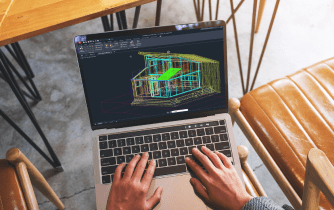
AutoCAD Macintosh: Compatibility, Performance, and Flexible CAD Workflows
Wondering whether your Mac is ready for professional AutoCAD? This guide explains AutoCAD Macintosh compatibility, compares deployment options, and shows how to maintain full desktop workflows across any Mac.
Read More
AutoCAD for Mac: Full Desktop, No Install Required
Mac users need the full AutoCAD experience but run into missing toolsets, heavy installs, slow large DWGs, and locked-down admin rights. This guide shows a fast way to run the real app in a browser with zero setup.
Read More

Power BI Desktop Mac Download: What Actually Works
There is no native Power BI Desktop download for Mac, making PBIX editing and data modeling difficult on macOS. This guide shows the easiest way to use the full desktop application without Windows installation or complex local setup.
Read More
RStudio for Mac — Run Full Desktop in Browser
Installing and maintaining RStudio on macOS often stalls work due to Apple Silicon vs Intel builds, toolchain prerequisites, and managed Mac restrictions. See how to start instantly with a full desktop RStudio in your browser — no local setup or conflicts.
Read More
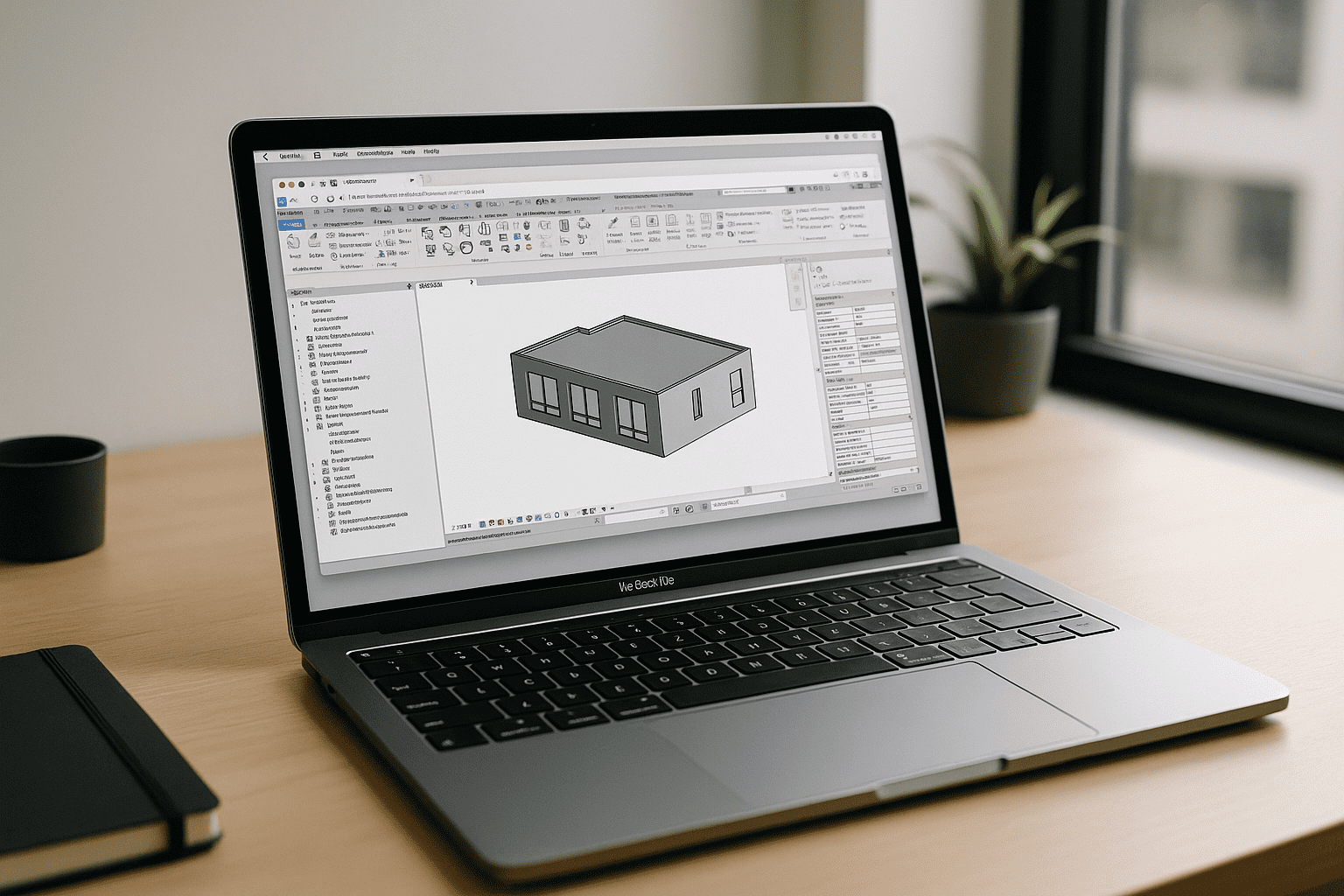
Revit on MacBook: Run the Real App in Your Browser
MacBook users can’t install or reliably virtualize Revit on macOS, and IT policies often block complex Windows setups. Here’s a stable way to use the real desktop Revit without extra hardware or risky workarounds.
Read More
Power BI on MacBook: Fixing SQL Connectors & Gateway Limits
Running Power BI for MacBook often means wrestling with broken SQL connectors, failing data gateways, and laggy ARM emulation. Skip brittle local virtual machines and discover how to run a full, native x64 desktop workflow directly inside your macOS browser without hardware compromises.
Read More
Lumion for MacBook: Run Full GPU in Your Browser
MacBook users hit a wall with Lumion because it’s Windows-only, demands DirectX 12, and needs a strong discrete GPU. Here’s a reliable way to run it on any MacBook with full GPU performance — no local installs.
Read More
PostgreSQL on Mac: Why Setup Keeps Breaking on MacBook
Local PostgreSQL setups on Mac often break due to version conflicts, Apple Silicon quirks, admin restrictions, and long configuration. Here’s a faster way to start analyzing data without installing or maintaining anything.
Read More
Power BI Desktop on macOS — Instantly in Your Browser
Mac users can’t install Power BI Desktop natively, and workarounds like installing Windows add delays, costs, and maintenance. See a practical way to use full Power BI features on macOS without local Windows setup.
Read More
PyCharm Mac: Run Data Analytics Without Local Installs
Installing and maintaining PyCharm on macOS often hits admin-rights blocks, Apple Silicon plugin issues, and clashing Python environments. See how to run a full PyCharm workspace for data analytics without local installs or permissions.
Read More
Run ZBrush on macOS Without Installs or Hardware Limits
Mac artists can run ZBrush, yet heavy scenes, Apple Silicon compatibility questions, limited storage, and install restrictions on managed devices often break workflows. This article shows how to keep full performance without local installs or OS/version conflicts.
Read More
AutoCAD for Mac M1/M2/M3: Full Power on macOS Without Installs
Large installs, missing add-ins, and IT restrictions make AutoCAD work on macOS slow and incomplete—especially with heavy DWGs and Apple Silicon laptops. See how to get the full desktop experience instantly in a browser with no local setup.
Read More


