


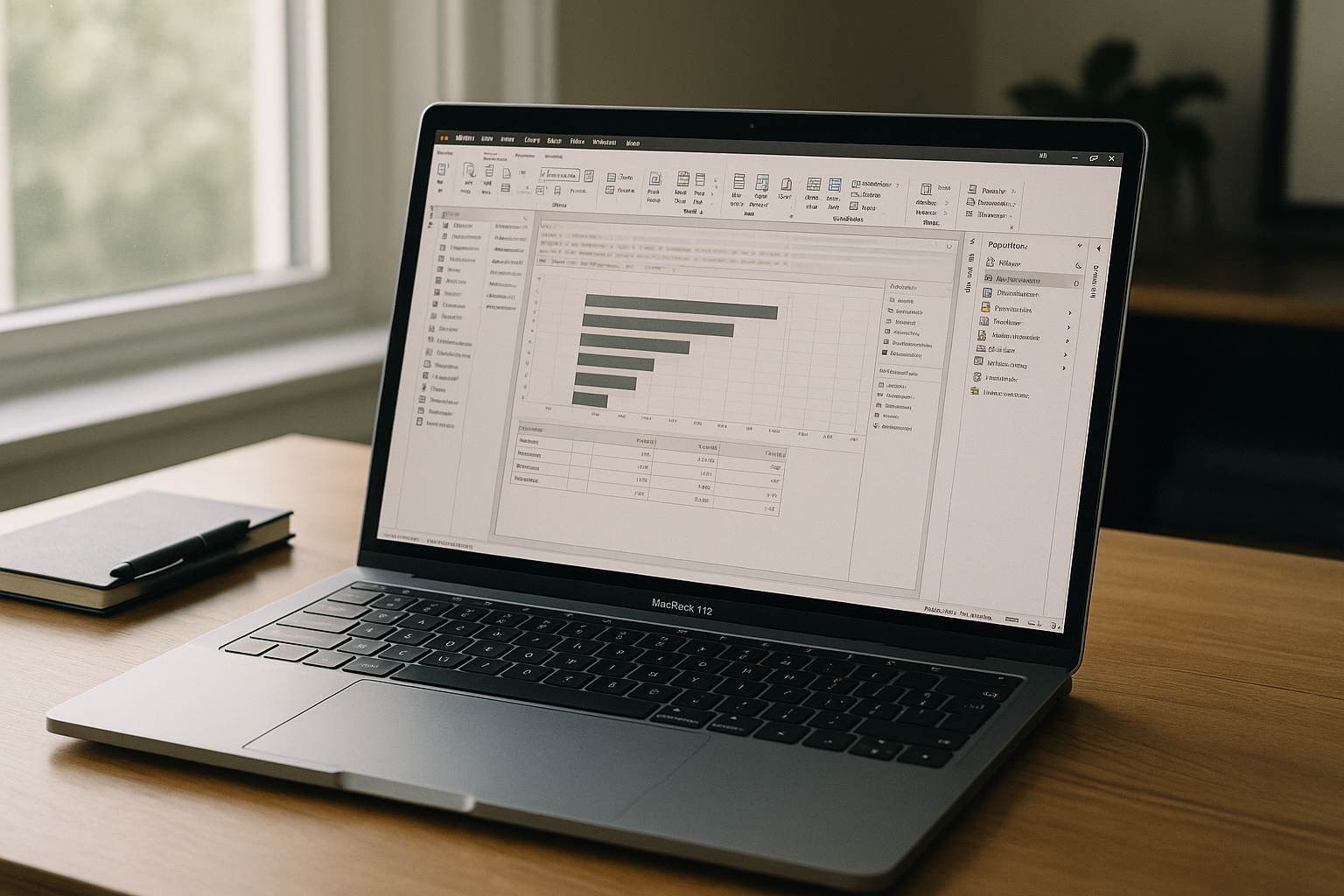
You open a PBIX on a MacBook before a client call, only to remember the app doesn’t install on macOS. You need to adjust Power Query steps, validate DAX, and export a PDF, but every path points to Windows. Borrowing a laptop or waiting for a colleague breaks momentum and puts delivery at risk. The result is context switching, lost time, and unreliable handoffs. Professionals ask for one thing: run Power BI Desktop macOS with full fidelity, right where they work.
Why Installing Windows to Power BI on macOS Falls Apart
Installing Windows on a Mac sounds like a fix, but it quickly becomes a long-term burden. Modern Mac architectures eliminate traditional dual-boot options, while unofficial virtualization layers introduce lag, driver instability, and security friction with corporate IT. Even when it works, you juggle activation, large OS images, storage pressure, constant updates, and battery hit — right when you need reliability. Reboots and profile duplication fragment your workflow, and compliance teams often block local OS workarounds. It’s a brittle path for Power BI macOS in professional use.
2026 Shift: Power BI on Mac Meets Cloud-Native Work
By 2026, teams standardize on browser-first, cloud-native tools to keep analysts productive on any device. Security models center on zero-trust access, identity-driven sessions, and data staying off personal hardware, while still enabling GPU-accelerated, desktop-class workloads. Leaders demand elastic capacity, instant provisioning, and consistent environments for cross‑platform delivery. This shift removes device constraints and lets professionals handle modeling, transforms, and reporting wherever they are — exactly what Power BI for macOS users need for dependable execution.
Best Way to Run Power BI on Mac Without Local Windows

Practical alternatives exist, but they all compromise. Passing PBIX files to a teammate creates delays and version risk. The Power BI web interface restricts deep data transformation, forcing heavy modeling tasks back onto the Windows-only desktop client. The clean answer is a browser-based workspace that provides the full desktop app, persistent storage, and enterprise identity — no device installs, no OS juggling, and performance that feels local. That approach lets you open, model, and publish as usual, delivering the experience people expect from Power BI on macOS without changing your hardware.
Aristeem: Power BI Desktop on macOS in a Browser-Based Workspace
Aristeem delivers a full, persistent environment in your browser, so you can run Power BI on macOS with desktop-level performance on any Mac or iPad. It is not a remote desktop or an emulator; it’s a complete workspace with pre-installed and pre-configured applications. Open the application library and start Power BI Desktop with a single “Launch” action; only a software license is needed if the program requires it. Your files live in a consistent workspace that travels with you, and identity, storage, and peripherals work naturally. For deeper context on setup-free workflows, see how to run Power BI on Mac without installs.
A Faster Path to Power BI on macOS
Running the full desktop app in a browser-based workspace removes local OS roadblocks, cuts maintenance, and preserves your modeling and publishing flow. You stay productive on any Mac while keeping data access aligned with modern security and identity practices. If you want to see Power BI Desktop macOS in action without local installs, discover how Aristeem delivers a seamless Windows software inside your macOS browser without slowing down your analysis.


