


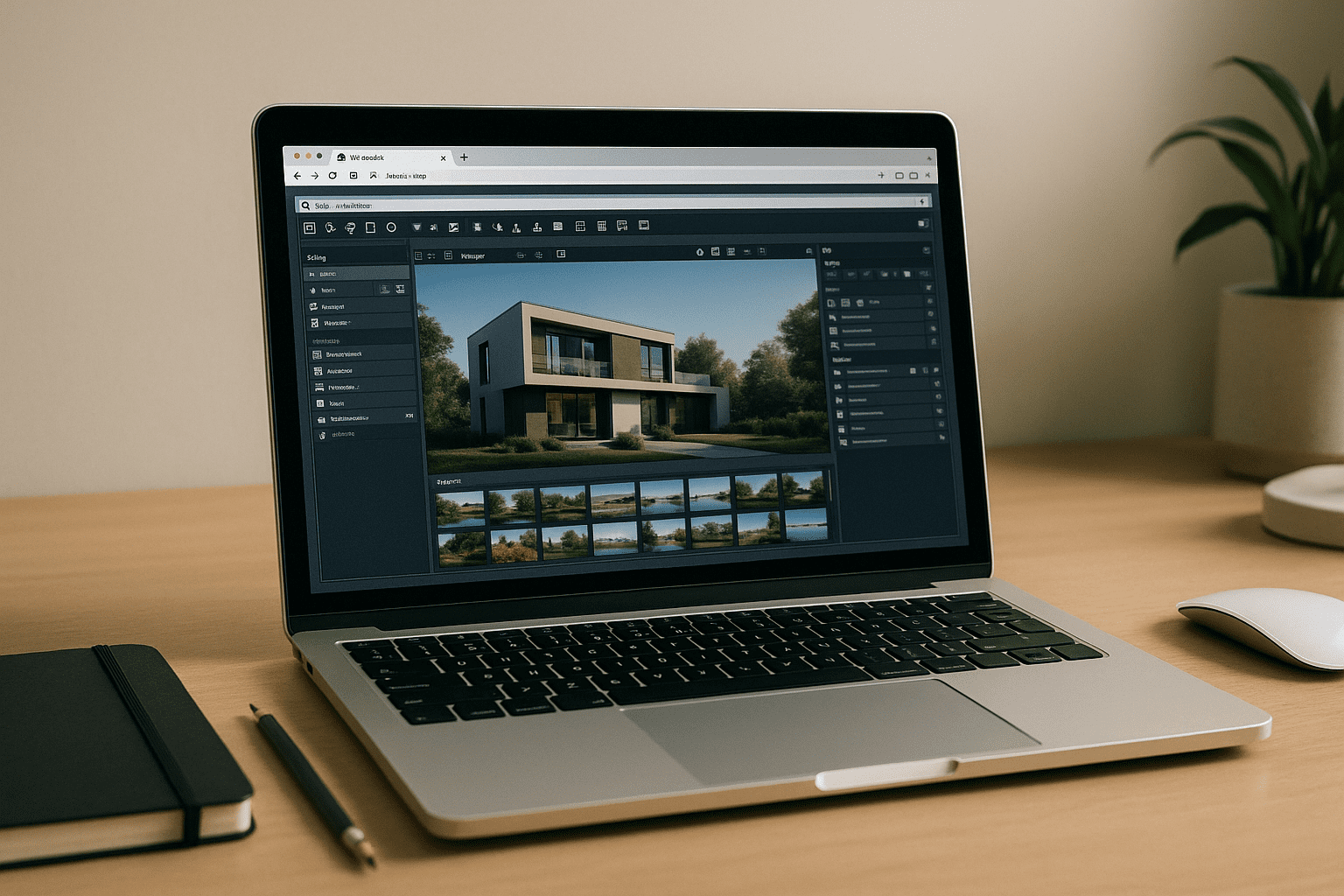
Why Lumion on macOS Feels Impossible
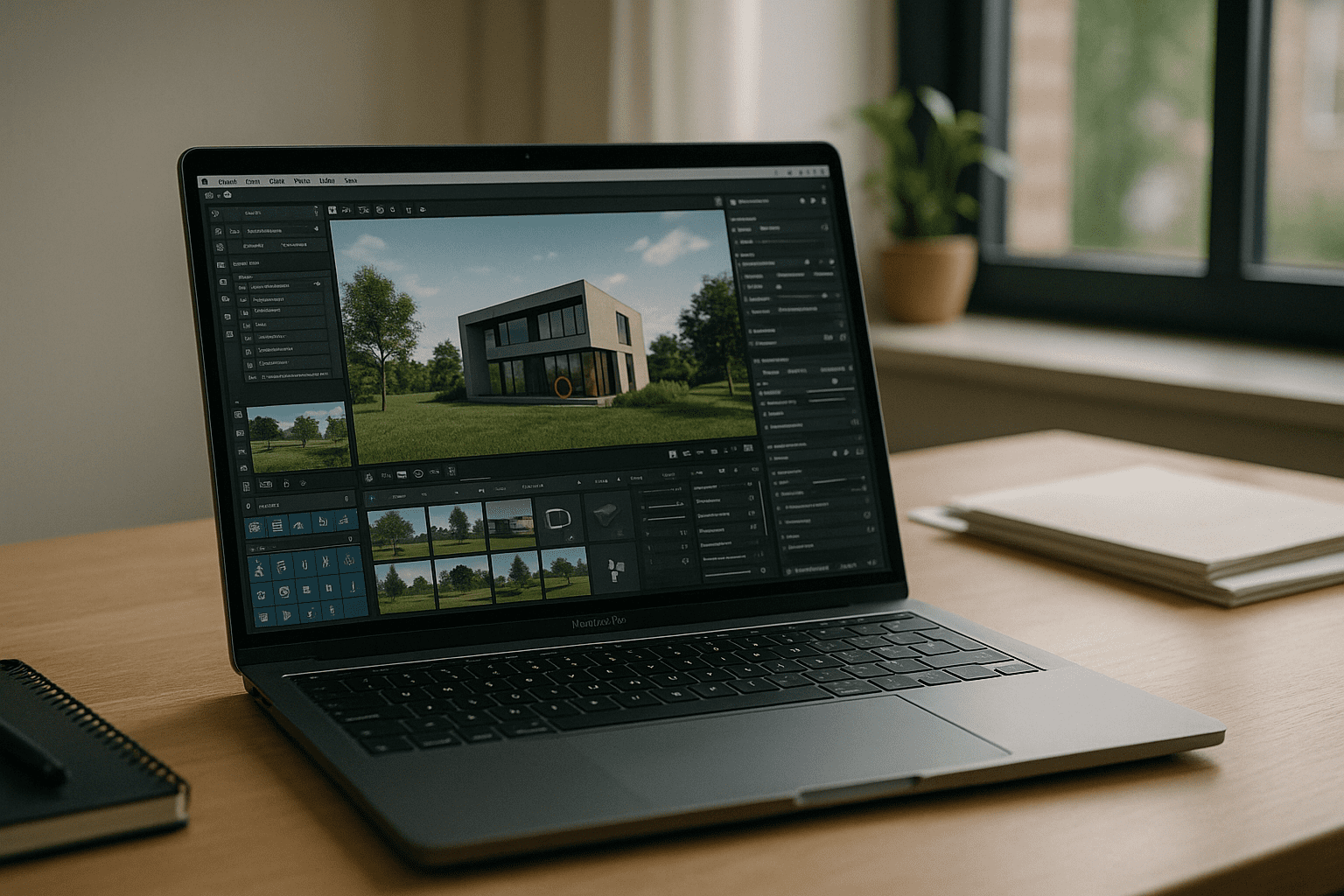
Trying to get Lumion for MacBook working hits the same roadblock every time: Lumion is Windows-only, requires DirectX 12, and expects a powerful discrete GPU. Apple Silicon machines don’t support Boot Camp, virtualization can’t provide full DirectX 12 with a real GPU, and eGPU options are limited or unreliable. Whether you’re on a MacBook Air or Lumion for MacBook Pro is your goal, complex scenes, large textures, and real-time preview simply won’t run natively on macOS.
Buying a Windows PC to Run Lumion on MacBook
Many professionals consider buying a dedicated Windows tower or laptop to run their projects, because it guarantees a discrete GPU and DirectX 12 support. However, adding a second machine creates constant friction: asset syncing, plugin duplication, driver updates, and color/profile consistency across displays. For teams and freelancers alike, hauling hardware between office and site, or remoting into it from a Mac, turns into downtime and maintenance — hardly ideal when your priority is delivering work, not managing gear for Lumion for MacBook.
A Better Way to Run Lumion on macOS Without New Hardware
Instead of buying and maintaining a separate rig, a browser-accessed, GPU-backed workstation lets you run Lumion on macOS with the full DirectX 12 feature set. You get consistent performance for rendering and real-time previews, from any MacBook, without installs or drivers to chase. Compared to a physical PC, it minimizes friction and keeps your focus on models and deadlines, making it the most practical route to Lumion for MacBook and enabling you to reliably run Lumion on MacBook wherever you work.
How Aristeem Delivers Lumion on macOS in the Browser
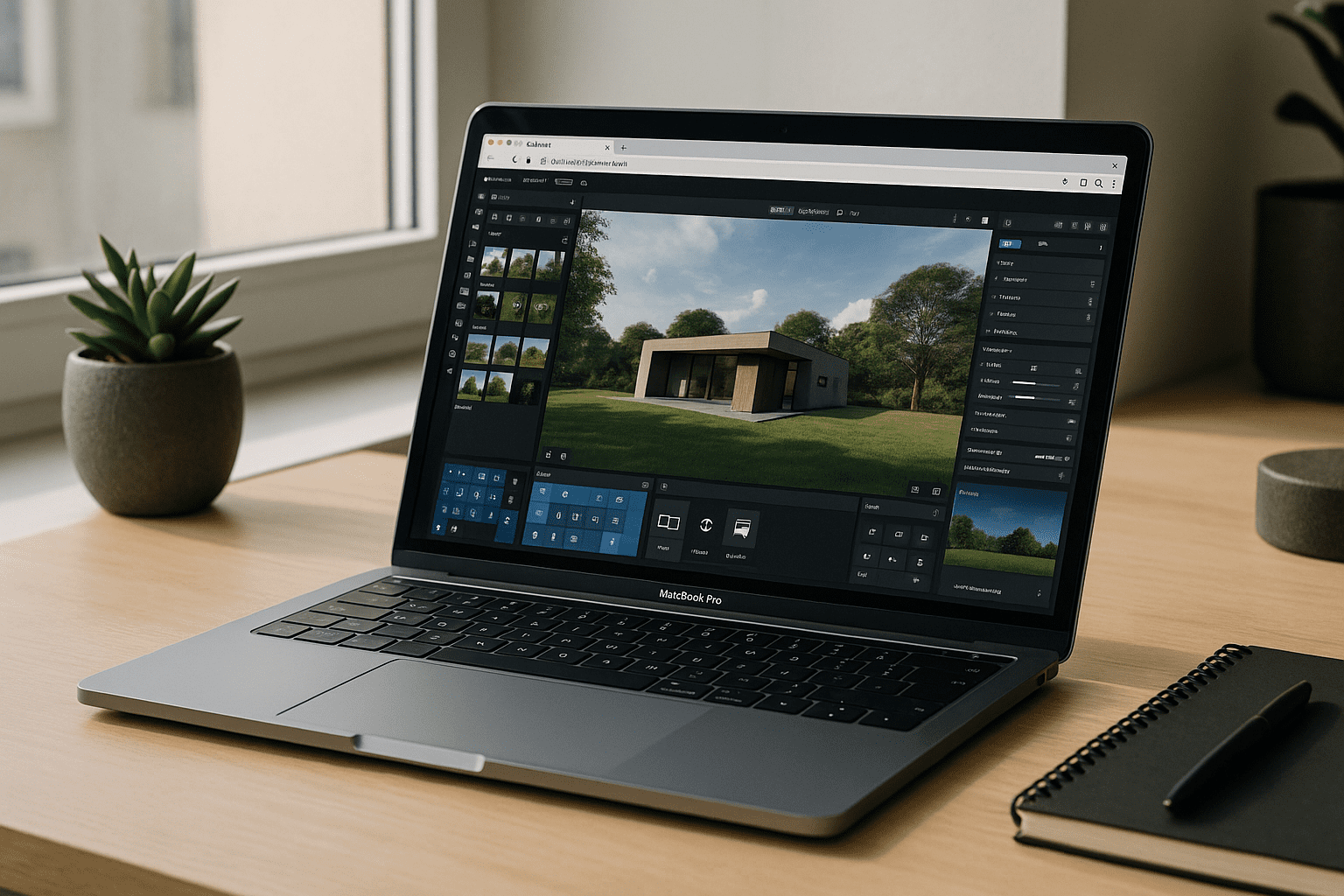
Aristeem provides a ready-to-use, high-performance Windows workstation accessible in your browser — no emulator, no remote desktop, and no setup. Lumion is pre-installed and pre-configured: you simply click Launch in the library, sign in with your paid Lumion license if required, and start building. Under the hood, you get full GPU acceleration with DirectX 12, so complex scenes, materials, and large renders behave as they should on Lumion for MacBook Pro and other models.
The platform works from any MacBook with a stable connection, supports installing your favorite plugins and tools, and keeps assets in one place. It removes hardware and OS limitations while preserving your workflow across home, office, and travel. To understand how cloud environments compare to traditional hardware setups, explore the core alternatives for using Lumion on a MacBook.
Lumion on macOS, Minus the Hardware Headaches
If you need reliable performance without buying a second computer, this approach keeps your pipeline simple and portable. You open a browser, launch Lumion, and render with full GPU and DirectX 12 support — no drivers, partitions, or workarounds. See precisely how software runs directly in a browser and make Lumion for MacBook part of your daily workflow in minutes.


