


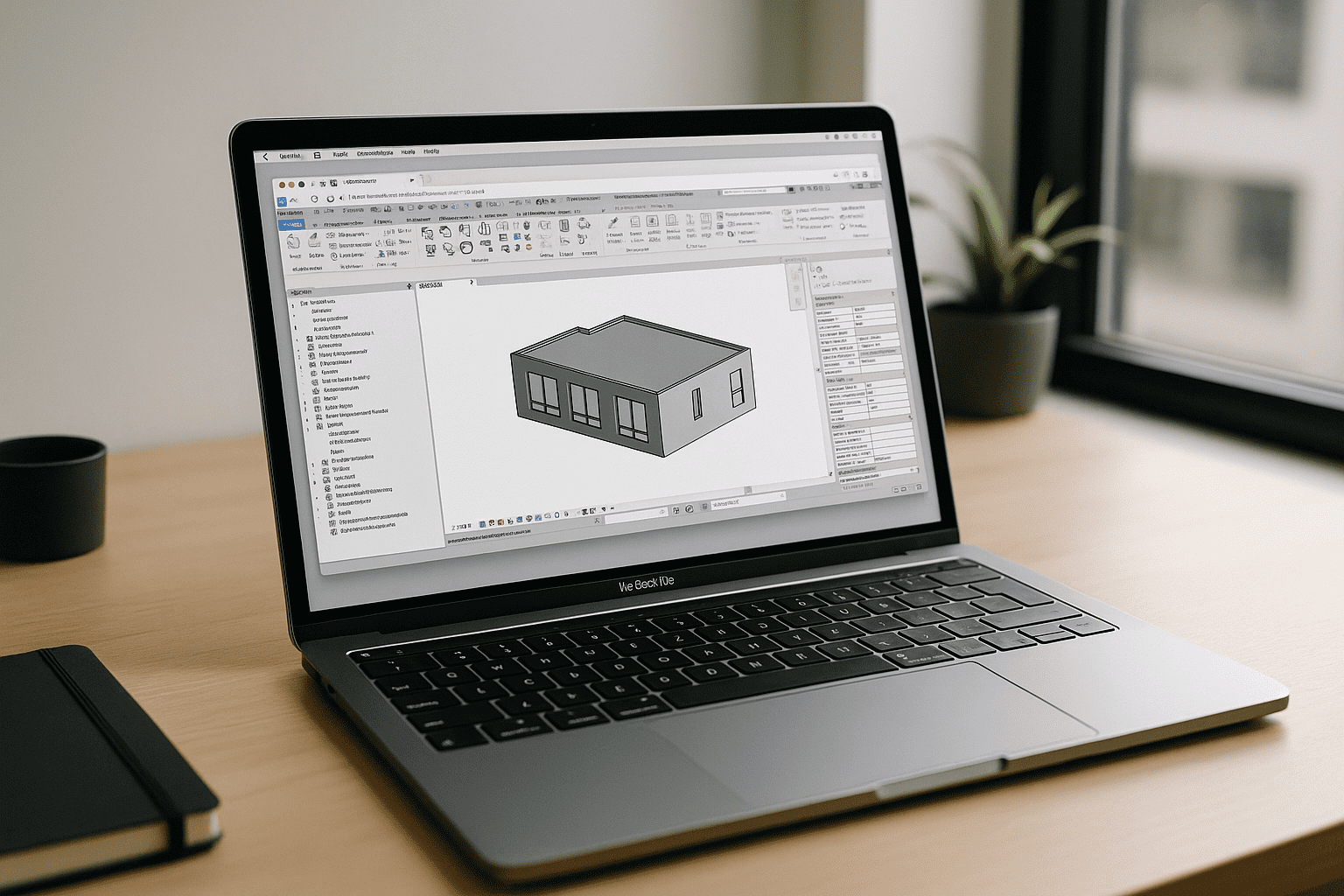
Revit on macOS Challenges for Professionals
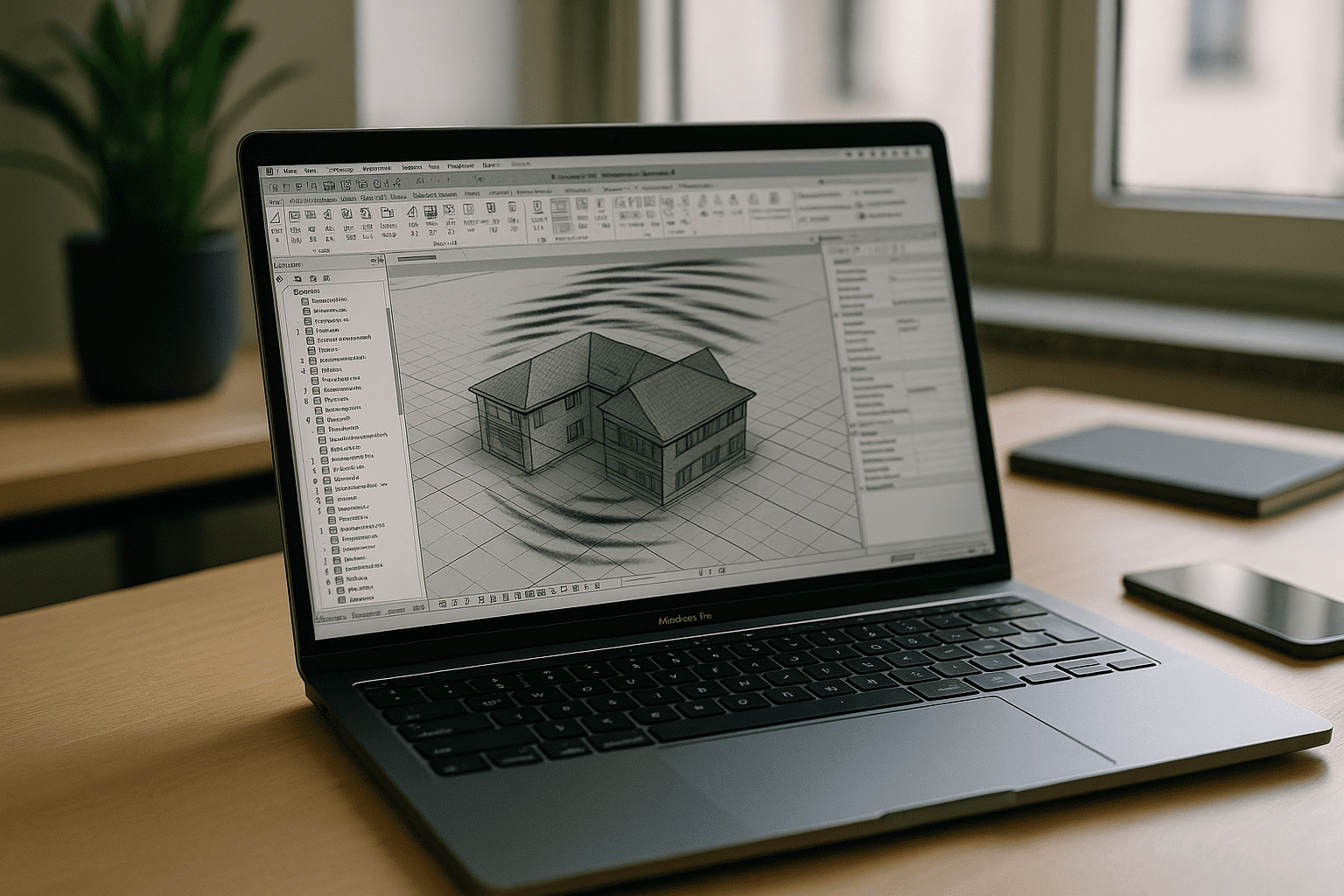
Installing the Windows-only BIM stack on a MacBook is a dead end for many teams. Apple Silicon dropped Boot Camp, and virtualization layers often break graphics acceleration, printers, or mission-critical add-ins right when deadlines hit. IT policies and admin limits can stall Windows VM setup for days, while performance dips and licensing tangles make production work risky on a laptop you depend on. If you just need the real app now, the typical paths to Revit MacBook feel slow, fragile, and unpredictable.
Buying a Windows PC for Revit on Mac: The Hidden Data Chaos
Purchasing a separate Windows workstation seems like a straightforward hardware fix, but it introduces a major headache for project data management. Relying on two separate machines triggers constant file shuttling and manual syncing, which inevitably invites version drift.
For complex BIM workflows, this dual-device approach is a minefield of broken file links, missing texture paths, and detached central models right when you need to sync with contractors. Mobility suffers too — constantly migrating multi-gigabyte RVT projects between local drives and temporary cloud storage drains both your bandwidth and billable hours.
Instead of standardizing your workflow, supporting a parallel Windows stack for a Mac-centric studio creates a fragmented environment where you spend more time fixing file paths than actual modeling. For teams aiming to keep production-grade BIM seamless, buying a second computer leaves the core Revit MacBook collaboration problem completely unsolved.
A Better Way to Run Revit on macOS Without Installs
Instead of buying extra hardware or wrestling with VMs, running the real desktop app in a browser removes setup roadblocks entirely. With GPU acceleration, stable drivers, and full Windows compatibility handled in the background, your MacBook simply opens the software as a secure workspace. Add-ins, printing, and BIM collaboration workflows behave as expected because nothing is emulated, and nothing rides a fragile local configuration. The result is production-ready performance for Revit MacBook sessions — no imaging, no patching, no downtime.
How Aristeem Delivers Revit for MacBook in the Browser
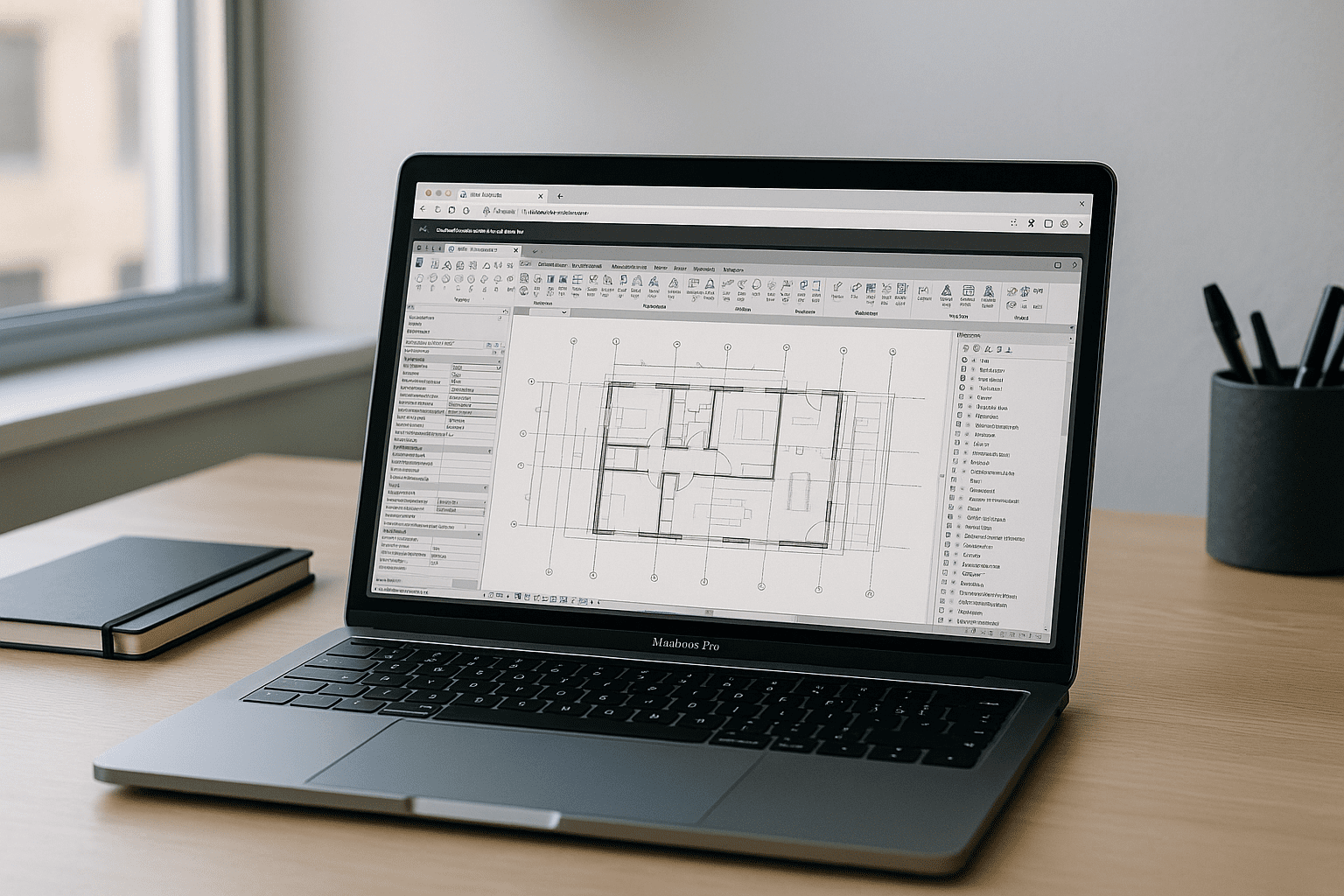
With Aristeem, you open your browser, find Revit in the library, and click Launch — apps are pre-installed and pre-configured, and you only provide a license if the software requires one. Unlike standard screen-sharing tools or unstable emulation layers, Aristeem provides a native-feeling Windows environment natively inside your browser. You’re working in a full environment that brings GPU acceleration, add-in support, and persistent storage to your MacBook instantly. Install the plugins your projects depend on, keep configurations intact, and return to the same workspace every session. For background on the no-setup approach, see running Revit without downloads on Mac or Linux, which outlines why this method avoids the usual VM headaches. It’s the fastest way to turn a MacBook into a reliable BIM workstation for Revit MacBook projects — without touching your local OS.
Revit MacBook in the Browser: Stable Production Work
If you need the real desktop app on a MacBook today, skip new hardware and fragile VMs. A browser-based environment with GPU power, add-ins, and persistent storage gives you predictable performance and clean handoffs across teams. See launching professional BIM tools via web interface to understand how sessions start instantly and keep working wherever you sign in. For busy project schedules and strict IT controls, this keeps Revit MacBook workflows simple, fast, and production-safe.


