


Why PostgreSQL on MacBook Keeps Breaking When You Just Need to Run Queries

Installing PostgreSQL on Mac sounds simple until you hit the reality of conflicting versions, broken PATH variables, and services that stop working without warning. One MacBook ends up running PostgreSQL from Homebrew, another from Postgres.app, and suddenly psql points to the wrong database instance. On Apple Silicon, extensions and libraries built for Intel can behave unpredictably, while corporate-managed Macs often restrict permissions, background services, or local networking.
For analysts and data teams, this becomes frustrating fast. Instead of importing CSVs, writing SQL, or validating models, you spend hours troubleshooting installations, fixing permissions, and trying to understand why PostgreSQL worked yesterday but not today.
Common PostgreSQL on Mac Problems That Slow Teams Down
Most PostgreSQL issues on macOS are not about SQL itself — they come from environment setup.
Multiple PostgreSQL Versions Colliding
It is common to install PostgreSQL through Homebrew, then later try Postgres.app or Docker. Over time, different versions pile up, services compete for ports, and commands begin pointing to the wrong instance. Suddenly:
- queries unexpectedly run against the wrong database instance
- local ports conflict
- migrations fail because the wrong version is running
- analytics workflows become inconsistent across machines
Apple Silicon Compatibility Gaps
PostgreSQL itself works on Apple Silicon, but not every extension, dependency, or analytics tool behaves perfectly. Older binaries, connectors, or libraries sometimes require translation layers, creating subtle compatibility issues that are hard to diagnose. Small setup problems quickly turn into hours of troubleshooting.
Admin Restrictions on Work Devices
Many company-managed MacBooks block launch daemons, port changes, background services, or package installations. Even a standard PostgreSQL setup can require approvals, making “quick setup” unexpectedly time-consuming for analysts who just want a working environment.
Typical Ways Teams Run PostgreSQL on Mac
There are several ways people usually approach PostgreSQL on macOS, but each comes with trade-offs.
- Local installation via Homebrew or Postgres.app — the traditional route gives you direct control and local performance, but setup varies from machine to machine. Team members often end up on different versions, with slightly different environments and recurring configuration issues.
- Docker-based PostgreSQL — Docker improves consistency, but adds another layer of setup: containers, networking, volume management, and CLI familiarity. For analysts who primarily need SQL access, maintaining infrastructure can feel heavier than the work itself.
- Browser-based workspaces — instead of configuring PostgreSQL locally, some teams now work from ready-to-use environments opened directly in the browser. This removes local conflicts entirely and standardizes access across devices.
Run PostgreSQL on Mac Instantly in the Browser with Aristeem
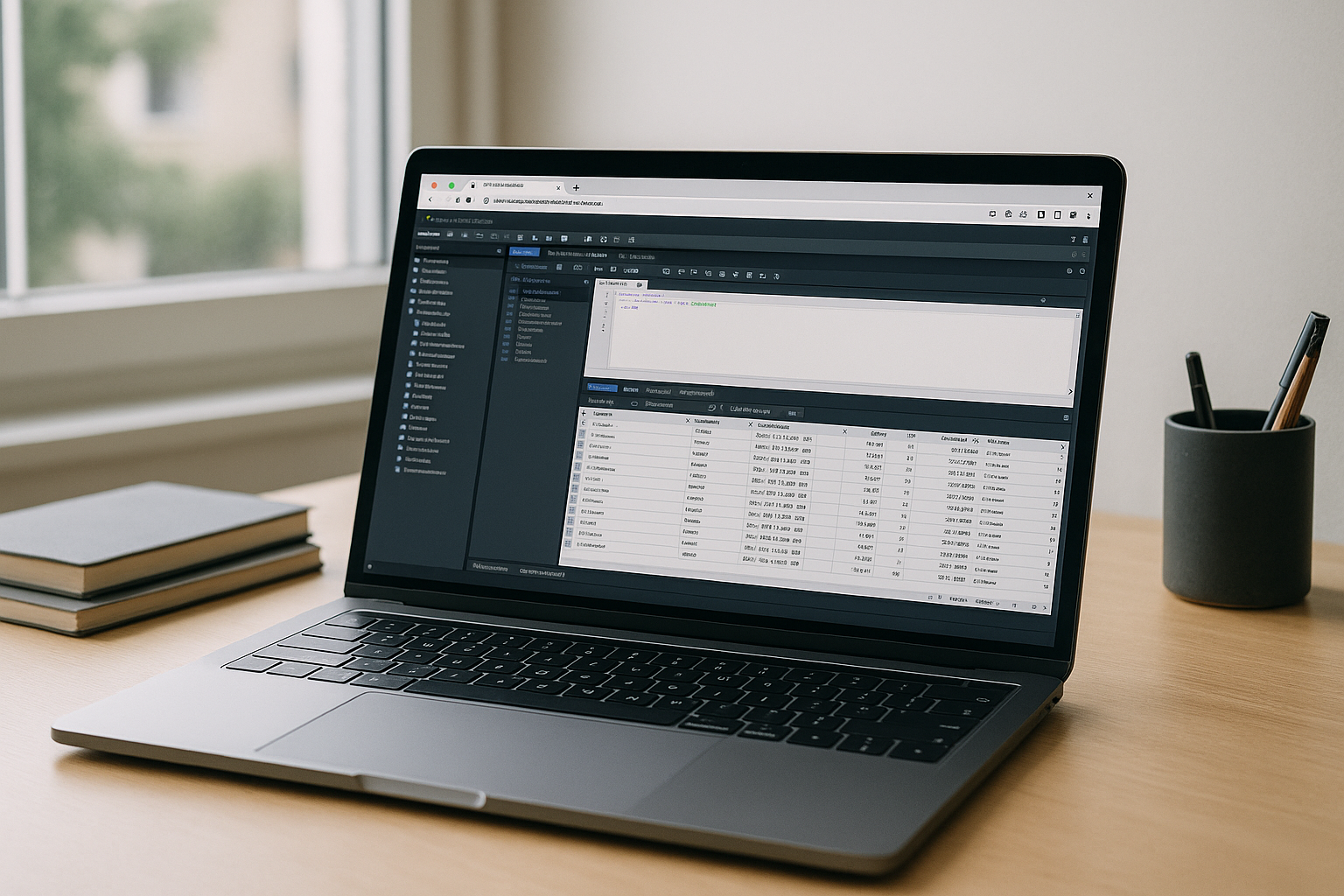
Aristeem provides a complete browser-based workspace where PostgreSQL is ready to use without local installation, Homebrew conflicts, PATH issues, or admin-rights hurdles. It is not an emulator and not a remote desktop — it is a full working environment with pre-configured applications that launch instantly in a tab.
Open PostgreSQL using the command line or your preferred database interface, import datasets, run queries, and test workflows without changing macOS system settings or troubleshooting compatibility issues. Instead of maintaining environments, analytics teams can stay focused on data, reporting, and faster iteration. To explore how PostgreSQL works in a cloud environment for analytics, large tables, and cross-device access, see our detailed guide to PostgreSQL in the cloud.
PostgreSQL on Mac Without Installation Delays
If local installs, Apple Silicon quirks, or admin restrictions keep slowing you down, a browser-based workspace makes PostgreSQL on Mac straightforward. Open a tab, launch PostgreSQL, and start querying — no package conflicts, no setup overhead, and no detours from actual work. It is the fastest path from raw data to insights on any Mac.
Ready to skip setup and start working faster? Launch PostgreSQL in your browser and start querying from any Mac without installation delays or environment conflicts.


