


Blog
Run Photoshop Online — Full Desktop in Your Browser
Online Photoshop software should give you the complete desktop app—not a simplified web editor. Learn how to run full Photoshop in your browser with the features, performance, and flexibility professionals expect.
Read More
Blender 3D Software: Keep Your Production Pipeline Together
Modern Blender projects extend beyond modeling. Learn how centralized workspaces simplify rendering, visualization, collaboration, and access across every device.
Read More
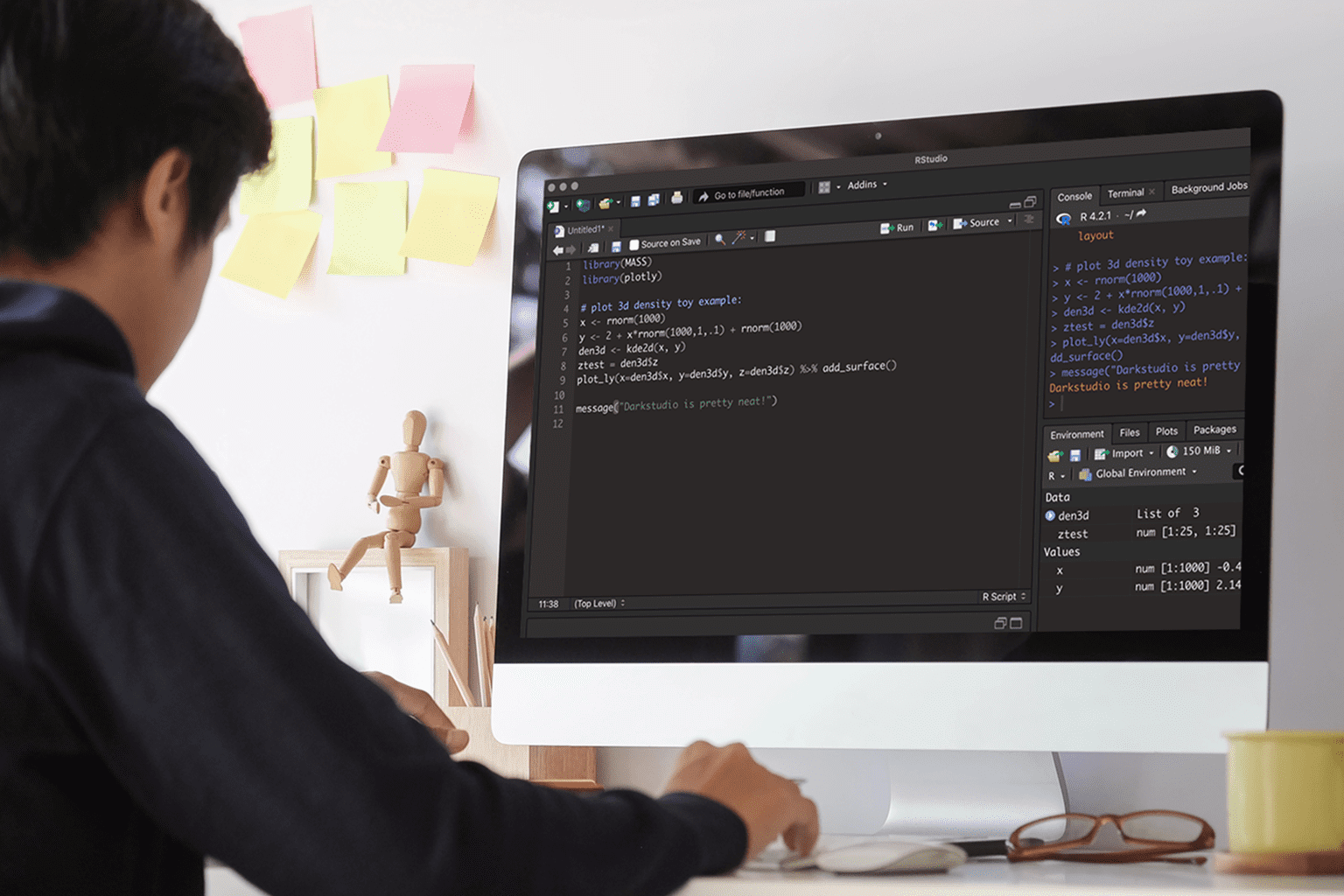
RStudio in Your Browser — Skip Installs and Specs
Blocked installs, admin restrictions, and heavy package dependencies keep many teams from running RStudio where they work. This article shows how to use RStudio online in a browser — with full desktop capabilities and no local setup.
Read More
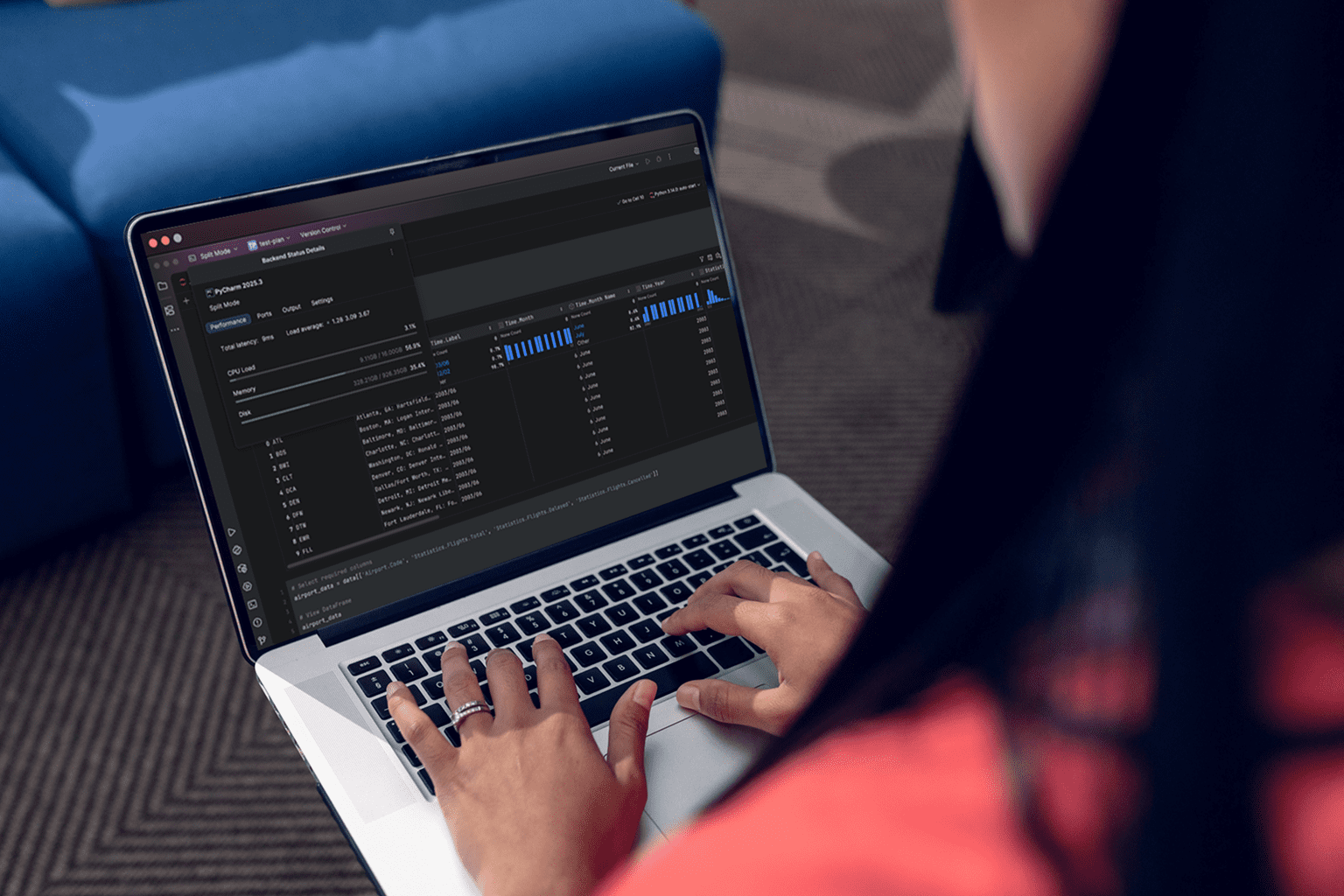
Run PyCharm IDE in Your Browser — Skip Installs
Analysts need PyCharm for real work but face blocked installs, package conflicts, and limited laptop storage. See how to keep environments consistent and hardware-agnostic while working from any device.
Read More

Houdini 3D: Build Procedural Workflows Without Workstation Limits
Artists need Houdini Apprentice for complex simulations but hit installation blocks, driver conflicts, and underpowered machines that can’t even launch the tool. This article shows a reliable way to use it without local installs or hardware upgrades.
Read More
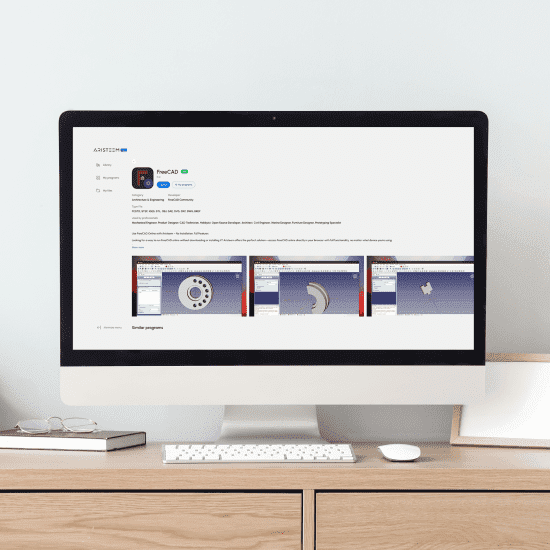
Run FreeCAD in Your Browser — Skip Installs
Need to open FreeCAD but installs are blocked or your device lacks GPU power? See how to start the full desktop instantly in your browser without local setup.
Read More
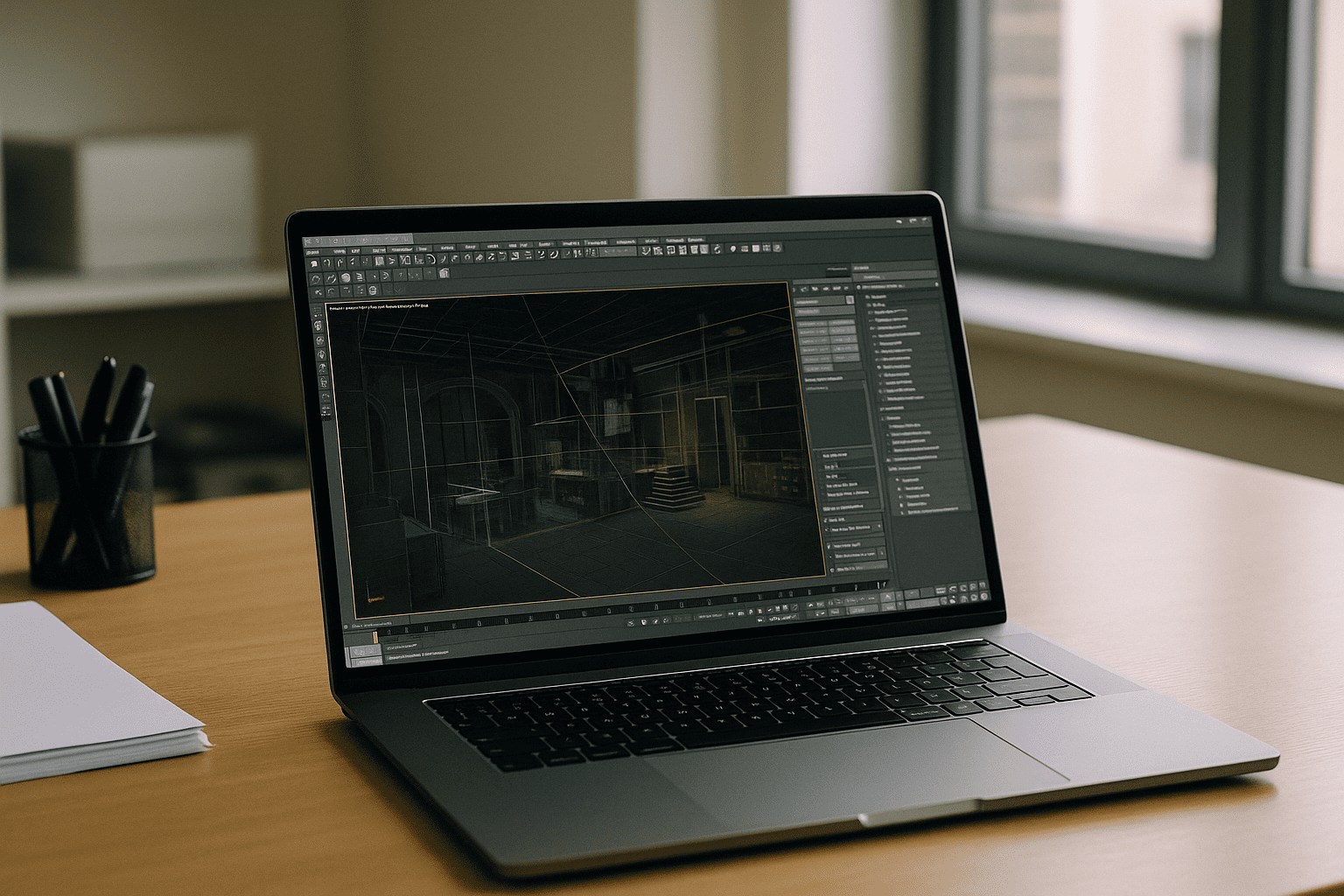
3ds Max Studio: Build a Complete 3D Workspace in Your Browser
Need a complete 3ds Max Studio without maintaining expensive workstations? Discover how to build a browser-based 3D workspace with GPU acceleration, consistent plugins, and access from virtually any device.
Read More
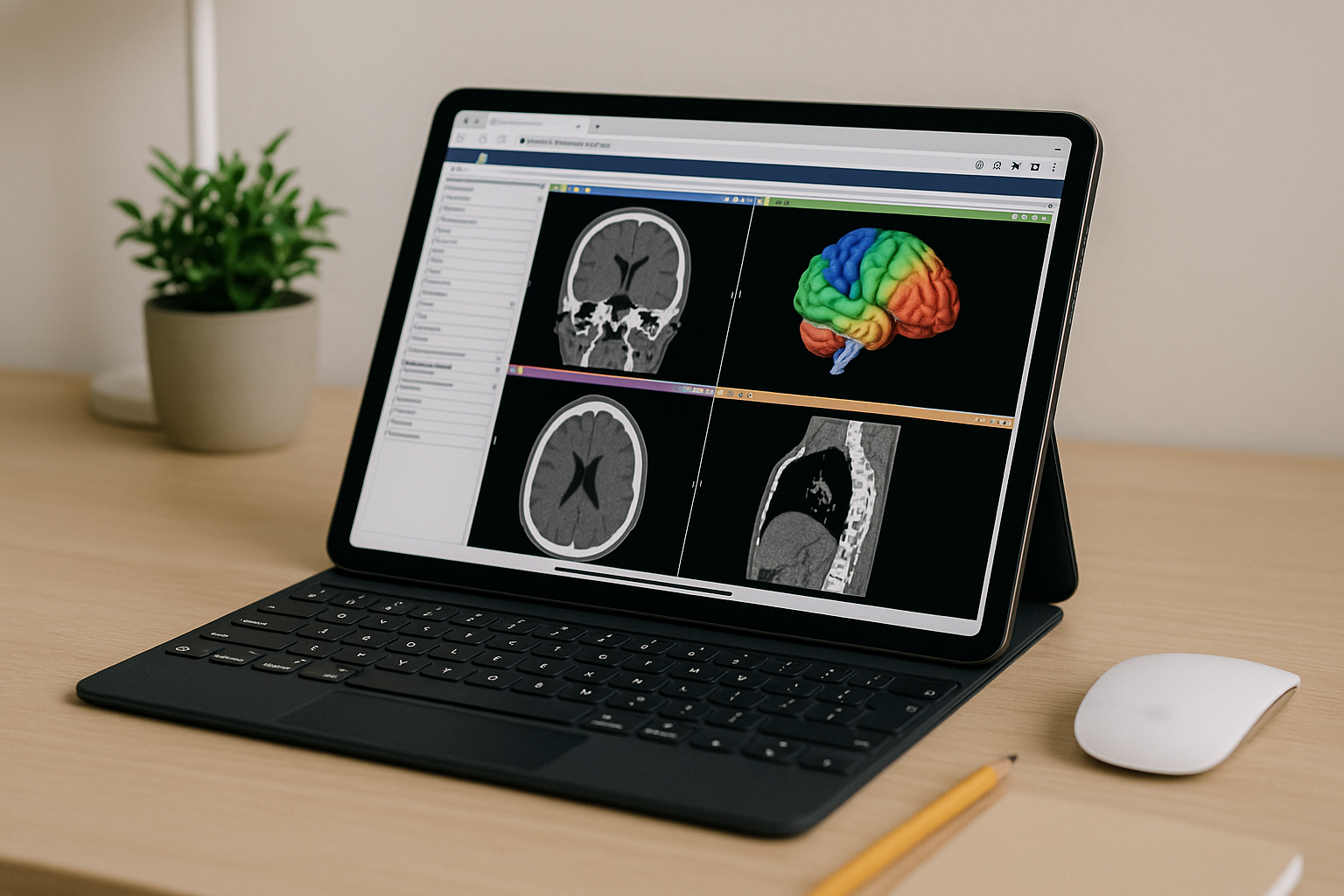
3D Slicer Software in Browser — Full Desktop Access
Need 3D Slicer but blocked by admin rights, OS conflicts, or weak hardware for large DICOM/NIfTI? Here’s how to work at full speed in your browser without local installation.
Read More
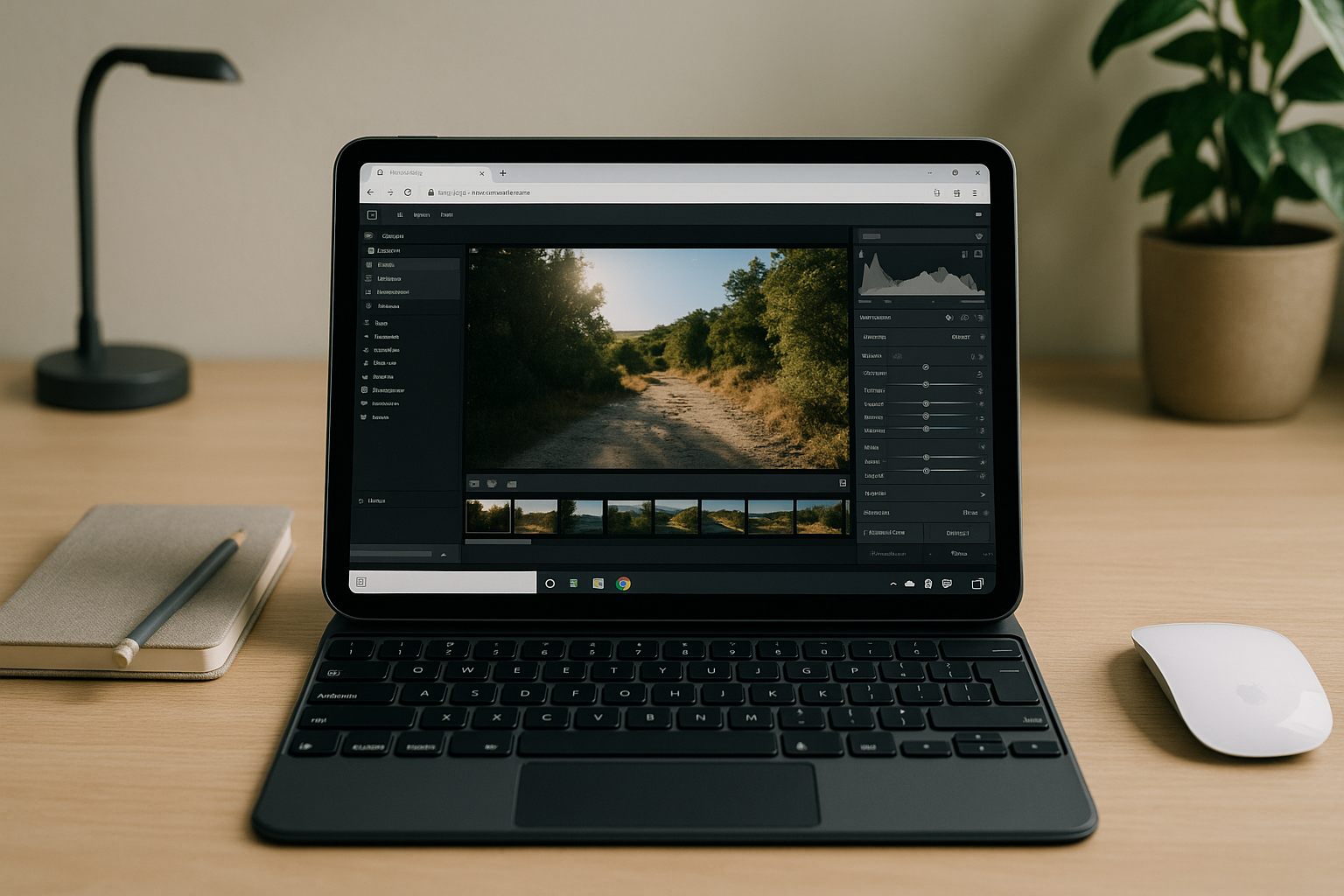
Lightroom Classic Online: Run the Full App in a Browser
Need Lightroom Classic without a local installation? Discover how to use the full desktop app in a browser with catalogs, RAW editing, and GPU acceleration.
Read More
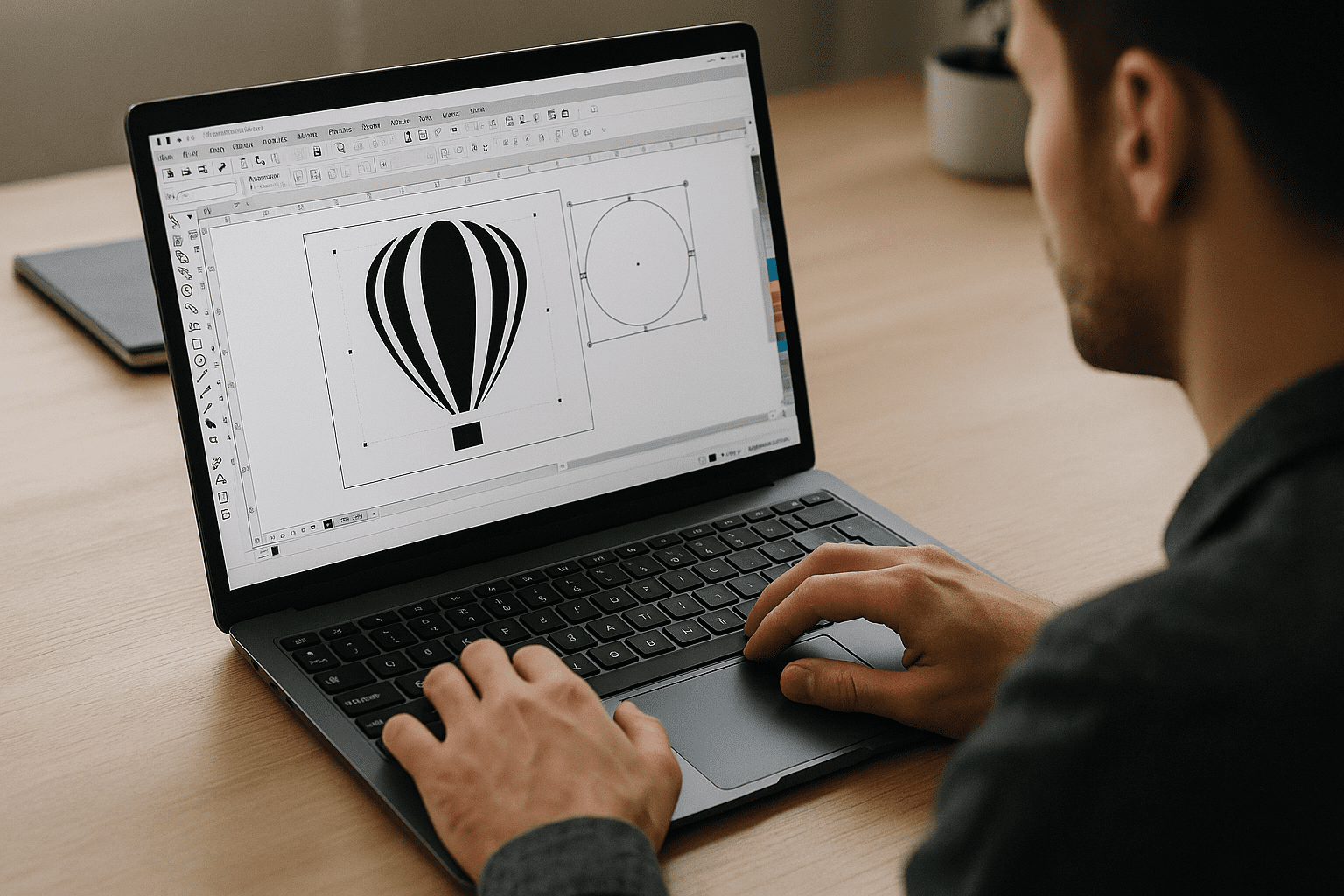
Software CorelDRAW: Full Desktop Suite in Browser
You need CorelDRAW Graphics Suite now, but installs, weak hardware, or locked devices block your workflow. Here’s a practical path to run the full desktop suite online without local setup.
Read More
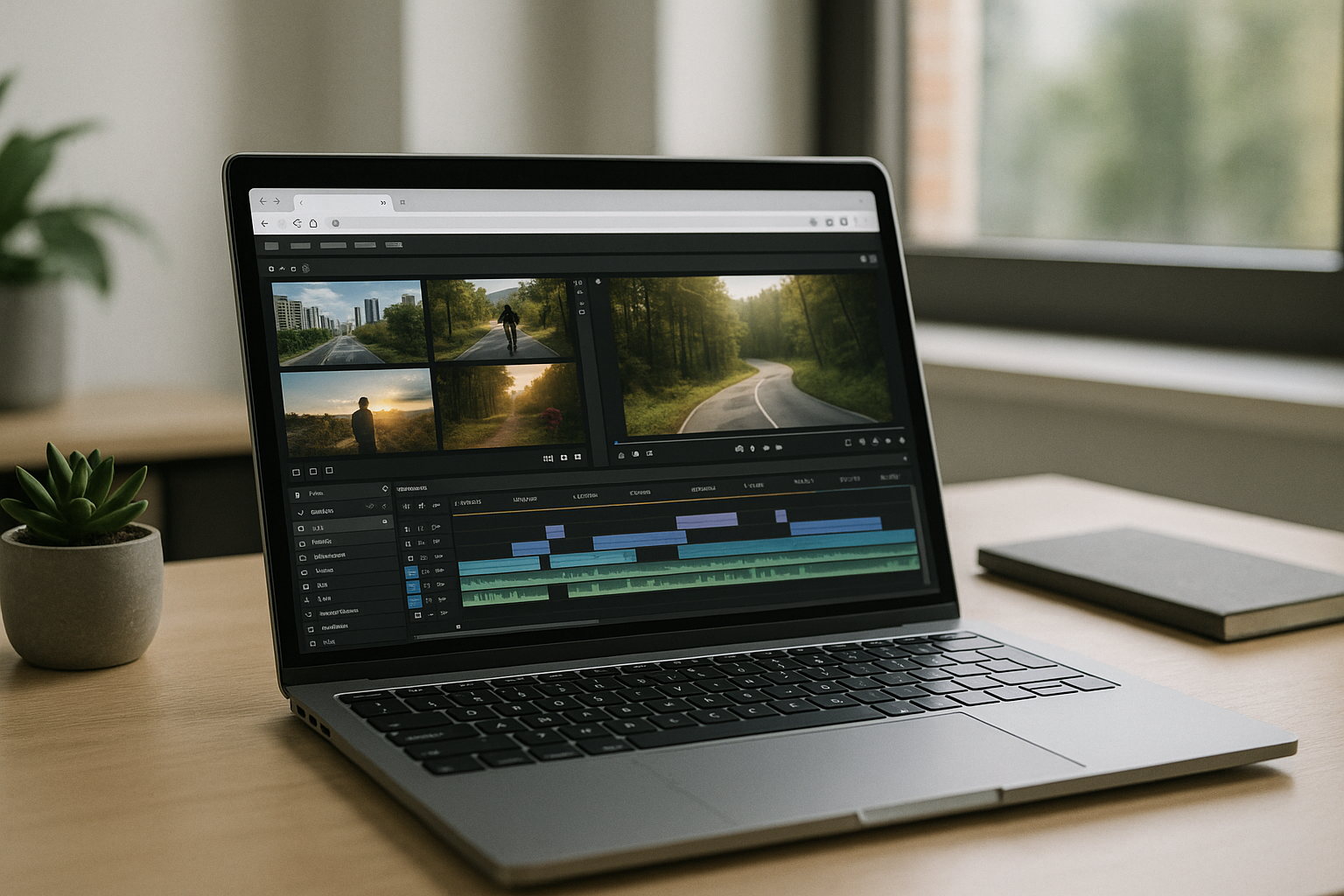
Run Vegas Pro in Browser — Skip Installs and Specs
You need Vegas Pro but can’t install it due to admin restrictions or heavy system requirements. Learn how to use the full desktop experience in your browser without upgrades or workarounds.
Read More
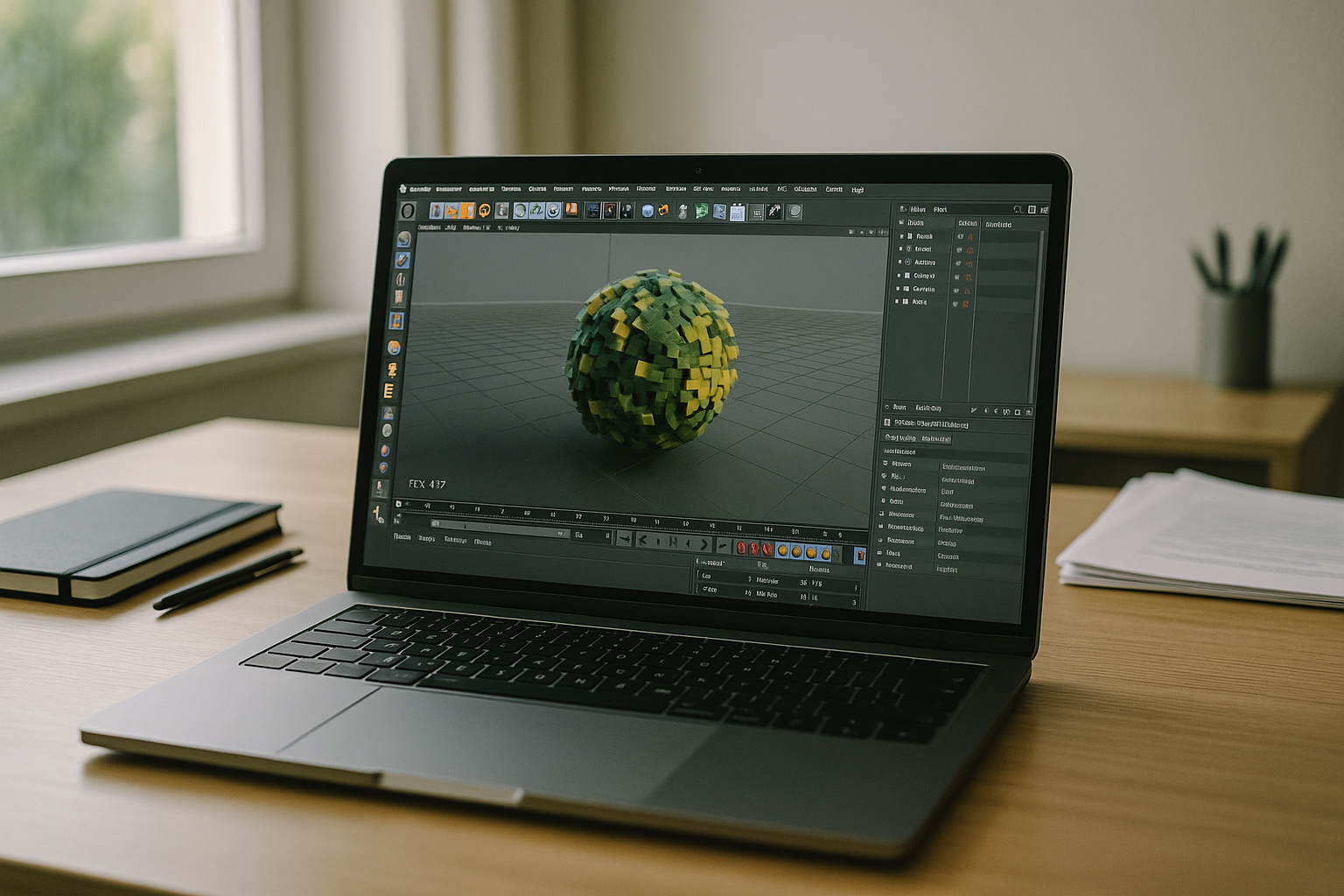
C4D Software — Cinema 4D in Browser, No Installs
Many artists searching for C4D software can’t install updates, hit GPU limits on heavy scenes, or fight mismatched plugins across devices. This guide shows a practical, browser-based way to keep performance high and workflows consistent without new hardware.
Read More


