


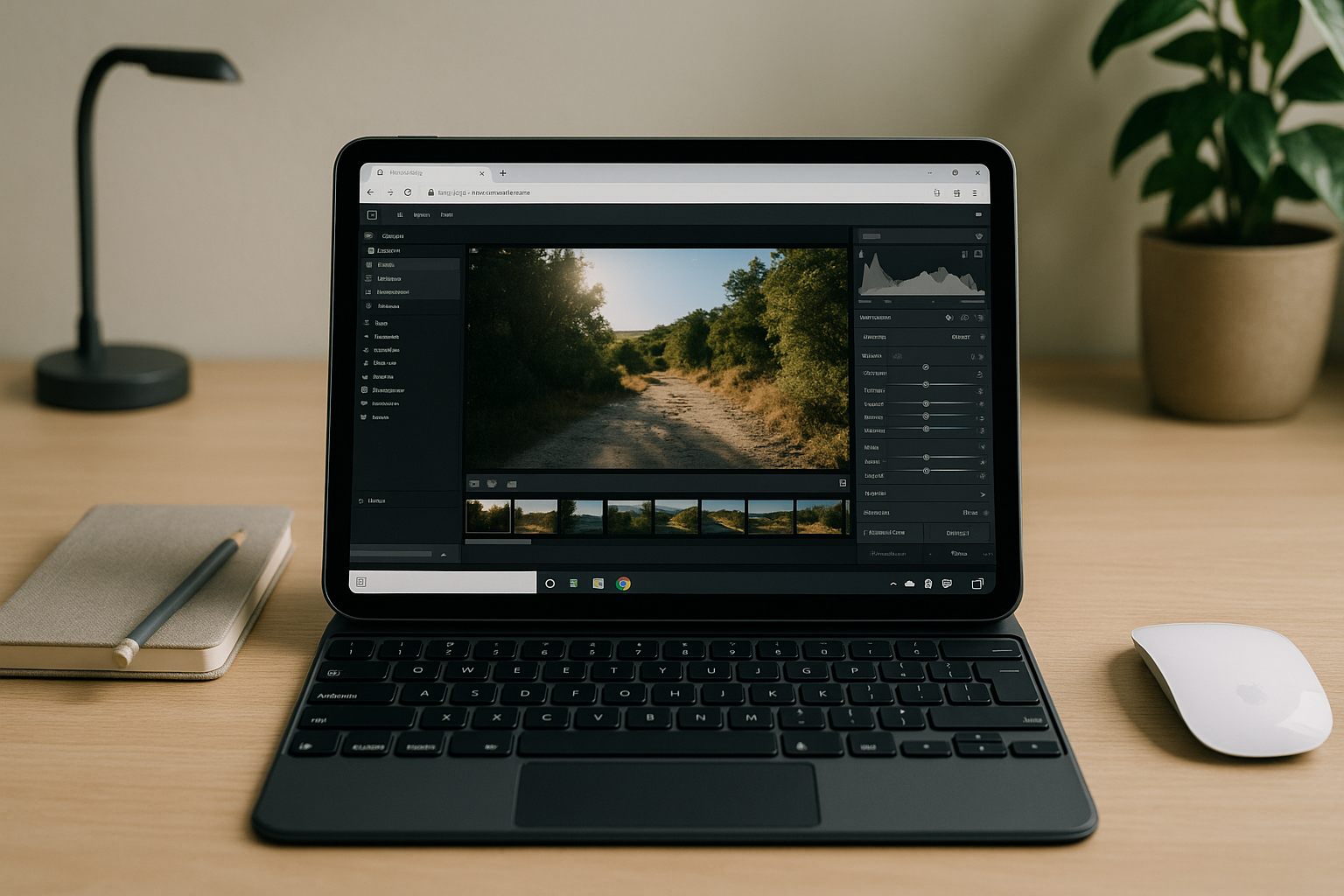
Why Professionals Need Lightroom Classic Online Access
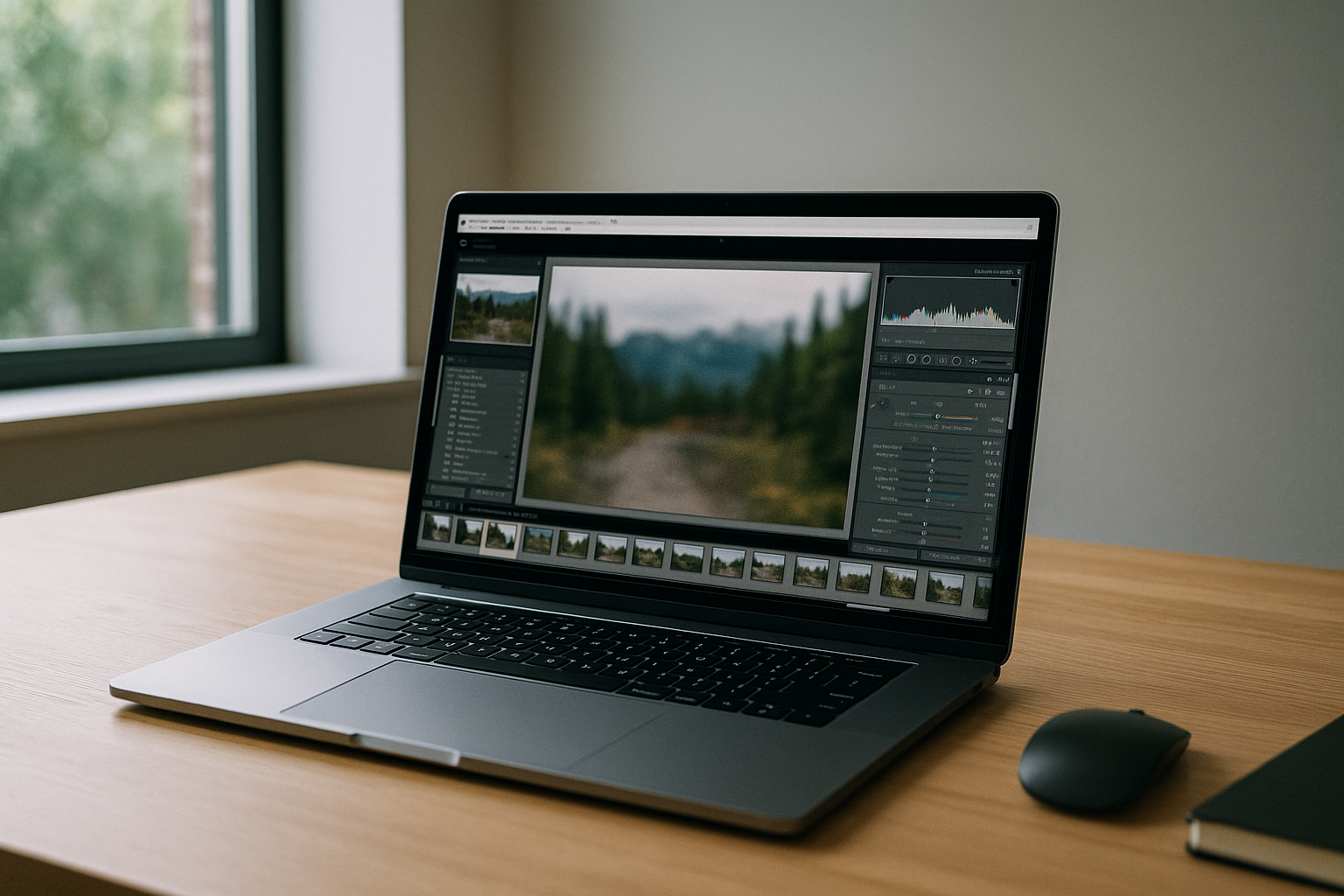
Teams and freelancers often need the complete Lightroom Classic toolset when local installs are blocked by IT, the device is underpowered, or they are on iPad or Chromebook for travel work. Catalog-driven workflows, RAW ingest, and GPU-heavy features like Denoise and advanced Masking are essential, yet an official browser version does not exist. That’s why many search for Lightroom Classic online: the goal is to keep the full desktop features without changing hardware or OS.
Why Dual Boot Does Not Deliver Lightroom Classic Online
For Linux users, installing Windows alongside their existing operating system through a dual-boot setup may seem like a practical way to keep using Lightroom Classic. While this provides access to the full desktop application, it does not solve the need for Lightroom Classic online. Every editing session still requires restarting into Windows, maintaining a separate installation, and relying on the performance of your local hardware. Your catalogs, plugins, and application updates remain tied to one machine, making it difficult to switch devices or continue working while traveling. If you need Lightroom Classic from a Chromebook, iPad, or a managed work computer where software cannot be installed, dual boot offers no advantage. It preserves the desktop workflow but not the flexibility that most users expect from browser-based access.
Why Lightroom Classic Has No Official Browser Version
Unlike the cloud-based version of Lightroom, Lightroom Classic is designed as a desktop application that depends on local catalogs, file management, and direct access to system resources. Adobe does not offer an official browser version of Lightroom Classic, so there is no way to open the full application from a web browser with all of its desktop features. This is why many users search for Lightroom Classic online — they are looking for a way to keep the complete Classic workflow without changing devices or giving up familiar tools. A browser-accessible desktop environment bridges that gap by making the original application available online while preserving catalogs, preferences, and GPU-accelerated features.
Aristeem: Keep Your Lightroom Classic Workflow Anywhere
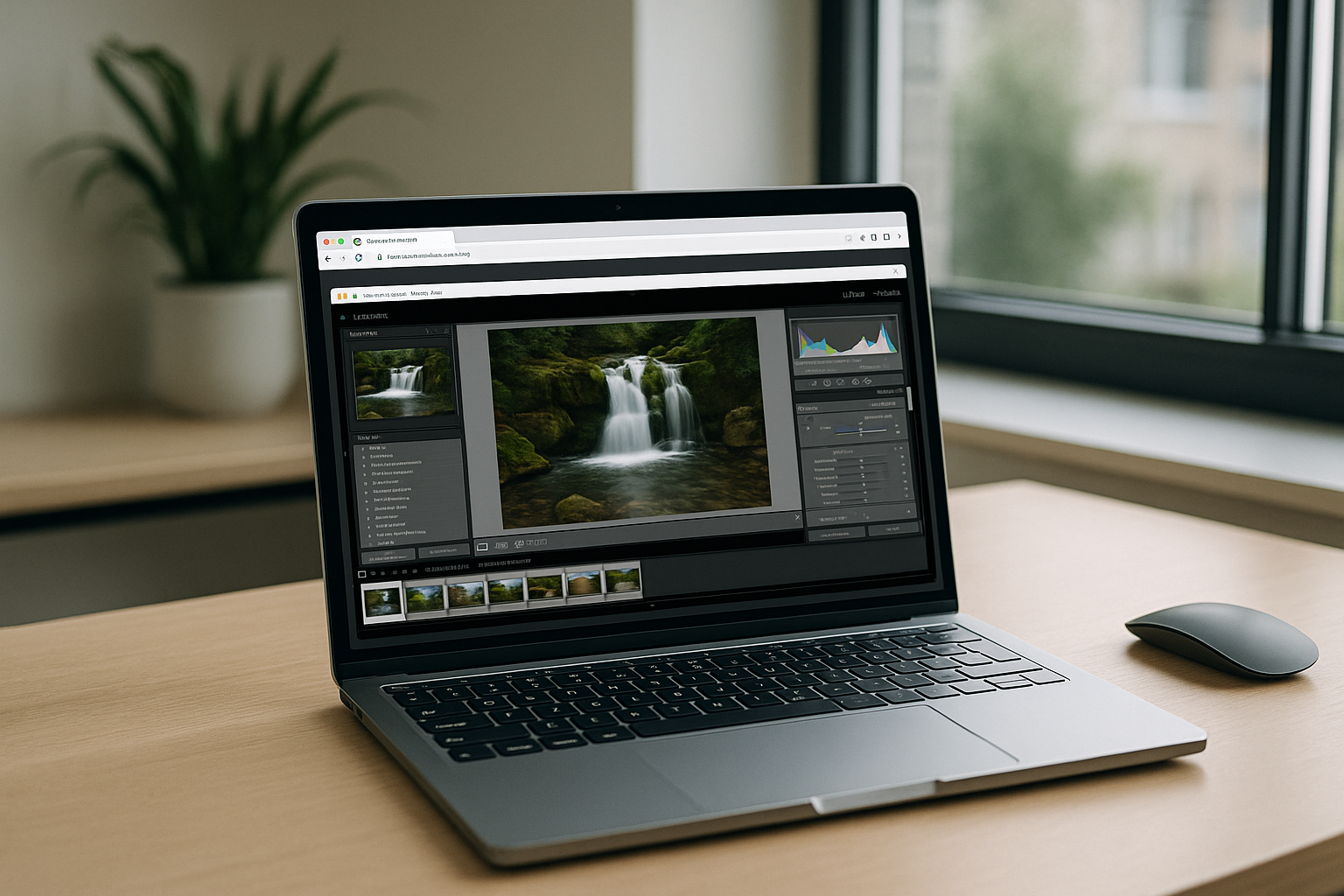
With Aristeem, Lightroom Classic runs in a full cloud workspace that opens directly from your browser, allowing you to continue working with the same catalogs and editing workflow across different devices. Sign in with your Adobe account if a license is required, open an existing catalog, import RAW libraries from local or cloud storage, and continue editing without rebuilding your workspace. Smart Previews, presets, and third-party plugins remain part of the same familiar environment, while GPU acceleration keeps AI-powered Denoise, advanced Masking, and large RAW batches responsive. Whether you switch between a desktop computer, Chromebook, or tablet, your Lightroom Classic workflow stays consistent instead of being tied to a single machine. For a deeper look at running the full desktop application from any device, see our guide to using Lightroom Classic in a browser.
Lightroom Classic Online Without Installation, Anywhere You Work
Lightroom Classic remains a desktop application, but that no longer means you must rely on a specific computer. A browser-accessible cloud workspace lets you keep the same catalogs, presets, and editing workflow while working from virtually any modern device. Instead of adapting your workflow to your hardware, you keep the full Lightroom Classic experience wherever your projects take you.


