


When C4D Software Won’t Install or Perform
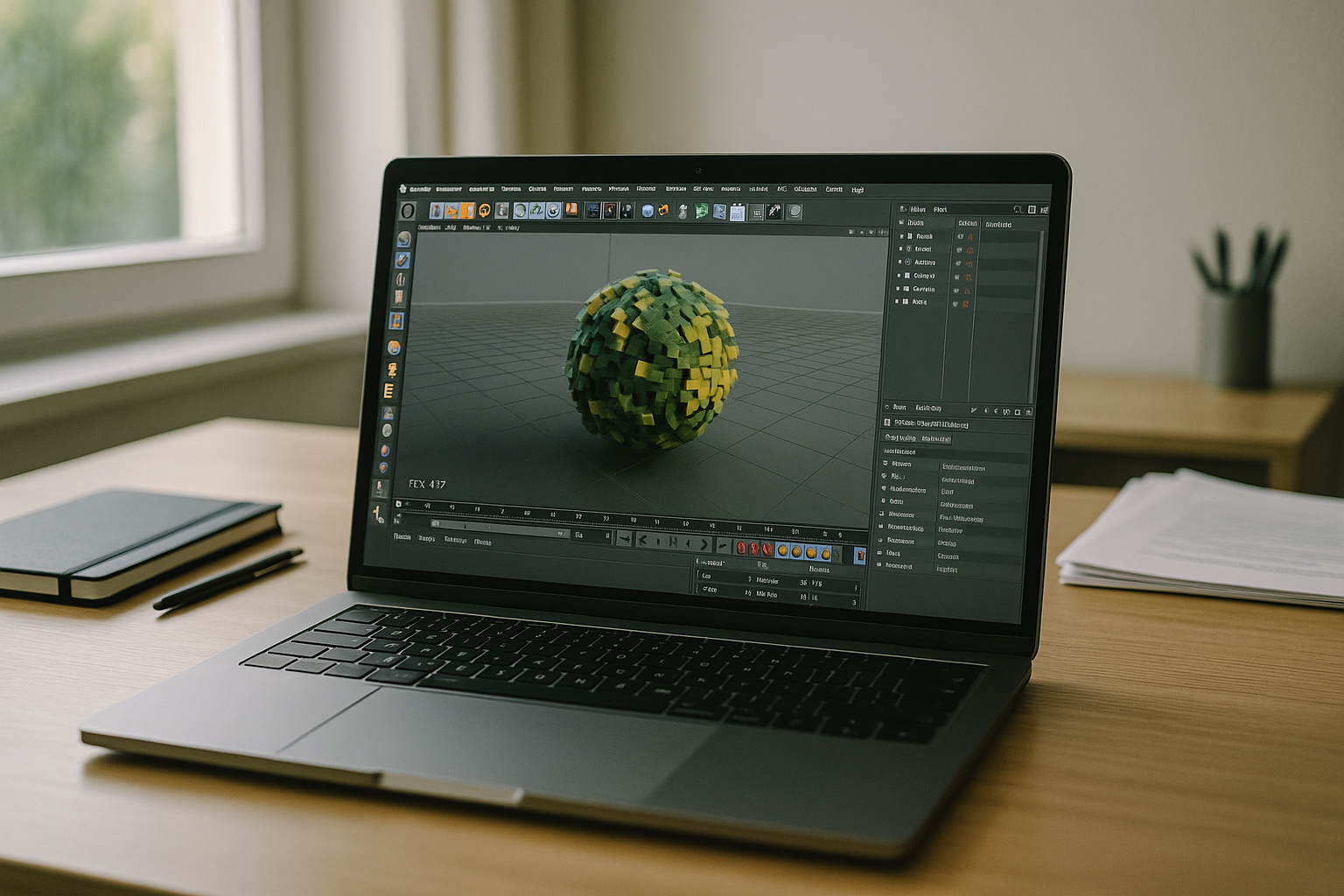
Your day stalls when a client scene refuses to open, the installer fails, or the viewport crawls on a travel laptop. Heavy MoGraph stacks, multi-GB textures, and simulation caches push VRAM to the edge, and switching between office workstation, home PC, and tablet breaks plugin versions and paths. If you’re searching for C4D software that just works everywhere, the real need is consistent performance and identical setups on any device without reinstalling or reconfiguring.
Why Buying a New PC Fails for C4D Software
Upgrading to a high-end workstation seems obvious, but it locks budget into hardware that depreciates fast and might still miss the mark on VRAM, storage speed, or thermals. Procurement, shipping delays, driver tuning, and plugin re-activation eat days you don’t have, and laptops throttle under sustained loads just when previews need to be responsive. Even after the spend, teams still face version drift, asset sync headaches, and no easy way to keep identical environments across multiple devices and locations.
2026 Shift to Cinema 4D in Browser Workflows
Studios and agencies in 2026 are standardizing on cloud-native workspaces to break dependence on local machines and to keep toolchains synchronized. GPU capacity is treated as a pool that can scale for previews and renders, with persistent environments preserving plugins, assets, and versions across any device. Browser-based desktops satisfy mobility, security, and business continuity needs while giving artists the same performance profile on Mac, Windows, Linux, iPad, or Chromebook without manual setup.
Best Way to Run Cinema 4D Online Without Upgrades
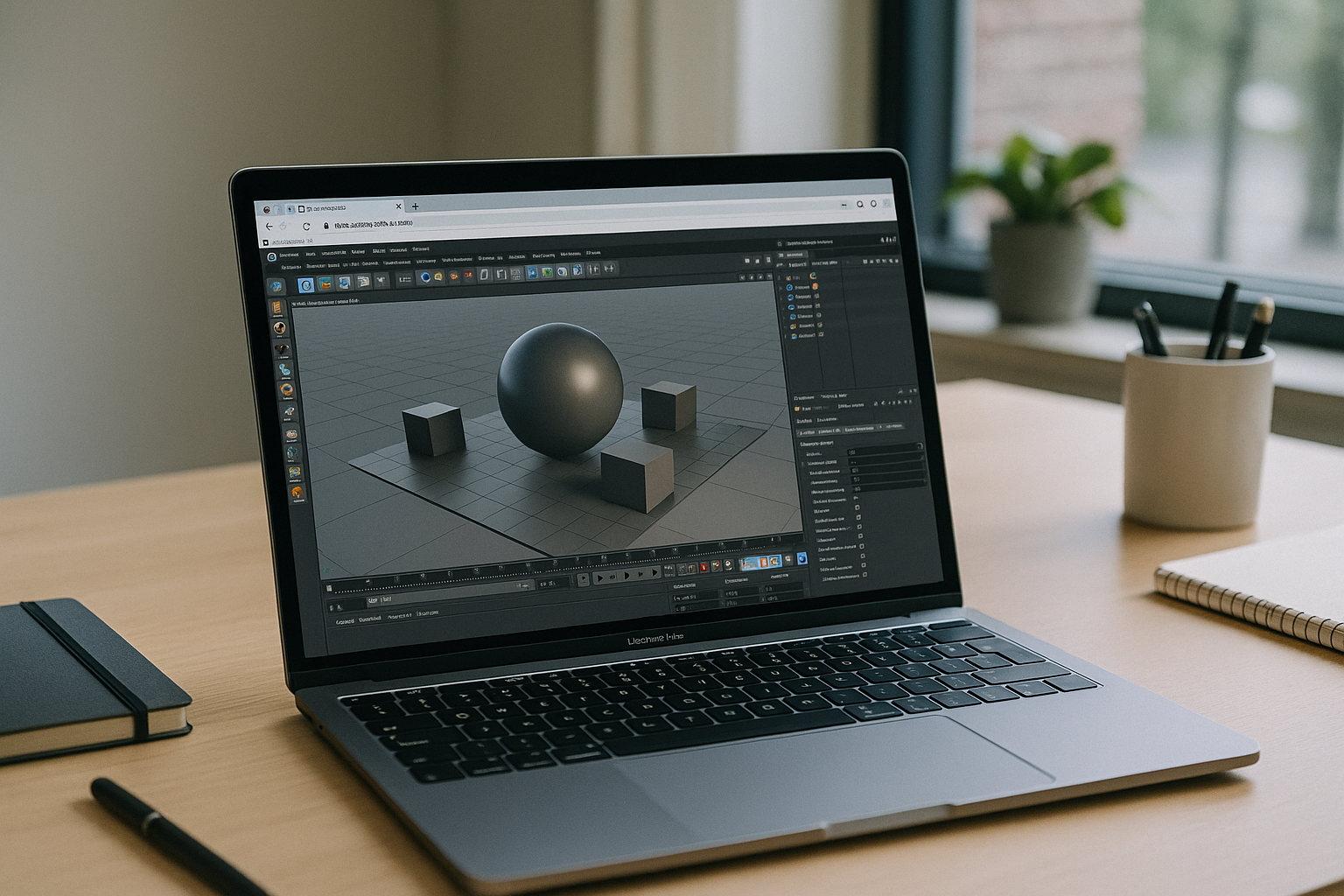
Workarounds like simplifying scenes, offloading only final renders to farms, or borrowing a spare workstation help temporarily but keep you tied to inconsistent environments. A modern path is running full desktop Cinema 4D inside a browser-based workspace with dedicated GPU, persistent storage, and plugin support, so your setup follows you. This approach preserves performance for lookdev and previews, keeps versions aligned, and eliminates local installation risks while enabling you to C4D software workflows from any capable device.
C4D Software on a Cinema 4D Cloud GPU Workspace
Aristeem delivers a complete working environment in the browser that runs full desktop Cinema 4D with dedicated GPU power, persistent storage, and the same configuration every time. It is not an emulator and not a remote desktop; it’s a ready-to-work space where programs are pre-installed and pre-configured, so you start by clicking the Launch button in the library, providing a license only if the app requires it. Install your renderers and extensions once, keep paths stable, and move between Mac, Linux, Chromebook, or tablet while maintaining identical C4D software setups; for deeper context, see Cinema 4D plugin workflows.
A Clean Path to C4D Software in the Browser
Running a persistent, browser-based desktop with a capable cloud GPU removes install barriers, avoids hardware churn, and keeps Cinema 4D versions, plugins, and assets consistent across every device. It restores predictable performance for previews and renders while preserving your exact environment wherever you sign in. If you want a practical view of this workflow, explore how software runs directly in a browser and see how it fits your pipeline.


