


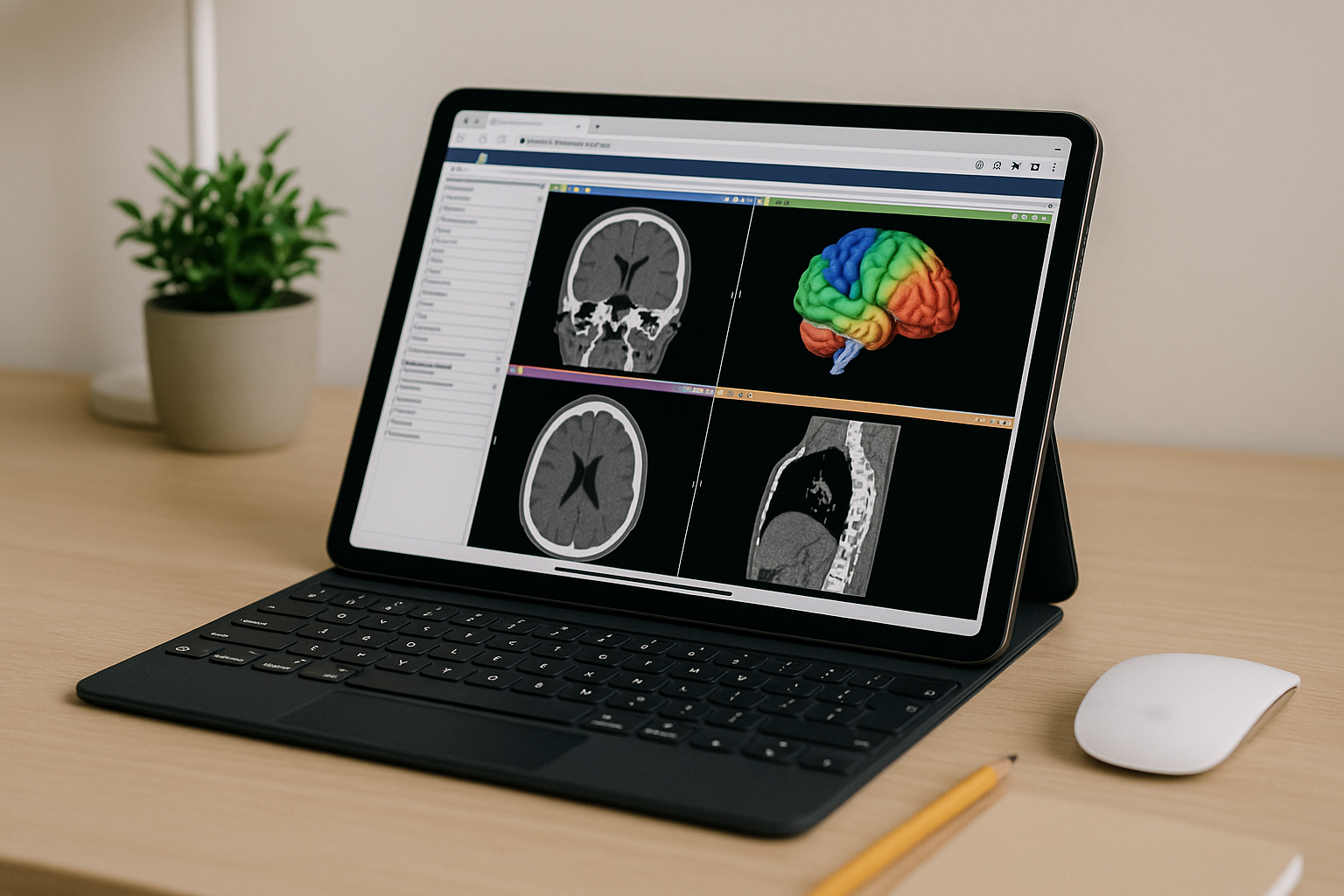
3D Slicer Online Access When Local Installs Fail
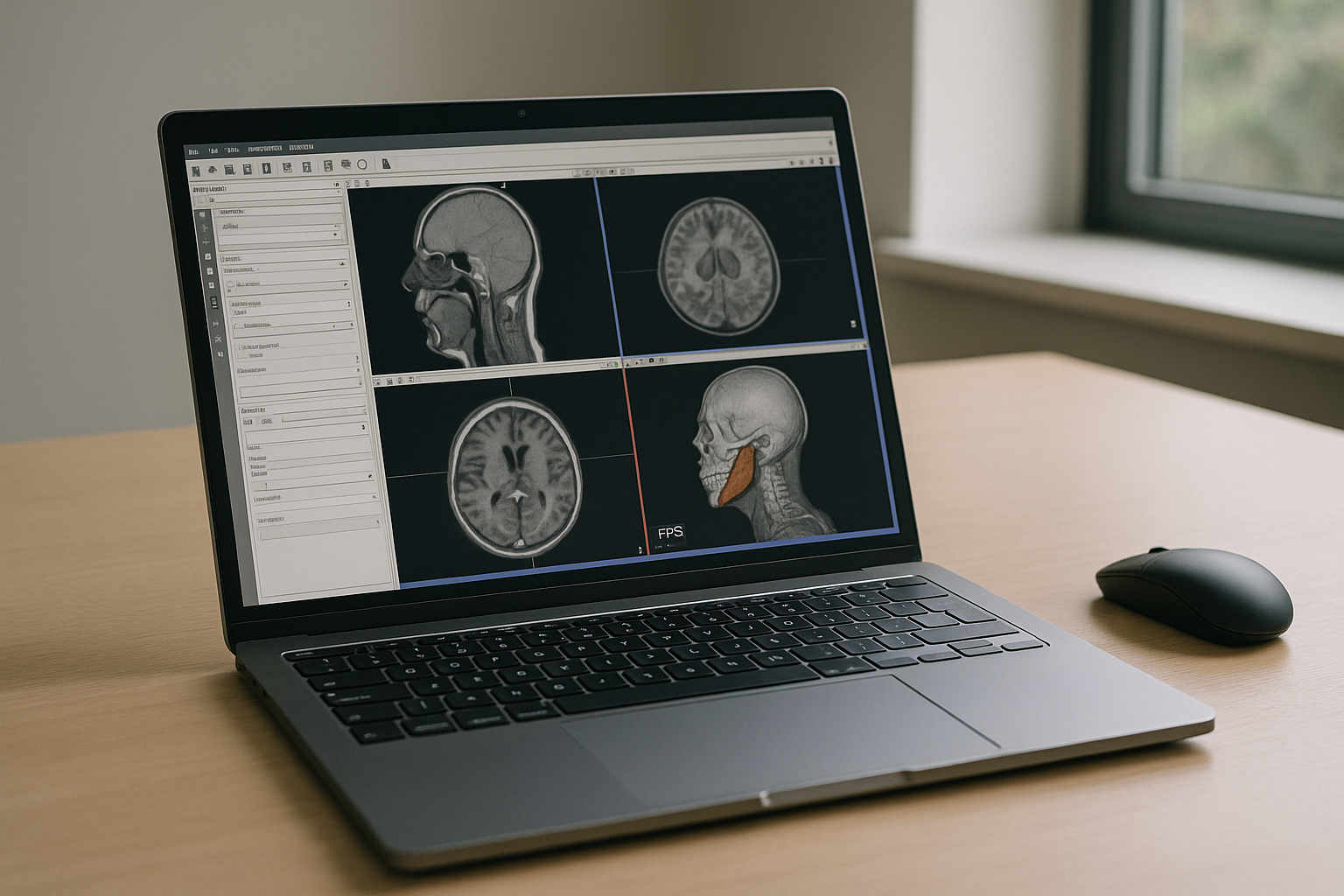
Your day depends on loading a 60 GB DICOM series, running segmentations, and exporting NIfTI for downstream analysis — yet the install is blocked by admin policies or the workstation simply can’t keep up. On-call, you toggle between OS constraints, GPU errors, and missing drivers, while deadlines for planning or research keep moving closer. You need the full power of 3D Slicer software with working extensions, stable GPU acceleration, and fast I/O right now, not an IT ticket queue.
Why Buying a Better PC for 3D Slicer Software Backfires
Upgrading hardware feels like the obvious fix: more CPU, more RAM, bigger GPU, problem solved. In practice, procurement takes weeks, budget approvals stall, and you still need admin rights and careful driver tuning for stable rendering. Large clinical datasets strain internal storage, mobility suffers, and you’re locked into a single location while the actual need for 3D Slicer software is often urgent, temporary, and unpredictable.
Run 3D Slicer in Browser: 2026 Workflow Reality
Professional teams in 2026 are consolidating around cloud-native execution to decouple performance from local machines. Elastic GPUs, instant environments, and zero-trust device models let experts open tools anywhere while keeping data controlled and auditable. This shift directly benefits 3D Slicer software use cases — segmentations, registrations, and 3D visualization stay fast and consistent, regardless of whether you connect from a Mac, Linux laptop, or a lightweight tablet.
The Best Way to Use 3D Slicer Without Installation
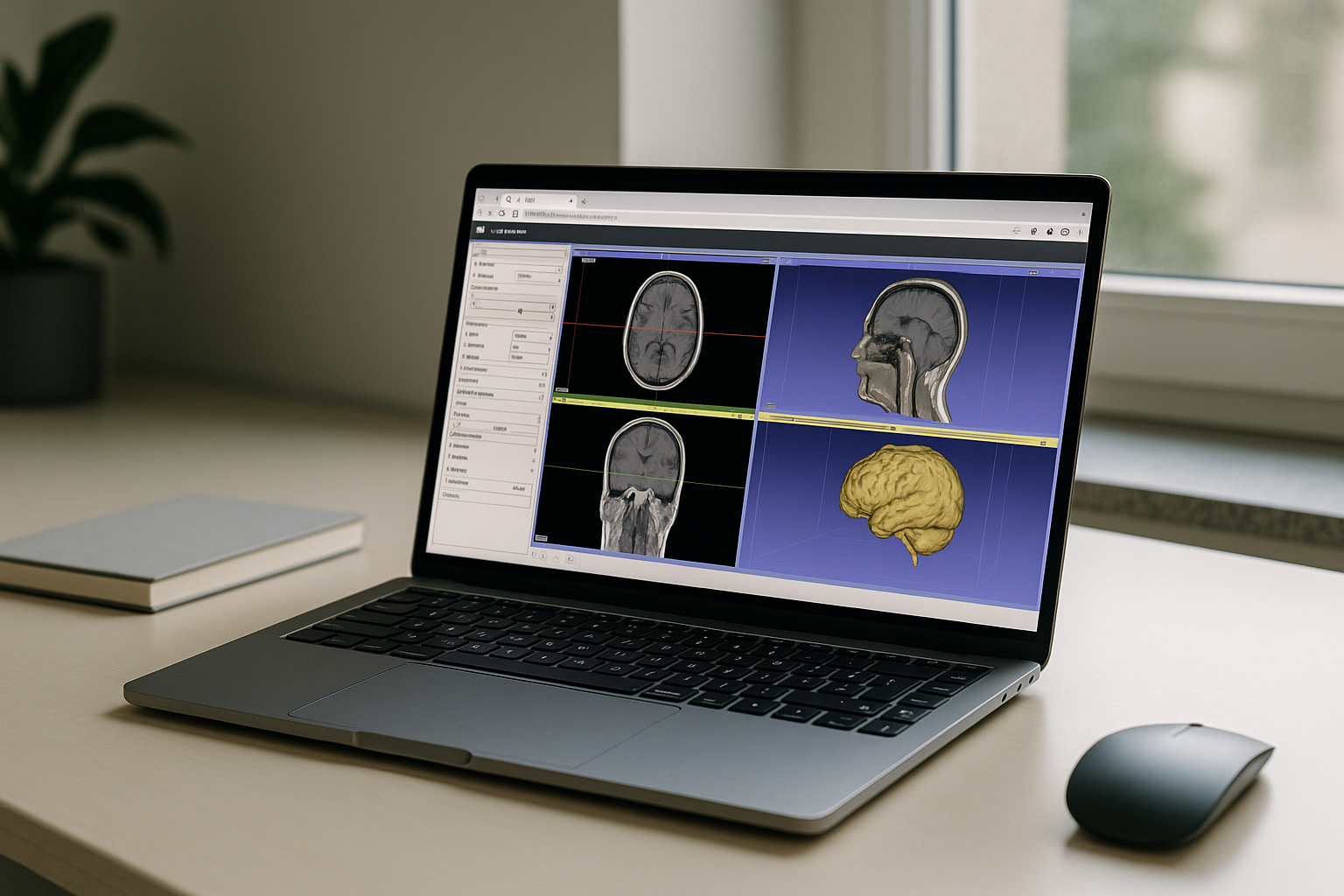
Temporary workarounds—borrowing a lab workstation, shipping data to a colleague, or trying screen-sharing tools — break under GPU load and sensitive imaging workflows. What works is executing the full desktop app in the browser so performance lives in the session, not on your device. That gives you 3D Slicer software with extensions, data locality, and strong GPUs, all without touching your local OS or requesting admin rights. It feels like native speed while remaining hardware-agnostic.
Aristeem Delivers Full Desktop 3D Slicer Software in Browser
Aristeem runs the complete desktop app in your browser — no setup, instant access, and not an emulator or remote desktop. Open the library and press the “Launch” button to start 3D Slicer software pre-installed and pre-configured; add extensions, connect storage, and scale GPUs as needed. Only a license is required if a program demands it, and Slicer workflows benefit from fast GPU acceleration for segmentation, registration, and volume rendering. Access from Mac, Linux, Windows, iPad, or Chromebook with the same stable environment. For deeper context, see detailed guidance on using 3D Slicer online within a browser-based desktop workflow.
3D Slicer Software Online Without Hardware Barriers
Running 3D Slicer software in the browser removes admin hurdles, OS conflicts, and underpowered devices while preserving full desktop fidelity and GPU speed. Your imaging, segmentation, and export pipelines stay consistent, portable, and ready on any device. Explore how this works in practice with how 3D Slicer runs directly in a browser so you can keep projects moving without rebuilding your workstation.


