


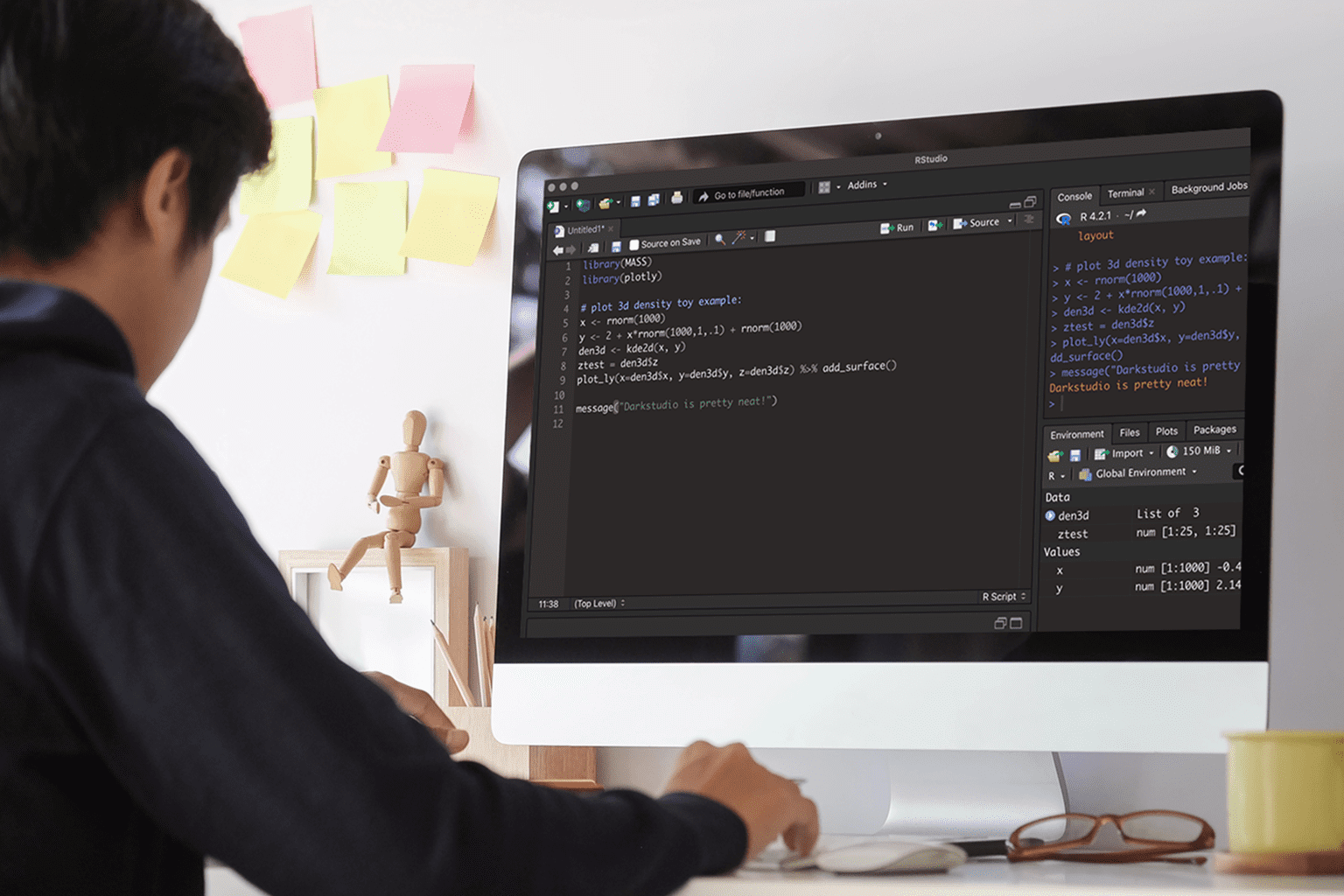
Why more teams choose RStudio in browser
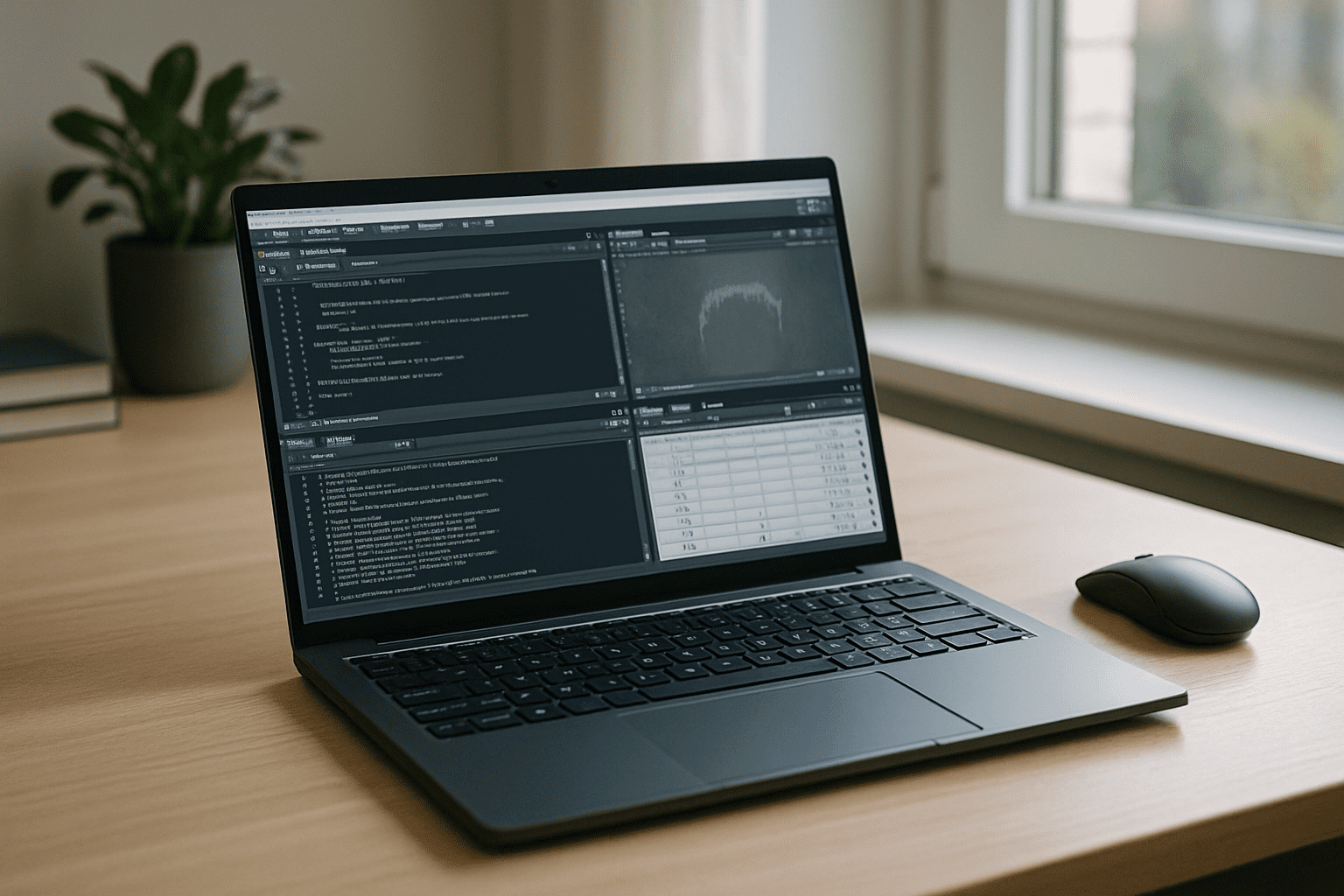
Running RStudio in a browser is no longer just a workaround. It has become a practical way to access the full desktop environment from almost any device without worrying about operating systems, package conflicts, or local performance. Whether you work on a managed laptop, a tablet, or a secondary computer, the same workspace is available wherever you sign in.
Why a faster PC still leaves the same setup challenges
Buying a better machine feels like the fastest path to reliable RStudio online productivity. It adds CPU/RAM headroom and seems to avoid freeze-ups during heavy package builds. But this workaround has serious gaps:
- Capital expense and procurement delays that outlast your project timeline.
- Admin restrictions remain; a new PC doesn’t grant install rights or compiler access.
- Dependency drift persists; system libraries and drivers still need maintenance.
- Mobility suffers; you’re tied to one device instead of any browser on any machine.
- Inconsistent environments across teammates reduce reproducibility and trust.
Best path to RStudio online: practical options compared
Several approaches can remove local friction. For consistent results and immediate productivity, a browser-based full desktop is the smoothest route to RStudio without local setup.
| Approach | Capabilities | Complexity |
|---|---|---|
| RStudio Server (managed) | Browser IDE with shared compute; packages/versions tied to admin policy | Medium |
| Containerized workspace | Reproducible deps; pin images; still needs DevOps, credentials, and compute | High |
| Browser-based full desktop | Full RStudio, CRAN/Bioconductor installs, local-like file I/O on any device | Low |
| Buy a new better PC | More RAM/CPU for local runs; IT policy and setup still apply | Medium |
2026 direction: RStudio in browser aligned with hardware independence

By 2026, teams prioritize browser-first analytics, zero-setup onboarding, and reproducible pipelines. Data stays where it lives; compute scales elastically; SSO and policy guardrails replace device-level control. Researchers expect identical environments from a thin client, Mac, or tablet—making RStudio in browser the natural fit for secure, auditable, and portable workflows.
Run RStudio in the browser with zero setup
The Aristeem platform delivers a full working environment in your browser — no local installs, no OS lock-in, no hardware barriers. It is not an emulator and not a remote desktop. Applications are pre-installed and pre-configured; you open the library and press “Launch,” and RStudio is ready with consistent settings, reliable package management, and stable storage.
Work from any device, keep dependencies consistent across teams, and avoid admin-rights roadblocks; software requiring a license simply uses your own license. To compare this browser-based workspace with RStudio Cloud and see how the two approaches differ, read our detailed comparison.
Conclusion: RStudio online without installs or specs
A browser-based desktop removes permission issues, dependency drift, and device limits so RStudio runs consistently anywhere. This unified approach streamlines analysis, package work, and collaboration, making it the most reliable way to maintain a high-performance workflow across the library of supported desktop programs directly from your browser.


