


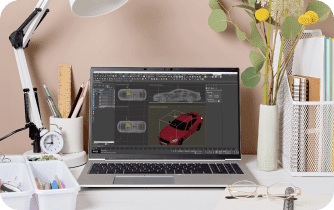
Building a Complete 3ds Max Studio Without Expensive Hardware
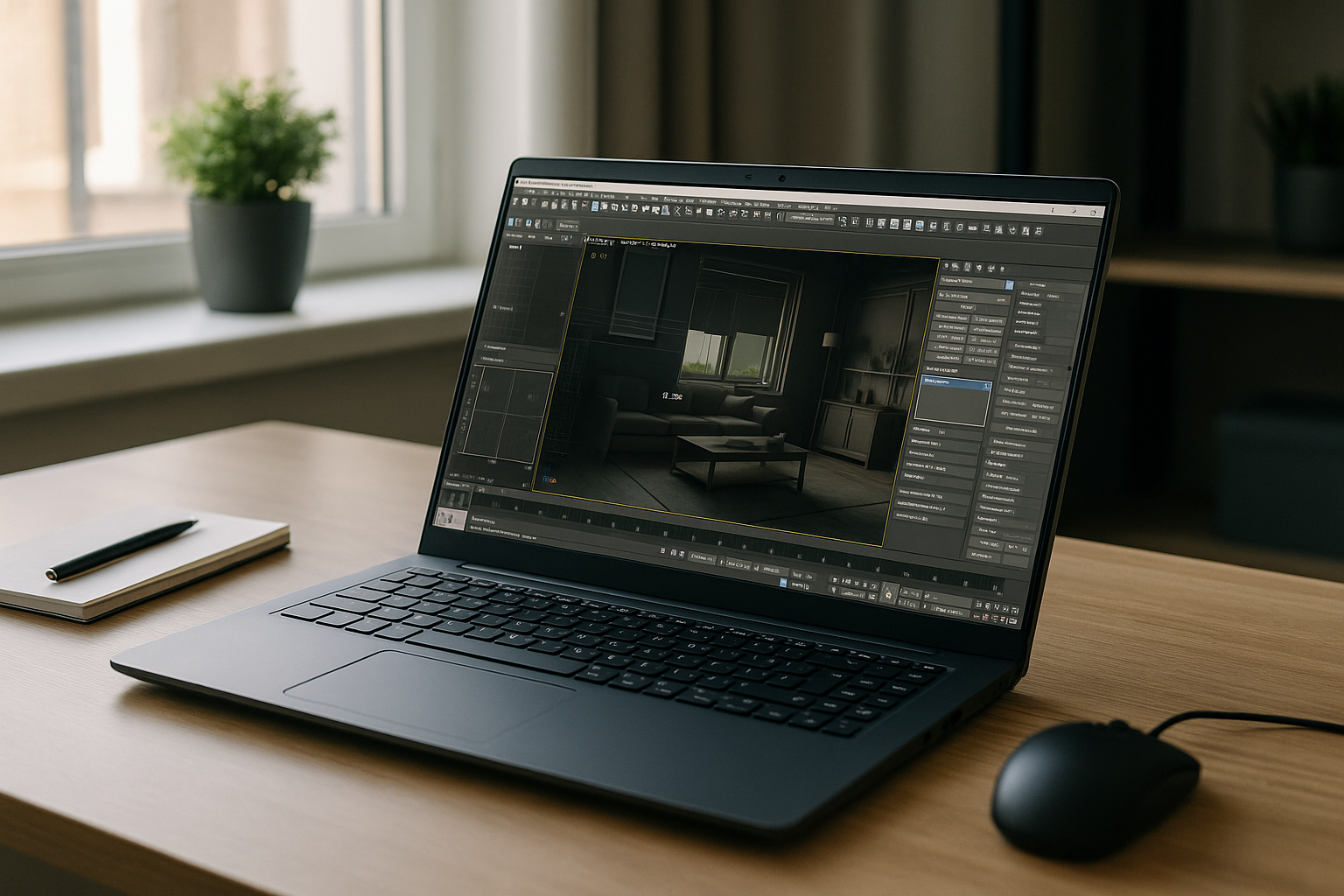
A productive 3ds Max studio is more than a single workstation. It includes consistent software versions, reliable GPU performance, render engines, plugins, shared assets, and the flexibility for artists to work from different locations without disrupting production. Yet many teams still depend on one powerful office PC or a collection of mismatched machines that quickly become difficult to maintain. Every hardware upgrade, driver conflict, or software reinstall interrupts projects that should already be moving toward delivery. Instead of spending time managing computers, modern studios are looking for ways to keep their creative environment available wherever work happens.
Why Traditional 3ds Max Studio Setups Become Difficult to Scale
Building a local production environment often means purchasing expensive workstations, replacing hardware every few years, maintaining software licenses across multiple devices, and keeping every plugin version synchronized. As teams grow, these responsibilities increase rapidly. Freelancers, remote artists, and contractors may all require different hardware while still needing identical project environments. Even a small inconsistency between systems can produce missing assets, incompatible plugins, or rendering differences that slow reviews and create unnecessary troubleshooting throughout the production pipeline.
2026 Shift Toward Flexible 3ds Max Studio Workflows
Many production teams are moving away from hardware-centered infrastructure toward browser-accessible workspaces that provide consistent performance from virtually any location. Rather than tying projects to individual computers, studios centralize software, GPU resources, and project configurations inside dedicated cloud environments. This approach simplifies onboarding, improves collaboration, and allows artists to switch between office desktops, home laptops, Macs, Chromebooks, or tablets without rebuilding their entire production setup. The focus moves from maintaining hardware to delivering creative work faster and with fewer technical interruptions.
What Defines a Modern 3ds Max Studio Today
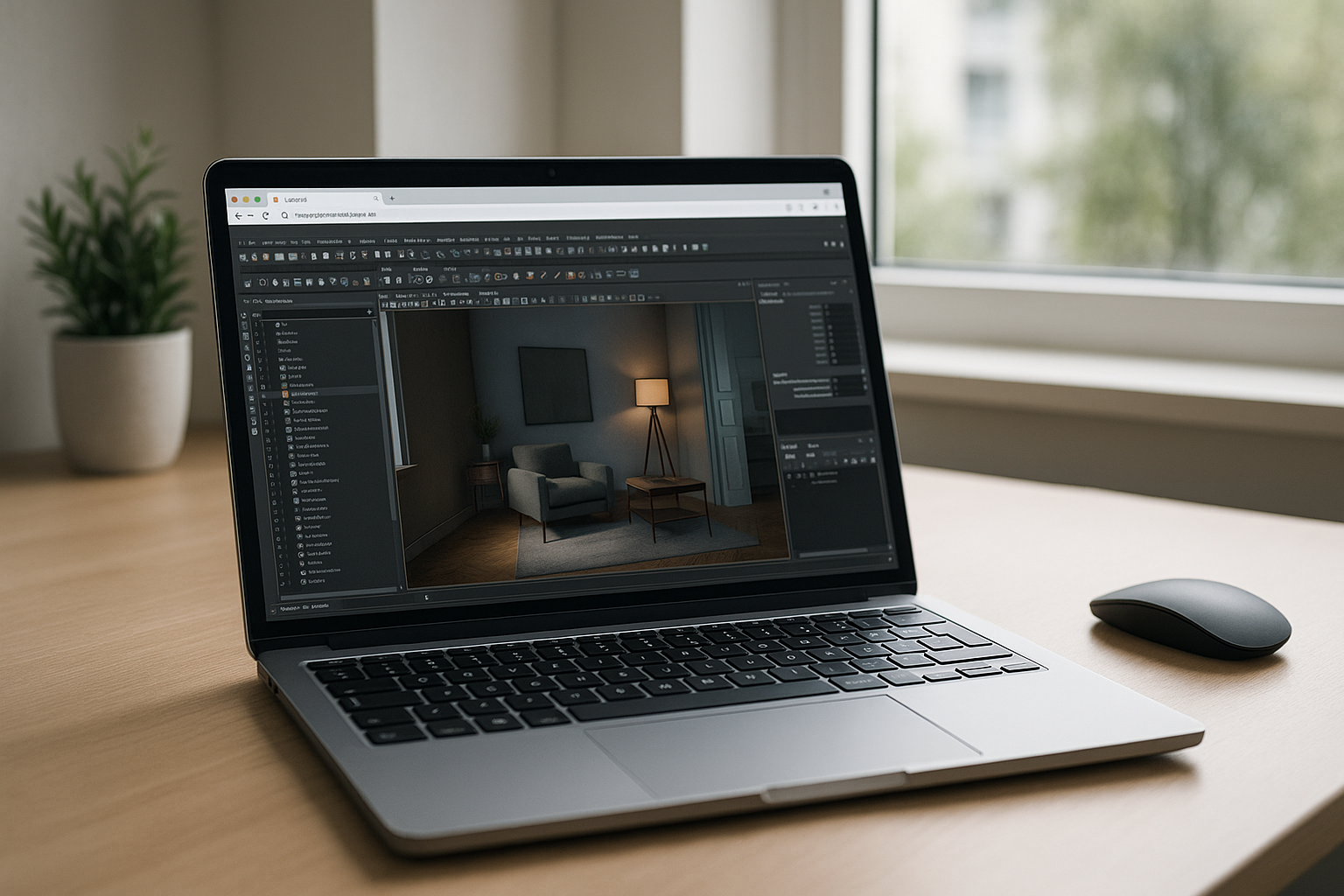
A modern 3ds Max studio should provide more than raw computing power. Artists expect dependable viewport performance, support for production plugins, stable rendering, persistent project storage, and immediate access whenever deadlines require it. Whether creating architectural visualization, product design, animation, or game assets, the environment should remain consistent regardless of which device is used to connect. Reliable infrastructure reduces technical uncertainty and allows teams to spend more time modeling, animating, and rendering rather than configuring operating systems and recovering broken workstations.
Build Your 3ds Max Studio with Aristeem
Aristeem provides a complete browser-based workspace where 3ds Max is already installed and ready to launch. Open your workspace directly from the application library, activate your software license if required, and continue working with the same professional environment across different devices. Projects, plugins, and render settings remain available inside your dedicated workspace while GPU resources are handled remotely. Whether you’re working from a Mac, Linux computer, Chromebook, iPad, or an aging Windows laptop, your production environment stays consistent without local installation, driver maintenance, or hardware upgrades. If your primary workstation is a Mac, learn how to run 3ds Max on Mac while keeping the same professional workflow.
A Smarter Way to Run Your 3ds Max Studio
Building a professional production environment no longer requires purchasing new workstations for every artist or maintaining complex hardware across multiple locations. A browser-based workspace delivers consistent tools, dependable performance, and the flexibility to keep projects moving wherever your team works. By centralizing your 3ds Max studio in a dedicated cloud environment, you simplify administration, reduce technical overhead, and give artists immediate access to the resources they need to focus on creating high-quality work instead of maintaining computers.


