


When You Need software CorelDRAW Instantly, But Can’t Install

Deadlines are tight, the client needs new vectors, and you just need the full CorelDRAW Graphics Suite to get it done. But local installation stalls: no admin rights on a company laptop, outdated GPU on a personal device, or you’re on a Mac, Linux, iPad, or Chromebook where native installers aren’t an option. Losing hours to downloads, drivers, and permissions is the opposite of productivity when all you want is software CorelDRAW ready to work.
Buying a New PC for CorelDRAW Graphics Suite Is a Costly Detour
Upgrading to a powerful machine seems like a straightforward fix: more RAM, better GPU, faster storage. In practice, it’s an expensive delay — research, procurement, delivery, setup, drivers, and ongoing maintenance — before you can even open your first file. You still face deployment policies, admin restrictions, and the hassle of reinstalling fonts, plugins, and assets, while a single stationary device won’t help if you switch between home, office, and travel. For teams, multiplying that purchase across seats hurts budgets, creates e-waste, and adds IT overhead, all to run software CorelDRAW you needed today, not next month.
The Better Way: CorelDRAW online Without Local Setup
Instead of sinking time and budget into hardware, open the full desktop experience from a browser — no installers, no drivers, no admin permissions. This approach lets you keep your current device and still access GPU-ready performance, persistent storage, and your working files from anywhere. For real projects, it’s the fastest path from brief to finished artwork: launch, load, and design with software CorelDRAW in minutes, not days.
Run CorelDRAW in Browser With Aristeem
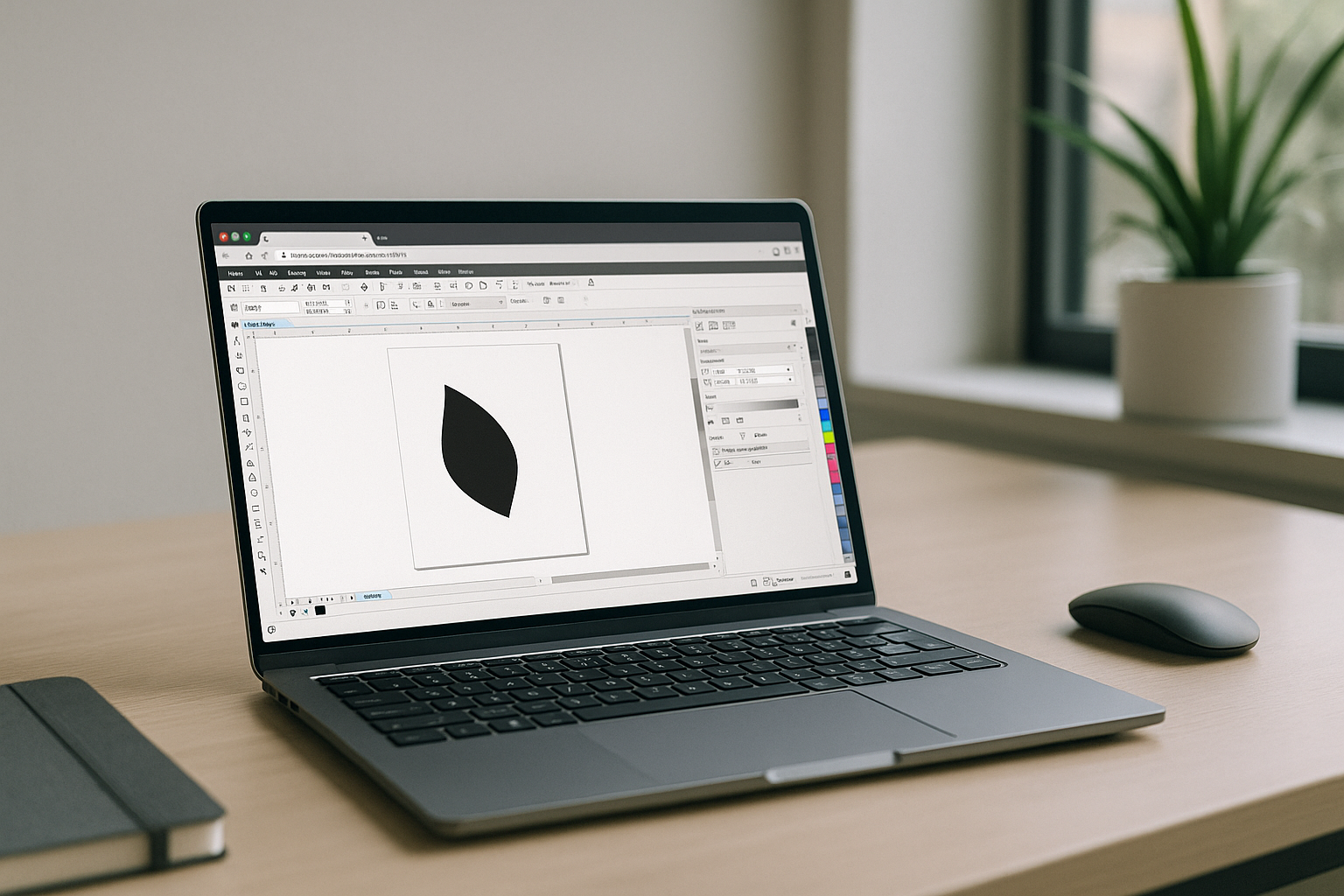
Aristeem delivers the full CorelDRAW Graphics Suite inside a browser-based workspace — not an emulator and not a remote desktop. There’s no setup: open your session, and CorelDRAW is already pre-installed and pre-configured; if the software requires a license, just sign in with yours. Click “Launch” in the application library to start instantly, then keep working across devices — Mac, Linux, iPad, Chromebook, or a modest PC — with GPU-ready performance and persistent storage for files, fonts, and assets. You can install additional tools or plugins in your environment as needed, without touching your local OS. For a practical example of working across devices, explore how to use CorelDRAW on Android, iPad, and other platforms without sacrificing the full desktop experience.
Bring software CorelDRAW to Any Device in Minutes
When installation barriers and hardware limits stand between you and delivery, Aristeem turns your browser into a reliable, ready-to-work environment. Keep your current device, keep your files synchronized, and keep moving — without waiting for IT or buying new machines. Explore how software runs directly in a browser to open CorelDRAW Graphics Suite fast and stay focused on design, not setup.


