


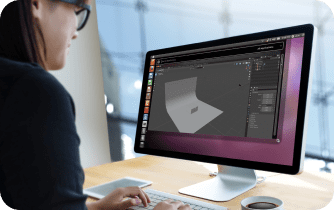
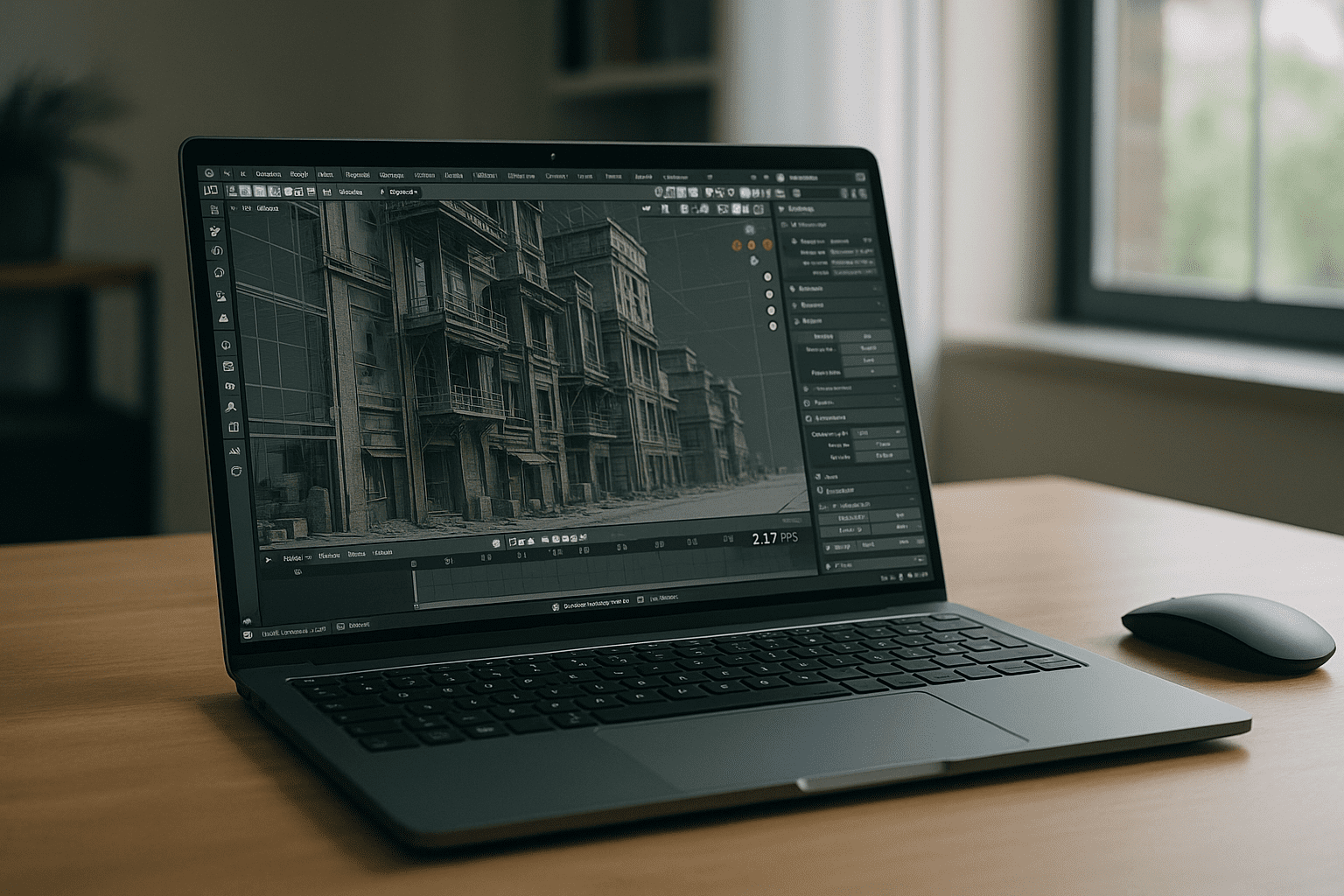
Blender 3D software is often only one stage of a professional production pipeline. Artists model and animate in Blender, then move projects through rendering, visualization, simulation, or review tools before delivery. As scenes become larger and workflows involve multiple applications, local hardware limitations quickly appear. GPU memory fills up, rendering queues compete for resources, and switching between applications slows production. Instead of struggling with workstation capacity, many teams now look for environments where Blender and related visualization tools can work together without hardware bottlenecks.
Modern Projects Depend on More Than Blender Alone
Today’s architectural visualization, product design, animation, and VFX projects rarely rely on a single application. Blender 3D software frequently works alongside rendering and visualization solutions such as V-Ray, Corona Renderer, Phoenix, and Enscape, with each tool contributing different strengths to the production process. Managing this software stack locally means installing multiple applications, maintaining plugin compatibility, updating GPU drivers, and ensuring every workstation stays synchronized. As projects grow, maintaining consistent environments across freelancers, classrooms, and distributed teams becomes just as challenging as creating the content itself.
2026 Production Pipelines Favor Centralized Creative Environments
Creative studios increasingly separate production environments from employee hardware. Instead of configuring every workstation individually, organizations deploy standardized cloud workspaces where Blender 3D software, rendering engines, and visualization tools are prepared in advance. Artists can move between office computers, home devices, Macs, Chromebooks, Linux systems, or iPads without rebuilding their workspace. Centralized environments also simplify software updates, license management, security policies, and version consistency while providing scalable GPU resources whenever demanding scenes require additional performance.
The Best Way to Keep Blender and Rendering Tools Together
Running Blender 3D software inside an isolated browser-accessible desktop solves more than installation problems. It keeps rendering engines, supporting applications, project files, textures, caches, and plugins inside one persistent environment instead of spreading them across multiple computers. Whether you’re preparing architectural visualizations, product renders, animation sequences, or simulation projects, your complete workflow stays available from virtually any device. Rather than rebuilding your toolchain every time you change hardware, you simply reconnect to the same configured workspace and continue where you left off.
Aristeem Delivers a Complete Blender Production Workspace
Aristeem provides a browser-accessible desktop where Blender 3D software is available alongside professional visualization and rendering applications used throughout modern production workflows. Instead of installing software locally, you launch a ready-to-use environment with GPU resources designed for demanding creative projects. Blender is pre-installed and pre-configured, while additional applications such as V-Ray, Corona Renderer, Phoenix, and Enscape are available for workflows that require specialized rendering or visualization capabilities. These tools can also be used as part of a complete cloud rendering workflow for architectural visualization, product design, and animation.
Because the workspace remains persistent, your projects, assets, custom settings, plugins, and rendering configurations stay available between sessions regardless of which device you use. This approach removes local hardware limitations while giving creative teams one consistent production environment for modeling, rendering, visualization, and collaboration.
Build Your Blender 3D Software Workflow Without Hardware Limits
Instead of managing multiple workstations and constantly rebuilding software environments, you can focus on creating, reviewing, and delivering high-quality work from virtually any device. Teams looking to run Blender online with a complete desktop workspace can use the same browser-based approach for everyday production.


