


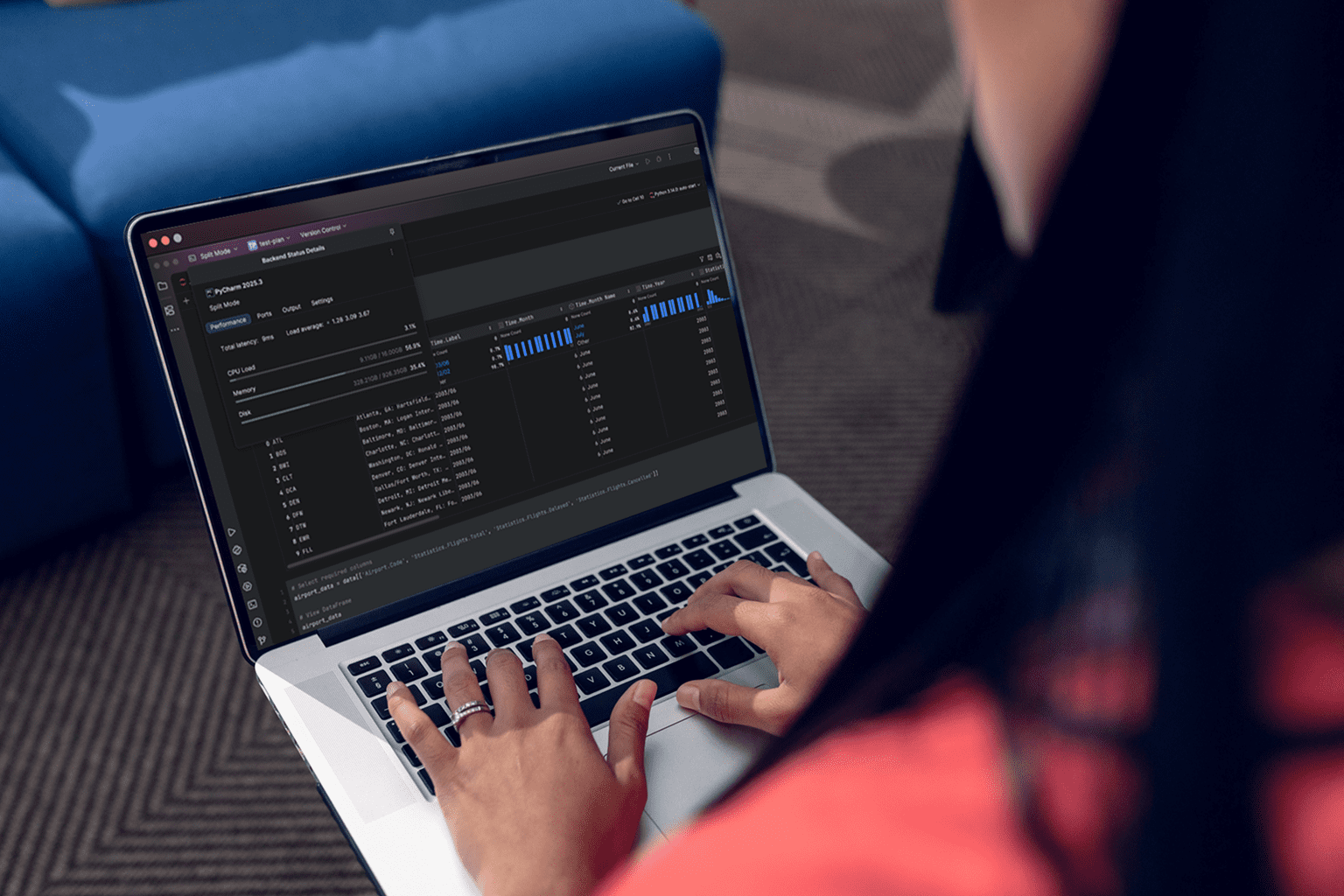
 PyCharm in Browser for Projects That Need More Resources
You plan a sprint in PyCharm, but the laptop fights back: admin blocks, security agents, and package conflicts derail setup. Notebooks need pandas, pyarrow, and GPU-accelerated libraries, yet the machine has little RAM and a full disk from past datasets. Switching between office computers, personal laptops, and lightweight devices can introduce different Python versions, broken Conda environments, and path issues. The result is hours lost to environment surgery instead of analyzing parquet files, plotting results, and shipping clean notebooks.
Why a Browser-Based PyCharm Workspace Can Replace Local Upgrades
Many teams consider buying a more powerful laptop to make PyCharm usable for analytics. It seems simple, but procurement delays, high upfront cost, and rapid hardware obsolescence hit budgets hard. A new machine may solve some local performance limitations, but it does not necessarily address corporate restrictions, OS-specific dependencies, or data governance requirements. As projects grow, you may still need to maintain drivers, CUDA stacks, and Conda environments across another device, which can introduce environment drift and additional maintenance.
2026 Trends Point to PyCharm IDE Cloud Workflows
In 2026, development and analytics stacks are consolidating around browser-accessible, cloud-native workspaces with elastic compute and persistent storage. Teams expect hardware independence for Python, data tooling, and IDEs, with standardized images that keep environments identical across geographies and devices. Security models favor controlled per-session access to data and packages, while analysts demand frictionless plugin support and reproducible conda setups. This shift makes consistent, browser-accessible development environments increasingly relevant for teams that need standardized Python and analytics workflows across devices.
How to Run PyCharm Online Across Different Devices
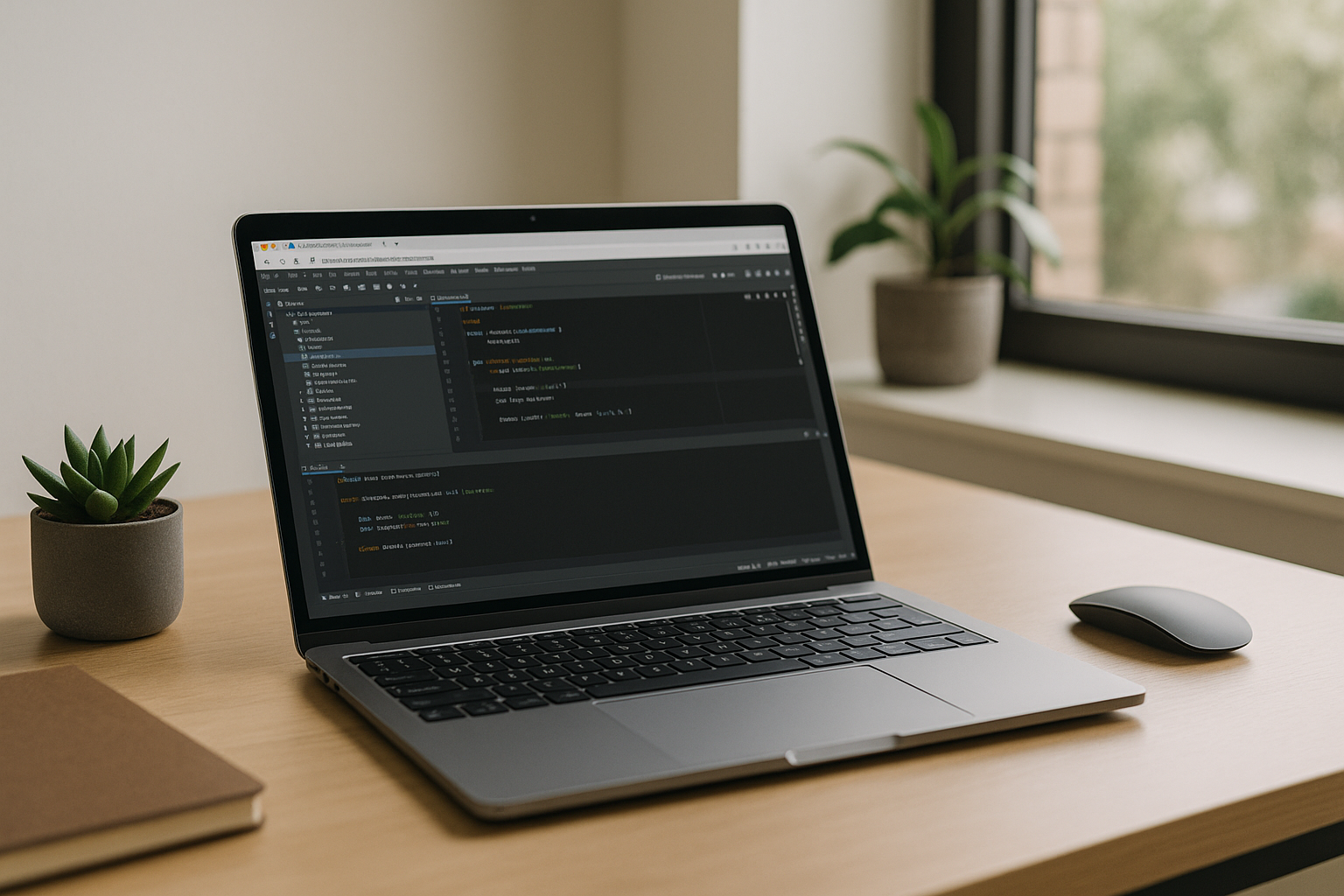
You can keep taming local installs, ship external drives, or move to lightweight web notebooks and give up your favorite IDE features. A better path preserves your desktop workflow: run a Windows environment in the browser with persistent storage and the resources required for your projects. That means your plugins, shortcuts, terminals, and data tools stay intact while heavy computation happens off-device. This approach keeps PyCharm ready anywhere — on Mac, Linux, iPad, or a basic PC — without wrestling with system packages or admin rights.
Aristeem Runs PyCharm in Browser Without Local Setup
Aristeem delivers a full desktop environment directly in the browser — no installs, no device constraints, and not an emulator or a remote desktop. You can launch PyCharm from the application library and use it in a persistent Windows environment, then configure the Python and Conda packages and plugins your projects require. Your environment and files remain available between sessions, and you can configure the resources required for your projects. If a license is required, you simply provide it and keep working. For context on the workflow, see PyCharm IDE for data analytics in the browser, which outlines a consistent environment for notebooks, data connectors, and team reproducibility.
Access PyCharm Online Without Upgrading Your Device
Running PyCharm as a browser-based desktop keeps your tools fast, your environments predictable, and your datasets close to elastic compute — without touching local OS settings. You keep access to PyCharm features, plugins, and terminals while reducing hardware friction and dependency drift. If you want a quick way to see how software runs directly in a browser, explore how software runs directly in a browser as part of a unified workflow that travels with you.


