


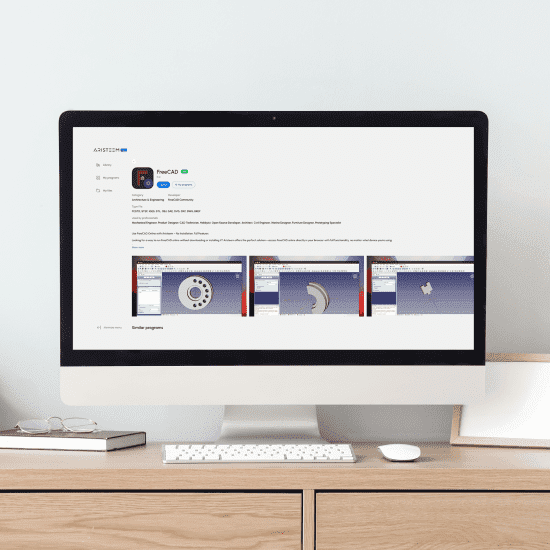
When You Need Software FreeCAD but Can’t Install
You need software FreeCAD today, but installation is blocked by admin policies, missing drivers, or incompatible libraries. Whether you need to open existing FCStd models, create new parametric parts, or test custom workbenches, you need the complete software — not a limited viewer or simplified CAD app. Your device might be a Chromebook, iPad, or an older laptop where GPU acceleration and dependencies are out of reach. Projects stall while you chase permissions, fight version conflicts with custom workbenches, or wait for IT to approve a local setup that may still underperform.
Even when you do install, heavy assemblies push CPU and GPU limits, causing stutters and viewport lag. Switching machines introduces more conflicts, and keeping consistent environments across a team becomes a time sink. You’re looking for immediate, stable access to the full desktop experience—without wrestling with installs.
Buying a New PC for Software FreeCAD: The Hidden Trade-Offs
Upgrading hardware seems like the straightforward fix, but it rarely solves everything for software FreeCAD. A new workstation is a major expense, plus procurement delays and IT approvals can take weeks — longer than your deadline. You still face driver updates, library quirks, and the ongoing maintenance of keeping CAD performance tuned.
Hardware also ties you to one desk. If you split time between home, office, and field sites — or use a Mac, Linux, iPad, or Chromebook—your new tower won’t help you on the go. For temporary projects, internships, or short team engagements, overbuying hardware creates sunk cost and sits idle after the rush.
Finally, a single machine can become a bottleneck for collaboration. Colleagues can’t easily jump in, and reproducing the same plugin or workbench stack elsewhere is error-prone. The result: more administration, less design time. Even with a faster workstation, importing large STEP assemblies or switching between Part Design, TechDraw, and FEM workflows can still expose hardware bottlenecks if your resources remain fixed.
A Better Path: FreeCAD in Browser Without Installation
Instead of more hardware, run the full desktop via a browser-based environment and open software FreeCAD instantly. This approach sidesteps installs, driver hunts, and dependency conflicts, delivering consistent performance on any device you already have. GPU acceleration, storage, and compute live in the cloud, so your local machine simply becomes the access point.
Compared with buying a PC, you gain mobility and predictable performance across Mac, Linux, iPad, Chromebook, and low-spec laptops. Everyone launches the same prepared environment, reducing onboarding time and eliminating the need to recreate project-specific configurations. You start designing immediately — no setup windows, no reboots, no surprises.
For heavy assemblies or simulations, scaling resources in the cloud is straightforward, whereas laptops and desktops hit ceilings fast. Your workflow becomes about results, not machines.
Run Software FreeCAD Online Instantly with Aristeem
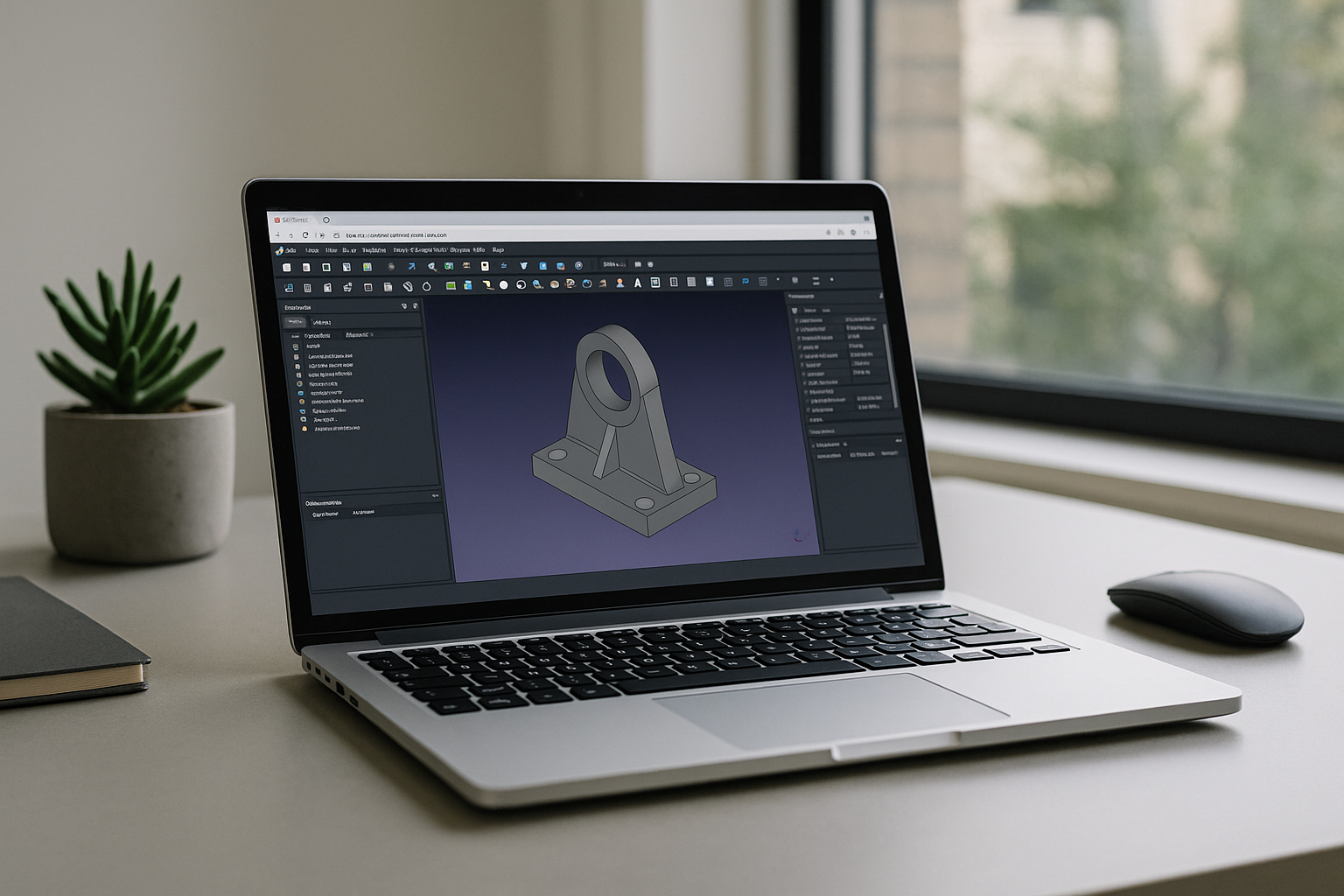
Aristeem opens the full desktop environment in your browser — no setup, no drivers, and no device constraints — so you can launch software FreeCAD in seconds. It’s not an emulator or a remote desktop; it’s a complete working environment with GPU acceleration, persistent storage, and support for heavy projects and custom workbenches. In the application library, simply click Launch to start; if FreeCAD requires a license for specific add-ons, just bring yours — everything else is pre-installed and pre-configured.
Work from Mac, Linux, iPad, Chromebook, or modest PCs with the same reliable performance.Open FCStd files, continue parametric modeling, review assemblies, generate drawings, or export STEP and STL files without changing devices. For a broader look at FreeCAD download options, supported platforms, and browser-based alternatives, see our complete FreeCAD overview.
Run FreeCAD Without Installation — Start in Your Browser
Skip the hardware shopping and environment drift. With a browser-based workspace, you get instant access to software FreeCAD, consistent performance, and a flexible setup that follows you to any device. See exactly how it feels by exploring launching professional tools via web interface and keep designing without interruptions.
From one-click launch to persistent storage and GPU acceleration, the full desktop experience is ready when you are. Spend your time modeling, not maintaining machines.


