


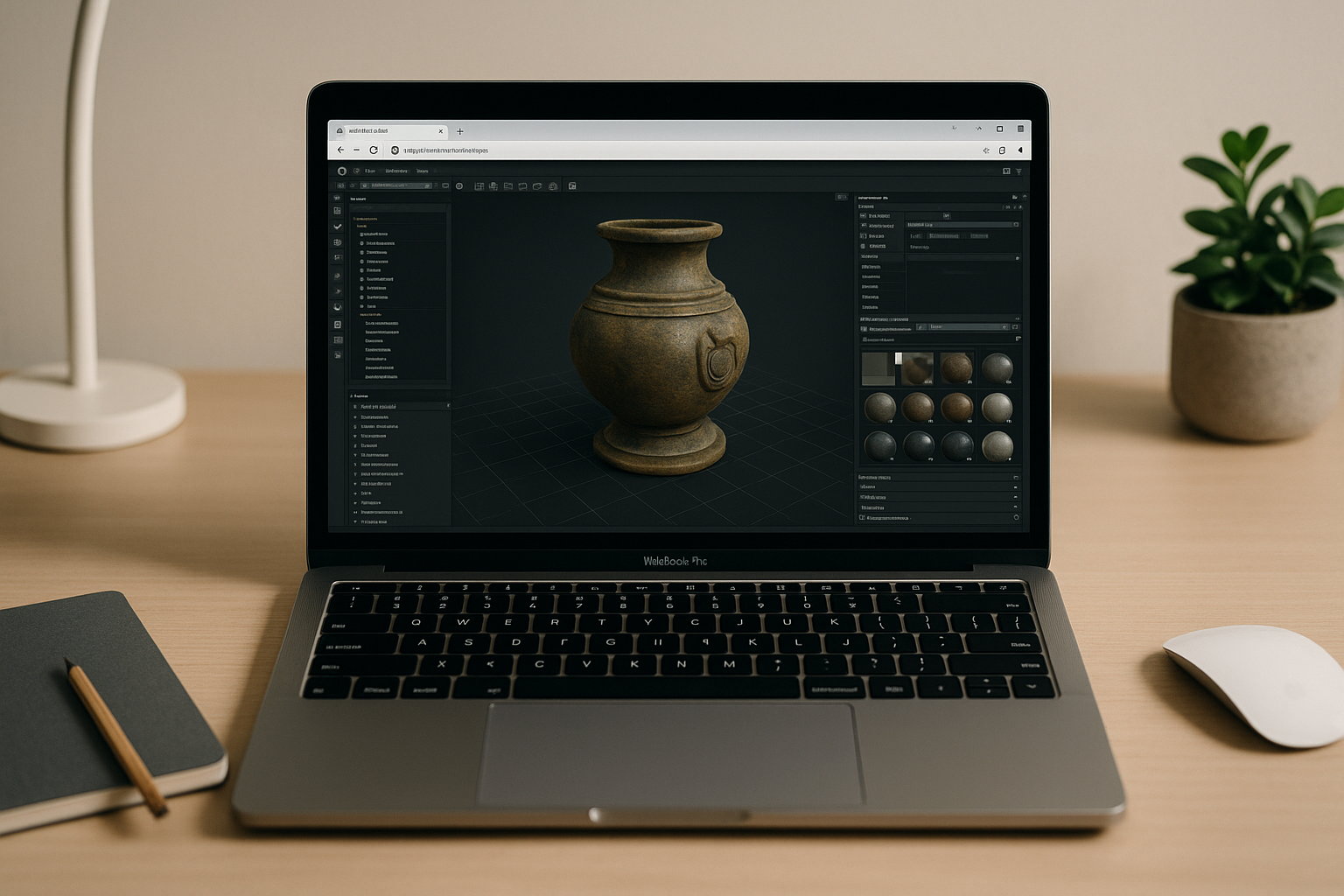
When Marmoset Toolbag 5 in browser becomes essential
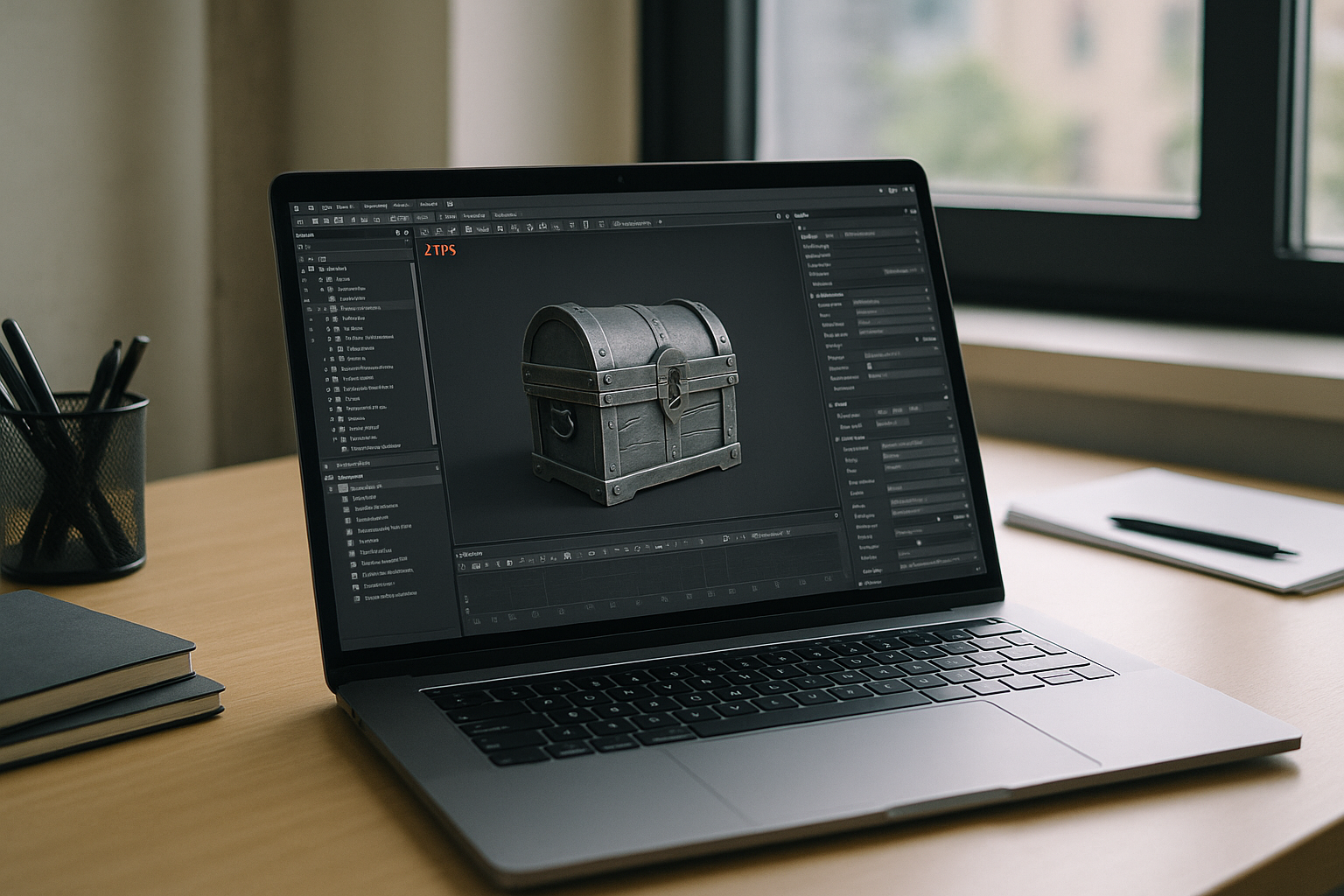
You have assets to review, normals to rebake, and client notes due today, but the workstation in front of you isn’t ready for Marmoset Toolbag 5. Maybe you’re on a MacBook at home, a Linux laptop on the go, or a locked-down studio machine without admin rights. Real-time viewport lighting and multi-map baking choke on integrated graphics, and installing updates, plugins, or GPU drivers isn’t allowed. The result is lost time, broken handoffs, and a workflow stuck waiting on someone else’s hardware or permissions.
Buying a new PC for Marmoset Toolbag 5 backfires long term
When deadlines pile up, the knee-jerk fix is to buy a powerful new PC and hope it solves everything for Marmoset Toolbag 5. But it locks budget into fast-depreciating hardware, demands ongoing driver and OS maintenance, and still leaves you stranded when you switch locations or devices. Teams face procurement delays, lease cycles, and IT approval gates, while freelancers must migrate assets, plugins, and caches repeatedly. And when projects spike, a single machine can’t elastically scale or follow you to an iPad or Chromebook.
2026 shift to run Marmoset Toolbag 5 online with full flexibility
In 2026, professional pipelines are standardizing on cloud-native execution for graphics and engineering workloads, including Marmoset Toolbag 5 tasks. Teams expect hardware independence, where compute, GPU, and storage live in elastic infrastructure while the interface reaches any device through the browser. This model supports hybrid teams, simplifies security, and keeps performance consistent, so artists can iterate faster without local installs or OS lock-in. It’s about predictable speed, instant availability, and zero friction when switching between workstations and mobile devices.
Best way to use Marmoset Toolbag 5 in browser with full GPU
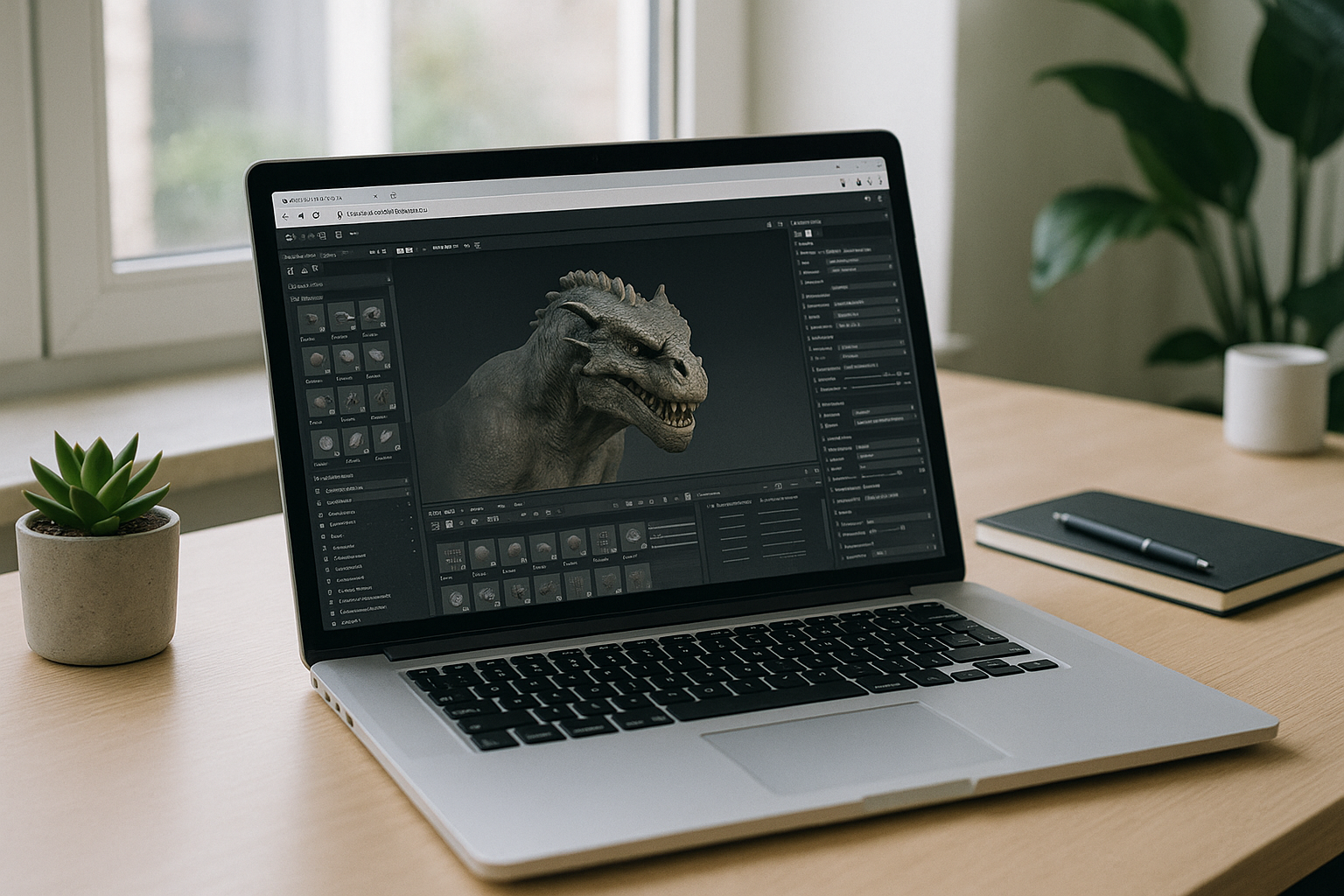
You could borrow a studio tower, dual-boot, or juggle lab machines, but each adds friction: installs, driver mismatches, file transfers, and constant reconfiguration for Marmoset Toolbag 5. The clean path is to keep your familiar desktop workflow while moving execution to dedicated GPUs that stream to your browser. That preserves real-time lighting, fast bakes, and high-res textures without touching your local OS or hardware. You open a tab, connect storage, and work exactly as you would on a powerful desk rig — just without the setup burden.
Aristeem makes Marmoset Toolbag 5 in browser effortless
Aristeem delivers a full desktop environment in your browser — no setup, instant access, and not a remote desktop or emulator — so you can run Marmoset Toolbag 5 with dedicated GPU acceleration anywhere. Open the application library and click the Launch button; programs come pre-installed and pre-configured, and you only bring a license if the software requires it. Work from Mac, Linux, iPad, Chromebook, or a weak PC, keep your project files in your preferred storage, and maintain the exact desktop workflow you already know. To see how this compares to traditional setups, read the full Marmoset Toolbag 5 cross-platform alternatives review.
A cleaner path to Marmoset Toolbag 5 in browser
Running Marmoset Toolbag 5 through a browser-based environment removes hardware bottlenecks, bypasses admin restrictions, and preserves real-time rendering quality. You keep your desktop habits while gaining instant availability on any device, with performance that scales as your scenes and deadlines demand. If you want to see how this approach simplifies production day to day, explore our library of browser-based professional tools and launch your workspace in seconds.


