


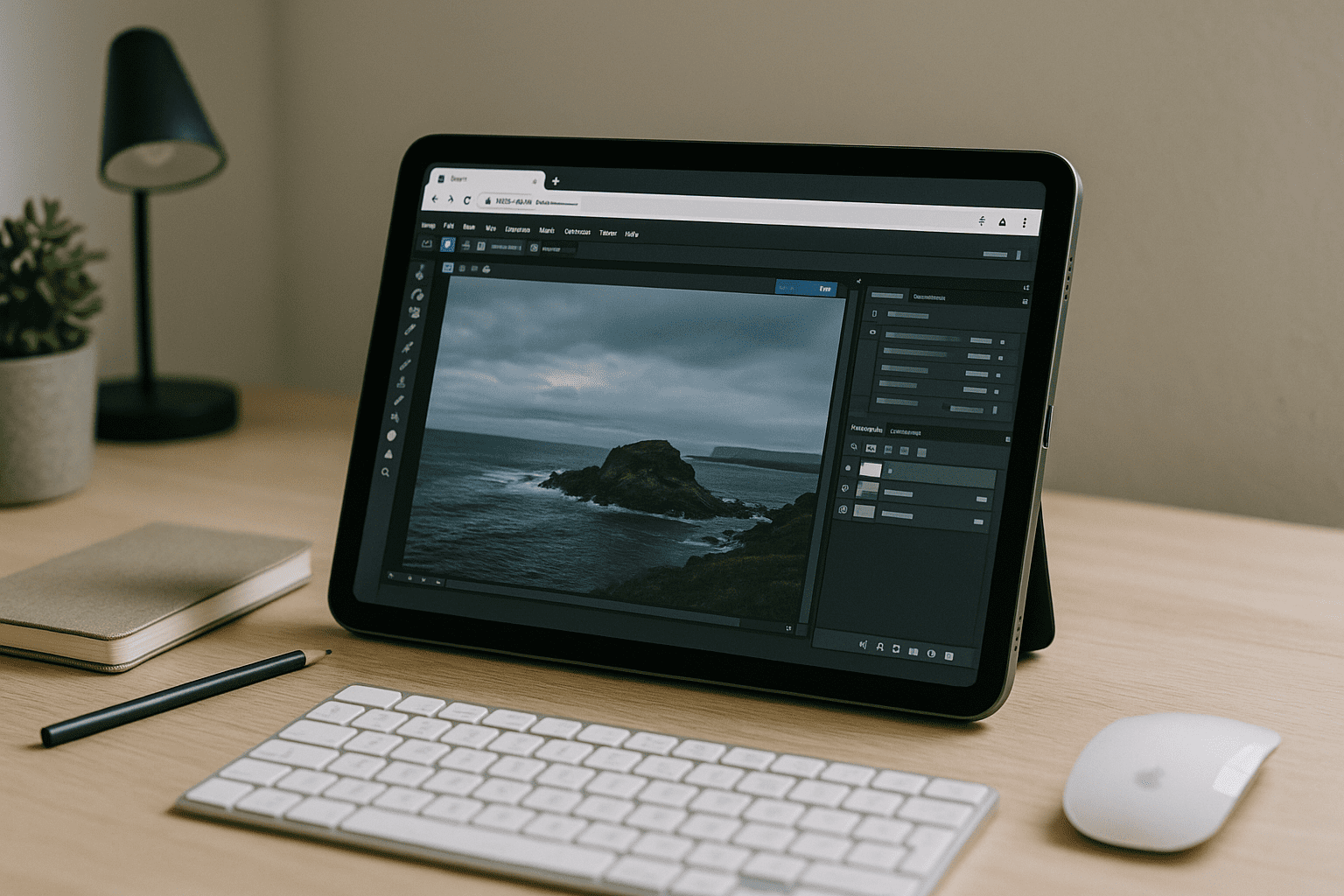
Photoshop in Browser When Installs Are Blocked
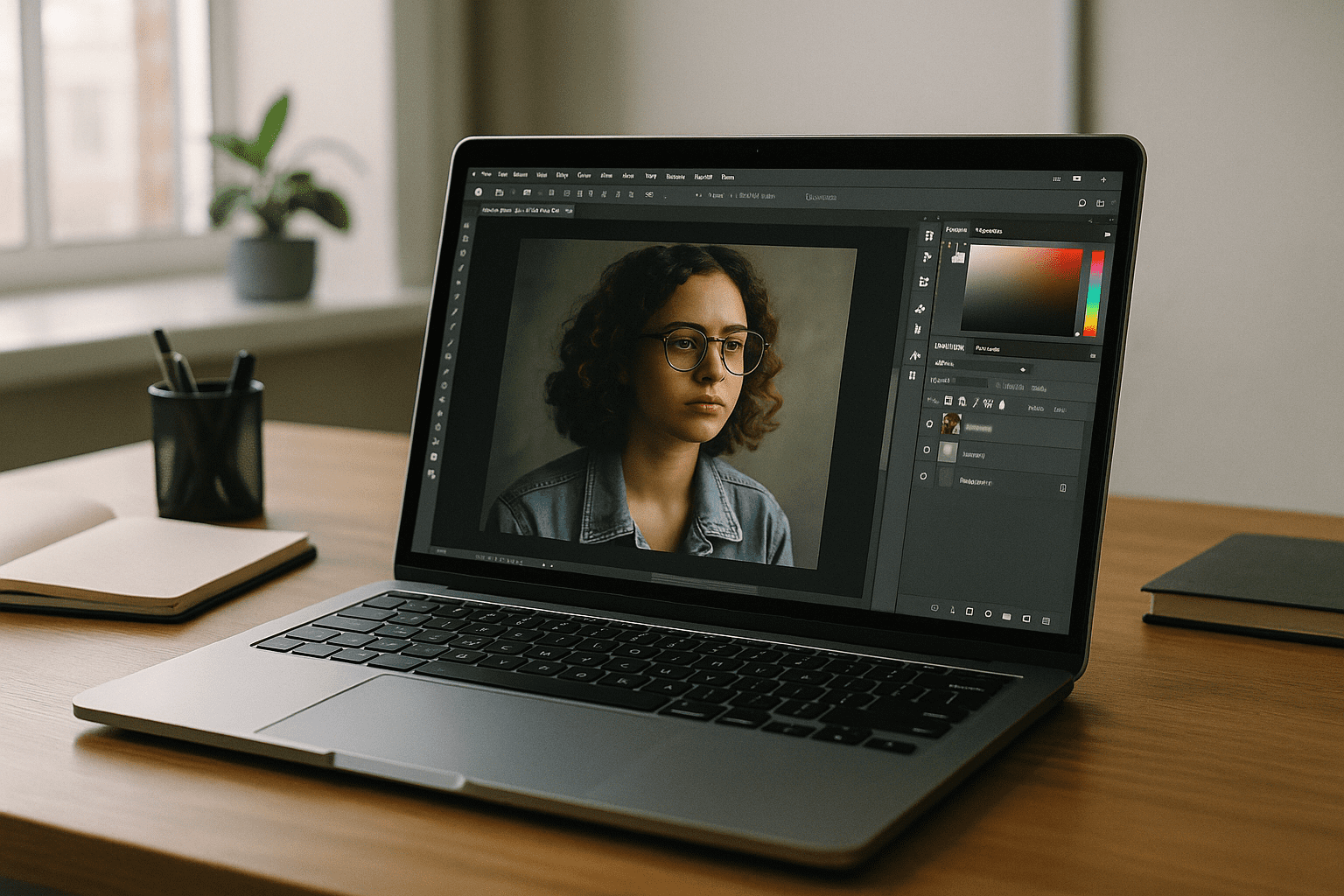
Deadlines don’t wait for IT policies, outdated GPUs, or incompatible devices. Maybe your school or company laptop blocks installs, your personal machine lags on large PSDs, or you’re on an iPad or Chromebook where desktop apps simply don’t run. You still need Smart Objects, CMYK, 16‑bit color, and heavy plugins — without babysitting drivers or storage. That’s why many designers search for online Photoshop software that delivers the full desktop experience immediately, right inside a browser.
Buying a New PC Instead of Photoshop in Browser Access
Upgrading to a powerful machine sounds straightforward, but it often delays work and inflates budgets. You face research time, delivery wait, peripherals, color calibration, storage planning, and software re-installs — only to discover another bottleneck when a project needs more VRAM or AI features next month. For teams, multiply that by procurement cycles, approvals, IT imaging, and maintaining driver parity across devices. It’s a heavy commitment for temporary spikes in workload and a risky fix when you’re unsure which specs future projects will require.
The Smarter Way to Run Photoshop Online Without Hardware Drama
Instead of buying hardware now and hoping it keeps up, consider a browser-based workspace that lets you run Photoshop online with desktop-grade reliability. You open a tab, load a high-performance environment, and continue working on massive PSDs and color-managed assets — regardless of the device in front of you. This approach pairs the flexibility of remote access with the control of a dedicated workstation, so your current laptop, tablet, or Chromebook becomes a portal to production-ready power. For deadlines, travel, or shared setups, it beats waiting on shipments and driver tuning, while keeping the option to scale up or down as projects change. It’s still the full app experience you expect from online Photoshop software, not a stripped web tool.
Launch Online Photoshop Software Instantly with Aristeem
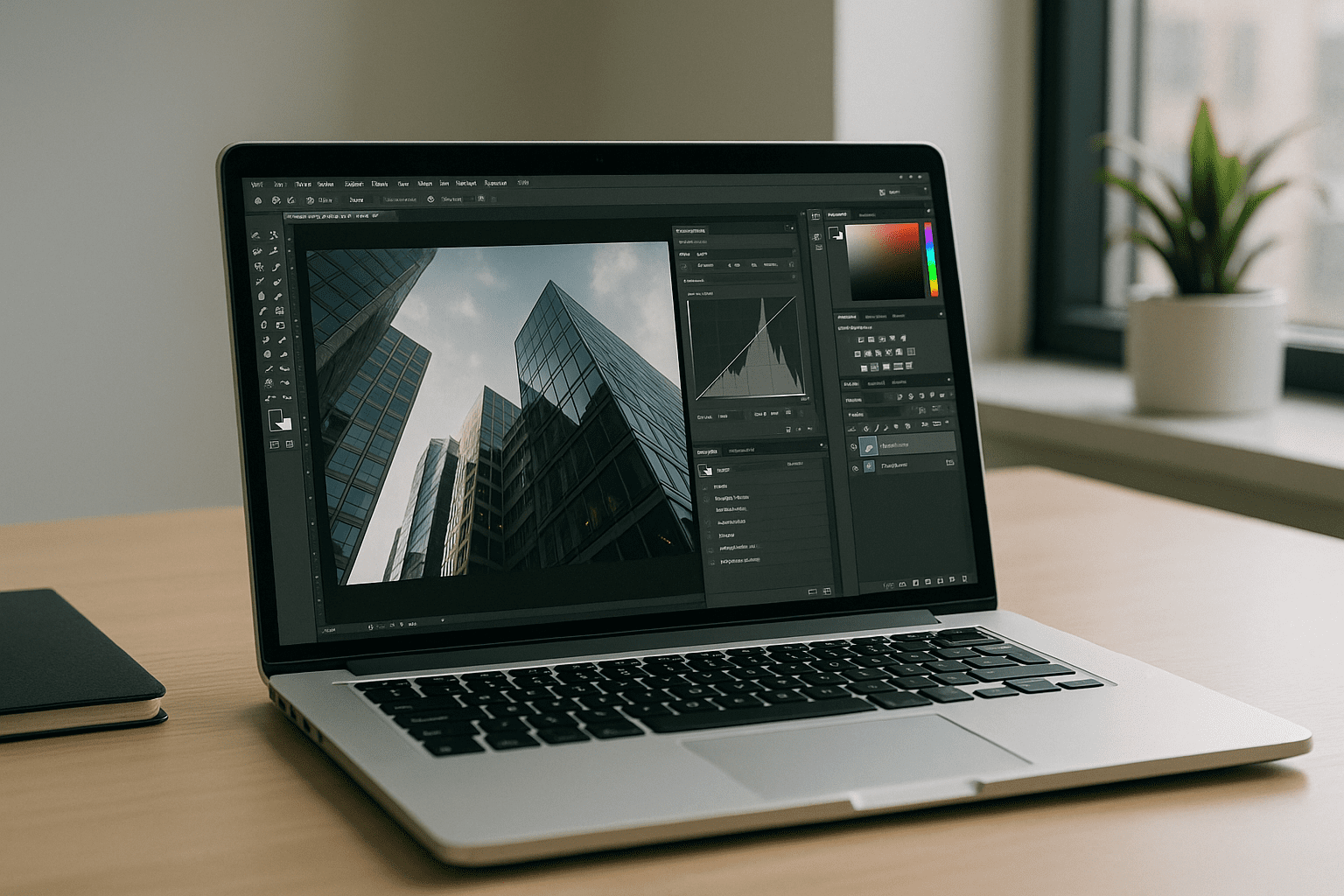
Aristeem delivers a native desktop workspace directly inside your browser tab, eliminating the choppy experience of standard remote clients and the glitchy translation layers of software emulators. Performance is tuned for heavy graphics work, enabling large PSDs, complex layer stacks, and color-critical workflows from Mac, Windows, Linux, iPad, or Chromebook. Setup overhead disappears: your workspace is ready in seconds, with consistent tools every session and zero driver hunting. For planning multi-device work, see the Photoshop across platforms workflow approach that keeps teams productive wherever they open a browser.
Online Photoshop Software Without Installs
When installs are blocked, hardware is underpowered, or you just need reliable portability, a browser-based environment delivers immediate continuity. Aristeem removes device and OS uncertainty, so your files, plugins, and workflows travel with you and scale to the job at hand. It’s the full desktop experience, available on demand, without the cost and delay of buying a new computer. See how easily online Photoshop software runs in a browser and keep your creative pipeline moving without local installation friction.


