


Does SolidWorks Work on Linux? The Real-World Roadblocks
You’re on Linux, a deadline is approaching, and the client expects native SolidWorks files. The first question is obvious: does SolidWorks work on Linux? Between forum threads, Wine/Proton attempts, and conflicting GPU driver advice, hours disappear while models, mates, and drawings still aren’t opening reliably.
For professional teams, this is bigger than curiosity. Performance must be consistent, add-ins and toolboxes must load, and PDM workflows must stay intact. When the toolchain hinges on a platform mismatch, productivity stalls and release schedules slip.
Install Another OS to run SolidWorks on Linux: Why It Stalls Work
Many teams try installing the vendor-supported OS directly on the same device, either as a full replacement or a dual‑boot. On paper, it promises native performance; in practice, setup is a gauntlet: partitioning, firmware quirks, driver hunting, Secure Boot toggles, and GPU tuning to keep CAD stable. Even after success, every major update risks driver regression or broken peripherals that erode confidence right before a delivery.
Day to day, reboots chew through deep‑work time, switching you away from Linux tooling and automations. External monitors, input devices, and color profiles can behave differently across environments, while file paths, PDM connectors, and policies require constant babysitting. It can work, but for professional throughput it becomes a recurring tax on time, focus, and reliability.
Best Way to Run SolidWorks on Linux Without Reboots
Comparing approaches, a second-OS install trades initial complexity for ongoing friction, and local virtualization rarely sustains pro‑level CAD performance with certified GPU features. A browser-based environment with dedicated GPU resources flips the model: compute runs on high‑end hardware, while your Linux machine becomes a simple, consistent access point. What matters then is low latency, steady bandwidth, and a workspace that mirrors the native desktop experience.
This is where a browser-delivered workstation makes sense for engineers who ask, does SolidWorks work on Linux? You keep your preferred distro and tools, avoid risky system changes, and open your CAD projects in a consistent environment that’s ready when you are. No reboot rituals, no driver roulette — just predictable performance aligned with professional workflows.
SolidWorks Linux Compatibility, Solved with Aristeem
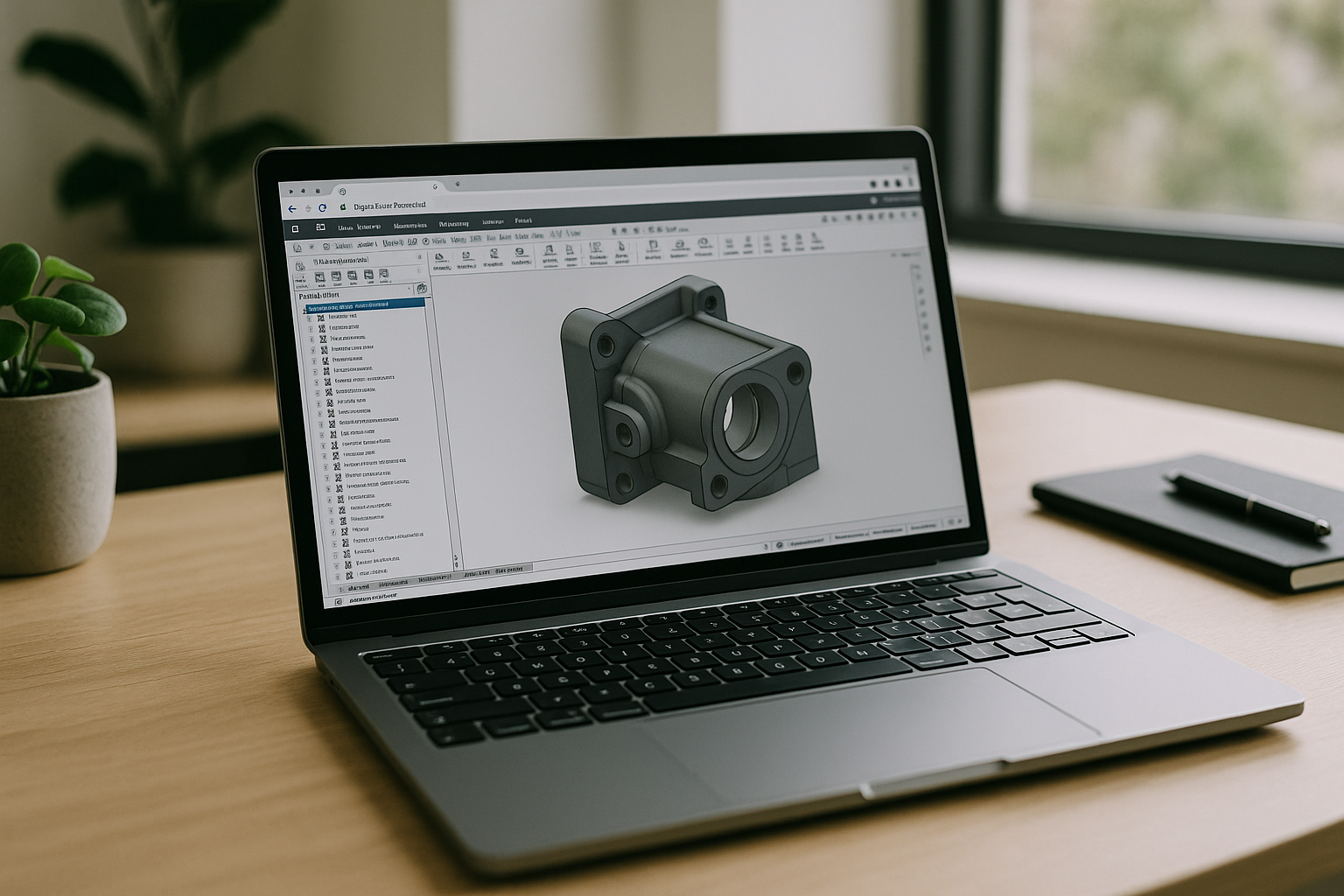
Aristeem is a browser-based cloud PC that delivers a native Windows workspace inside your browser, bypassing the lag of traditional remote desktops and the instability of software emulation. On your Linux machine, open a modern browser, sign in, find SolidWorks in the application library, and click “Launch.” Programs are pre-installed and pre-configured; you only provide a license if the software requires it. Sessions run on GPU-accelerated infrastructure designed to handle large assemblies, complex drawings, and demanding add-ins without tinkering on your device.
You avoid second-OS installs, driver hunts, and reboots entirely. From any distro or hardware tier, your projects open in a consistent workspace with predictable performance and minimal maintenance. For context on expectations and workflow fit, see SolidWorks on Linux setup details — then launch directly when you’re ready, without changing your local system.
Does SolidWorks Work on Linux? A Faster Path That Actually Runs Well
Official support isn’t available, and local workarounds slow teams down. If you still need the native experience, a browser-delivered environment lets you keep Linux while running the tools you depend on with stable, GPU-backed performance. For engineers asking does SolidWorks work on Linux, the practical answer is to bypass the OS fight and open the app where it’s already tuned to work. Explore how this feels in practice by launching professional tools via web interface and keeping your workflow uninterrupted.


