


Your Linux workstation is set up exactly how you like it, but SolidWorks is still required for native SLDPRT, SLDASM, drawings, and PDM tasks. Projects depend on specific versions, templates, and add-ins like simulation or CAM, and those need to behave the same across your team. Every day you juggle requests: open a legacy assembly, fix mates, update Toolbox, export a drawing set, and keep revision history clean. Rebooting or moving to a separate Windows box breaks focus and delays handoffs. Compatibility layers can open a file and then fail on a crucial add-in. You need SolidWorks on Linux that actually works, not a demo that collapses under real deadlines.
Why Professional SolidWorks Workflows Are Difficult on Linux
For many engineering teams, SolidWorks is where design intent lives: parametric features, configurations, assemblies, drawings, PDM integrations, and trusted add-ins. Toolboxes, templates, macros, and version consistency keep projects predictable and review-ready. Production deadlines and supplier deliverables hinge on getting the same output every time. That is why reliable SolidWorks access from Linux matters.
Switching to a different CAD might seem attractive, but it forces rework: remapping features, replacing add-ins, revalidating drawings, and training the team while a project is mid-flight. Conversions risk losing mates, design tables, and metadata, and not every effect or constraint is reproducible. Instead of progressing, you rebuild your workflow. Keeping access to the original software is more practical than adapting everything to a substitute.
Why a Virtual Windows PC Makes Sense for SolidWorks on Linux
SolidWorks is built for Windows, so Linux users need a reliable way to access the Windows environment without replacing their primary operating system. A virtual Windows PC provides that separation: the Windows workspace runs remotely while your Linux computer remains your everyday environment. You access the virtual PC through a browser, while SolidWorks, its files, templates, and supported add-ins run inside the Windows workspace.
This approach avoids the repeated setup involved with dual-boot systems and keeps the SolidWorks environment separate from Linux drivers and local configuration. You can open the same type of Windows workspace when needed, work with native SolidWorks files, and keep your Linux installation unchanged.
Best Way to Run SolidWorks on Linux Without Rebooting
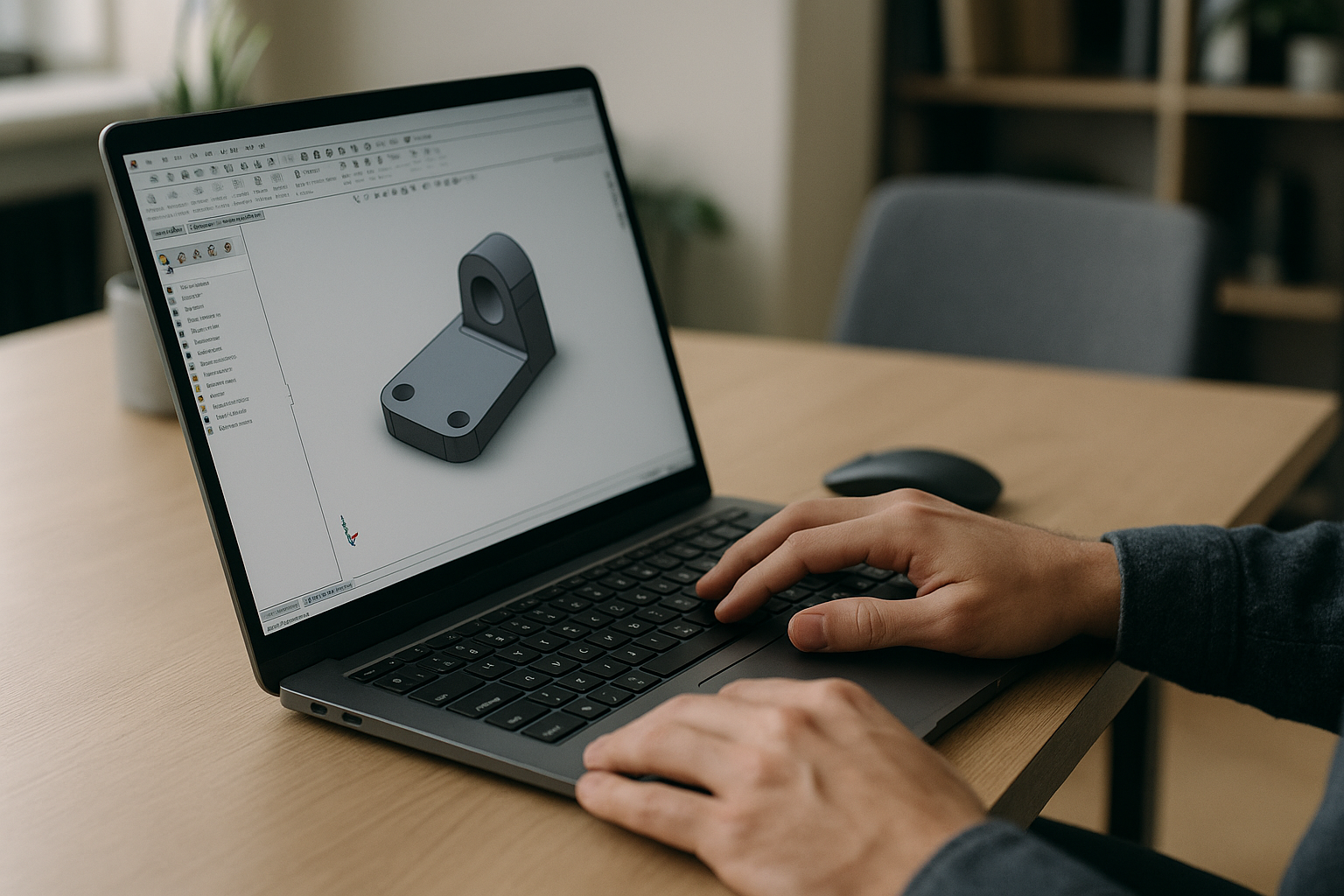
Several approaches exist, but each has limits. Dual-boot or a separate workstation adds context switching, file drift, and meeting delays. Compatibility layers may start up but often break on graphics, PDM, or critical add-ins. Converters and viewers lose parametric fidelity and block urgent edits. The practical alternative is a virtual Windows PC that you access through your browser. SolidWorks, your licensed version, templates, and supported add-ins run inside that Windows environment, while you work from your Linux machine with native files. This keeps project fidelity, version control discipline, and team parity while removing the need to reboot or maintain a second local OS. It is a practical way to run SolidWorks on Linux while keeping a Windows-based workspace that matches your office setup.
Aristeem Provides a Virtual Windows PC for SolidWorks on Linux
Aristeem provides a virtual Windows PC that you access through your browser, with SolidWorks available in the application environment. You can work with native SLDPRT and SLDASM files and add the tools or add-ons your workflow requires, using your own license where required. You can add the plugins, utilities, and other Windows tools your workflow requires, using your own license where required. Aristeem is not an emulator and not a remote desktop; it is a complete environment designed for professional reliability. For additional context on compatibility and available approaches, see Does SolidWorks Work on Linux?.
Run SolidWorks on Linux Without Rebooting
If your work depends on SolidWorks and your primary environment is Linux, a virtual Windows PC accessed through your browser lets you keep the software, add-ins, and versions your projects require without changing your local operating system. It eliminates reboots, avoids unstable compatibility layers, and lets you continue working with native formats under real deadlines. To see how software runs through a virtual environment and how this approach fits your workflow, explore the available options and plan your next project without changing tools.


