


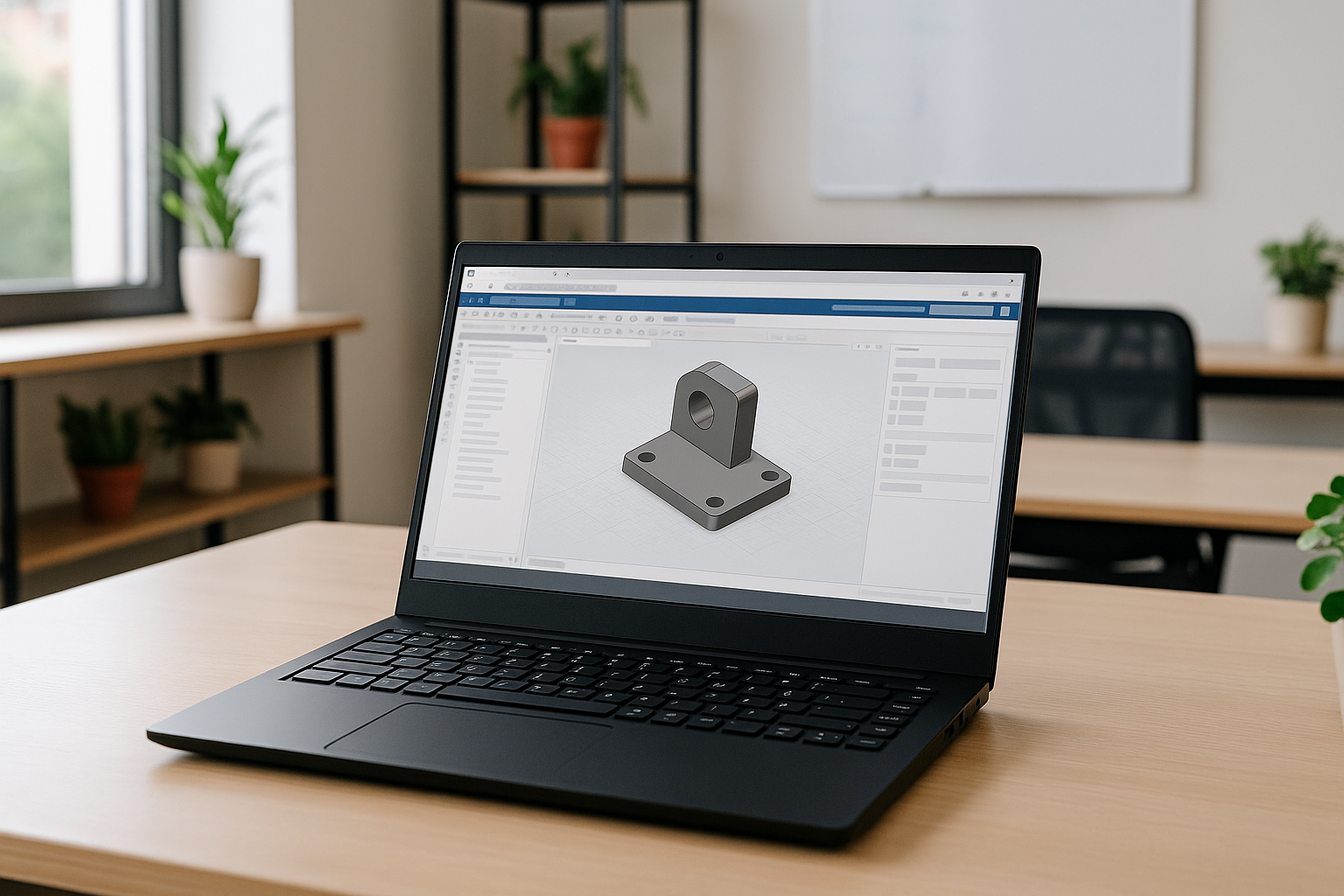
SolidWorks is powerful 3D modeling software that is officially supported only on Windows. This creates certain difficulties for those looking to use SolidWorks on Linux without changing their OS or installing complex emulators. In 2026, the most convenient solution is to run SolidWorks on Linux through cloud access platforms, which let you work directly from your browser.
Why running SolidWorks on Linux is a challenge
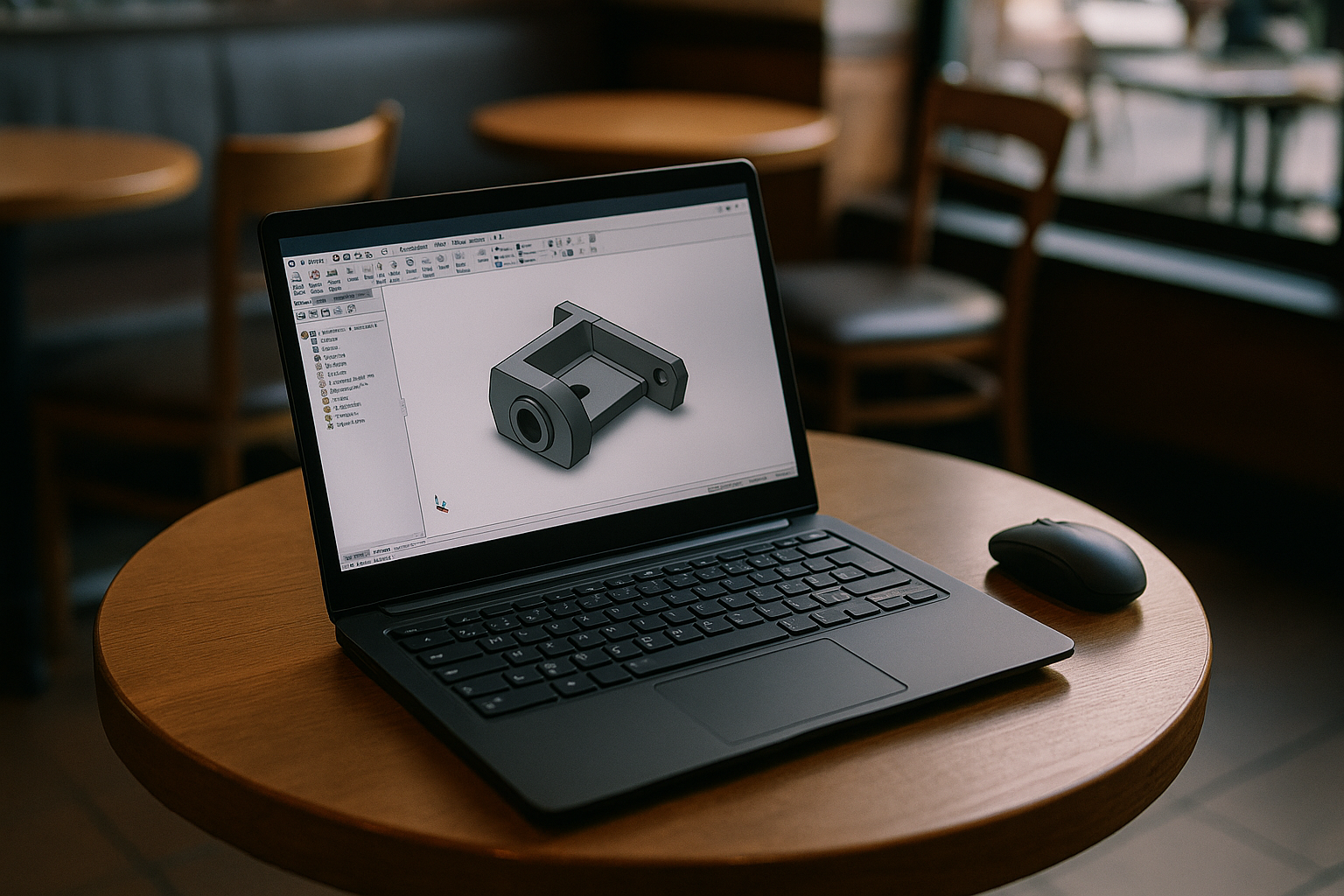
SolidWorks is designed to function exclusively in a Windows environment. So, does SolidWorks work on Linux? Technically, no — not out of the box. Attempts to launch Linux SolidWorks via Wine or other compatibility layers almost always lead to unstable graphics, missing add-ins, limited tool access, or crashes. RealView rendering, PDM integrations, and advanced engineering workflows often become unreliable because of unsupported APIs and GPU driver limitations. Using virtual machines (like VMware or VirtualBox) to run SolidWorks on Linux demands powerful hardware, time-consuming setup, and often a trade-off in performance. Even when local virtual machines work, GPU passthrough, driver configuration, and hardware compatibility often require significant maintenance that engineering teams prefer to avoid. Moreover, official support does not cover Linux, which makes problem-solving even harder.
Cloud solution: how Aristeem works
Instead of local workarounds, users now prefer cloud-based methods to run SolidWorks in Linux. Unlike compatibility layers or dual-boot setups, browser-delivered workspaces provide a consistent environment regardless of the Linux distribution or local graphics hardware. Aristeem is a professional-grade platform that provides access to a full Windows environment with SolidWorks pre-installed.
Benefits of Aristeem for Linux users:
- No system conflicts
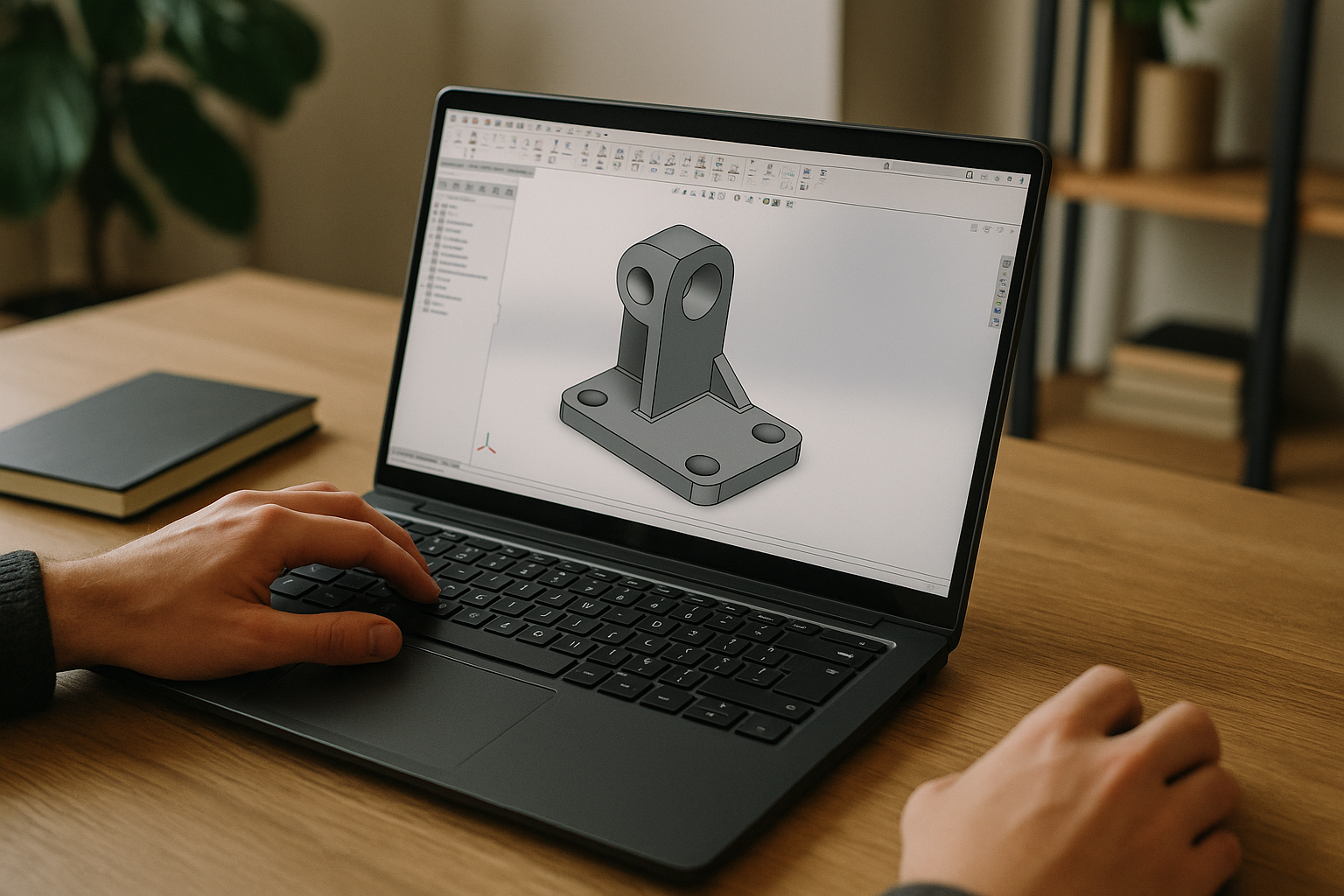 Forget installing Windows, dual-booting, or messing with VMs. Whether you use Ubuntu, Fedora, or Arch, you can run SolidWorks on Linux instantly via browser.
 - Maximum performance
All rendering and simulation workloads run on high-performance cloud infrastructure with GPU acceleration. This eliminates dependency on local Linux graphics drivers while providing stable performance for large assemblies and complex CAD projects. - Mobility and flexibility
You’re not limited to a specific device. Work on your laptop, desktop, or even tablet. Sessions are stored in the cloud, so you can pick up where you left off from anywhere. Teams also benefit from working in identical environments, reducing version drift across projects. - Security
All project data lives in encrypted environments with routine backups. Your CAD work is protected from system errors or viruses, unlike with most local installs. - Tool integration
Aristeem supports CAD, PLM, PDM systems, Git, and other engineering tools, helping teams maintain consistent workflows without local configuration differences.
Why Aristeem is the best SolidWorks Linux alternative in 2026
For engineers, designers, and students using Linux, Aristeem offers the best way to run SolidWorks without compromise. No license headaches, driver issues, or compatibility barriers — just smooth performance and full software capabilities. Browser-based delivery also removes the need for dual-boot setups, compatibility layers, and ongoing driver maintenance. It’s the most reliable way to experience SolidWorks on Linux without installing anything.
Conclusion
So, does SolidWorks work on Linux in 2026? Not natively — but with Aristeem, it might as well. It’s the smartest, safest way to use Linux SolidWorks workflows without installing Windows locally, while preserving full desktop functionality and consistent engineering environments.


