


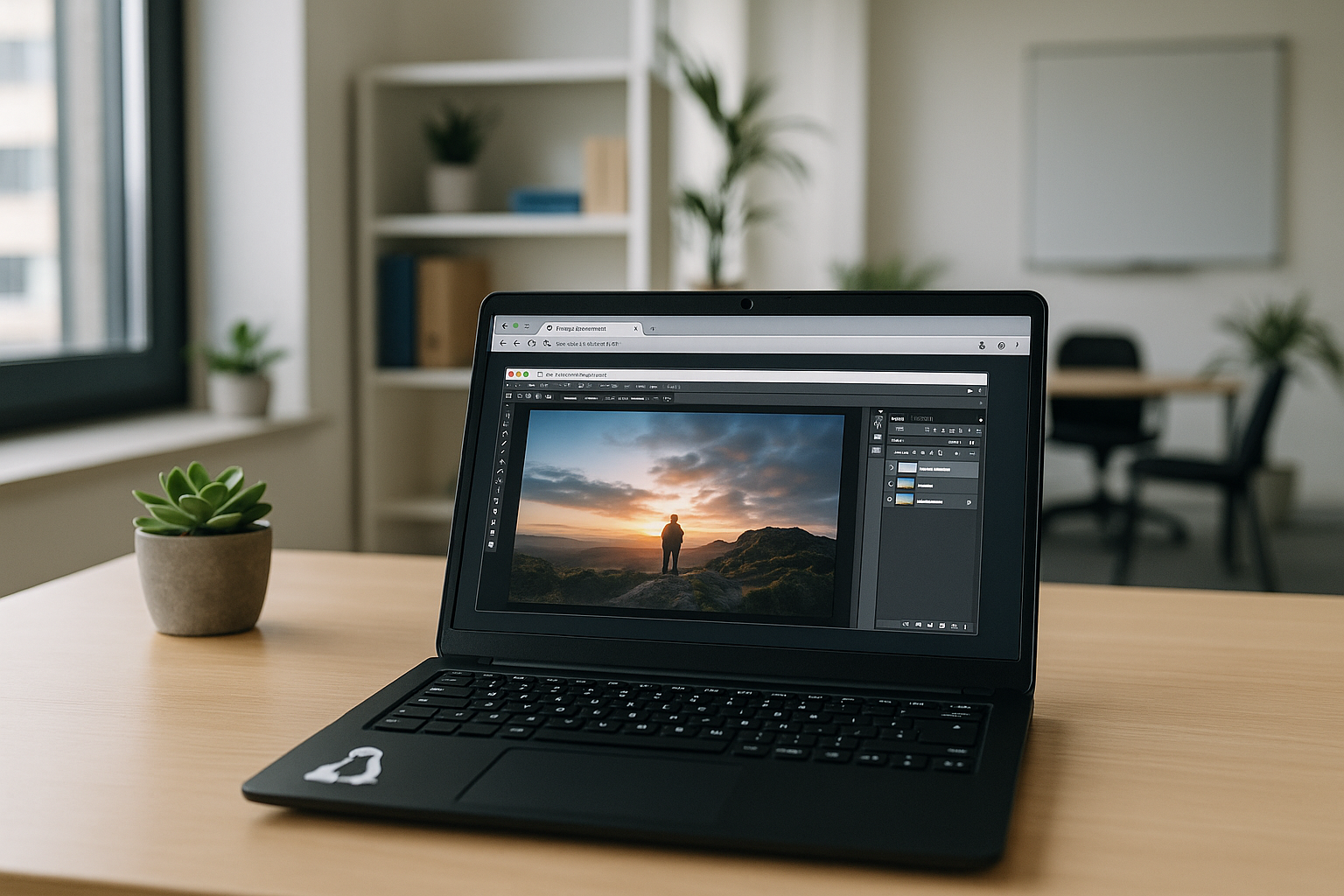
Linux and Photoshop can be part of the same professional editing workflow, even though Adobe does not offer a native Linux version of Photoshop. Designers working on Linux may still need the original application to edit layered PSD files, use established plugins, and prepare graphics for client projects. The main challenge is finding a practical way to run Photoshop on Linux without repeatedly troubleshooting compatibility issues or rebuilding the working environment.
Does Photoshop Work on Linux?
Adobe does not offer a native Linux version of Photoshop. Linux users therefore cannot install it directly as they would on Windows or macOS. The available options include compatibility tools such as Wine, a Windows virtual machine, a cloud Windows PC, or an alternative image editor. The right choice depends on whether you need the original Photoshop application and its specific tools or can work with a different editor.
 Ways to Run Photoshop on Linux
- Emulators (Wine, PlayOnLinux)
Allow you to run Photoshop for Linux Ubuntu in a Windows emulation environment. Performance depends on the version and system configuration, and crashes are possible. Newer Photoshop releases and Adobe Creative Cloud features may not work reliably.
- Virtual machines (VirtualBox, VMware, QEMU)
Enable installing Windows inside Linux and working with Photoshop without restrictions, but at the cost of heavy resource usage. This option also requires additional RAM, storage space, and a Windows license.
- Cloud services
Photoshop runs on remote servers, controlled through a browser or client. This approach lets users access Photoshop remotely without configuring a local compatibility layer or Windows virtual machine. Performance depends on the cloud configuration and network connection.
- Alternatives for Linux
GIMP, Krita, Photopea, and others provide strong tools but are not always compatible with Photoshop formats. They are often used as a Photoshop replacement with certain limitations. Some advanced PSD features, plugins, or fonts may not be fully supported.
Which Photoshop Option Works Best on Linux?
Each option offers a different balance of compatibility, performance, and setup complexity. The comparison below highlights the main differences.
| Option | Original Photoshop | Performance | Setup |
|---|---|---|---|
| Wine | Partial | Medium | High |
| Virtual Machine | Yes | Medium | High |
| Cloud Workspace | Yes | High | Low |
| GIMP/Krita | No | High | Low |
A cloud Windows PC is one option for running the original Photoshop on Linux without configuring a local compatibility layer or installing Windows in a local virtual machine.
Full-featured Photoshop on Linux with Aristeem
Linux users don’t need to abandon Photoshop or overload their computers with emulators. The Aristeem cloud service provides the original Photoshop without restrictions, regardless of platform.
What Photoshop users on Linux get with Aristeem:
-
Original Photoshop for Windows, with available features depending on the installed version, license, and configuration.
-
Remote processing lets you run Photoshop without relying entirely on your local computer’s hardware; the experience depends on the cloud configuration and network connection.
-
Access from any device — Linux, Windows, macOS, Chromebook, or tablet.
-
No complicated setup — no need for emulators or virtual machines.
-
Cloud storage — synchronized and accessible projects from anywhere.
-
Flexible pricing — hourly rates or long-term plans for students, freelancers, and companies.
-
Reliability and security — protected projects and minimal risk of data loss.
Technical support
Have questions? You will find answers to most of them in the FAQ section on our website. If you need more detailed information, our specialists are always ready to help and provide support in resolving any issues related to the service and programs via online chat or Telegram.
Conclusion
Although Adobe does not provide a native version of Photoshop for Linux, users can choose between compatibility tools, virtual machines, alternative editors, and cloud Windows PCs. For those who need the original Photoshop application, a cloud Windows PC offers a way to run the Windows version from a Linux device without setting up a local Windows installation. The best option depends on the required features, software configuration, and individual workflow. For a broader comparison, see our guide to Photoshop across Mac, Linux and Chromebook.


