


Blog
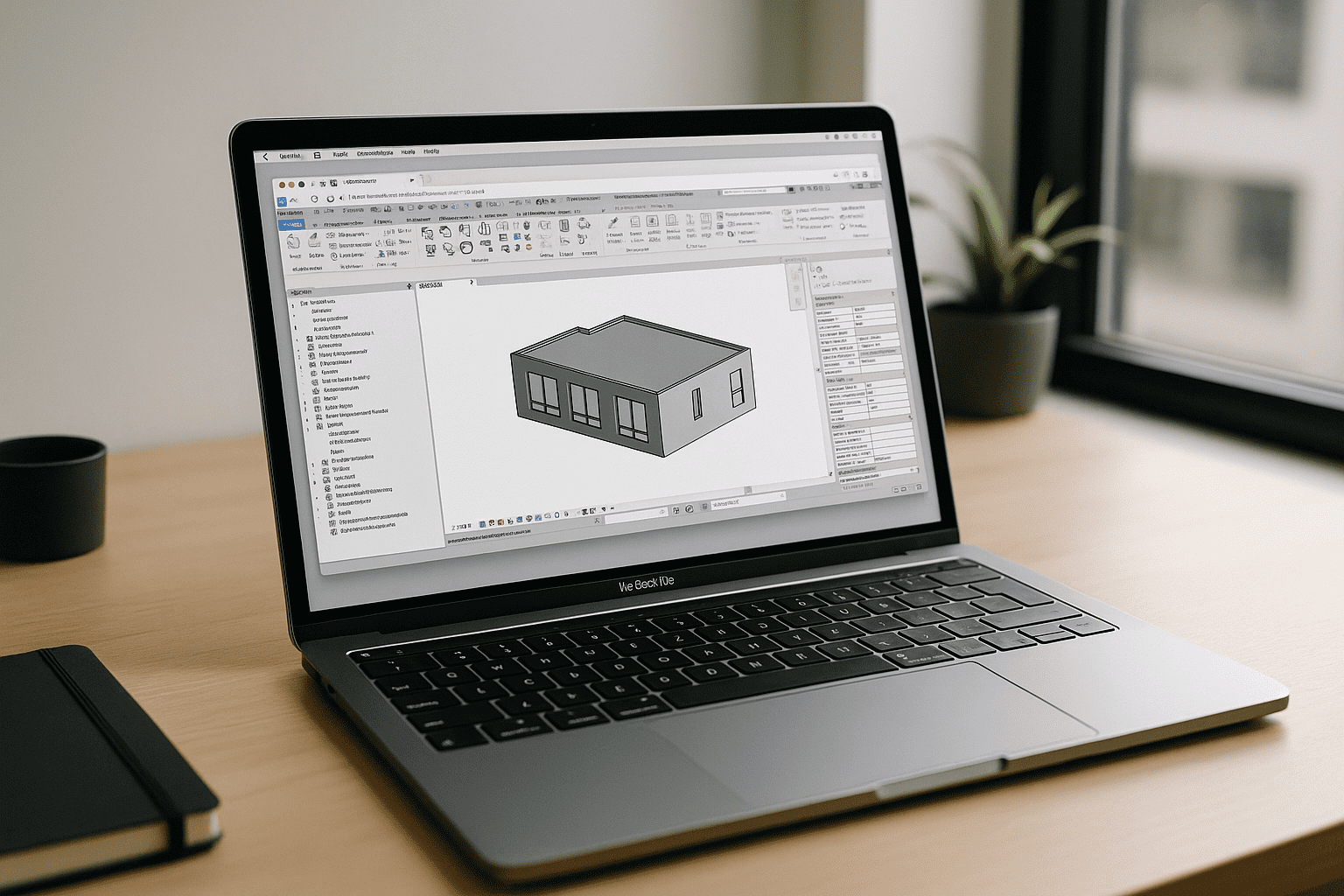
Revit on MacBook: Run the Real App in Your Browser
MacBook users can’t install or reliably virtualize Revit on macOS, and IT policies often block complex Windows setups. Here’s a stable way to use the real desktop Revit without extra hardware or risky workarounds.
Read More
Virtual Machine for OS X — Run Apps Without a VM
Professionals on OS X need non‑native, heavy desktop tools but can’t afford the delays and hassles of starting a local VM, driver issues, or Apple Silicon roadblocks. This article shows a faster path to open the required software without launching a traditional virtual machine.
Read More
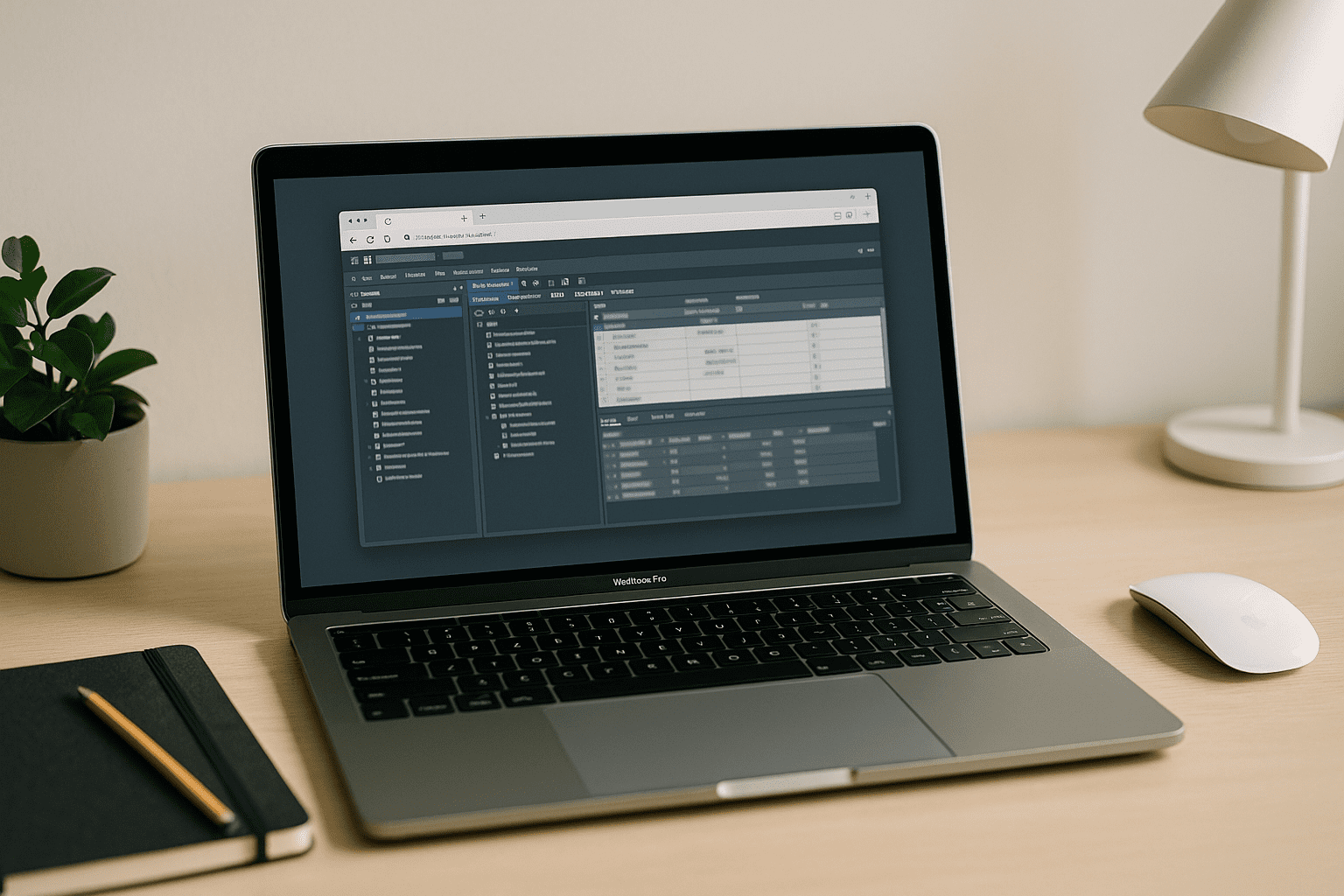
Cloud PostgreSQL: Run Databases Without Local Setup Hassles
Setting up PostgreSQL locally often leads to version conflicts, extension issues, and constant setup fixes that slow work down. Cloud PostgreSQL removes this friction and lets teams start querying instantly from any device.
Read More
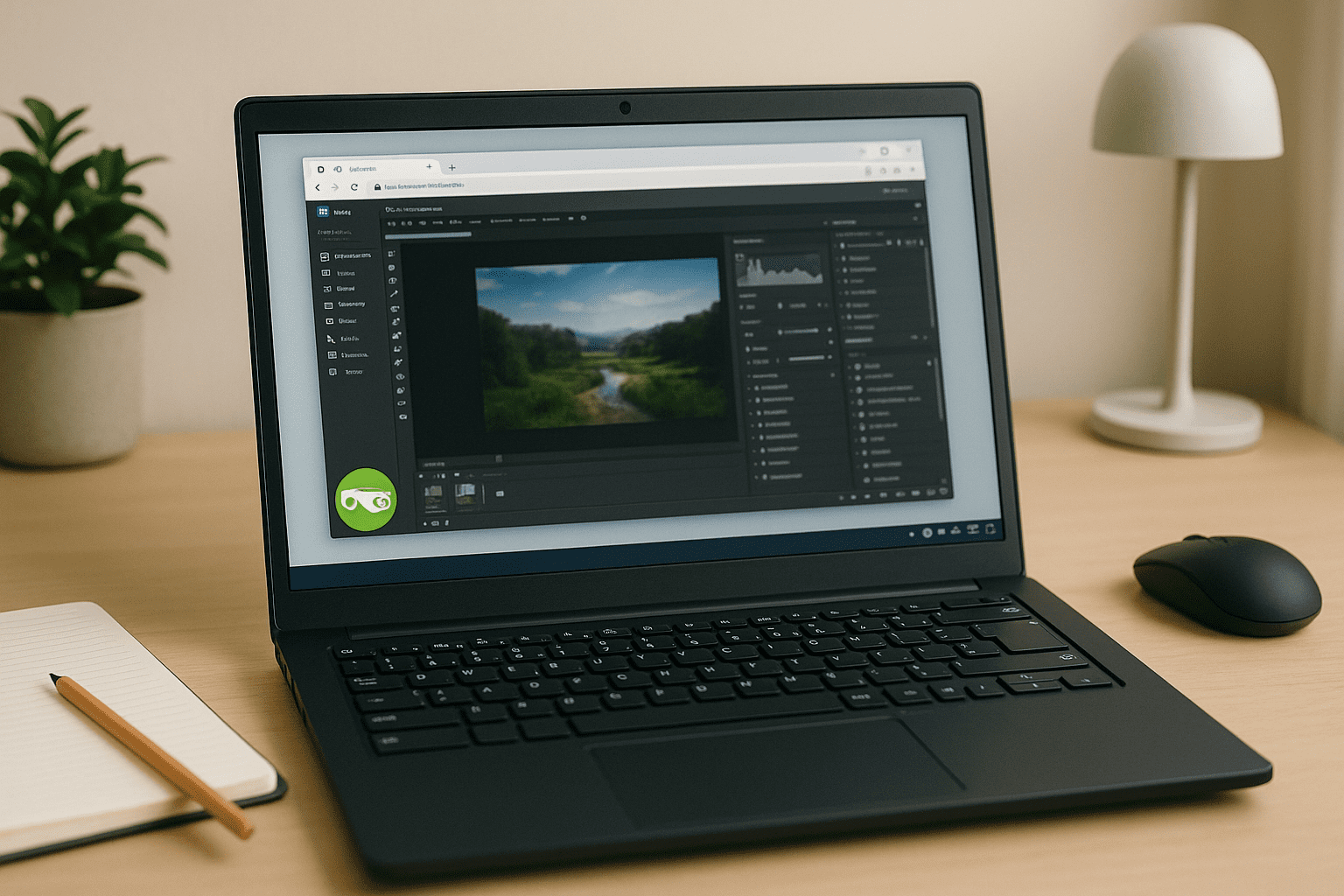
Run Desktop Apps Without a Local Linux VM
You need to run vendor‑locked or GPU‑heavy desktop apps on Linux, but installing and booting a full VM wastes time and often fails due to drivers and admin policies. This article shows how to run those apps in your browser without starting a virtual machine.
Read More
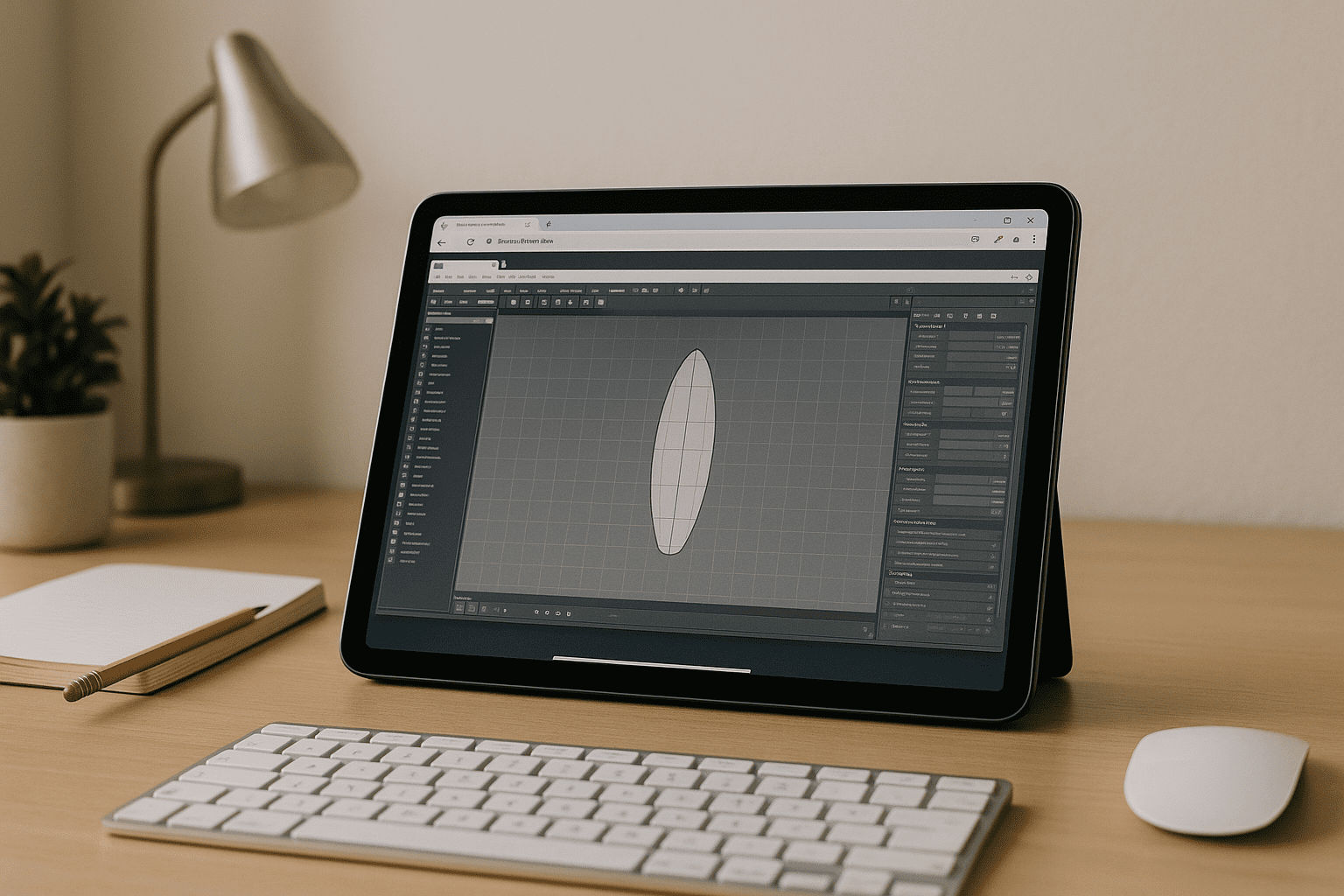
SHAPE3D X LITE — Run in Browser on Unsupported Devices
If SHAPE3D X LITE won’t install due to unsupported platforms, missing drivers, or no admin rights, you still need a dependable way to work. This guide shows how to run it in a GPU-accelerated browser workspace with no local installs.
Read More
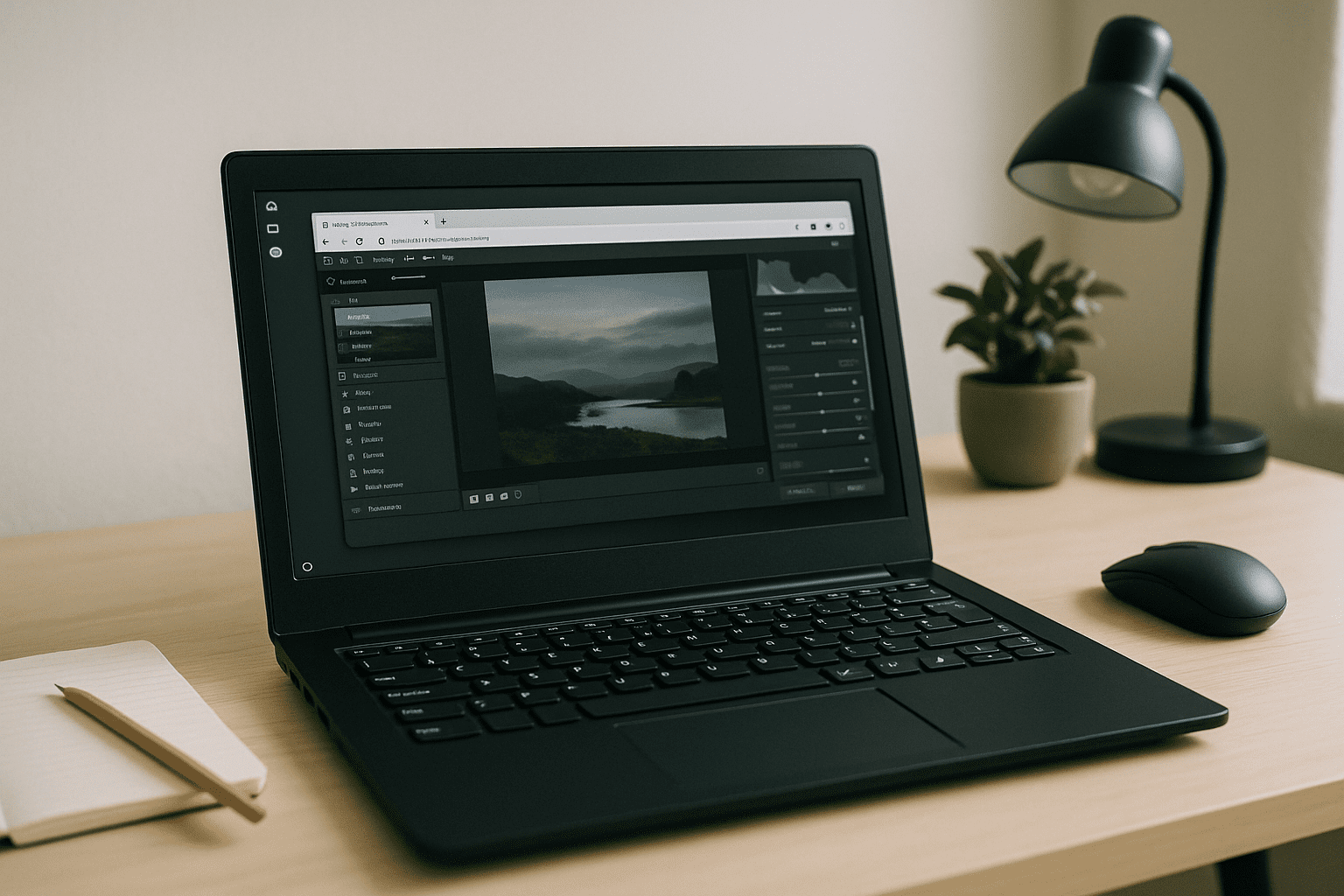
No Wine, No Dual-Boot: A True Lightroom Linux Alternative Is Finally Here
You need Lightroom Classic for pro RAW work on Linux, but native support doesn’t exist and hacks break catalogs, GPU, and stability. Here’s a practical path that keeps your exact Adobe workflow without dual‑booting or unreliable layers.
Read More
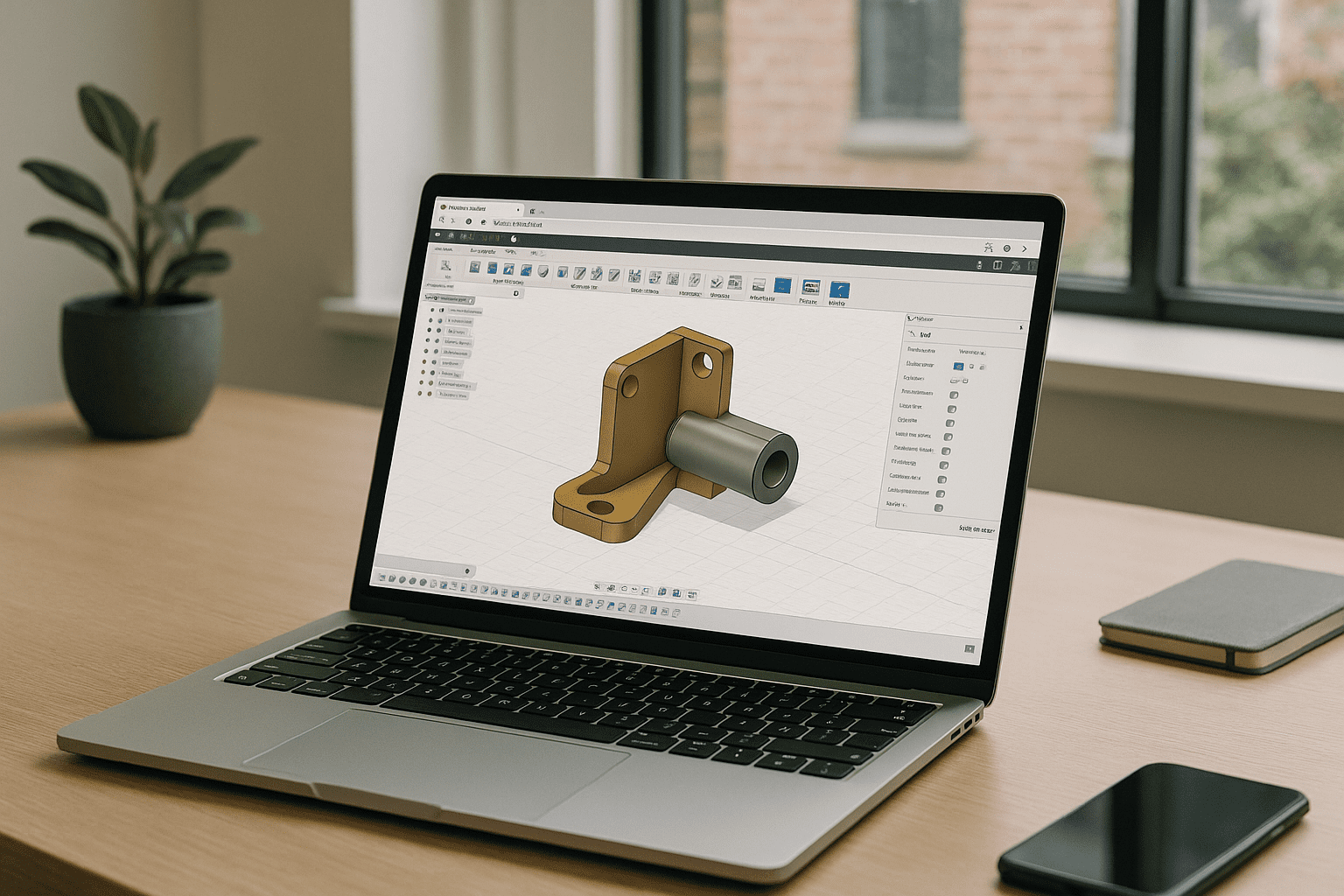
Fusion 360 Online — Run Full CAD in Your Browser
Large installs, admin locks, and weak hardware make running the full Fusion 360 toolset impossible on many devices. This guide shows a reliable way to use the complete desktop experience in your browser without local setup.
Read More
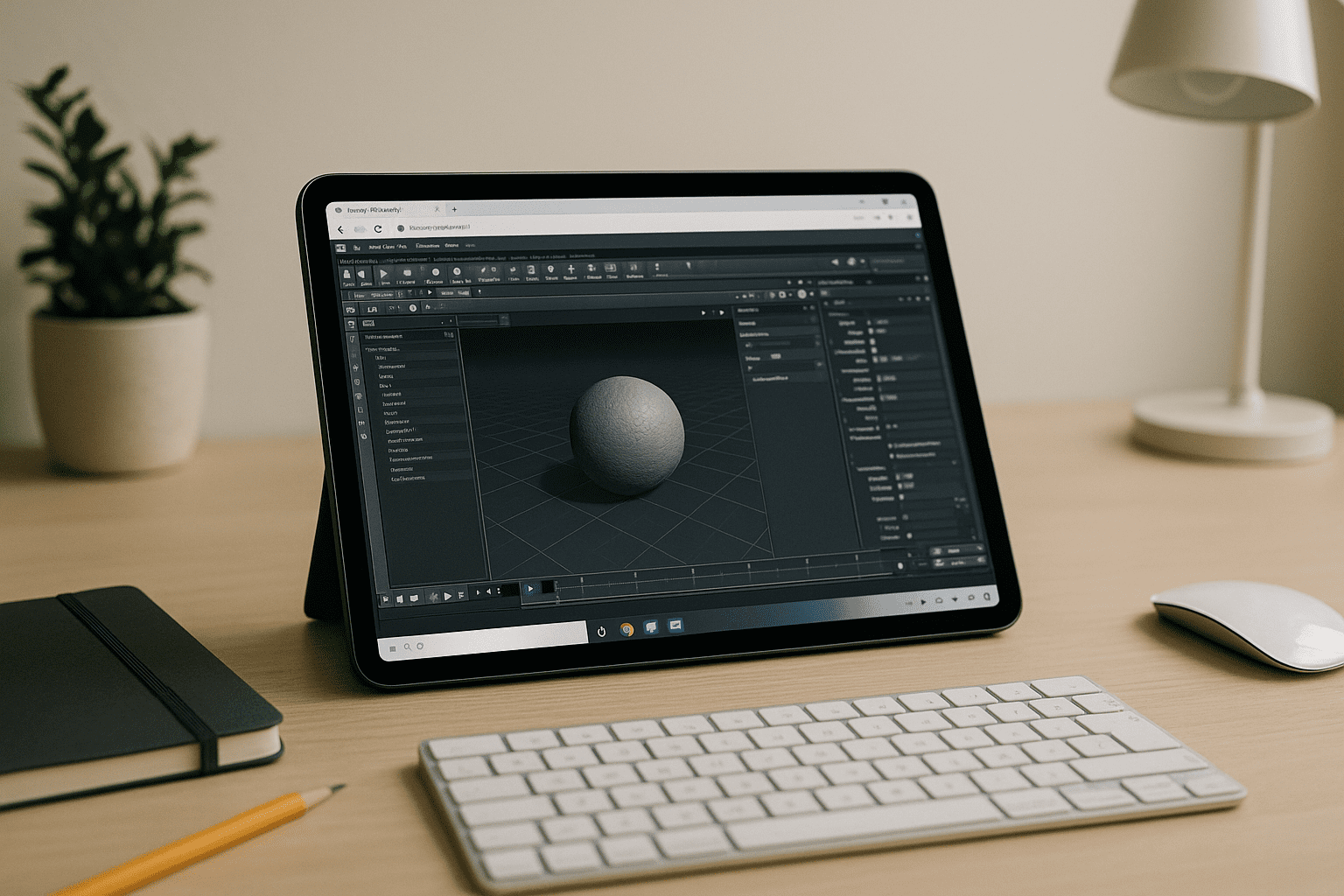
Houdini 3D Without Installs: Run Houdini Apprentice Online
You need Houdini 3D for real work, but heavy installs, drivers, and admin locks keep stopping you. Learn how to run Houdini Apprentice in your browser with consistent performance and no hardware upgrades.
Read More
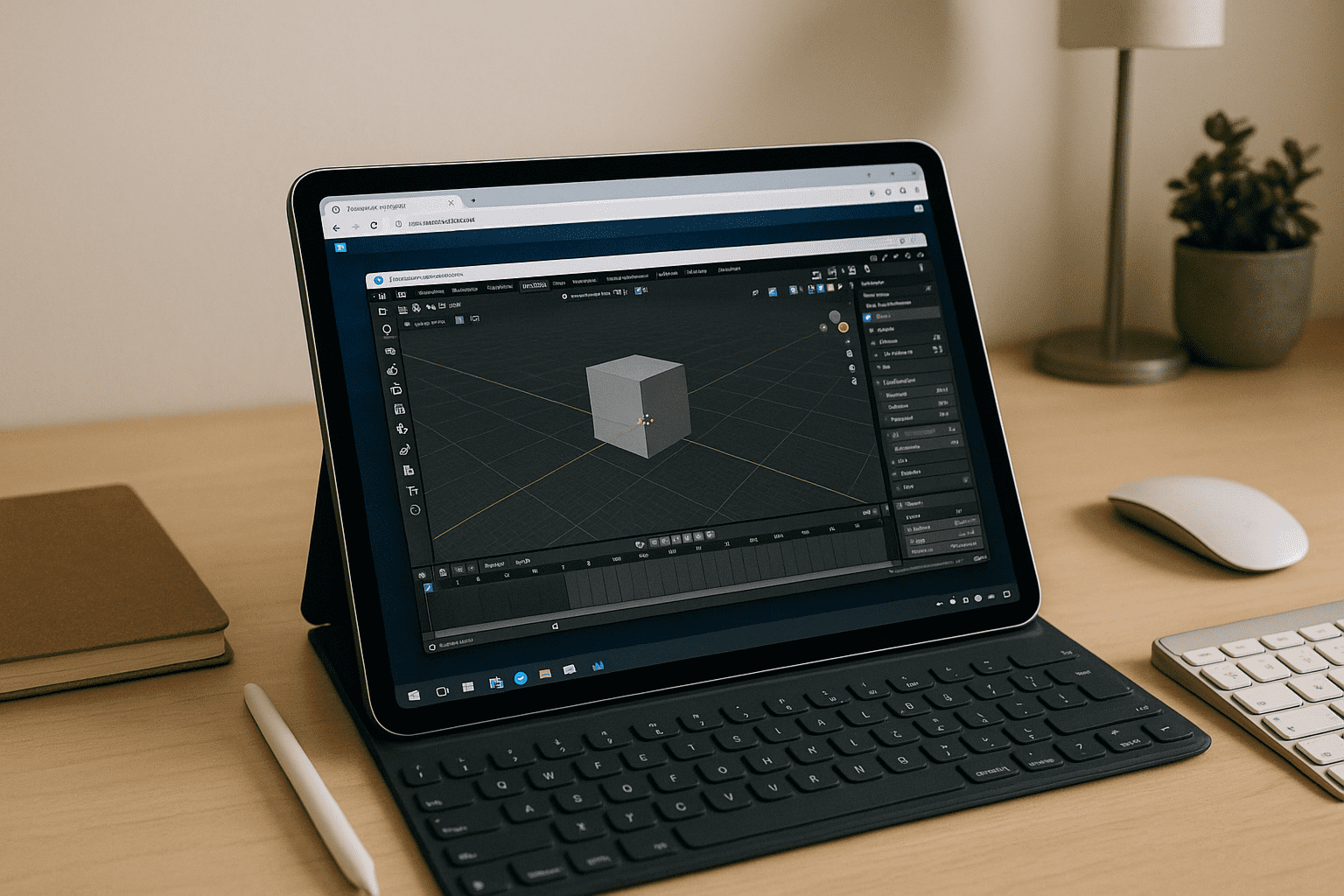
Blender on iPad: Keep Your Desktop Workflow Anywhere
There is no native Blender for iOS and iPadOS cannot install the desktop app, blocking serious 3D work on mobile devices. This guide explains a practical way to use the full desktop Blender on iPad with performance, plugins, and file compatibility.
Read More
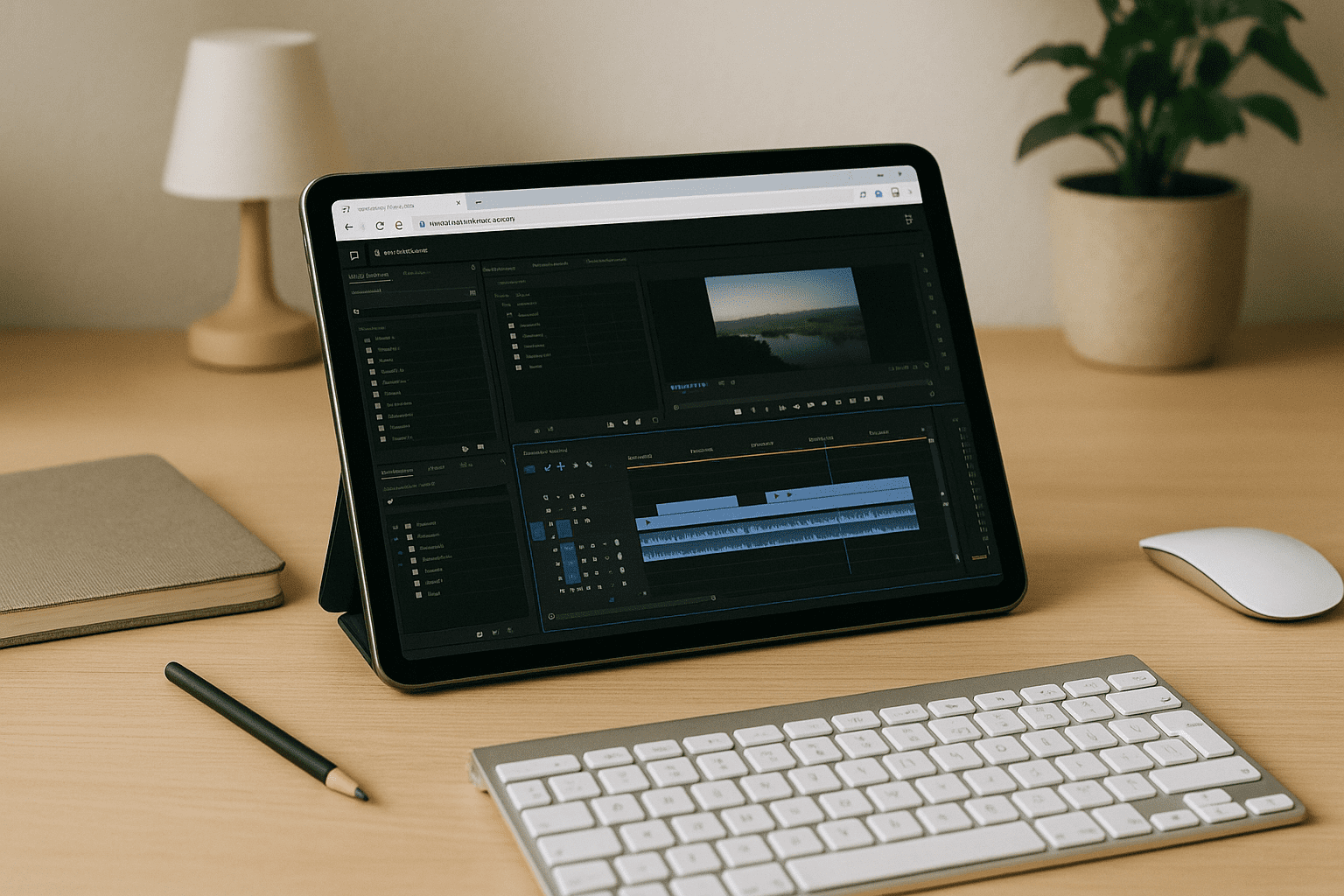
Adobe Premiere Pro Online: Desktop Power in a Tab
Your device can’t install or power Premiere Pro, yet you still need the full desktop editor with GPU acceleration inside a browser. This guide shows how to get the real experience with your Adobe account — no local installs or new hardware.
Read More


