


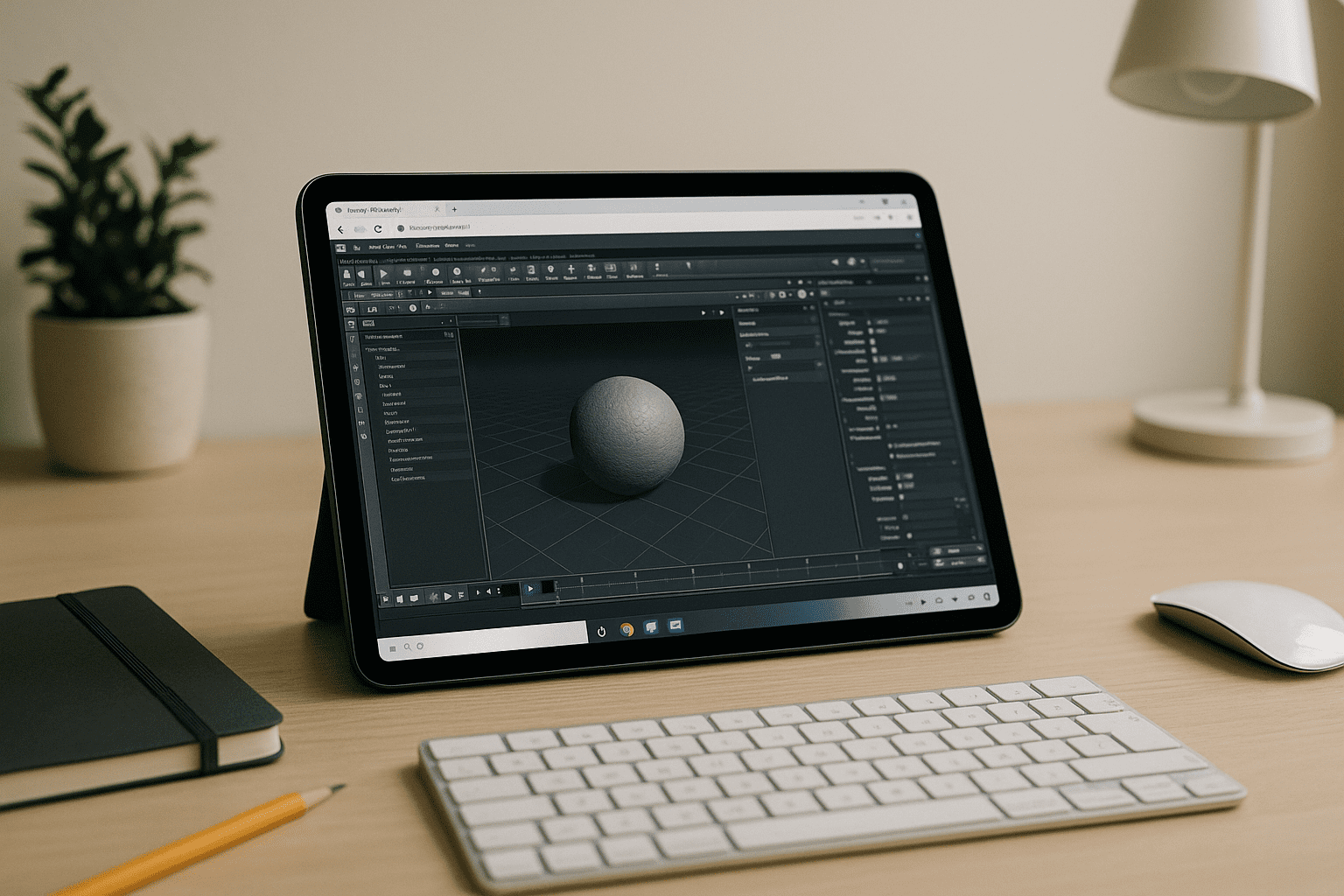
Houdini 3D Without Installs Blocking Your Work
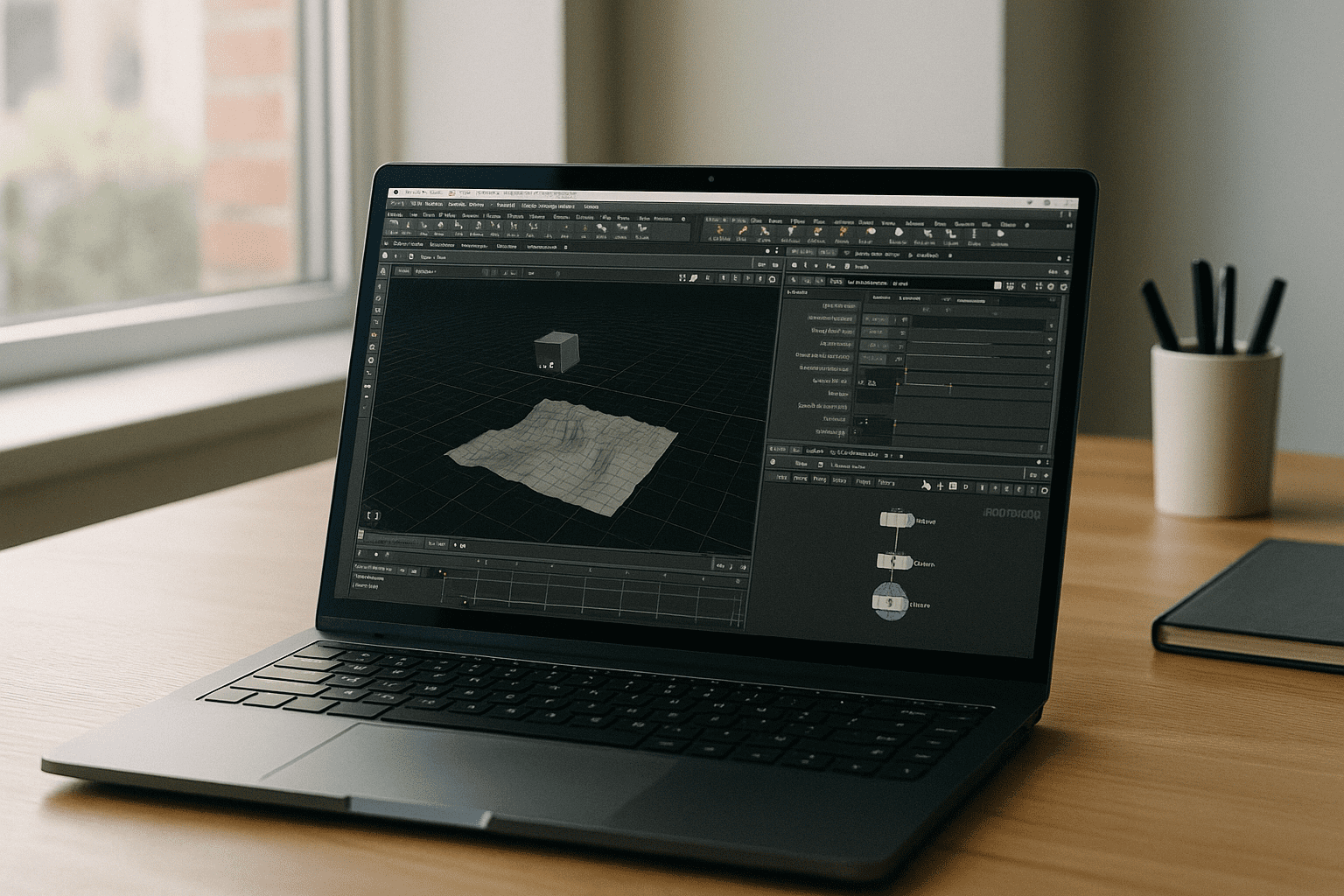
Deploying Houdini 3D can grind your production day to a halt when you need to jump into a scene immediately. Massive downloads, strict GPU and CPU requirements, and driver roulette often collide with locked-down client workstations or office devices. Artists working remotely on Mac, Linux, iPad, Chromebook, or lightweight laptops hit permission walls and hardware incompatibilities before they can even build a network. You just need Houdini Apprentice to prototype asset behavior, test a procedural tool, or check production shots, but every local setup turns into troubleshooting, reboots, and support tickets.
Buying a New PC for Houdini 3D: Why It Falls Short
Upgrading to a heavy, high-end workstation seems like the logical fix when you want smooth Houdini Apprentice sims and fast viewport playback on site. But for Houdini 3D, adding physical hardware means a big upfront expense, unpredictable delivery times, and the same ongoing driver and OS maintenance you were trying to escape. Mobile TDs and freelancers still face transport challenges, IT restrictions on client networks, and the risk that today’s GPU will age out before long-term projects wrap up. Even after purchase, you spend hours configuring local paths and licenses — time that should be spent testing nodes, not battling firmware.
A Better Way: Run Houdini 3D in Browser With Full Power
Instead of sinking project budget into fixed hardware, running Houdini 3D in browser shifts the computational heavy lifting to an on-demand, high-performance environment accessible from any device. You avoid local installs, driver conflicts, and administrative barriers while keeping the exact desktop experience you expect—perfect for technical directors and pros who need to run Houdini online during meetings or while traveling. Compared to buying a dedicated PC, this approach is faster to deploy, identical across locations, and resilient when your local travel laptop is underpowered. For Houdini 3D, the workflow is simple: open your browser, spin up your network, and keep your local machine completely light.
Run Houdini Apprentice Instantly with Aristeem
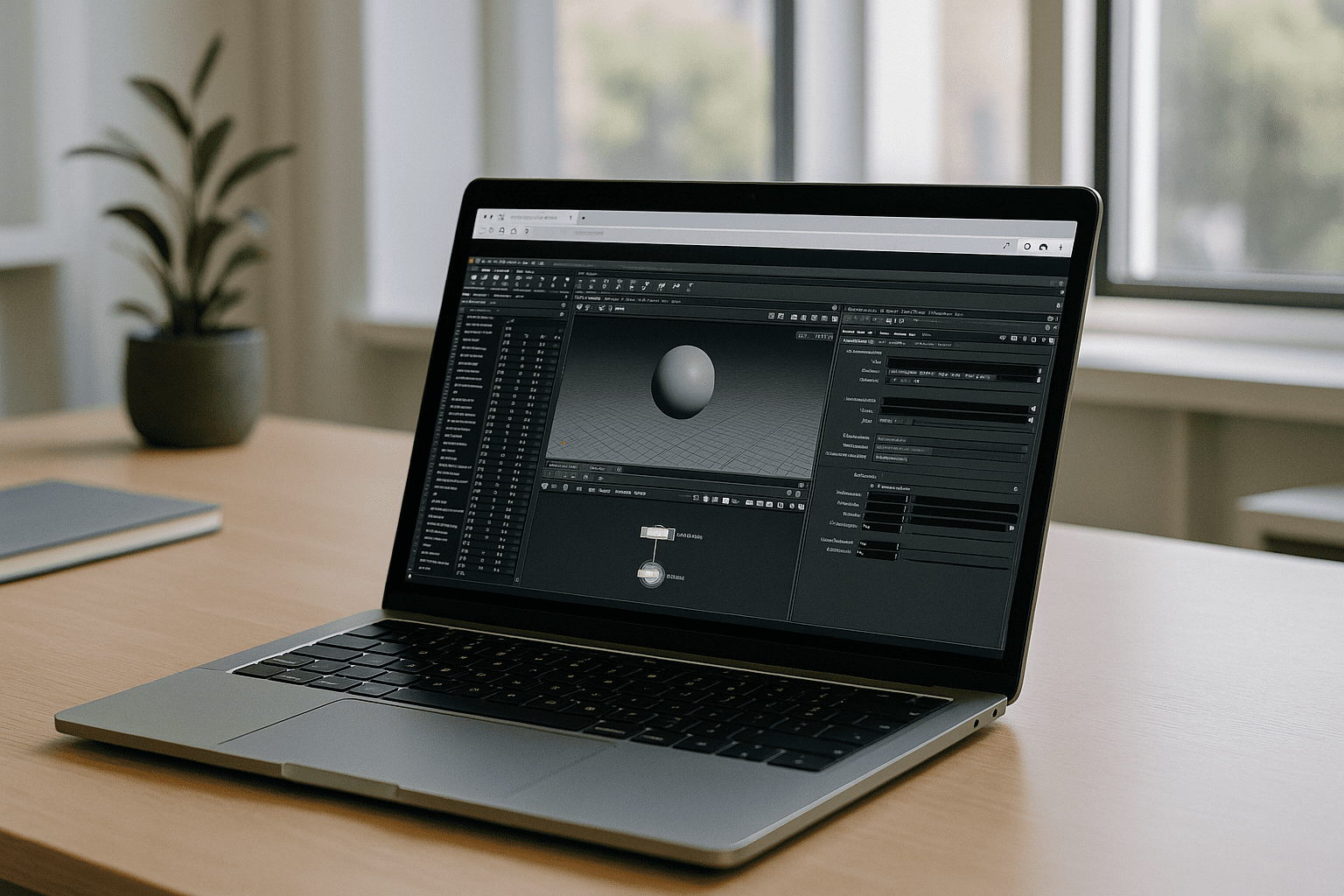 Aristeem delivers a full production-ready workspace in your browser — no setup, no local storage drain, and not a laggy remote desktop or emulator. Houdini Apprentice comes pre-installed and pre-configured, so you simply click Launch in the library to start spinning up node streams; a license is only needed if the software requires one. You get direct cloud GPU acceleration, persistent asset storage, and the flexibility to install custom digital assets (HDAs) and scripts inside the environment just like a powerful studio machine. For context on pipelines and workflow specifics, explore Houdini software details to understand how projects stay consistent across different devices and sessions. With this approach, your Mac, Linux, iPad, Chromebook, or modest laptop becomes a stable, instant entry point to production-grade work.
Houdini 3D, Without Installs or Hardware Drama
If your goal is to practice, prototype, or deliver shots without wrestling with system requirements, this is the fastest path. Open your browser, launch Houdini 3D, and focus on scenes — not drivers, permissions, or procurement. See what a streamlined workflow feels like by exploring launching professional tools via web interface, and keep your creative momentum wherever you work.


