


Fusion 360 in browser when installs are blocked
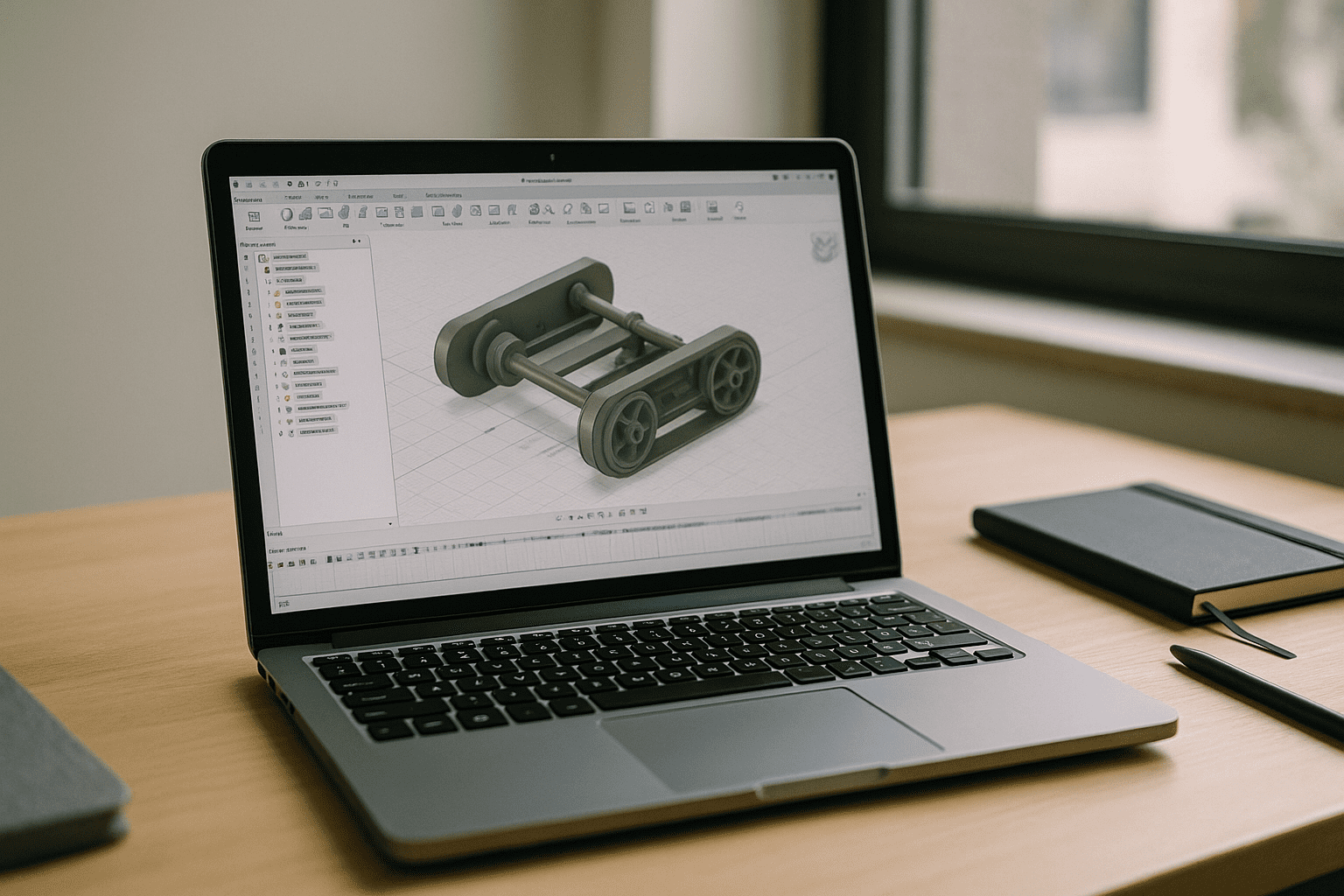
Your day starts with toolpaths to validate, a lattice to iterate, and a supplier asking for a STEP update. Then reality hits: the desktop installer is huge, IT denies admin rights, and the machine on your desk lags the moment you open a complex assembly. Web viewers don’t cut it for CAM, generative design, add-ins, or rendering — those workflows need the full desktop environment. If you need Fusion 360 online with every feature available, local installs and hardware limits become the bottleneck that derails delivery.
Buying a new PC won’t solve Fusion 360 online needs
When deadlines loom, many teams default to buying a stronger workstation. It seems practical: more CPU and GPU should fix sluggish CAD. In reality, it is slow to procure, costly to maintain, and often blocked by corporate budgets or compliance cycles. A single powerful tower also ties work to one desk, breaks hybrid workflows, and does nothing for contractors, students, or teammates on Mac, Linux, iPad, or Chromebook. Hardware ages, drivers drift, and project spikes exceed even high-end specs — none of which brings you closer to dependable Fusion 360 online access.
2026 shift: professional CAD moves to browser-first
By 2026, engineering teams are standardizing on cloud-native delivery for critical apps to gain hardware independence and on-demand performance. Procurement delays, device diversity, and distributed teams make local machines a liability, not an asset. Organizations now prioritize secure, policy-controlled access that works on any device while keeping full desktop capabilities. The outcome is clear: professionals expect to open complex projects anywhere and continue without installs, drivers, or device constraints — precisely the promise of running Fusion 360 online.
Best way to run Fusion 360 online with full features
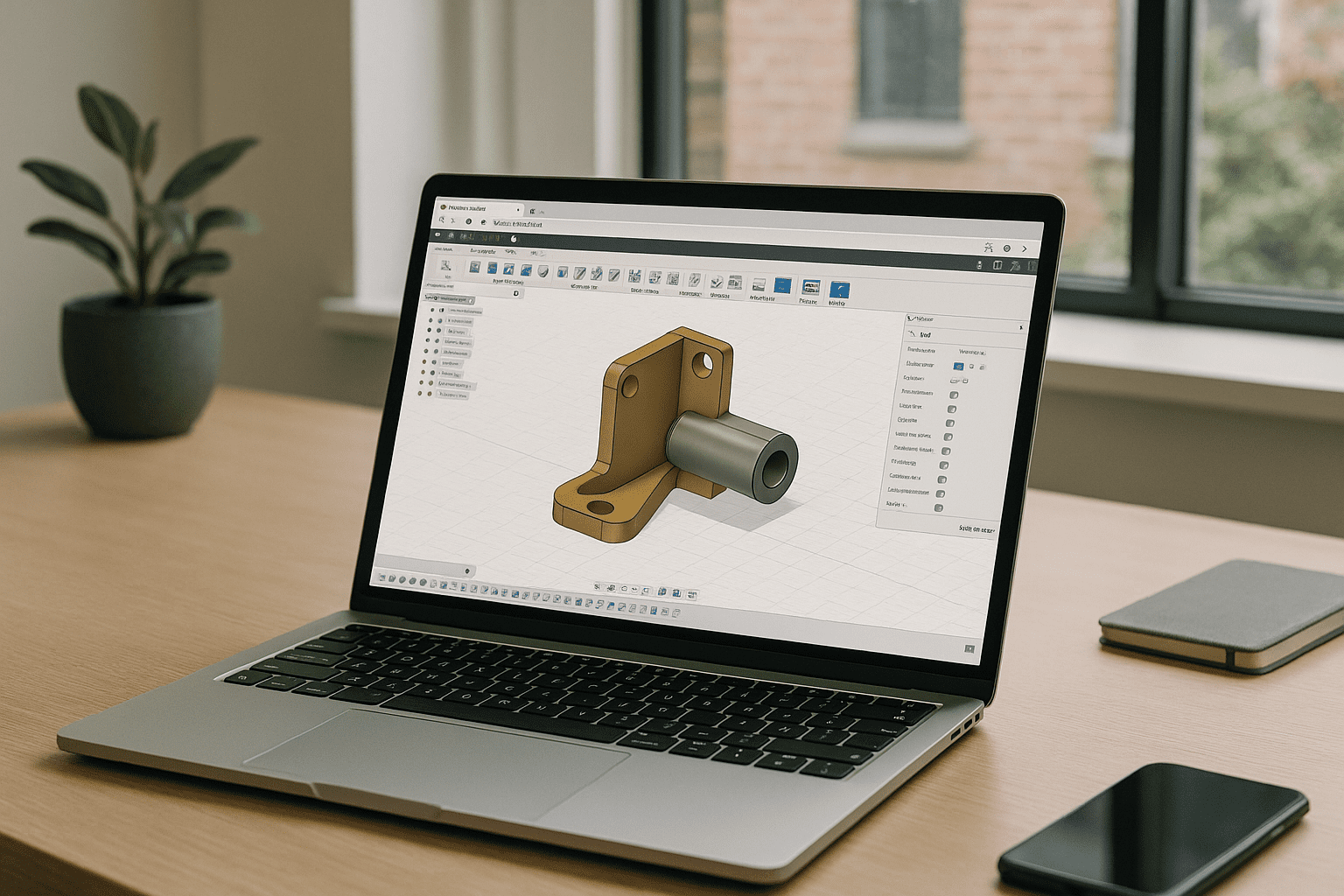
There are three real-world paths: keep fighting local installs, rely on limited web viewers, or use a browser-based desktop that runs the full application. Local installs strain devices and IT workflows; viewers omit CAM, add-ins, and pro-grade rendering. A modern browser workspace delivers the complete desktop app with consistent performance and zero device dependency — true Fusion 360 online without sacrificing features. It feels like your workstation, only it travels with you and starts working in seconds.
Aristeem makes Fusion 360 online effortless
Aristeem provides a full desktop environment in your browser — no setup, instant access, and not a remote desktop or emulator. Open the application library and start the pre-configured app by clicking the Launch button; only a software license is needed if required. Work from Mac, Linux, iPad, Chromebook, or a weak PC and keep every feature intact: CAM, add-ins, rendering, and large assemblies. For deeper context about operating a full desktop workspace in the browser, Aristeem keeps performance stable and workflows consistent across teams and devices.
Conclusion: Fusion 360 online without device limits
Running the full desktop experience in a browser removes installs, bypasses underpowered hardware, and preserves professional workflows end to end. With a reliable, secure, and portable environment, you can model, simulate, and program toolpaths from any device without reworking your process. If you want a clear picture of how software runs directly in a browser, explore the approach that keeps performance and features intact while freeing you from local constraints.


