


When SHAPE3D X LITE Won’t Install on Unsupported Devices
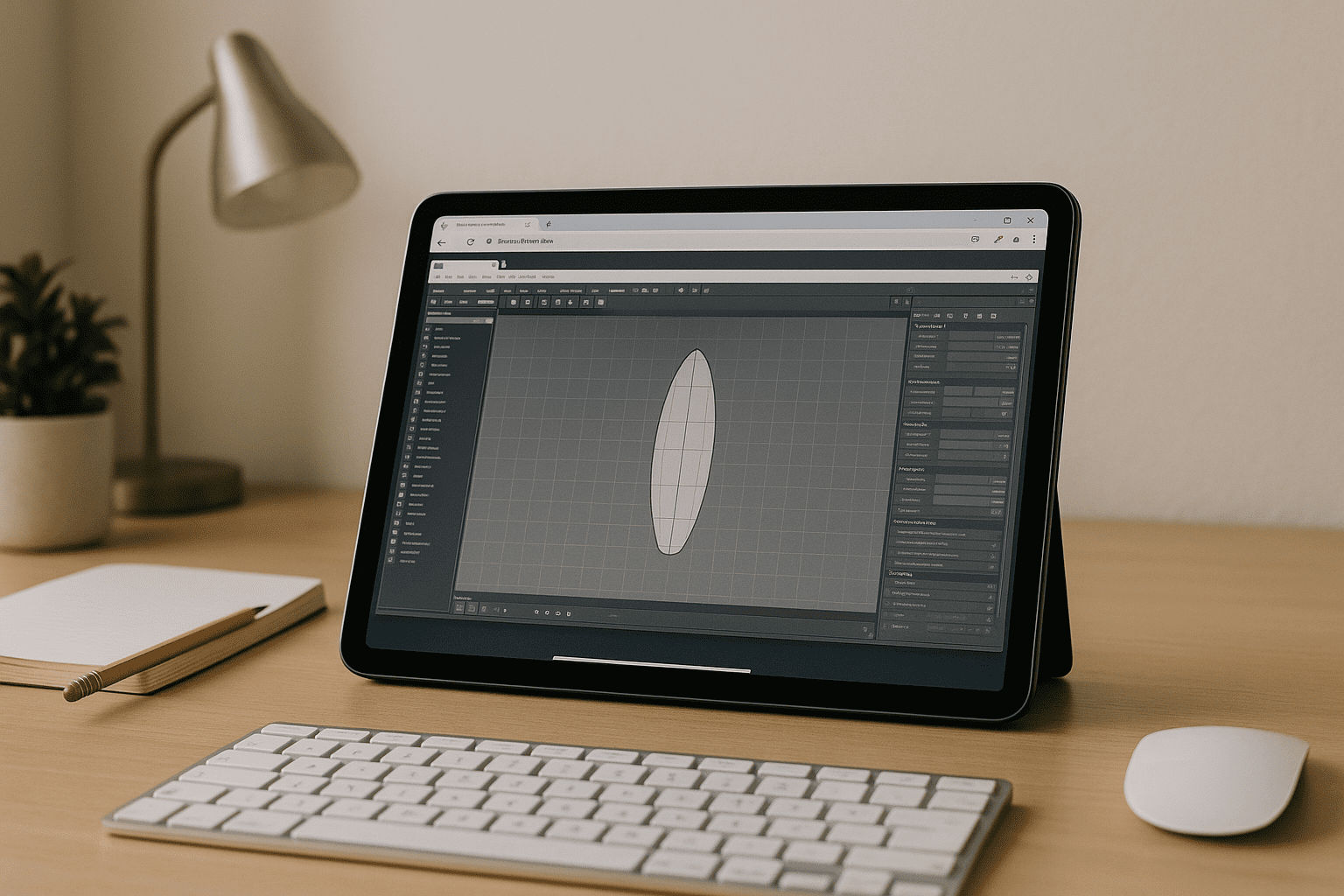
Installing or launching Shape3D can fail on school or company machines without admin rights, older laptops missing GPU drivers, or devices like iPad, Chromebook, and Linux systems. Even when you meet minimum specs on paper, blocked installers, outdated OpenGL, or IT policies often stop setup cold. If you are searching for SHAPE3D X LITE in browser solutions, you’re likely facing deadlines with no way to install locally and need a stable, professional alternative that just works.
Buying a New PC to Run SHAPE3D: Costly and Disruptive
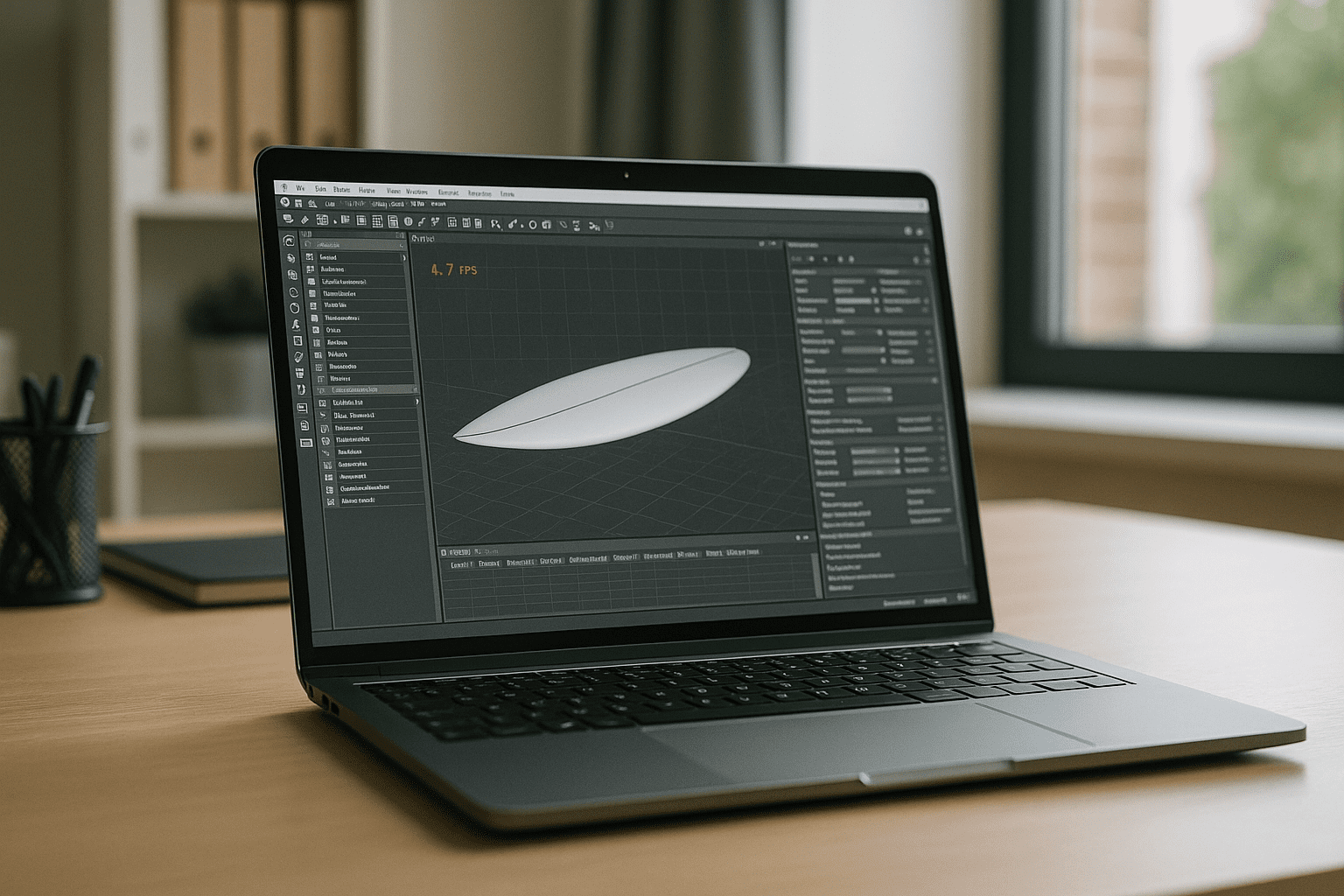
Upgrading hardware feels like the obvious fix, but purchasing a new workstation for Shape3D is a big expense with long lead times and procurement hurdles. High-spec GPUs, RAM, and storage quickly inflate budgets, and you still risk compatibility friction or IT restrictions in managed environments. Beyond cost, switching machines mid-project is disruptive — migrating files, reinstalling tools, and reconfiguring workflows steals time you don’t have, and it doesn’t help when you need portability or occasional access only.
A Better Way: Run SHAPE3D X LITE in Browser
Instead of replacing hardware, a GPU-accelerated browser workspace lets you run the full desktop app with zero installs. For SHAPE3D X LITE unsupported devices, this approach bypasses driver issues, admin locks, and OS gaps while keeping performance consistent. You access Shape3D from Mac, Windows, Linux, iPad, or Chromebook — open a tab, sign in, work with large models, and move files via upload/download or connected cloud storage, without juggling local drivers or updates.
How Aristeem Runs SHAPE3D with No Local Installs
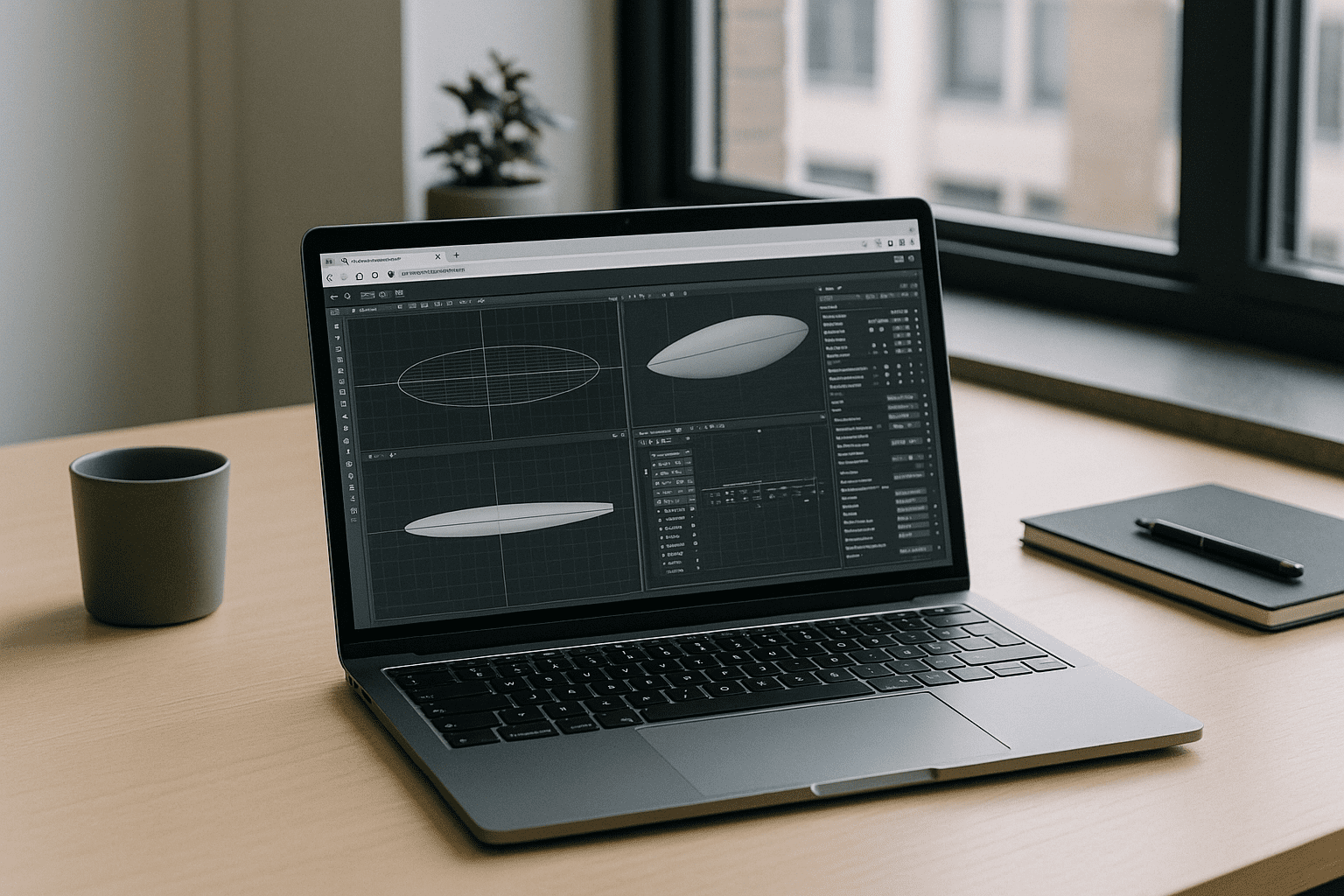
Aristeem provides a full desktop environment in your browser — no setup, instant access, and GPU acceleration — so you can open Shape3D without touching drivers or requesting admin rights. Applications are pre-installed and pre-configured; you simply click Launch in the library to start working, providing a license only if the software requires it. It’s not an emulator or a remote desktop; it’s a dedicated, persistent workspace where you can manage files, attach storage, and keep your workflow intact — to compare this with alternative setup methods, check out our comprehensive SHAPE3D X Lite on unsupported devices options review.
Run SHAPE3D X LITE Online Without Replacing Your Device
If local installs are blocked or unstable, you can still deliver work on time by running the full desktop app in a browser — no drivers, no admin tickets, and no hardware purchases. With a stable, GPU-accelerated environment, Shape3D becomes available anywhere you sign in, from any device. See how software runs directly in a browser and keep your projects moving without changing your setup.


