


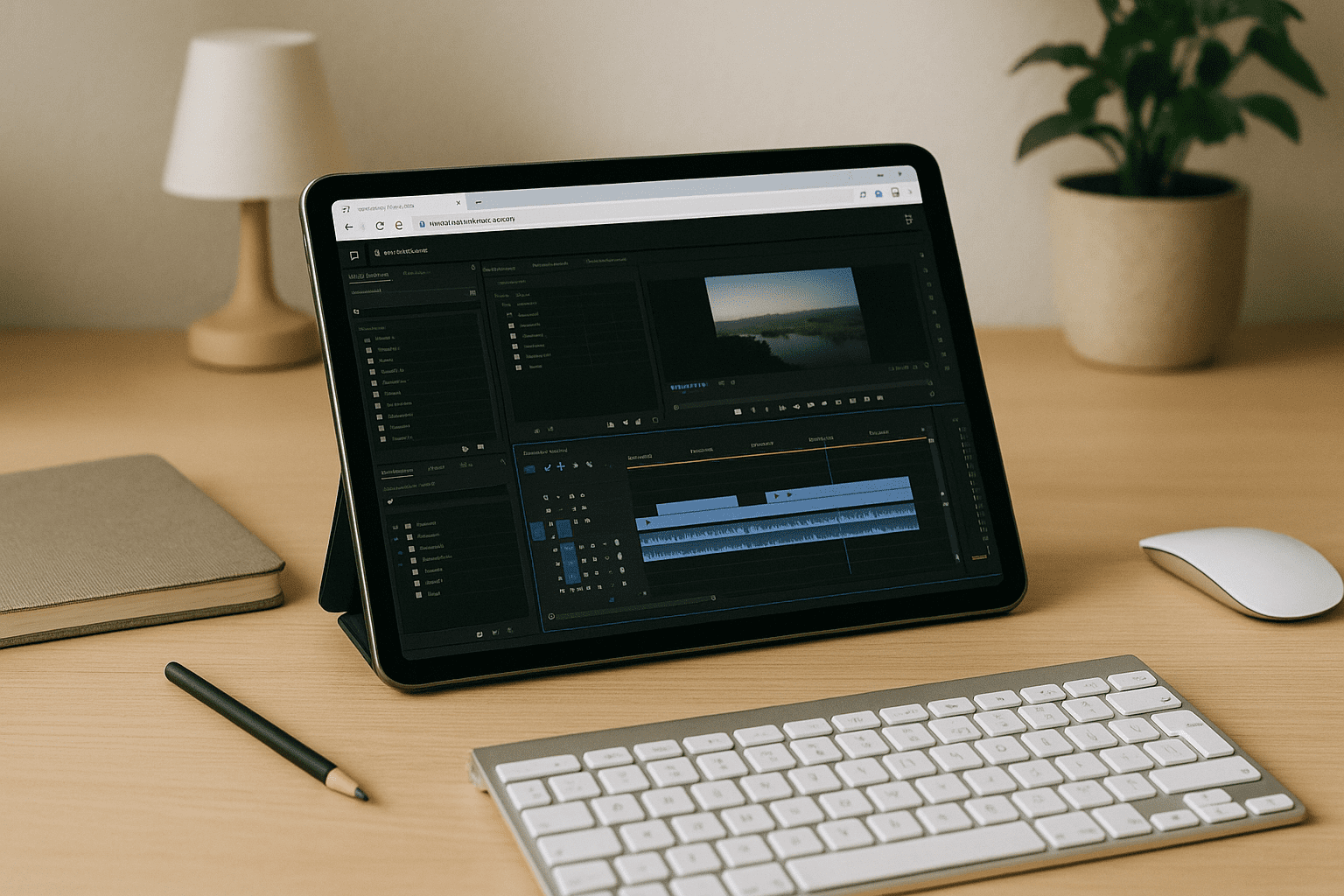
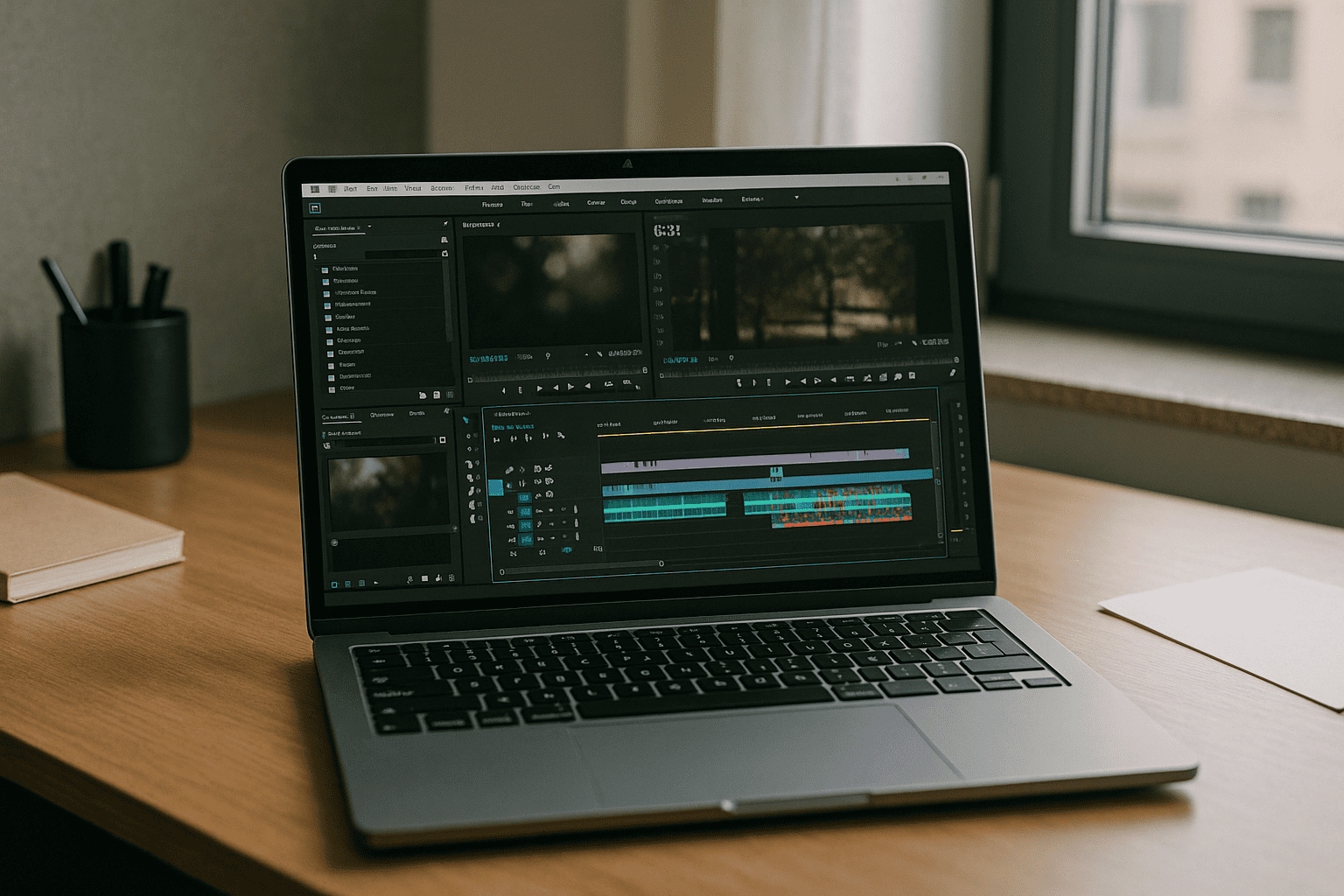
You open a complex project to make a critical timeline change before an executive review, but your local machine locks up. While mobile apps offer basic cutting, true professional post-production demands a heavy desktop-class workspace — processing multi-layer media, executing GPU-accelerated Lumetri color grades, and handling complex effects. When your goal is to deploy Adobe Premiere Pro Online, the objective is to bypass local operating system limits and hardware bottlenecks without losing access to the full, uncompromised desktop interface.
Why Heavy Timelines Crash Restricted Local Systems
Attempting to run professional editing software on restricted office computers or lightweight travel laptops forces editors to confront severe system bottlenecks:
-
Codec Processing Stalls: Modern video files (like 10-bit HEVC or RAW formats) require massive hardware decoding. Without optimized GPUs, local playback drops frames and triggers application-wide freezes.
-
Scratch Disk Exhaustion: High-bitrate editing relies on massive media caches. Local thin clients and managed company laptops quickly run out of internal SSD space, triggering “Scratch Disk full” errors mid-session.
-
Thermal Throttling: Executing heavy multi-camera sequences or background renders scales up CPU temperatures. On standard laptops, this turns a quick export into a multi-hour system freeze.
Technical Performance Breakdown: Local Device vs. Cloud Workstation
| Post-Production Metric | Local Lightweight Device | Dedicated Cloud Station (Aristeem x64) |
| Media Codec Processing | Software emulation; heavy dropped frames | Native hardware decoding (NVIDIA Enterprise GPU) |
| Cache Storage Architecture | Limited, slow internal storage (Cache drops) | Ultra-fast NVMe storage arrays; zero local footprint |
| “Import” & Proxy Rendering | High local CPU load; system slowdowns | Offloaded to isolated server-grade hardware |
| Plugin Compatibility | Blocked by local admin rights or OS stores | Full x64 freedom; install any customized .vst or plugin |
High-Tier Video Infrastructure in Your Browser via Aristeem
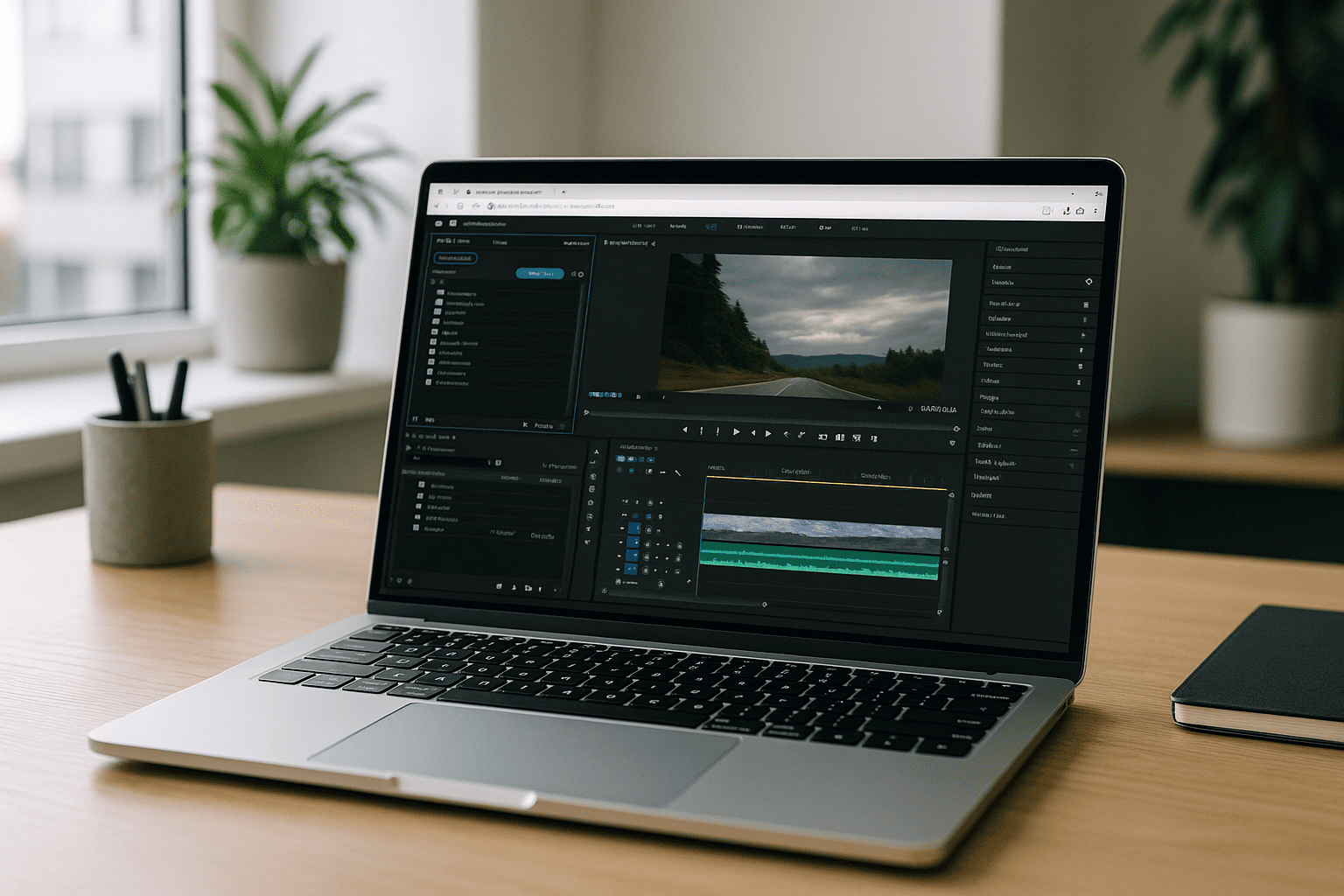
Aristeem delivers a robust, uncompromised x64 Windows post-production desktop environment inside a standard browser tab, removing operating system friction and centralizing your workflow:
-
Pre-Configured Creative Stack: The full desktop client of Premiere Pro comes pre-installed. Open your browser library, click “Launch”, sign in with your creative credentials, and start cutting.
-
Native Media Pipelines: Because the remote environment runs on dedicated hardware, you can connect specialized network drives and execute background renders without system lag. This eliminates the classic performance trade-offs of running Adobe Premiere Pro Online on lightweight corporate hardware.
-
Server-Grade Export Pipelines: Massive timelines, multi-cam nest structures, and heavy effect stacks are processed entirely off-device. Your laptop remains completely cool and responsive while the remote server handles the rendering heavy lifting.
For a more detailed evaluation of how browser-delivered workspaces transform software deployment across various corporate models, explore our online Premiere Pro editing workflow guide.
Conclusion: Professional Video Delivery Without Local Constraints
When your post-production delivery timeline requires zero-latency timeline scrubbing, reliable effects processing, and fast exports, relying on local entry-level hardware is an unnecessary business risk. Transitioning to a browser-based cloud workspace grants editors the exact high-performance environment pro-level video software was optimized for, while allowing them to use whatever client device they prefer.
Launch your professional Adobe Premiere Pro workspace in Aristeem, load your high-resolution media assets, and push your final cuts to the cloud delivery platform with optimal processing speed.


