


Solid Edge on Mac: how to run it without local installation
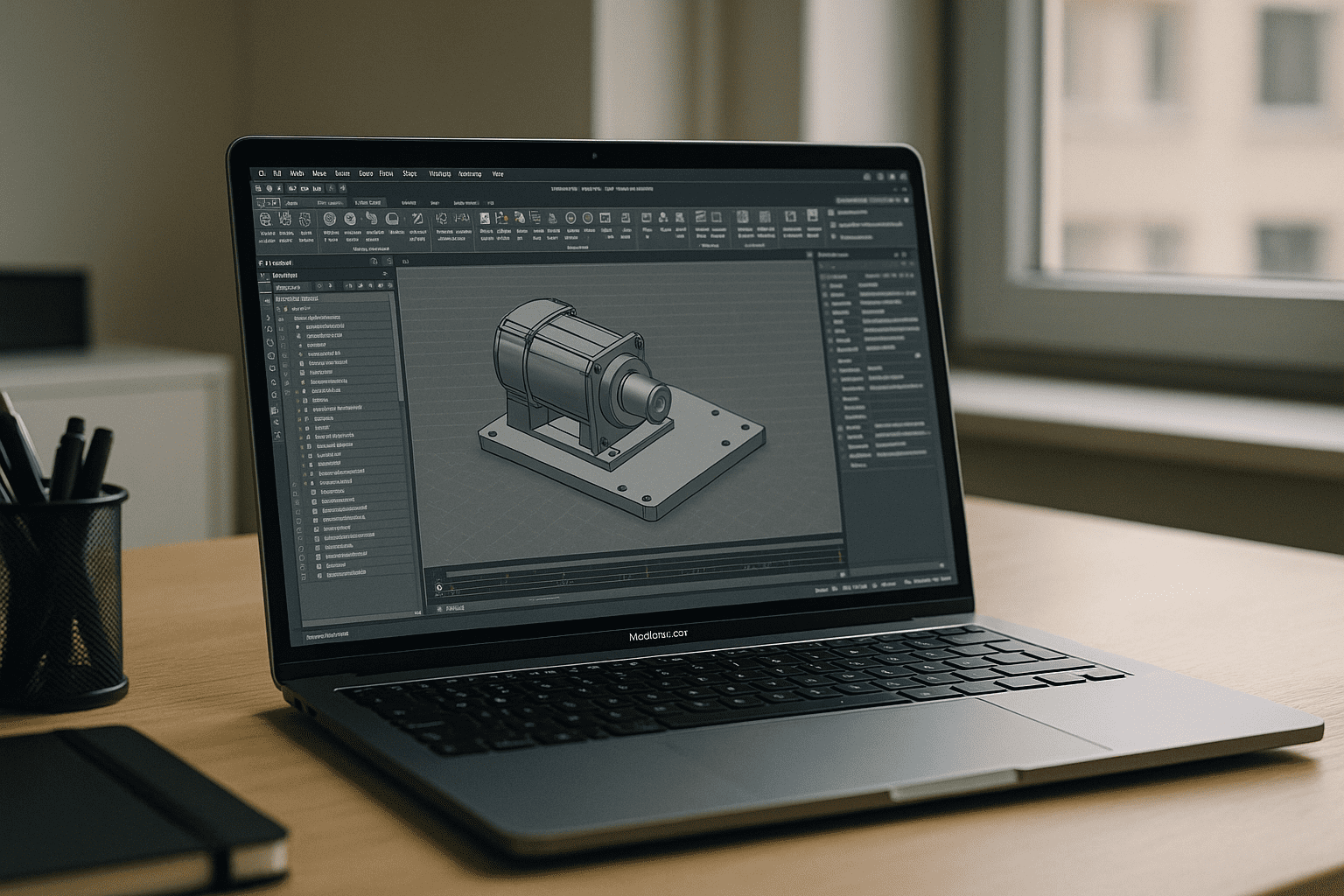
Design reviews on a MacBook, supplier calls on an iMac, quick edits on the go — yet Solid Edge does not have a native macOS version. Depending on the Mac hardware and setup, using the Windows version can involve virtualization, GPU, licensing, and IT considerations before the first sketch opens.
Engineers looking for Solid Edge for Mac need a way to use the Windows application without changing their local Mac setup, while keeping their existing projects and licensing workflow.
Installing Windows to run Solid Edge on macOS: why it breaks down
Many attempt the workaround: install Windows on your device (but it’s not easy). It seems familiar and under your control, yet it introduces hidden costs and fragility.
- GPU constraints: Local virtual machines can introduce GPU, driver, resource, and plugin limitations, depending on the Mac hardware and virtualization setup.
- License friction: node-locked or MAC/host-bound licensing can misalign with virtual hardware identifiers.
- IT overhead: constant Windows updates, drivers, and security baselines steal engineering time.
- Inconsistent performance: thermals, storage, and RAM contention on laptops throttle complex models.
Best paths to Solid Edge on macOS, compared
| Approach | Capabilities | Complexity |
|---|---|---|
| Boot Camp (legacy Intel) | Near-native speed on old Intel Mac hardware | High; unavailable on Apple Silicon |
| Local VM | Convenient, but limited GPU access and plugin support | Medium–High; tuning, drivers, updates |
| Office PC + Remote access | Uses existing workstation power | Medium; latency, firewall/VPN, availability risks |
| Cloud Windows PC | Run Windows applications from any Mac through a browser | Low; no local Windows setup |
The practical route to Solid Edge for Mac is a Windows cloud PC that you can access from your browser without installing Windows locally.
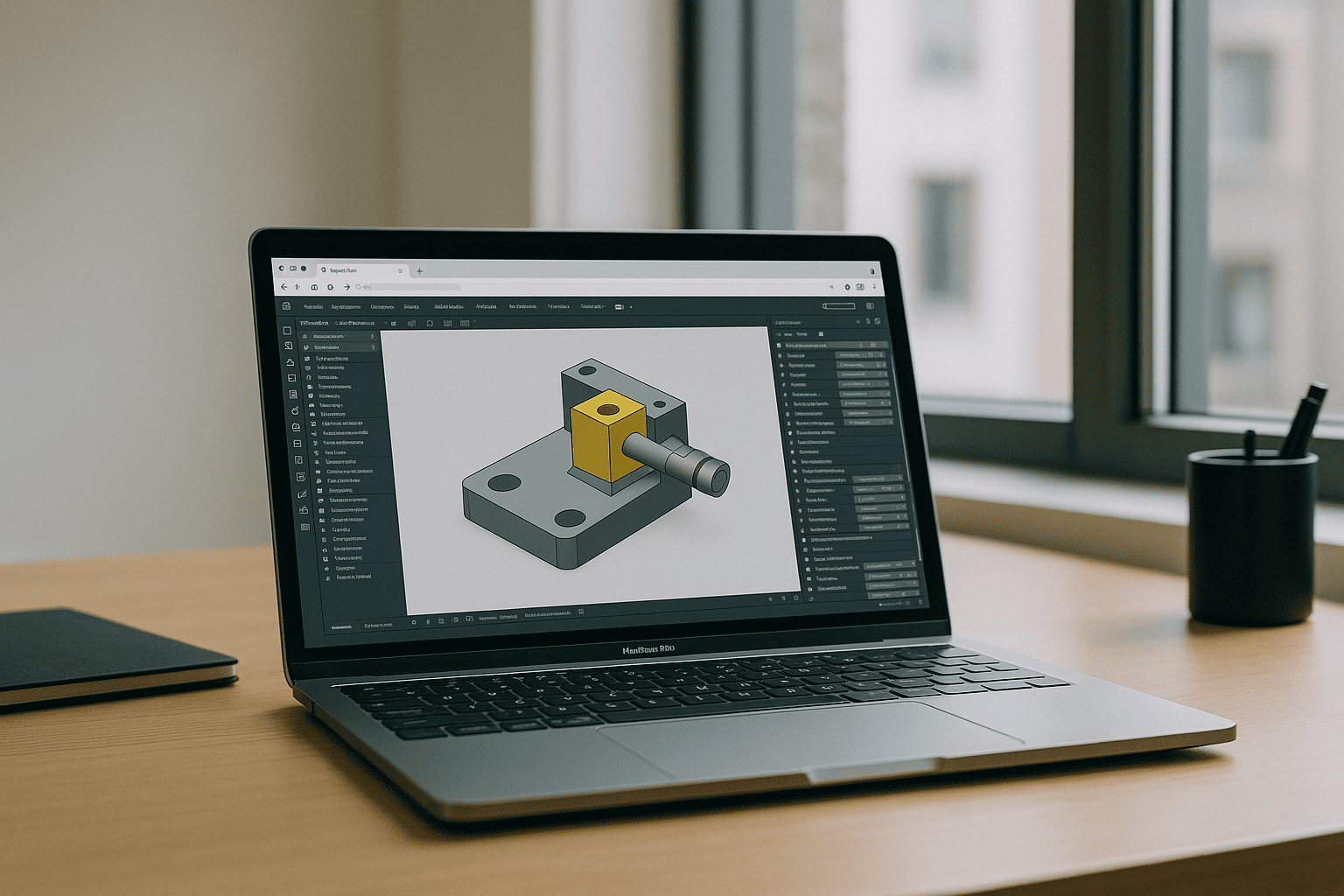
How to use Solid Edge on Mac with Aristeem
Aristeem provides a virtual Windows machine in the cloud that you access from your browser. You can use Windows applications such as Solid Edge without installing Windows or setting up a virtual machine on your Mac.
You can install Solid Edge in the Windows environment and use your existing license where its licensing terms allow it. Aristeem’s software catalog provides official publisher links to make finding and installing applications easier, while software that is not listed can still be installed manually. This lets you use Solid Edge from a Mac, including Apple Silicon models, without changing your macOS setup. For more details, see the focused overview of the Solid Edge experience on Mac.
Conclusion: dependable Solid Edge on macOS in the browser
For engineers who need Solid Edge for Mac without installing Windows locally, a cloud Windows PC provides a straightforward alternative. You access the Windows environment from your browser and run Solid Edge there, without installing Windows locally or changing your macOS setup.


