


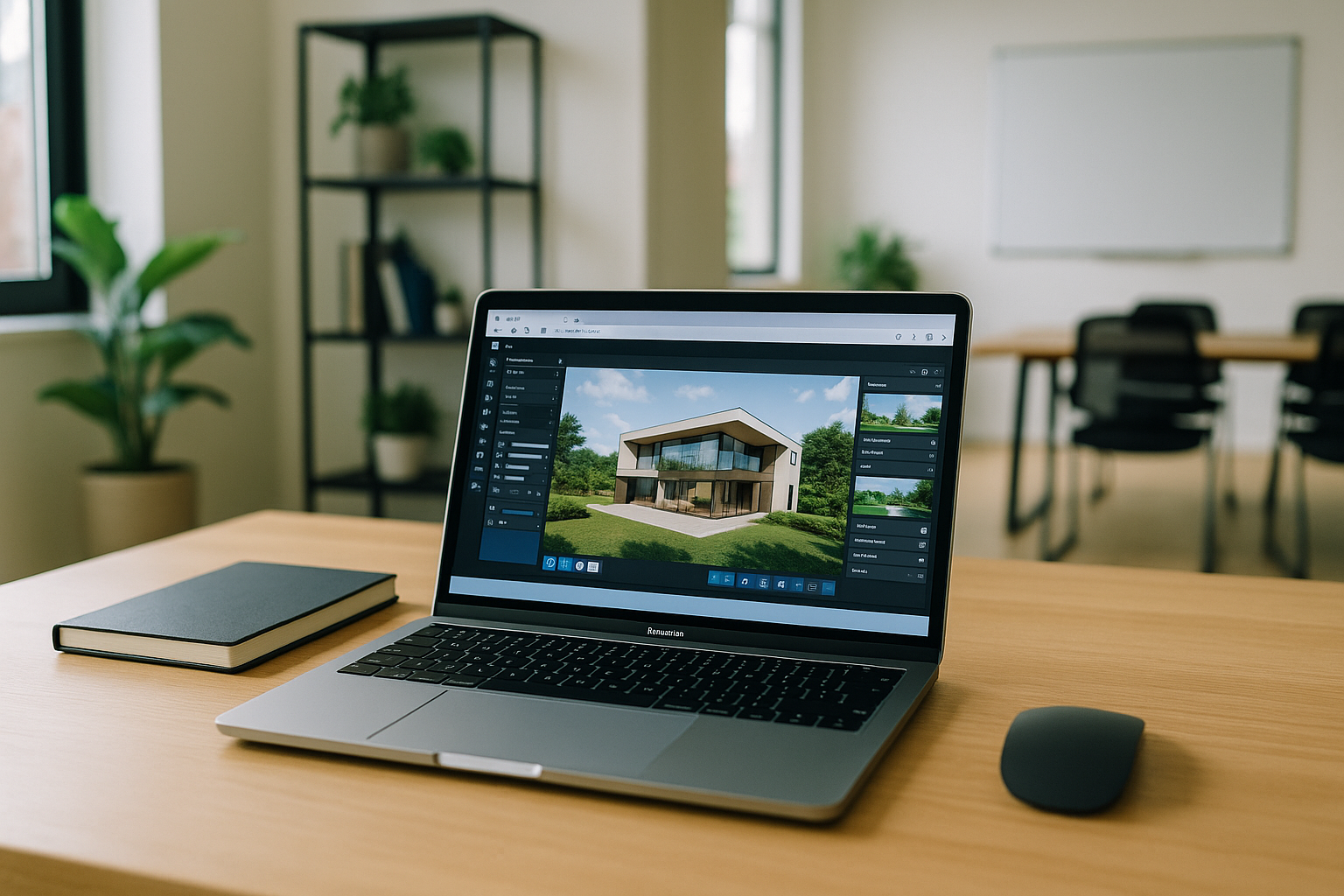
Lumion for Mac: What Your Workflow Needs
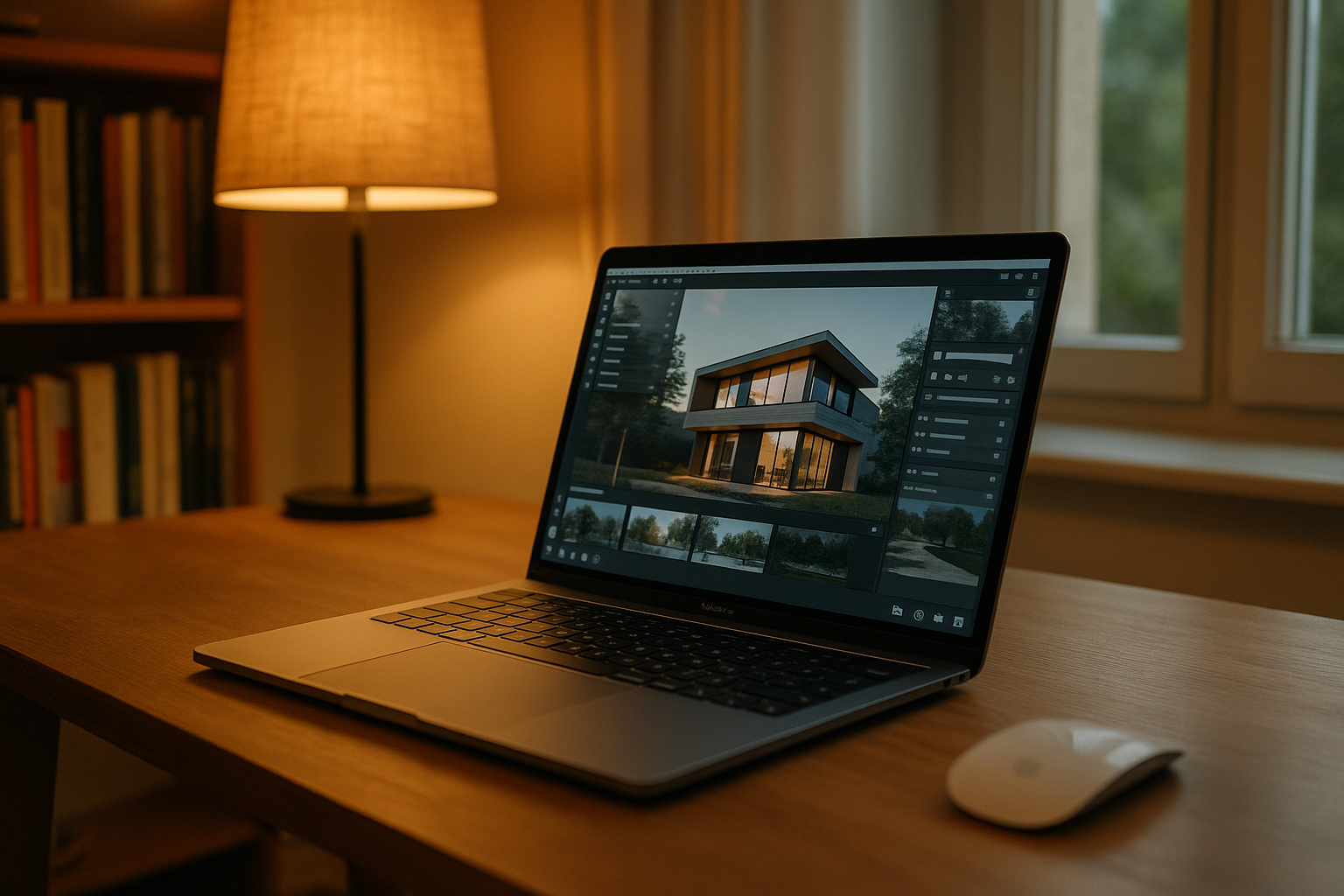
You need Lumion for fast iterations, but your primary computer is a Mac. Moving projects to another machine, syncing libraries, and keeping assets aligned can slow every review cycle. You need a way to keep the Lumion workflow available from your Mac without adding another computer. Client reviews and project hand-offs often require access outside your main workstation. A Mac-based workflow is easier when the same project environment remains available wherever you are.
Why a Separate Windows Setup Adds Friction
A separate Windows setup means another environment to maintain. Projects, libraries, plugins, and settings can become split between machines, while switching between systems adds extra steps to everyday work. If your goal is Lumion for Mac, the challenge is not only running the software but keeping the workflow in one place. This becomes especially inconvenient when you move between office, home, and client locations.
How Lumion for Mac Fits a Browser-Based Workflow
A browser-based Windows workspace keeps Lumion and its project environment available from your Mac. You can maintain your versions, plugins, libraries, and project files in one place instead of moving them between computers. For Lumion for Mac, this makes the workflow easier to continue across locations without maintaining a separate Windows machine. You can return to the same workspace when reviewing a project, making updates, or preparing files for the next stage of delivery.
Aristeem for Lumion macOS Workflows
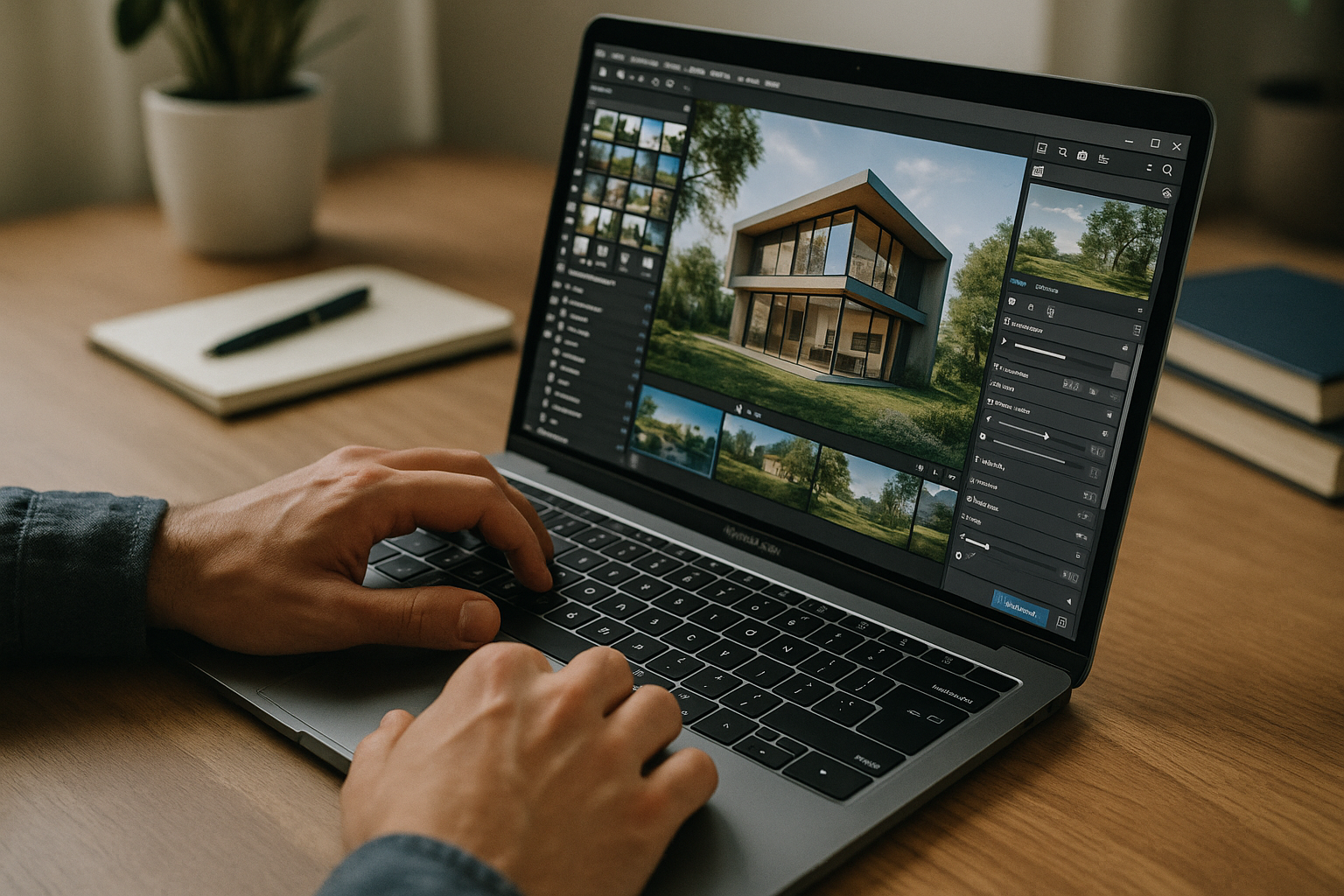
Aristeem provides a Windows-based virtual PC that you access through your browser. For Lumion, you can install the version, plugins, and tools required for your projects and use your own license if required. Your project environment stays in the same persistent workspace, so you can access it from your Mac without maintaining a separate Windows computer. See running Lumion on Mac in a browser for more details.
Lumion for Mac Without Switching Computers
With a browser-based Windows workspace, you avoid reboots, driver hunting, and shuttling files between machines. You can keep the same versions, plugins, materials, and project environment available from your Mac. Keep projects moving from office, home, or site visits without switching computers or changing OS. If you want to understand how Lumion runs directly in a browser, this approach keeps focus on modeling, reviews, and client delivery — predictable results on Intel and Apple silicon alike.


