


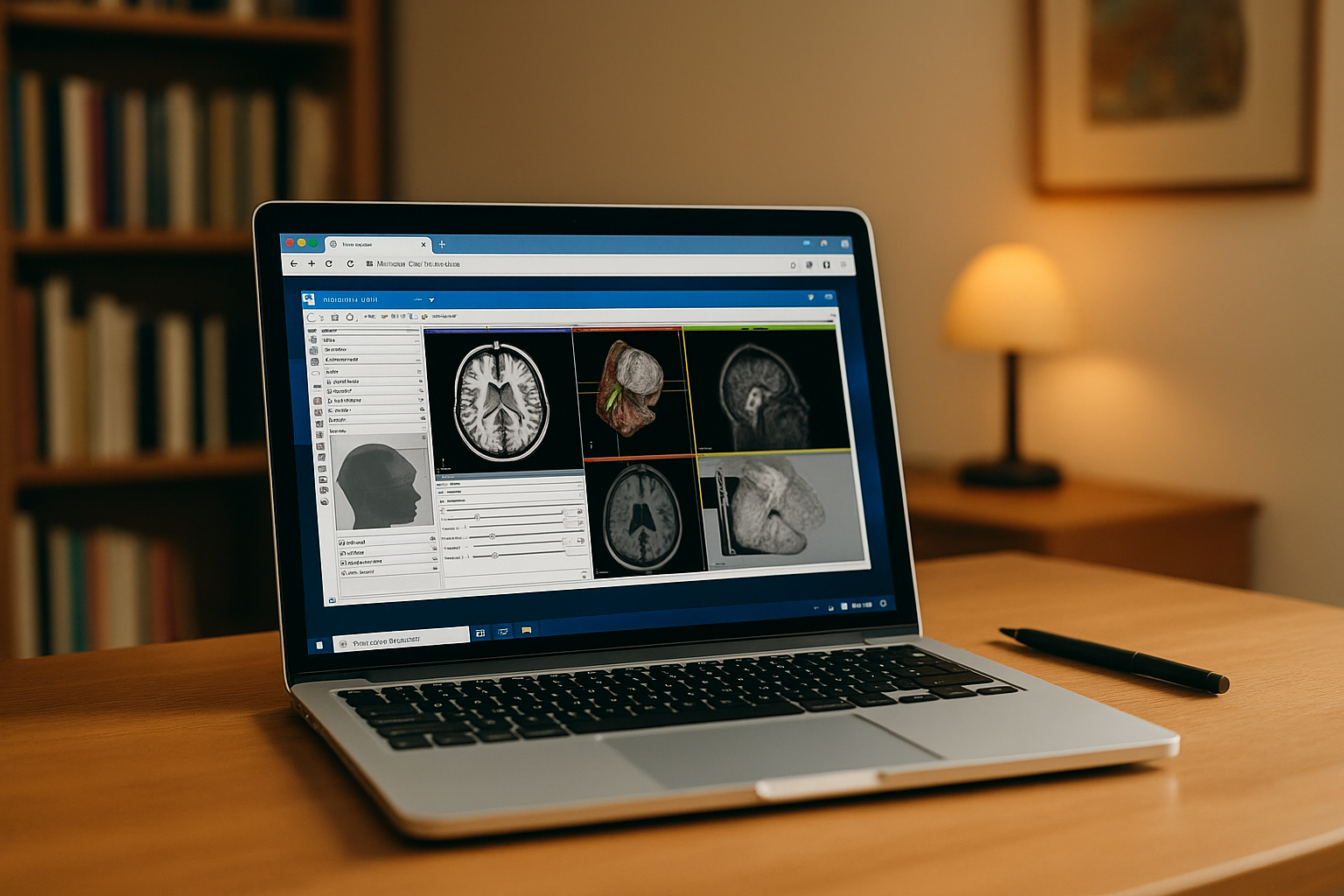
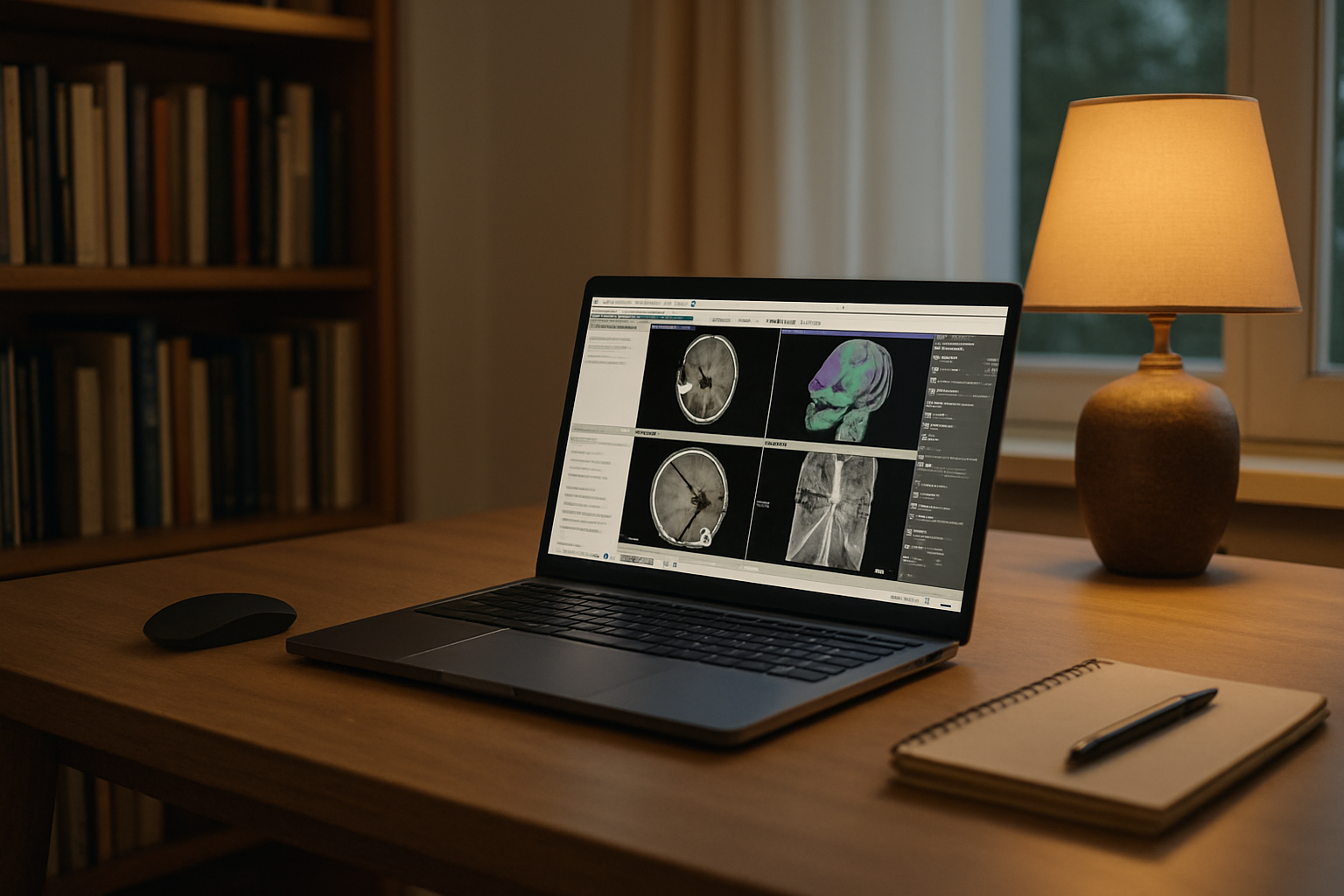
You have DICOM studies to review, segmentations to refine, and extensions to manage, but your Mac may not be the environment you want to maintain for every 3D Slicer workflow. Large datasets, project-specific extensions, version requirements, and graphics-heavy visualization can make a local setup harder to keep consistent. If you also move between devices, paths, libraries, and configurations can differ, leaving you rebuilding the environment instead of analyzing your data with 3D Slicer.
Why Running 3D Slicer on Mac Can Be Complicated
A Mac can run 3D Slicer, but maintaining a production-ready environment may still require attention to graphics capabilities, storage, extensions, and version compatibility. Large studies, specialized extensions, and different Slicer releases can make a local setup harder to maintain, especially when projects require different configurations.
What to Consider When Using 3D Slicer on Mac
A 3D Slicer workflow can be convenient when you need to review and work with medical imaging without relying on a Windows workstation. However, project requirements can make a local Mac setup less convenient when you need specific extensions, different Slicer versions, or the same environment across multiple devices.
If your Mac is only one of the devices you use, keeping the 3D Slicer environment separate from the endpoint can make switching between machines easier. Instead of recreating the same configuration on each device, you can return to one consistent workspace through the browser.
Use 3D Slicer Without Rebuilding Your Workflow
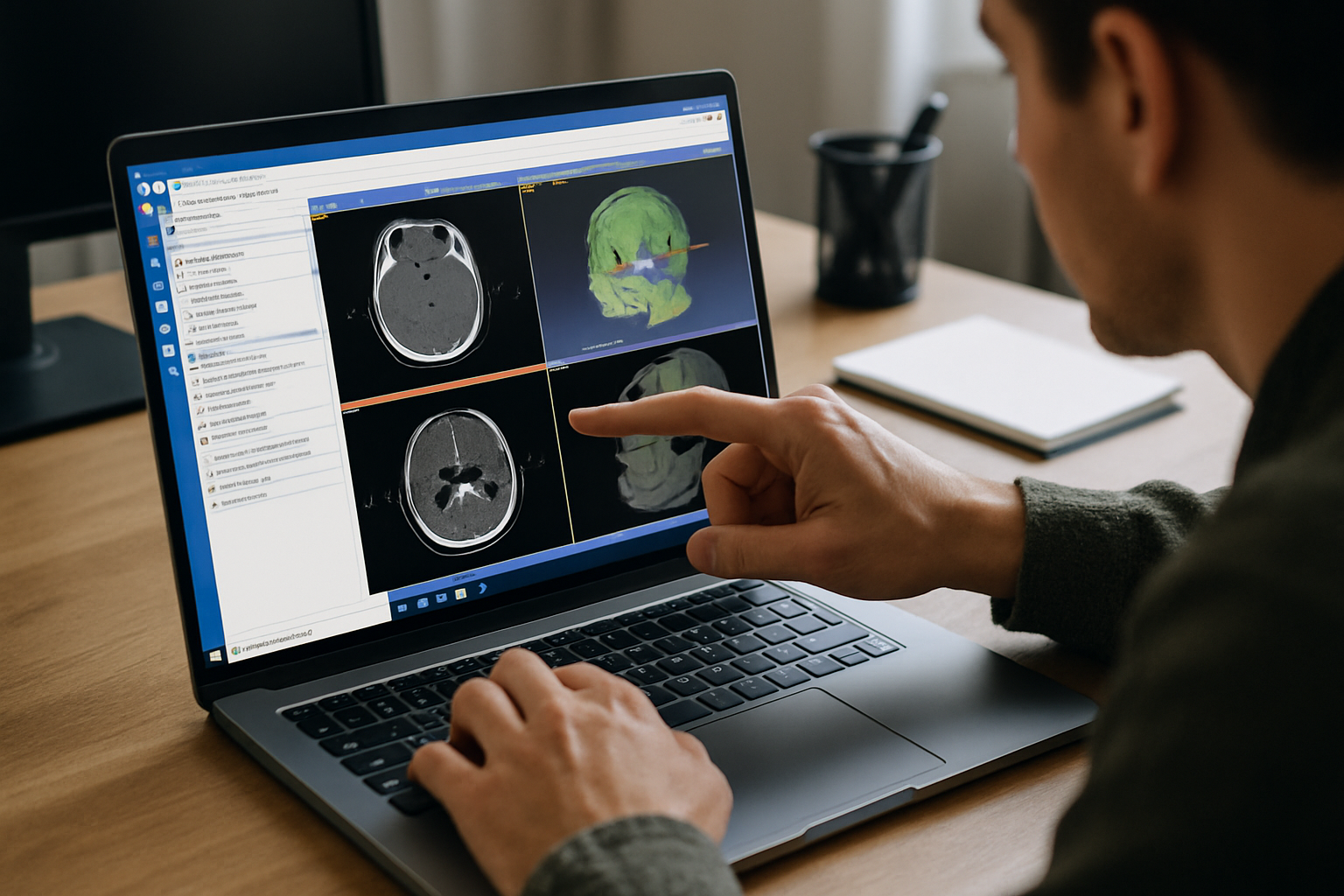
Aristeem provides a Windows virtual machine that you can access from your browser, giving Mac users a separate environment for 3D Slicer. You can use the Slicer release, extensions, DICOM datasets, and supporting tools required for your projects without rebuilding the same setup on your Mac. When you switch between a Mac and another device, you return to the same workspace instead of recreating your configuration. For a broader look at the browser-based approach, see using 3D Slicer online.
Keep Your 3D Slicer Workflow Consistent
If your Mac is one of several devices you use for medical imaging work, keeping the 3D Slicer environment separate from the endpoint can simplify your workflow. Your preferred configuration, extensions, and project tools remain in the same workspace, so switching devices does not mean rebuilding the setup again.
For Mac users who need a consistent way to access their 3D Slicer environment, a browser-based Windows workspace provides an alternative to maintaining every project configuration locally.


