


Blog
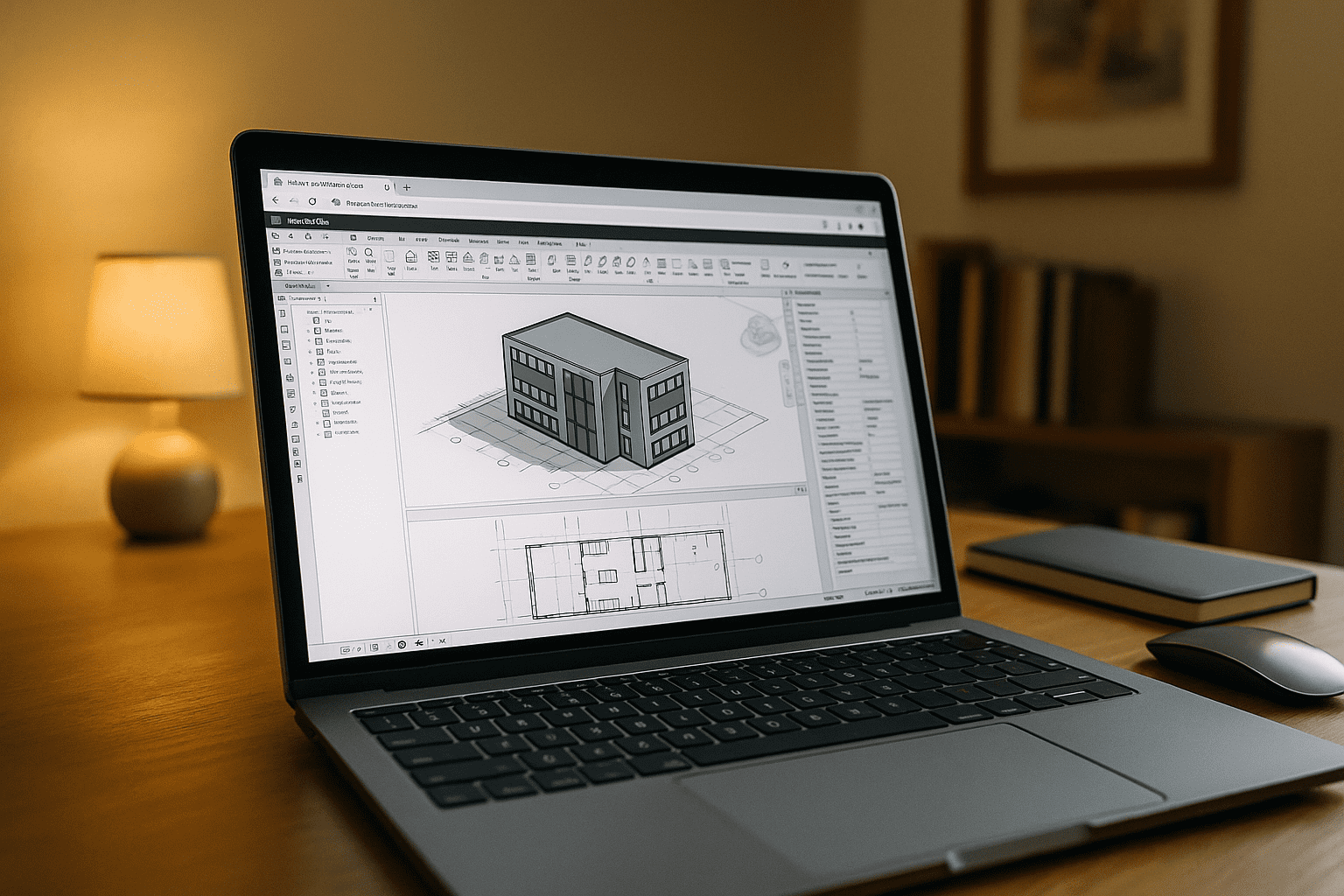
Revit for MacBook: Use the Full App on macOS
You work on a MacBook, but Revit is Windows-only, and stopgap workarounds can disrupt your workflow. Here’s how to run the full Windows version of Revit on macOS — including your team’s version and plugins — without dual-booting or complex setups.
Read More
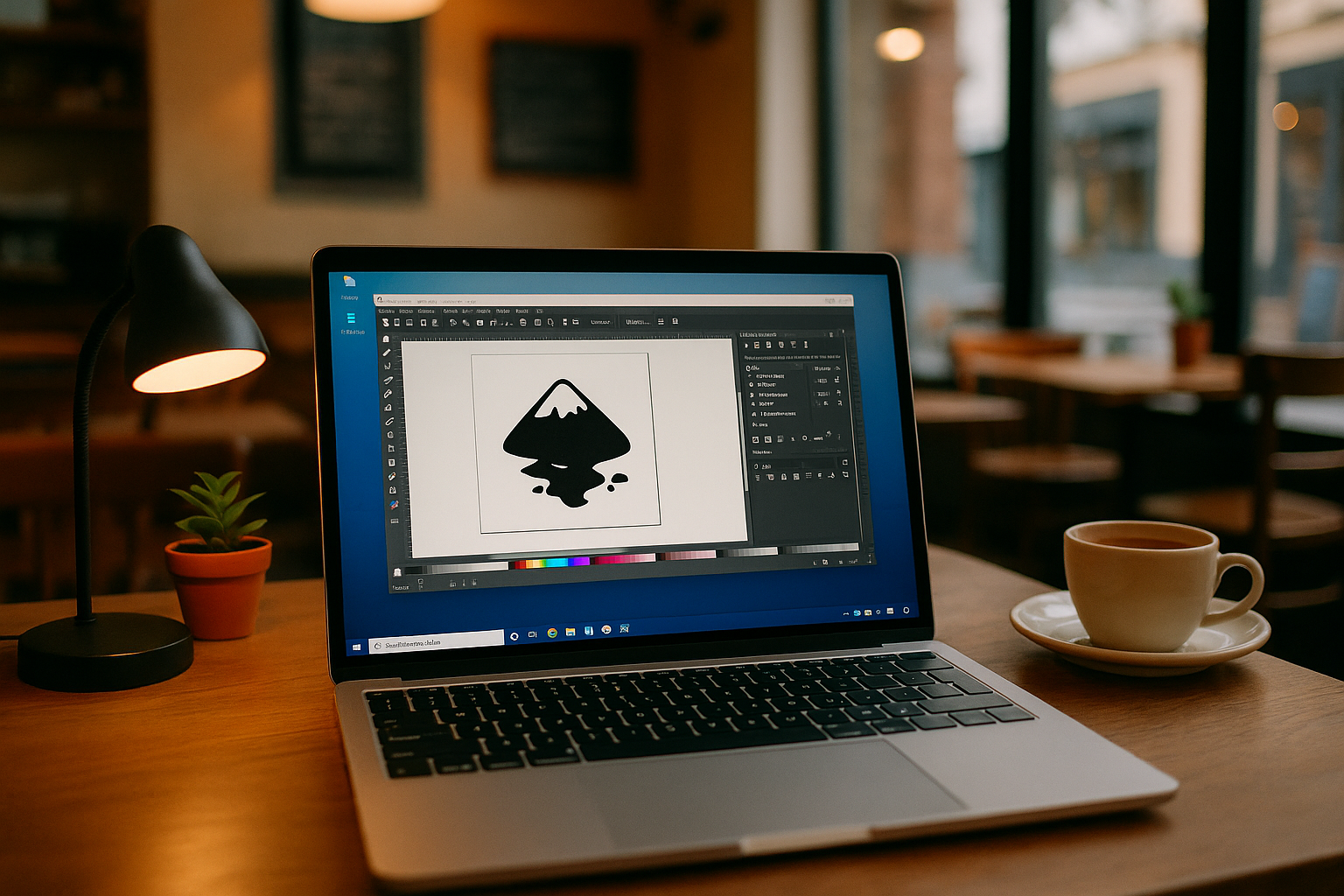
Inkscape Software in Your Browser with Aristeem
Your device won’t install the specific Inkscape version you need, and extensions and fonts keep drifting between machines. Here’s a reliable way to keep everything consistent and usable from your current device.
Read More
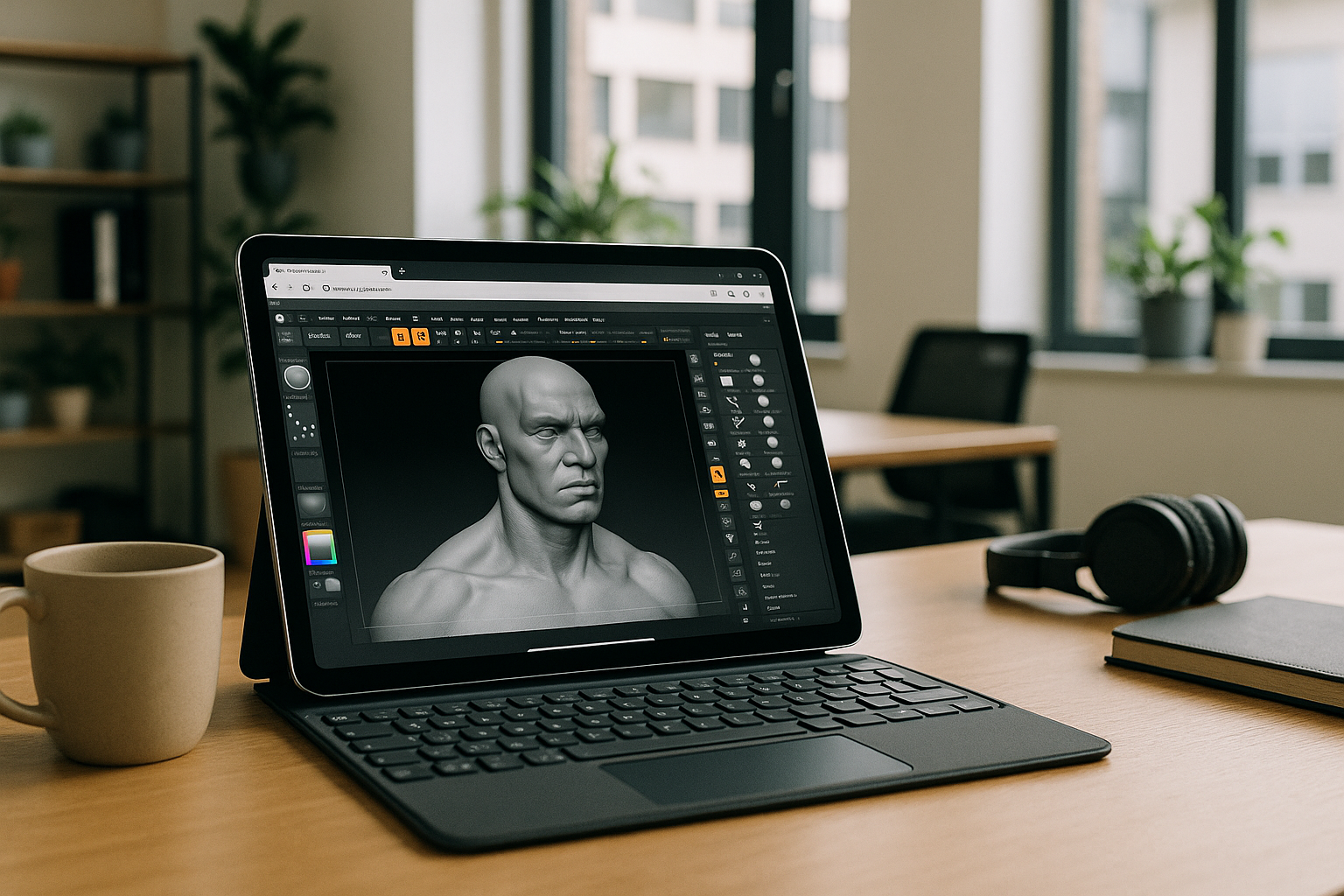
ZBrush on iPad: Run the Full Windows App on iOS
You want the full desktop ZBrush on your iPad with Apple Pencil, but there’s no native app and your workflow depends on specific versions, brushes, and plugins. Here’s a dependable way to keep your exact setup and run it from iOS.
Read More

PostgreSQL on Mac: Versions, Tools, an Easier Path
Homebrew and Postgres.app don’t always match team versions, PostGIS can be painful, and multiple installs fight over port 5432. See how a reproducible workspace keeps PostgreSQL, pgAdmin, and extensions consistent without changing your Mac setup.
Read More
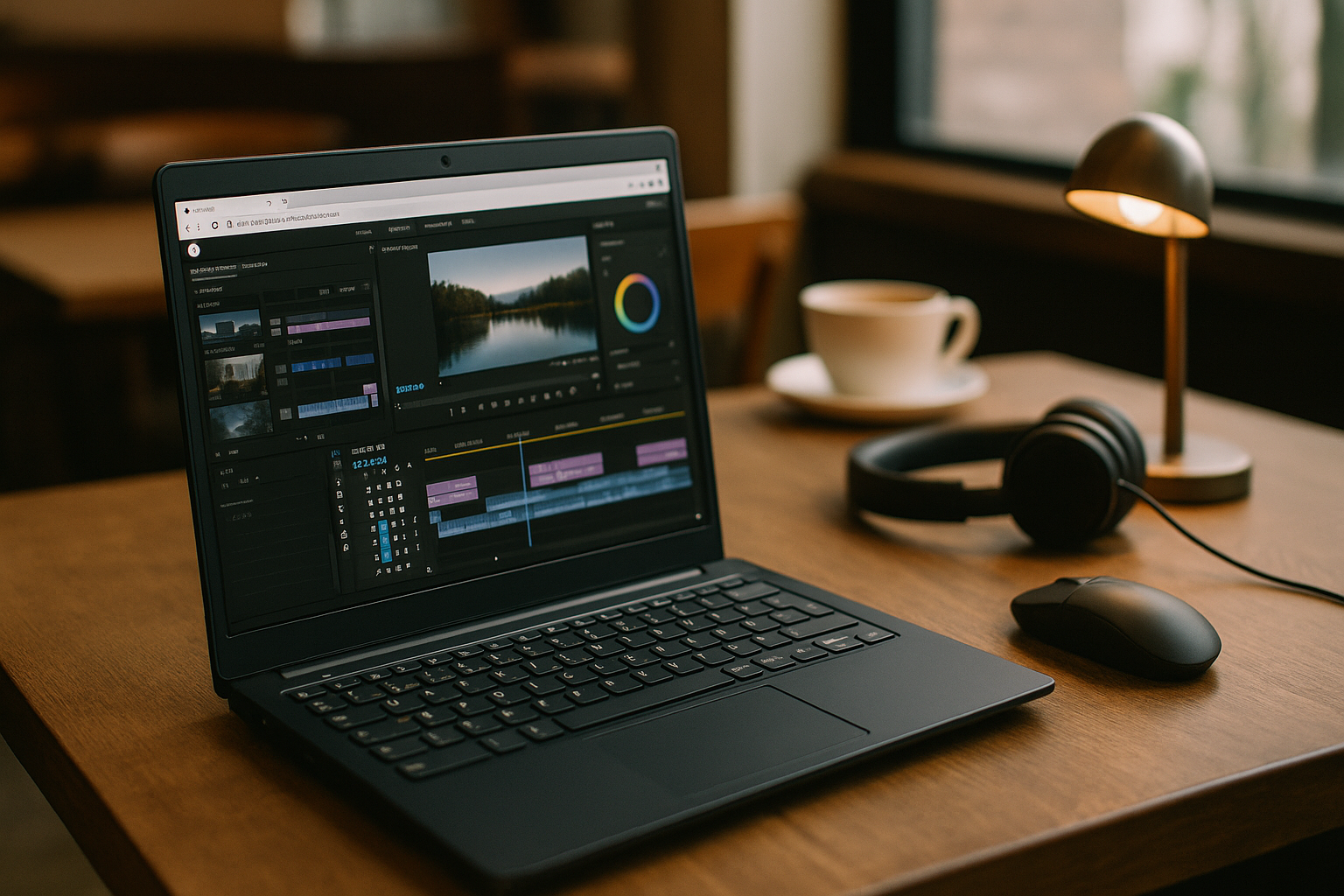
Why Professional Premiere Pro Workflows Are Difficult on Linux
Professional Premiere projects can become difficult to maintain across Linux environments when versions, plugins, fonts, and media settings need to stay consistent. Explore practical ways to preserve workflow continuity without rebuilding each project setup.
Read More
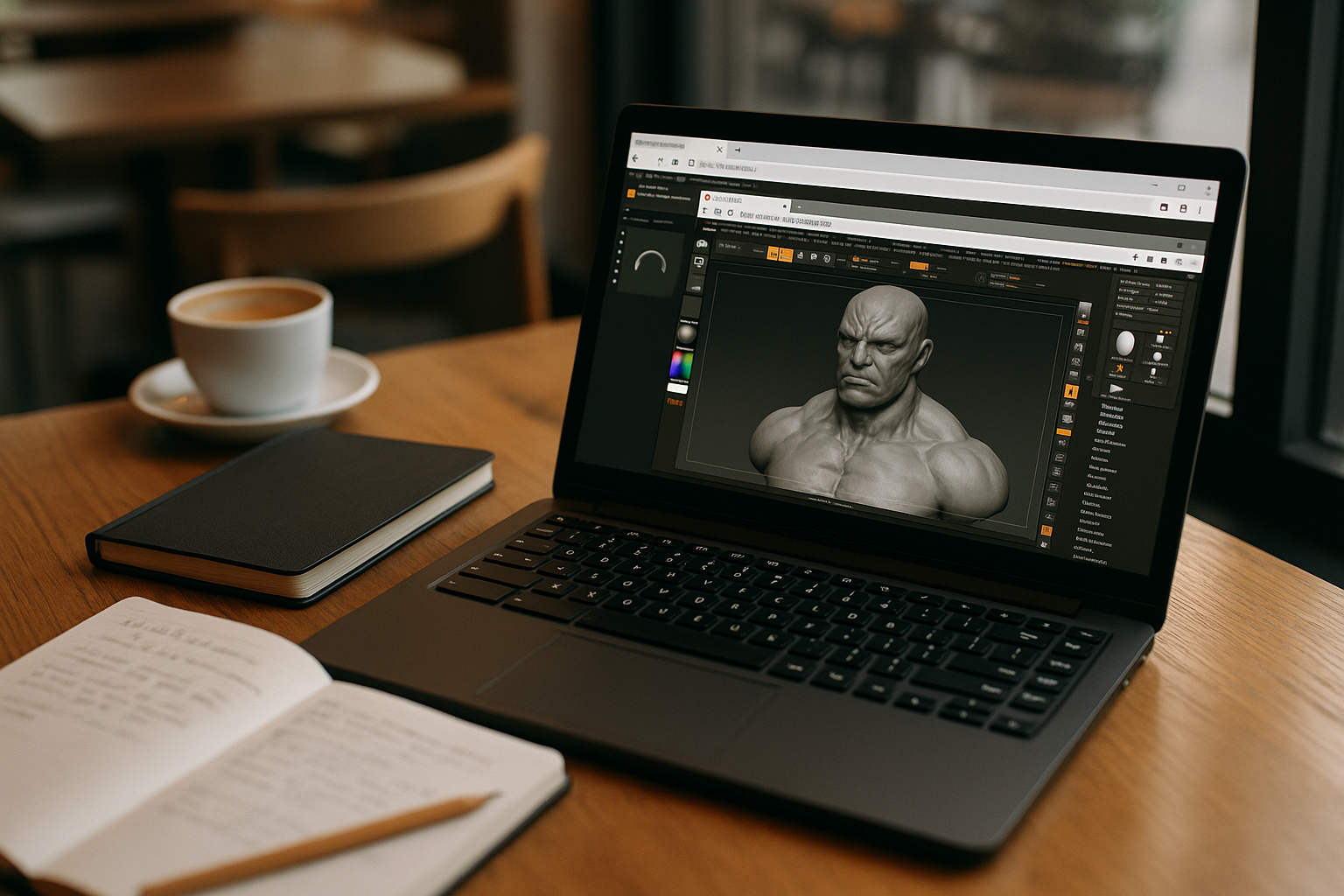
ZBrush on Linux: Use the Full App in Your Browser
ZBrush has no native build for Linux, yet your pipeline depends on specific versions, plugins, and brushes. Here’s a practical way to use the full application on your current system without switching devices or maintaining a second OS.
Read More
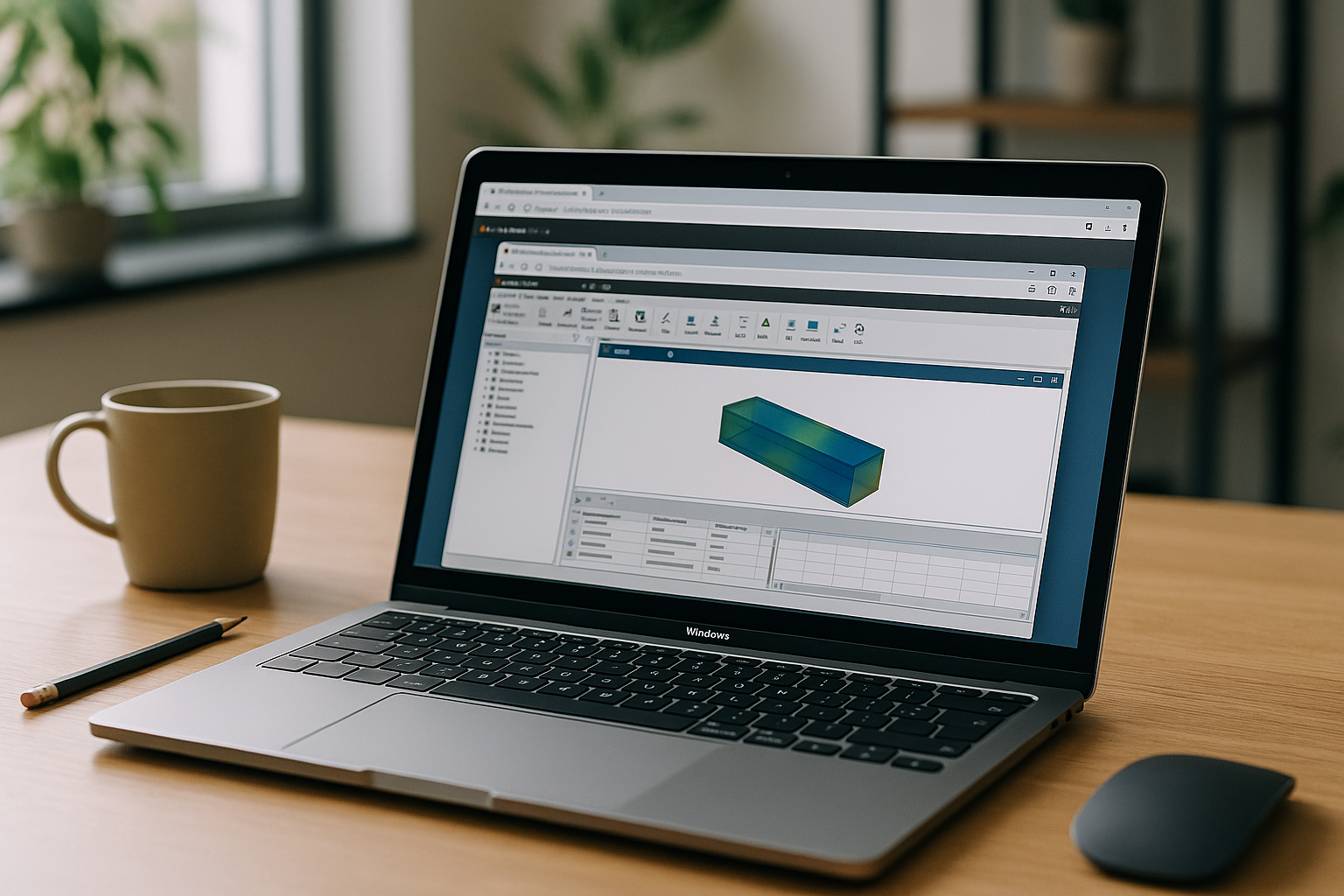
Ansys Software Without Installation Headaches
Your current device can’t run Ansys or IT won’t allow installation, yet you must open client files in specific versions with add-ons. Here’s how to keep those exact environments and use them on any computer through a browser.
Read More
Turn Your Browser Into a Cloud PC Windows Desktop
Need a clean Windows environment without installing another client? This article explains how to access a full virtual Windows desktop through your browser on a PC while keeping the apps and versions you rely on.
Read More
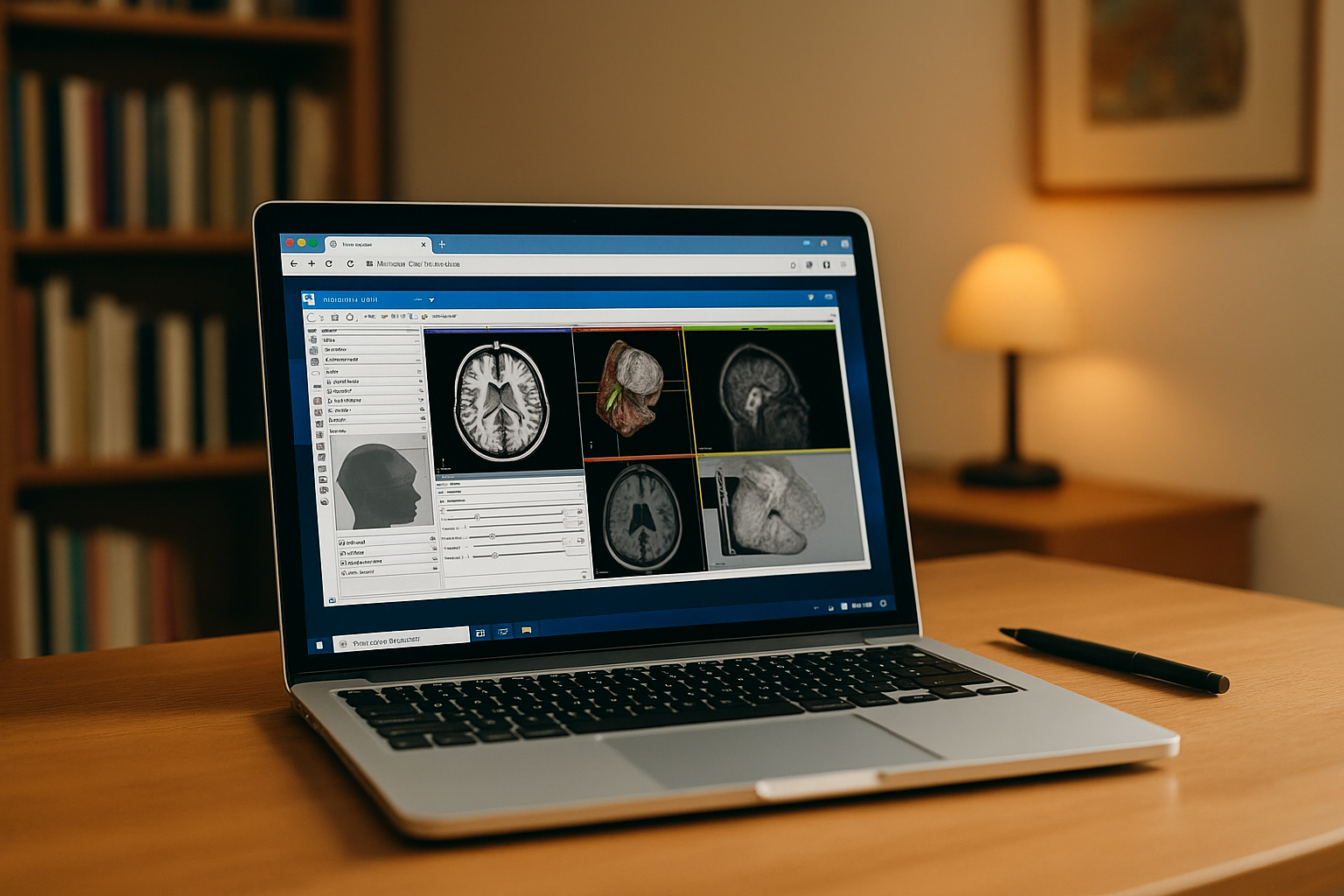
3D Slicer for Mac: Keep Your Workflow Consistent Across Devices
Need 3D Slicer for Mac without maintaining every project setup locally? Keep your Slicer environment, extensions, and DICOM workflows consistent across devices with a browser-based workspace.
Read More
Access Your AutoCAD Program Across Devices
Keep your AutoCAD program consistent across offices, home, jobsites, and client devices. Access the same configured workspace without reinstalling and rebuilding your setup each time you switch machines.
Read More


