


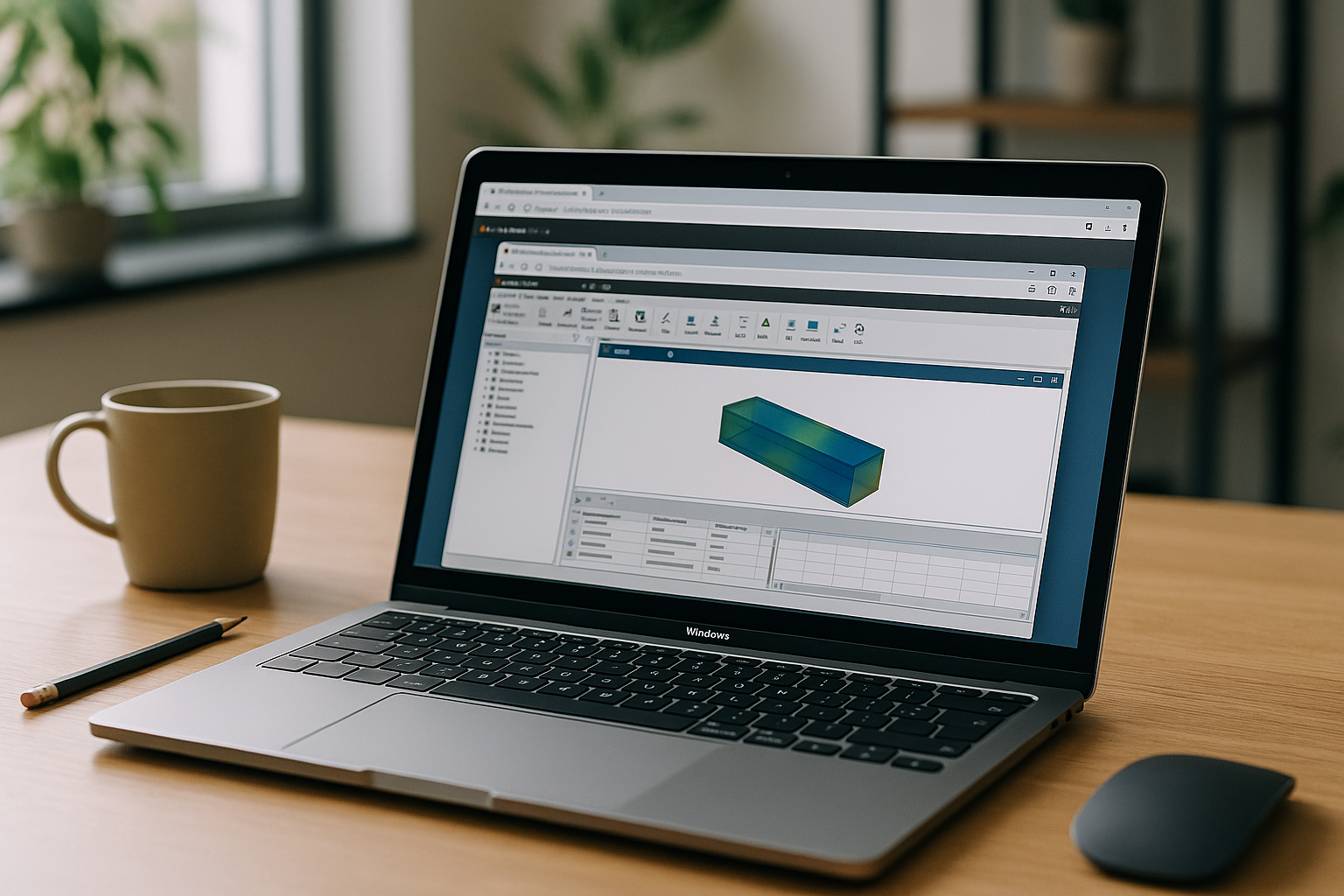
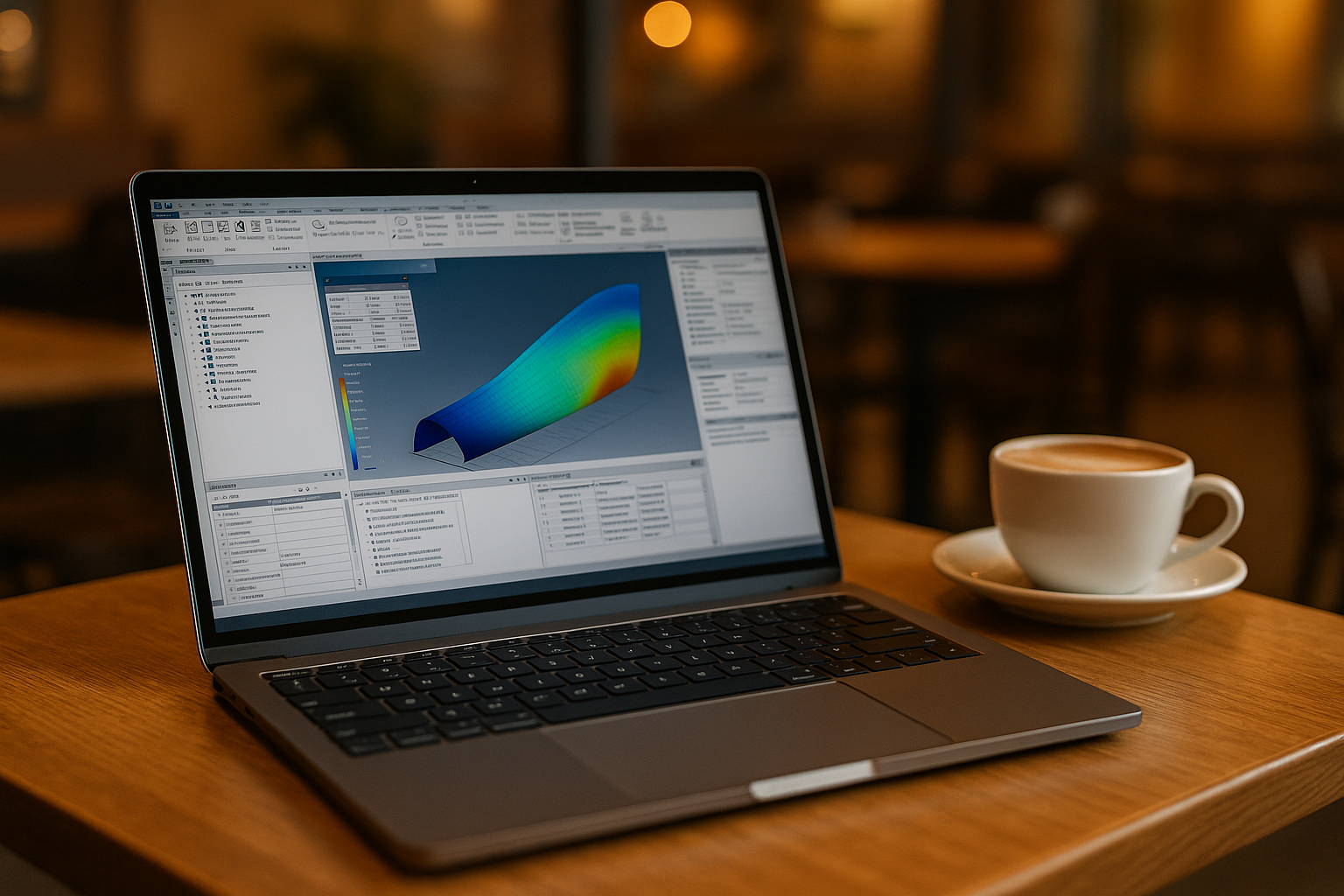
You have deadlines and client models to validate, but your managed laptop blocks installers, or your personal device simply isn’t compatible. You still need exact releases, solvers, and add-ons that match the client’s setup, and switching machines mid‑task breaks momentum. Moving between home and office, or from a Mac or Chromebook to a Windows workstation, you lose time trying to recreate the same environment. Engineers who who juggle multiple client standards know the risk of changing software configurations under pressure.
Why Professionals Can’t Work Without Ansys Software
For simulation specialists, the tool is where the project lives: material libraries, solvers, meshing strategies, APDL or Python scripts, and post-processing routines. Results must be reproducible with the same element types, contacts, and convergence controls your team trusts. Every change to that environment can affect consistency, traceability, and client confidence.
Switching to a different program sounds reasonable until you hit mismatched model definitions, altered boundary conditions, and missing plugins. Professionals who use Ansys Mechanical regularly rely on familiar model trees, solver controls, and add‑ons that maintain continuity across iterations. Rebuilding project-specific configurations under deadline is slow and risky. Keeping access to the original software is usually more practical than rebuilding everything around a substitute.
2026 Shift Toward Ansys in Browser Workflows
By 2026, engineering teams are increasingly exploring browser-first environments to keep project-specific software configurations accessible across devices. Organizations want software environments that can be accessed consistently from office desktops, home setups, and lightweight devices without recreating project configurations. Centralizedenvironments can make version and add-on consistency easier to maintain when different projects require specific configurations. Teams that work across multiple locations increasingly expect their tools to follow them, not the other way around. The result is a practical path to run complex simulations on any device, while preserving the exact software stack required by each project.
Best Way to Use Ansys Software Anywhere
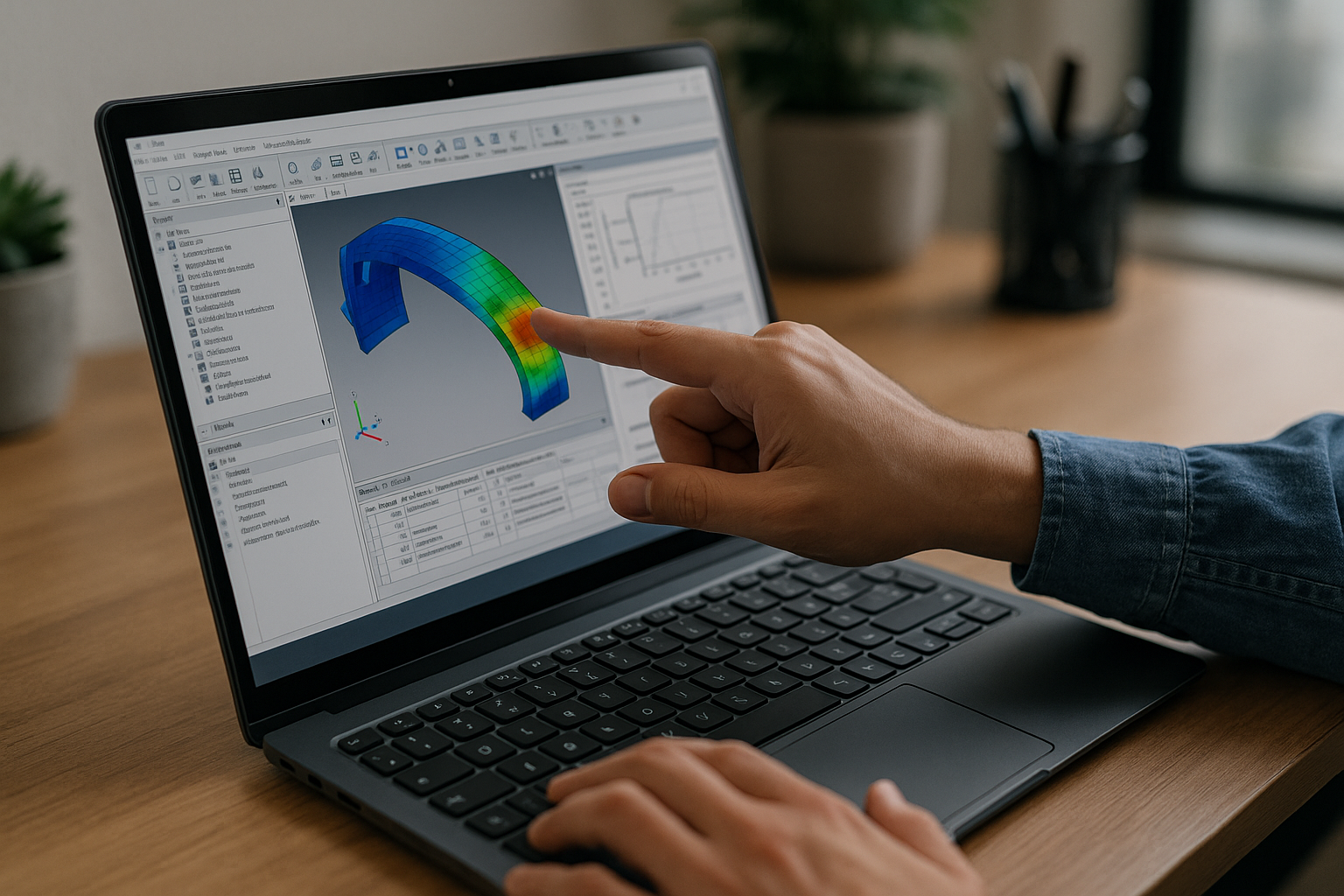
Recreating a validated Ansys environment on every workstation introduces unnecessary variables. Requesting IT exceptions or waiting for approved software configurations can delay access when a project requires a specific release. Installing multiple releases or rebuilding project-specific add-ons can make it harder to preserve the configuration a client expects. Users who move between different projects and clients must keep exact versions, add‑ons, and supporting tools aligned with each project. A modern, browser-based cloud PC preserves your configured Windows desktop and lets you open Ansys software with the right release, plugins, and tools — on whatever device you have in front of you.
Aristeem Runs Ansys Software in Your Browser
Aristeem gives you a full Windows desktop that runs in your browser, so you can install any Ansys release you need, add plugins, drivers, and supporting utilities, and keep everything exactly as your projects require. It is not an emulator and not a remote desktop; it is your own virtual Windows PC with zero local setup. Open the same configured environment from a Mac, Linux machine, or lightweight laptop without rebuilding the Ansys setup for each device. Use your own license if the software requires one, and keep version parity with clients by snapshotting known-good setups. For engineers working on Mac, see the Ansys Mechanical Mac guide for practical ways to access Ansys without local installation.
The result is simple: access to the required Ansys configuration, fewer environment changes, and more predictable work across projects.
Conclusion: Seamless Ansys Software in the Browser
A browser-based cloud PC keeps Ansys versions, configurations, and add-ons available without tying each project to a particular local installation. You keep working in the environment you trust, open client files as-is, and maintain reproducible results everywhere. If you want a practical overview of how software runs directly in a browser, explore how a virtual Windows desktop fits into your day-to-day simulation workflow. It’s a straightforward way to stay productive without buying new hardware or rebuilding your toolchain.


